

Sintra AI is a productivity platform built around the idea of AI employees. Instead of giving you one general chatbot and asking you to figure out how to use it, Sintra gives you 12 specialized AI helpers — each one named, each one trained for a specific job.
- Easy-to-use AI automation platform for non-technical users.
- Saves hours by automating repetitive business and marketing tasks.
- Offers multiple AI assistants for different business functions in one place.
- Clean and beginner-friendly interface with fast setup.
- Helpful for content creation, workflow management, and productivity.
- Suitable for freelancers, startups, and small businesses with limited teams.
- Some advanced features still feel limited compared to enterprises AI tools.
- AI-generated outputs may require manual editing for accuracy and tone.
Price: $48.50/mo
I'll be straight with you. I was skeptical when I first heard about Sintra AI.
The pitch sounds almost too good — a team of 12 AI helpers that handle your customer support, write your emails, manage your social media, do your SEO, analyze your data, and run your sales outreach. All from one dashboard. All for one monthly price.
I've been burned by AI tools that promise the world and deliver a fancy chatbot wrapper before. So when I signed up for Sintra, I went in with low expectations and a very specific mindset: I'm going to test every single helper against real tasks from my actual business. No demo content. No hand-picked examples. Real work.
Thirty days later, here's everything I found.
What Is Sintra AI?
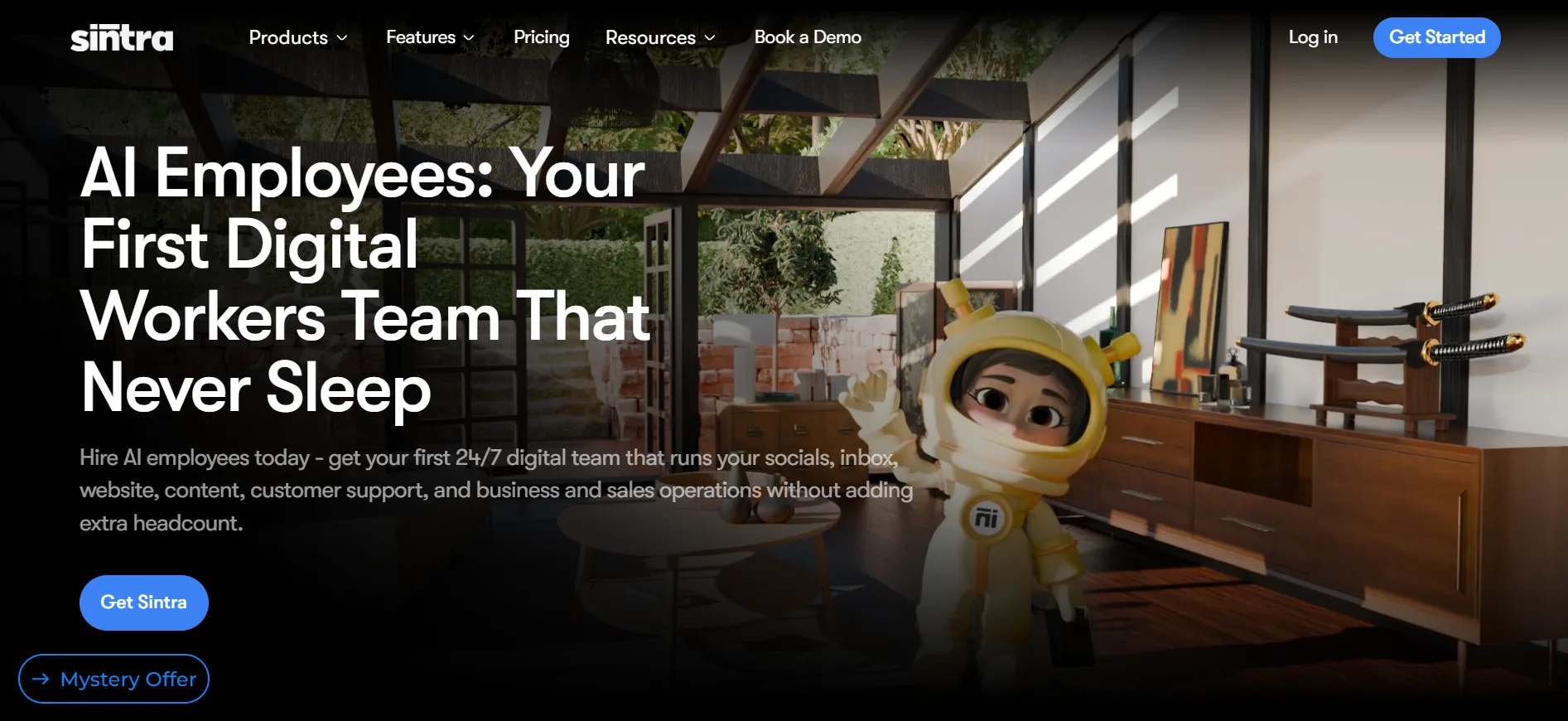
Sintra AI is a productivity platform built around the idea of AI employees. Instead of giving you one general chatbot and asking you to figure out how to use it, Sintra gives you 12 specialized AI helpers — each one named, each one trained for a specific job.
Think of it like hiring a small team. You have someone for customer support, someone for copywriting, someone for SEO, and someone for sales. Except they never sleep, never take holidays, and don't ask for a salary raise.
The company behind it is PlayOS Inc, and as of 2026 they have over 40,000 monthly searches just in the US — which tells you real people are finding and using this tool, not just tech bloggers writing about it.
The core idea is simple: you stop prompting AI and start delegating to AI. That distinction sounds small but it changes everything about how the tool feels to use day to day.
The 12 AI Helpers: What Each One Actually Does
This is the heart of Sintra. Let me walk through every helper and tell you what it actually does — not what the marketing page says, but what it does when you sit down and use it.
1. Cassie — Customer Support
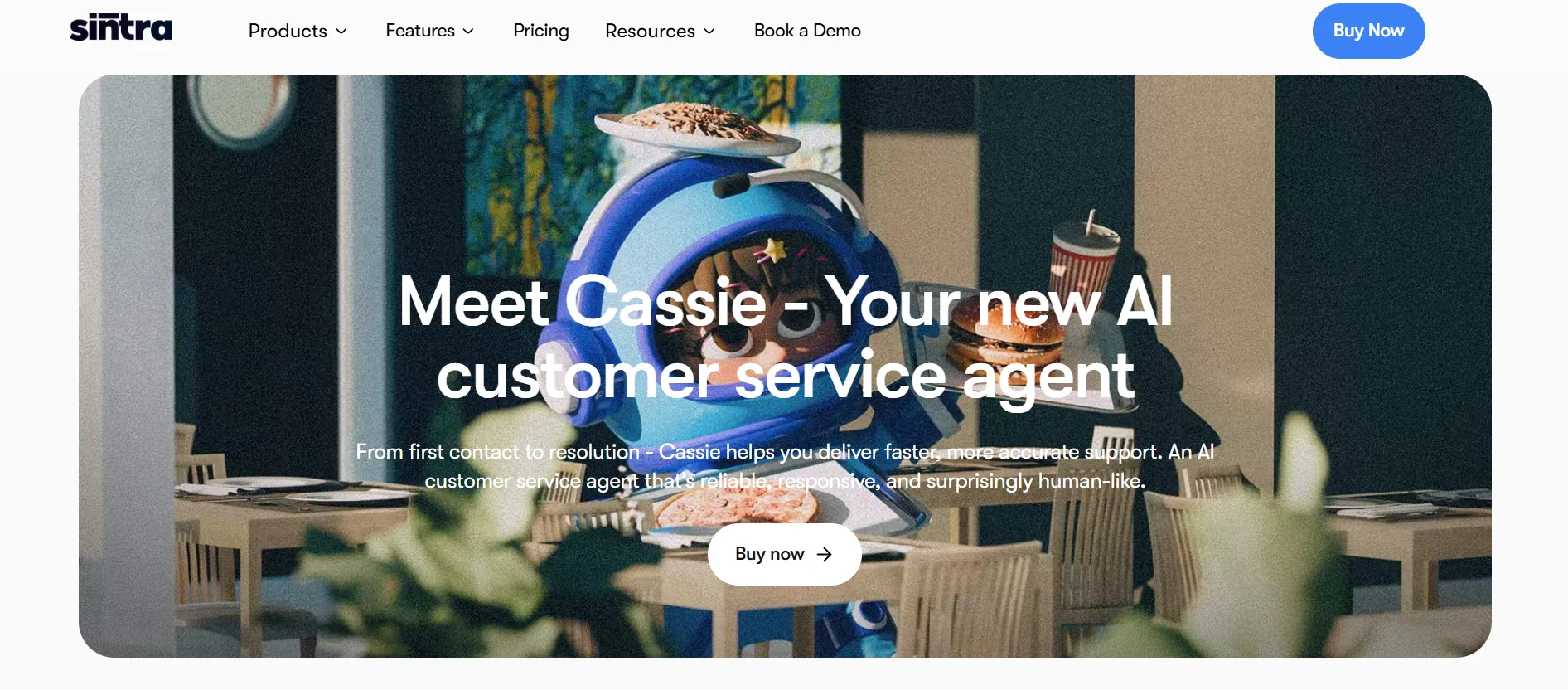
Cassie handles customer emails and support queries. You give her your product information, your tone of voice, your common FAQ answers — and she drafts responses that sound like a real, helpful human wrote them. She can also create product manuals and FAQ documents from scratch. In my testing, Cassie saved me about 3 hours a week just on inbox management. The responses weren't perfect every time but they were 80% there and needed only minor edits before sending.
2. Penn — Copywriter
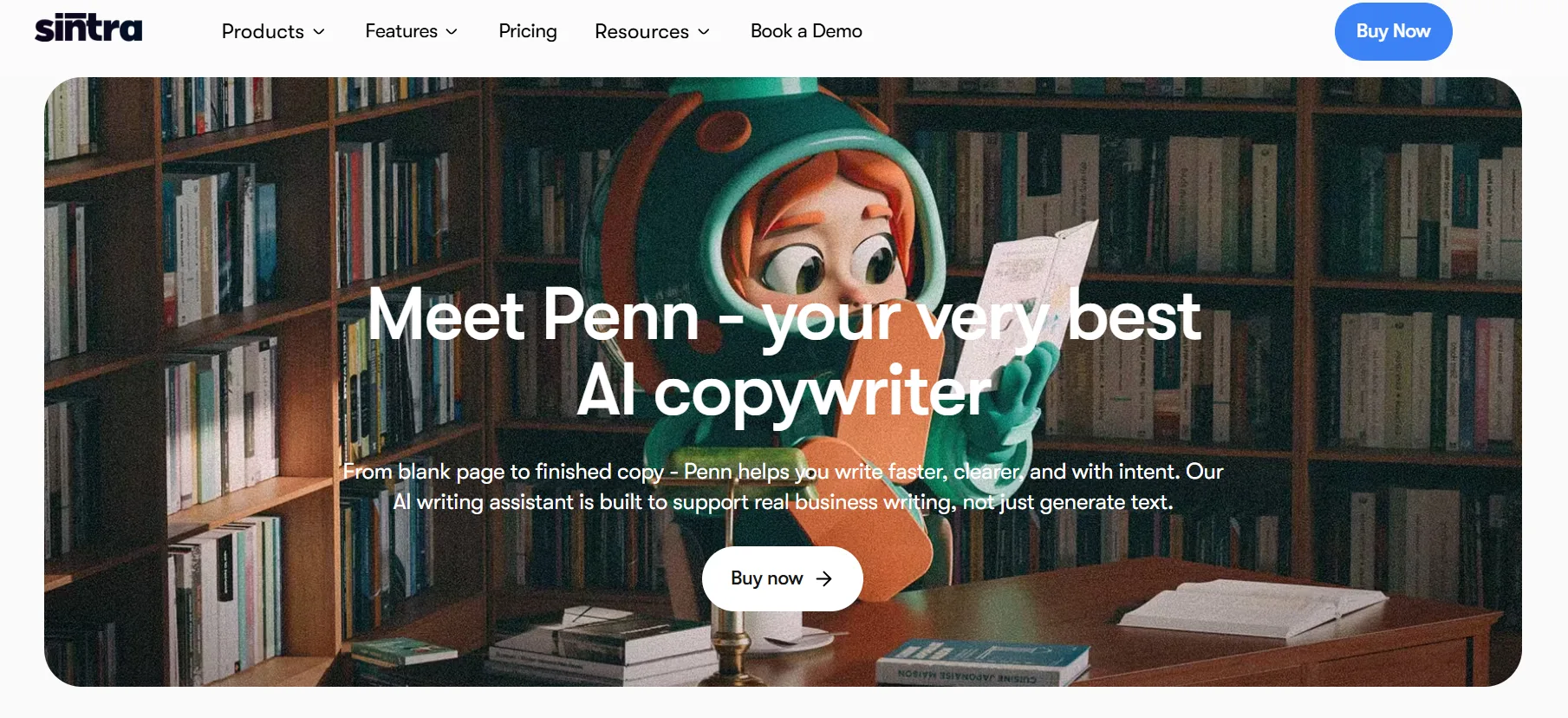
Penn is the writing helper. Blog posts, landing pages, ads, newsletters, website copy, social media captions — Penn handles all of it. I gave Penn a brief for a 1,000-word blog post on SaaS pricing strategies and got back a solid draft in under two minutes. It needed editing and some personal touches but the structure was good and the content was accurate. For high-volume content needs, Penn is genuinely useful.
3. Seomi — SEO Specialist
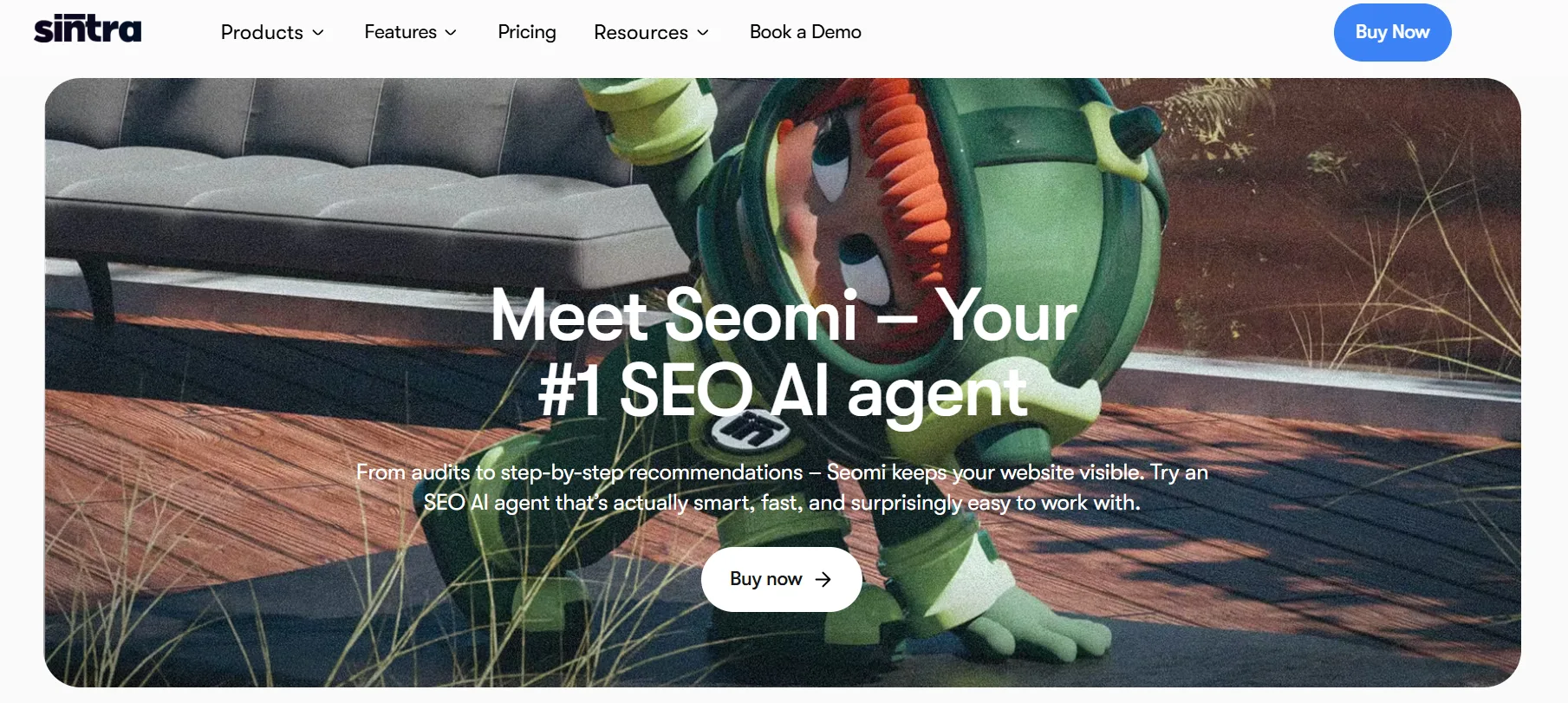
Seomi handles SEO tasks. Keyword research, meta descriptions, title tag optimization, content briefs, internal linking suggestions. I tested Seomi by giving it a URL and asking for an SEO audit. The output was practical — it flagged missing meta descriptions, suggested related keywords, and gave me a priority list of fixes. Not as deep as a dedicated SEO tool like Ahrefs, but for someone who doesn't have a separate SEO tool, Seomi covers the basics well.
4. Soshie — Social Media Manager
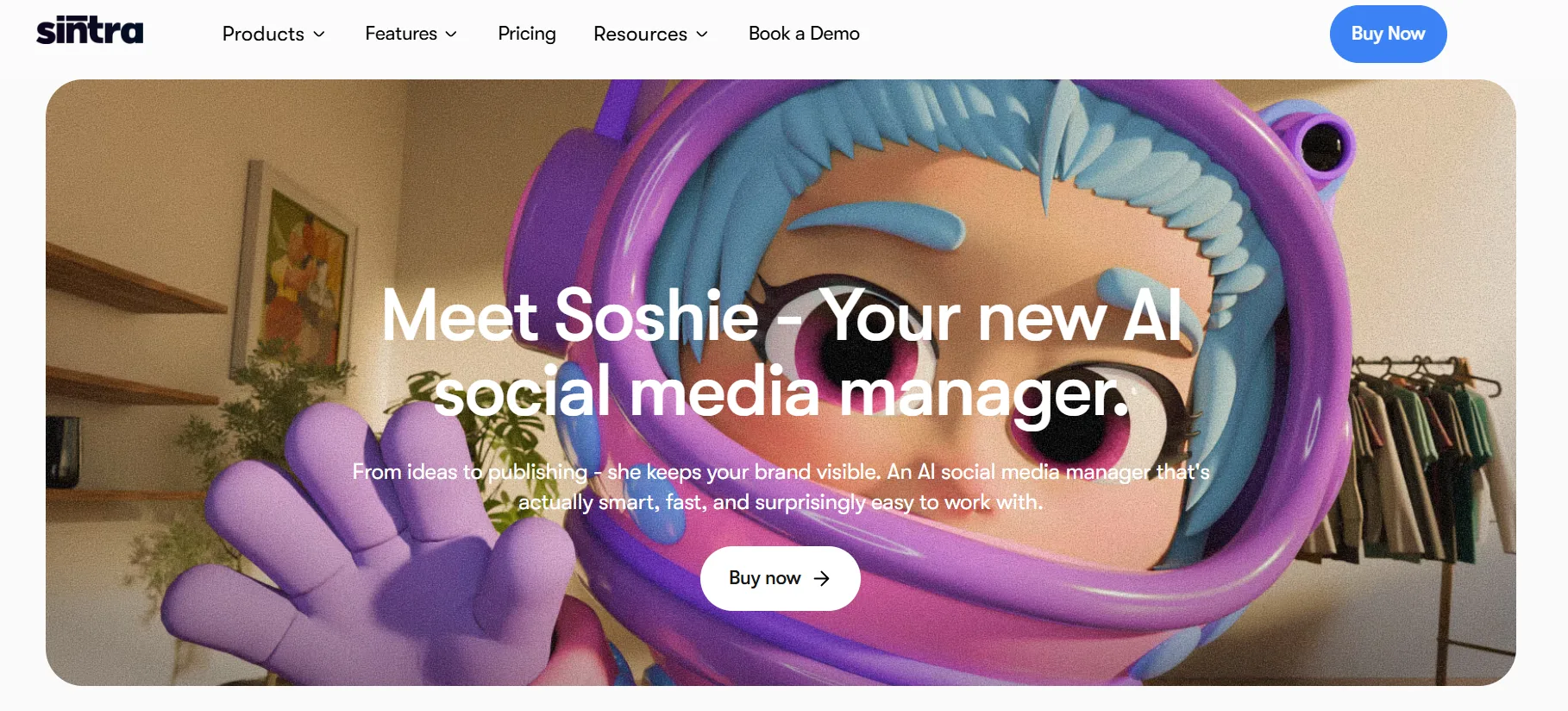
Soshie creates social media content — captions, post ideas, content calendars, image descriptions. She also connects to an AI image generator for creating visuals. Important to know: Soshie creates content but does not schedule or publish it automatically. You still need a separate scheduling tool for that. For content ideas and caption writing, though, she's fast and decent.
5. Emmie — Email Marketing Specialist
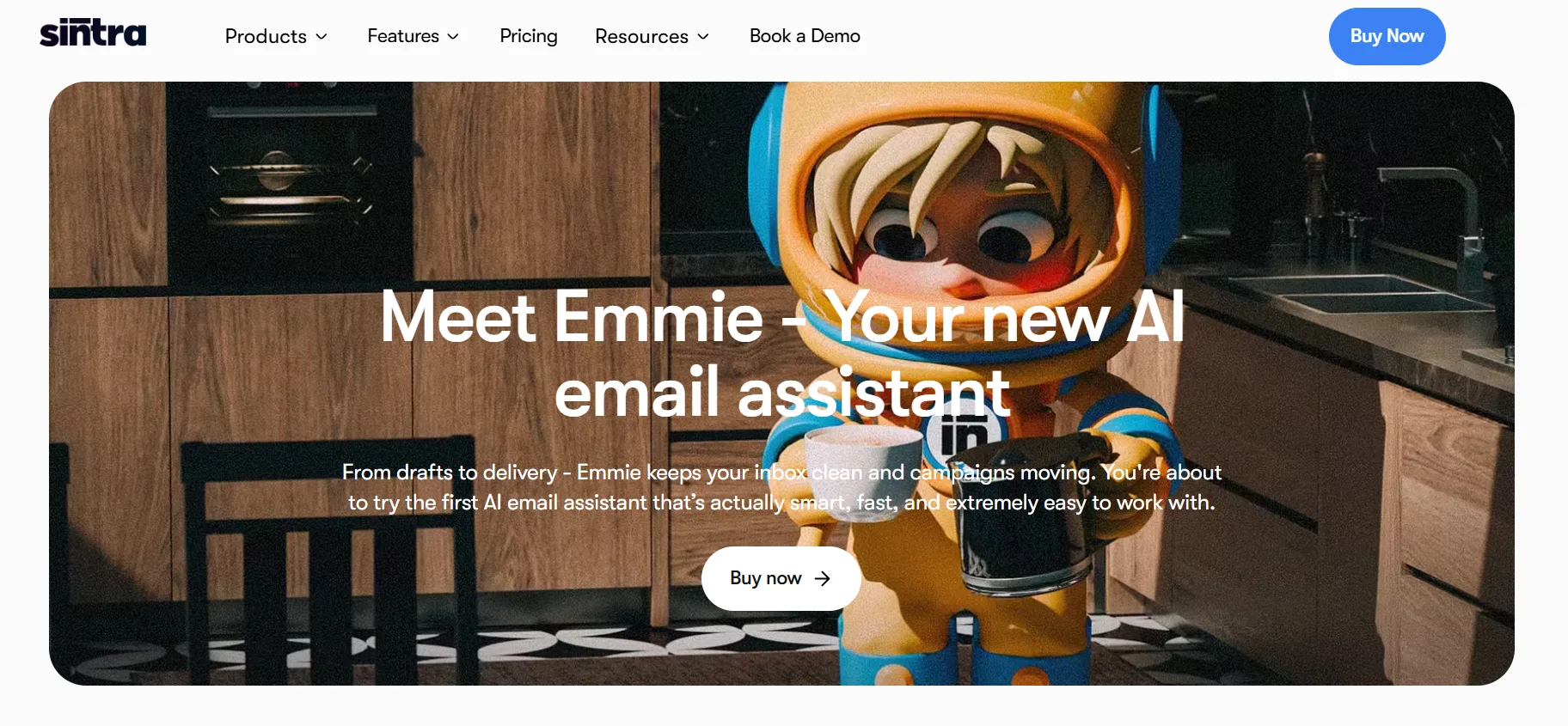
Emmie builds email campaigns. Welcome sequences, win-back flows, promotional emails, nurture sequences. I gave Emmie my product details and asked for a 5-email welcome sequence. The output was usable with light editing — good subject lines, reasonable structure, and a clear call to action in each email. Not Klaviyo-level sophistication, but for a solopreneur without a dedicated email marketing expert, this is a real time saver.
6. Buddy — Business Development
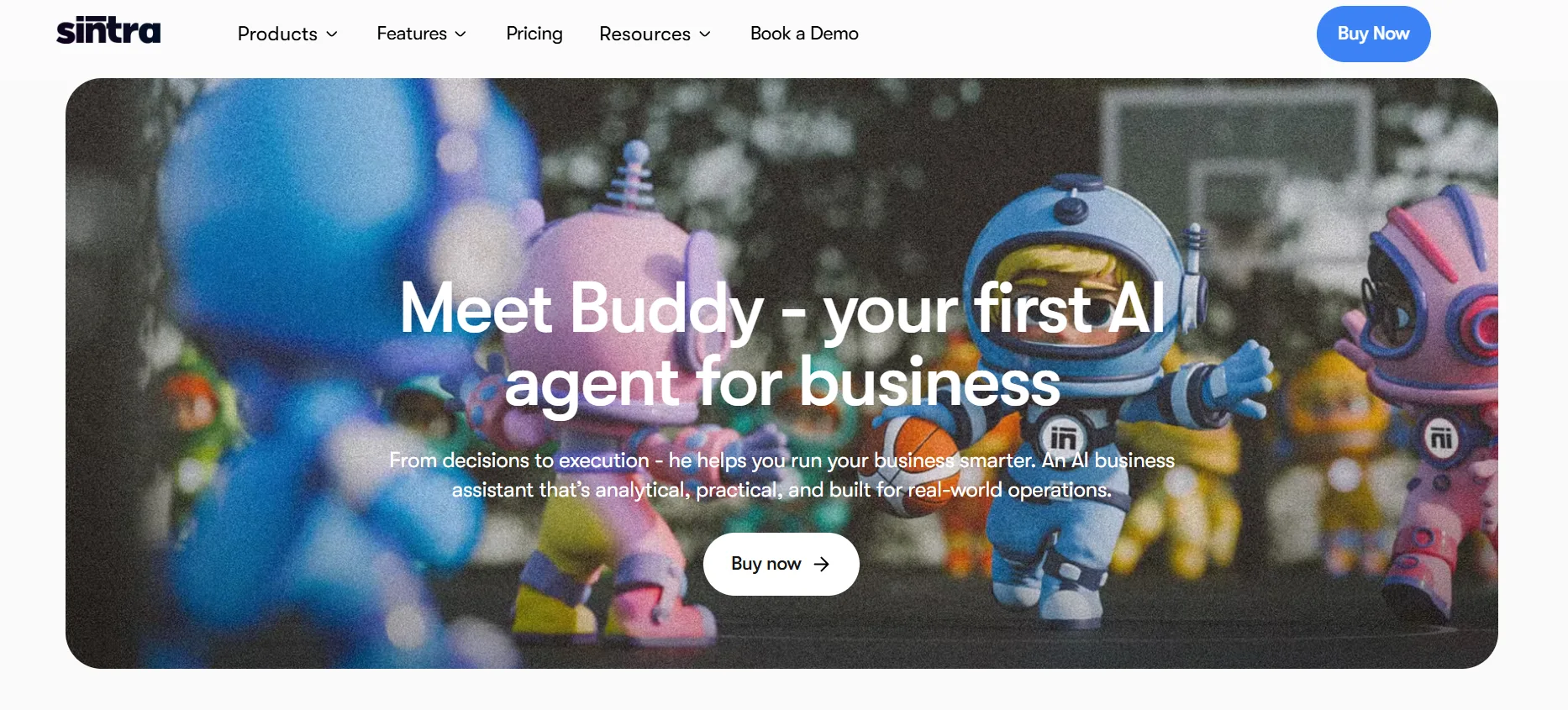
Buddy handles strategy and growth. Marketing strategies, audience analysis, product launch plans, investor reports, partnership outreach. I used Buddy to build a basic go-to-market plan for a new product. The output was a structured document with clear sections — target audience, positioning, channels, timeline. More of a starting framework than a finished strategy, but a useful starting point.
7. Milli — Sales Manager
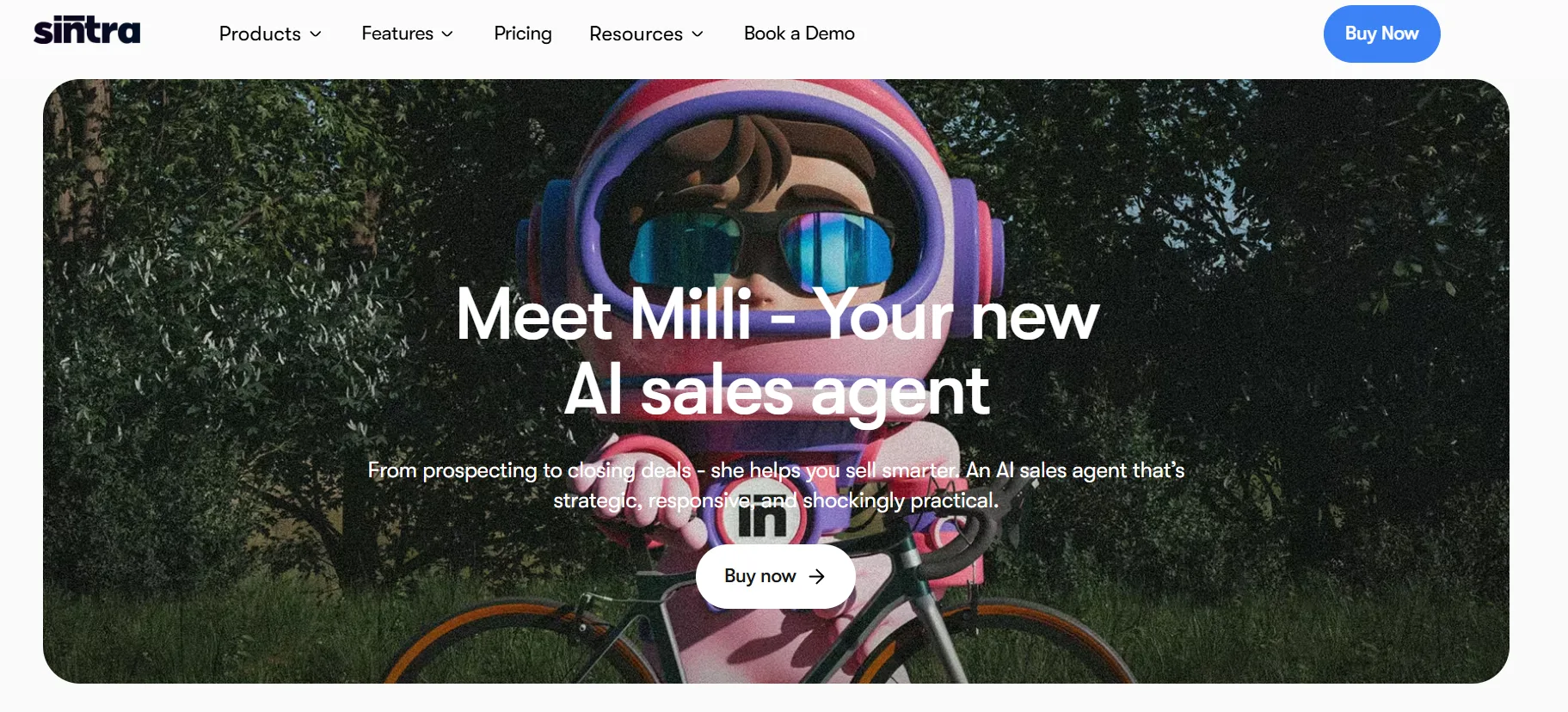
Milli handles sales tasks. Cold outreach scripts, prospecting emails, business proposals, negotiation frameworks, follow-up sequences. I gave Milli a target client profile and asked for a cold email sequence. The emails were personalized in tone, had clear value propositions, and avoided the overly salesy language that makes most cold emails get ignored. Good output.
8. Dexter — Data Analyst
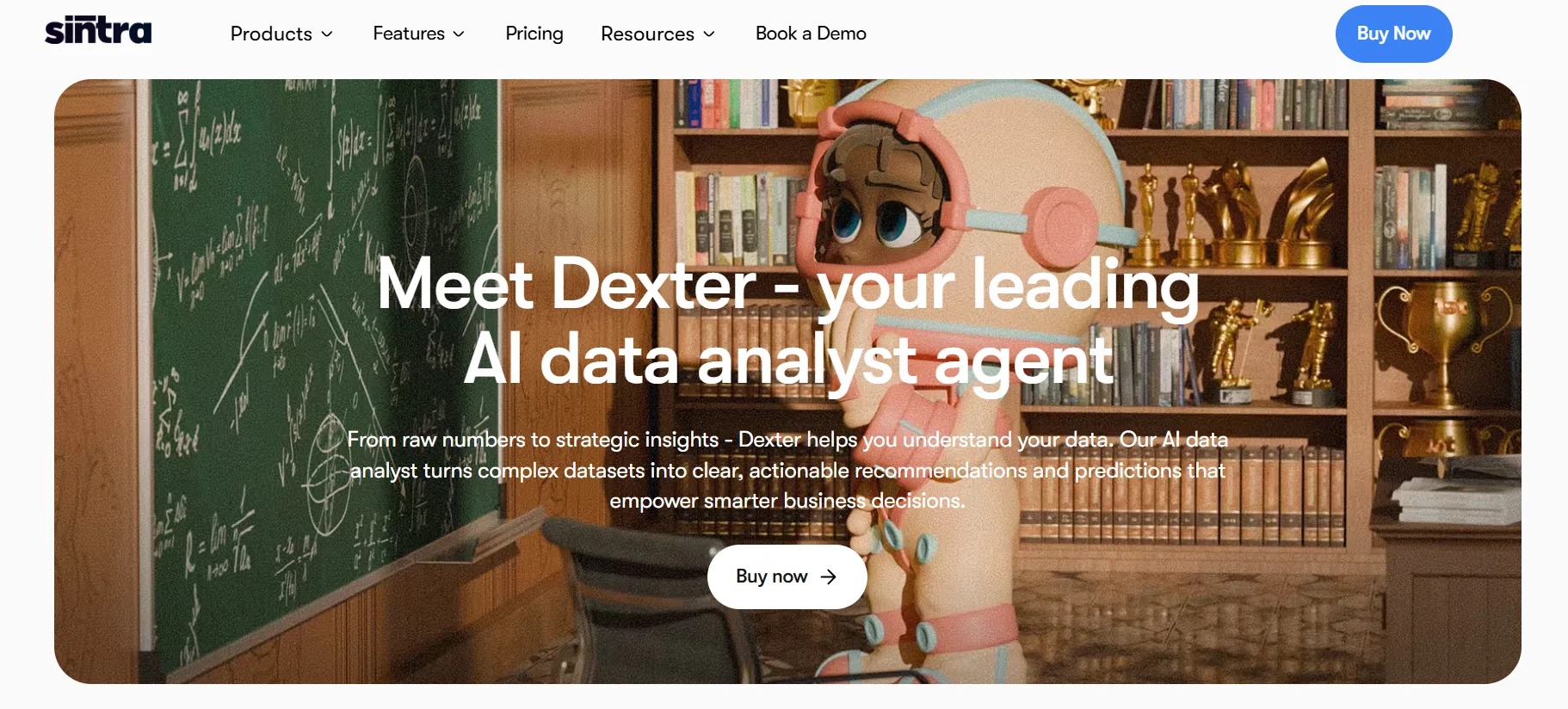
Dexter transforms data into insights. ROI calculations, sales forecasts, financial summaries, performance reports. You paste in your data or upload a file and ask Dexter specific questions. I tested this with a month of ad spend data and asked for a performance summary and budget recommendation. The output was clear and structured. Dexter is not replacing a dedicated analyst but for quick data interpretation it works well.
9. Vizzy — Executive Virtual Assistant
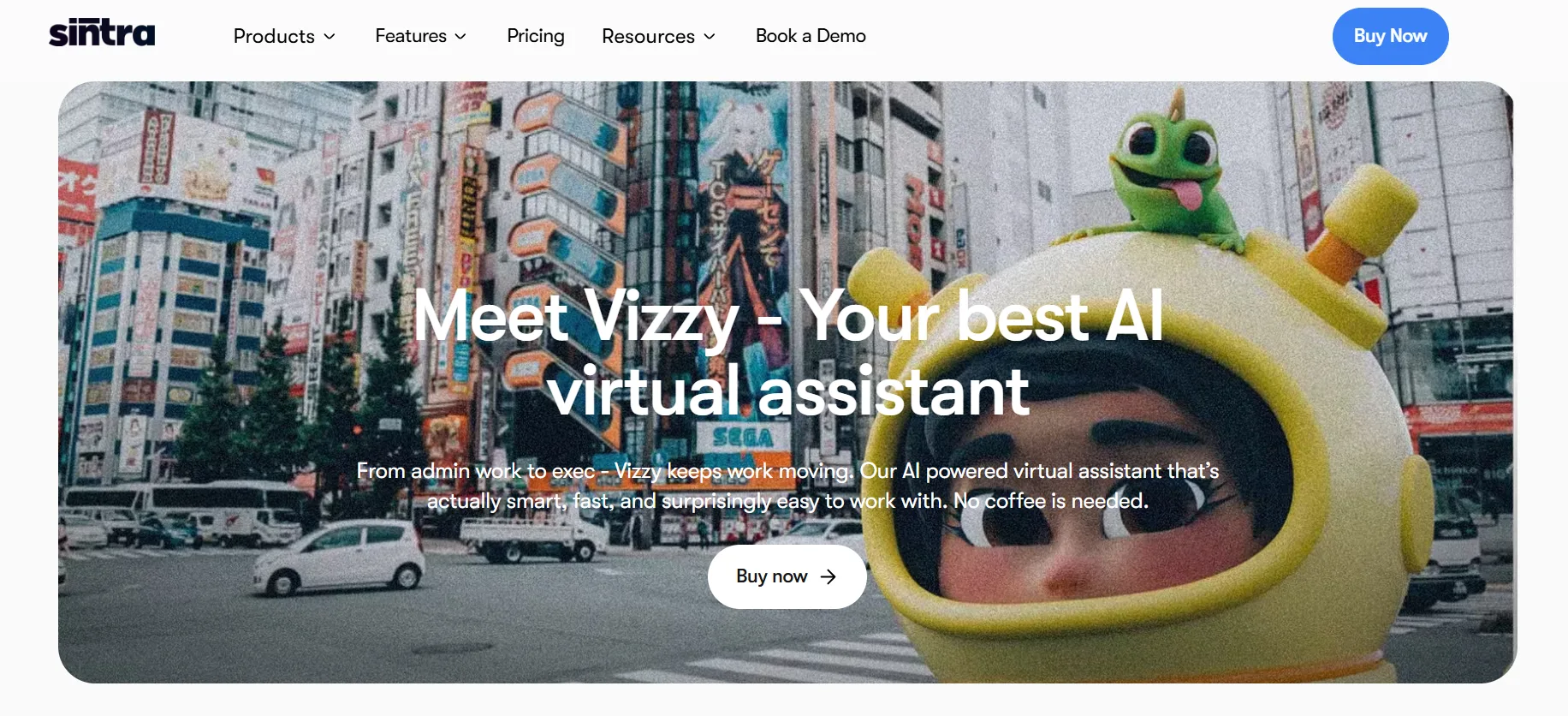
Vizzy is your personal productivity helper. Meeting notes, task lists, scheduling, document drafts, research summaries. Think of Vizzy as the helper you use when something doesn't fit neatly into any other category. I used Vizzy to summarize a long document, create a meeting agenda, and draft a client proposal. All three tasks were handled quickly and accurately.
10. Commet — eCommerce Manager
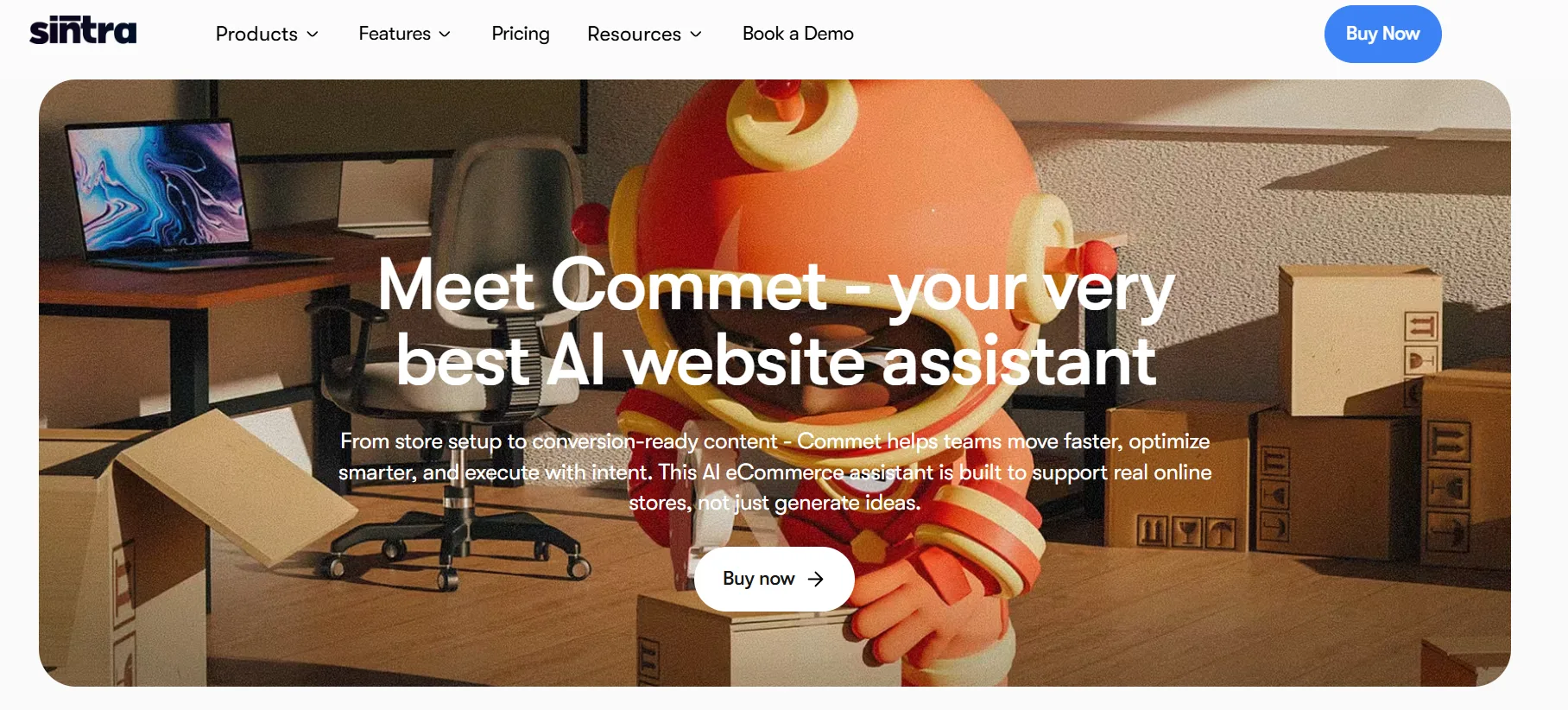
Commet handles online store tasks. Product descriptions, landing pages, conversion optimization suggestions, store audits, order process documentation. I tested Commet by giving it a product and asking for five different product description variations. The output was strong — different tones, different lengths, all focusing on the customer benefit rather than just features.
11. Scouty — Recruiter
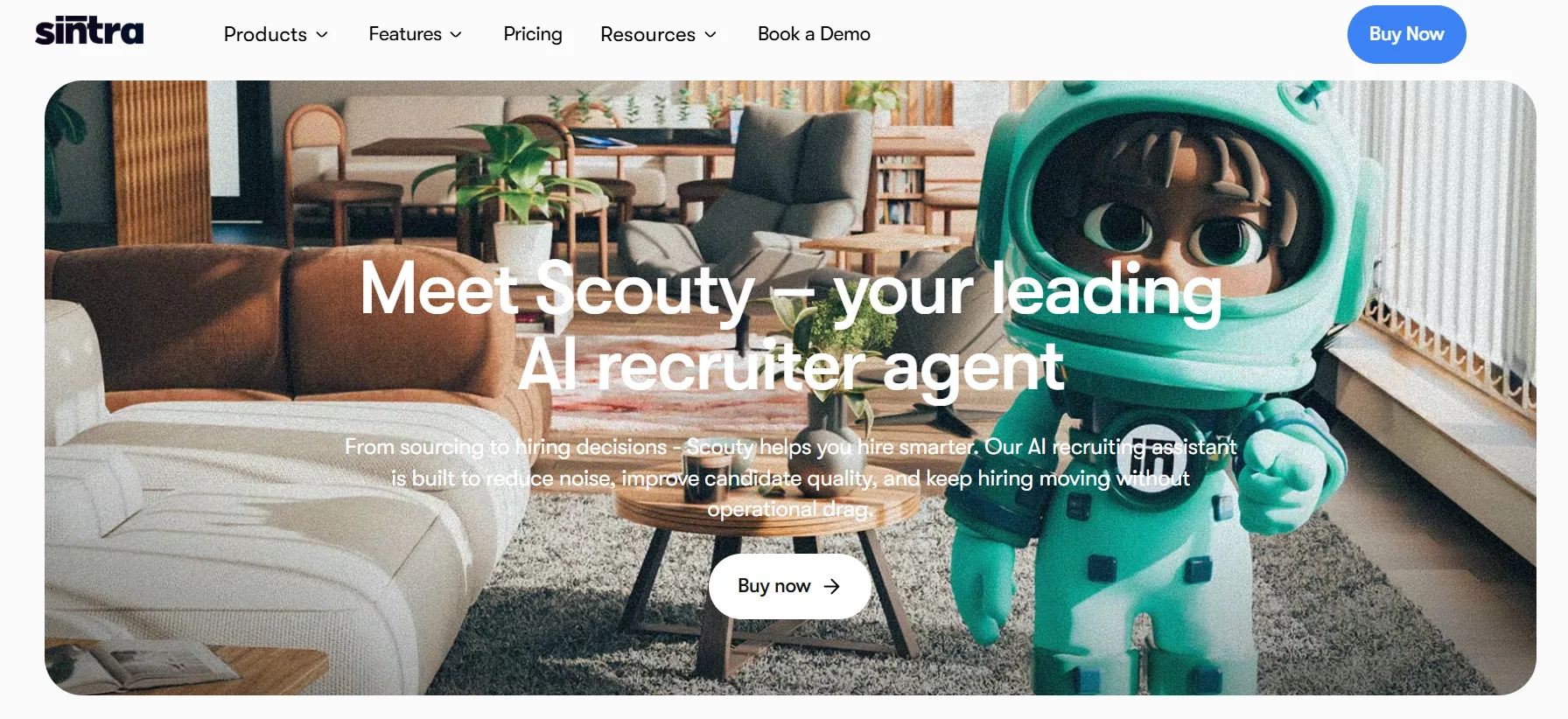
Scouty handles hiring tasks. Job descriptions, interview question sets, CV screening frameworks, offer letter templates, onboarding checklists. For a solopreneur who occasionally hires contractors or team members, Scouty removes a lot of the writing and structure work that usually slows down hiring.
12. Gigi — Personal Coach
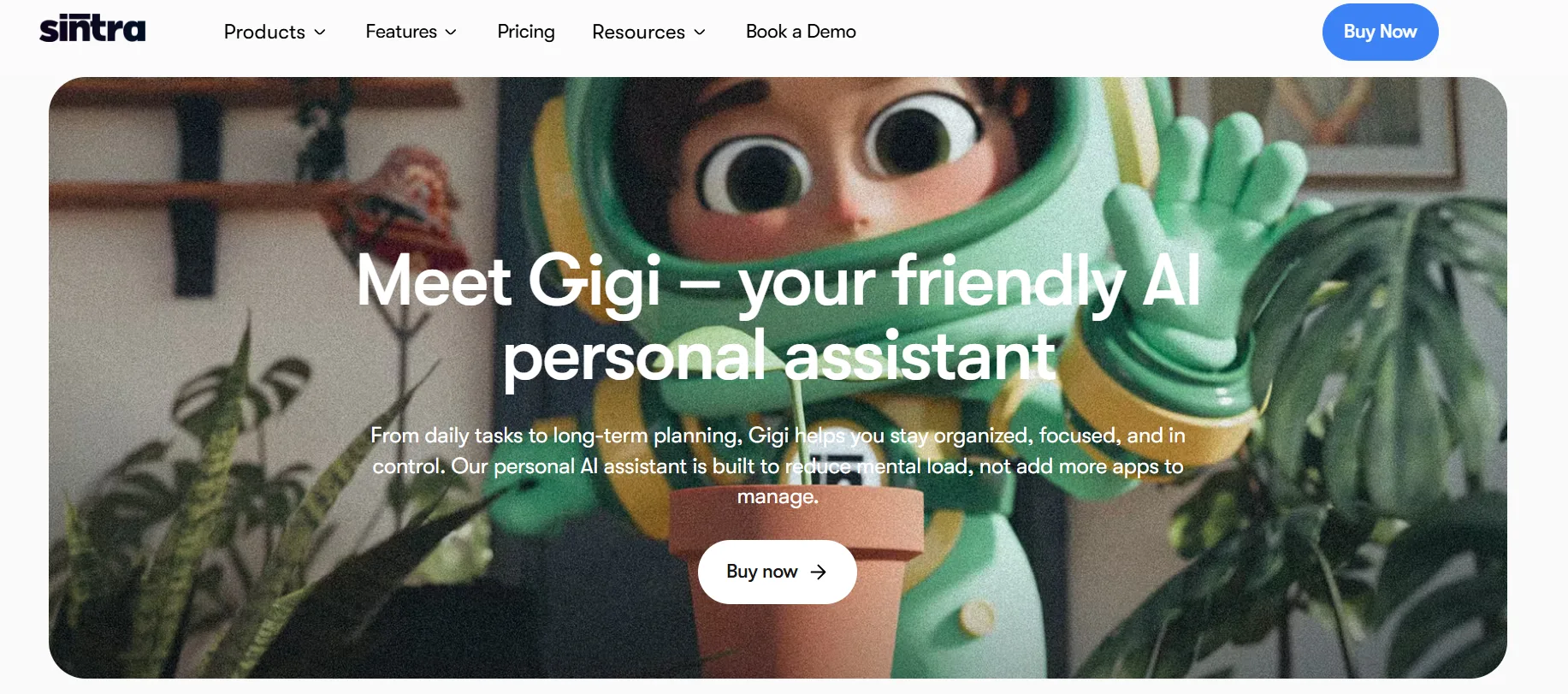
Gigi is the personal productivity and wellness helper. Meal plans, workout routines, study schedules, habit tracking frameworks, goal setting. This is the most niche helper in the lineup — clearly designed for the solopreneur who wants both business and personal support from one tool.
Brain AI: The Feature That Makes Everything Work Better
Brain AI is Sintra's shared memory layer and it is genuinely the most important feature on the platform.
Here is the problem with most AI tools: you have to re-explain yourself every single time. Your brand voice, your audience, your product, your tone — you paste it in again and again with every new conversation. After a week of this, it becomes exhausting.
Brain AI solves this. You set it up once — upload your brand guidelines, describe your audience, define your tone of voice, paste in your website URL, add your product details — and every helper automatically references this context in every output it produces.
The first time Penn wrote a blog post that matched my actual brand tone without me explaining it, I understood why this feature matters. The setup takes about 30 minutes if you do it properly. That 30 minutes pays back every single day you use the platform after.
Sintra AI Pricing (Verified from Pricing Page — October 2026 )
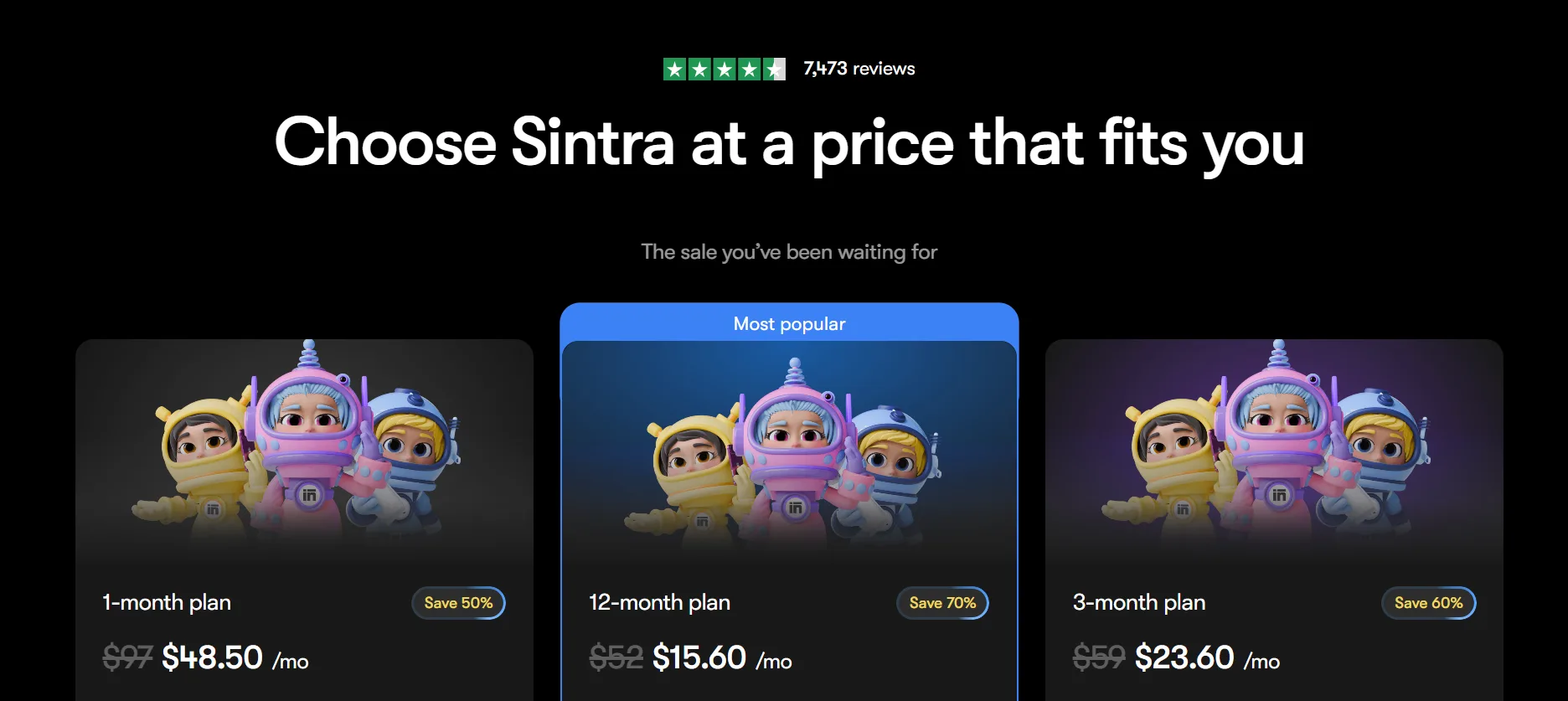
Plan | Original Price | Discounted Price | Savings |
1-month plan | $97/mo | $48.50/mo | Save 50% |
3-month plan | $59/mo | $23.60/mo | Save 60% |
12-month plan | $52/mo | $15.60/mo | Save 70% |
All plans include all 12 helpers and a 14-day money-back guarantee.
Exclusive discount: Use code BUILD72 for 72% off all plans.
The 12-month plan at $15.60/month is genuinely exceptional value when you consider you're replacing what would otherwise be multiple single-purpose AI subscriptions — a writing tool, an SEO tool, an email tool, a social content tool. Most of those cost $20 to $50 per month each.
Real Workflows I Ran on Sintra
Let me show you exactly how I used Sintra in practice. Not theory — actual workflows.
Workflow 1:
New Blog Post from Brief to Draft
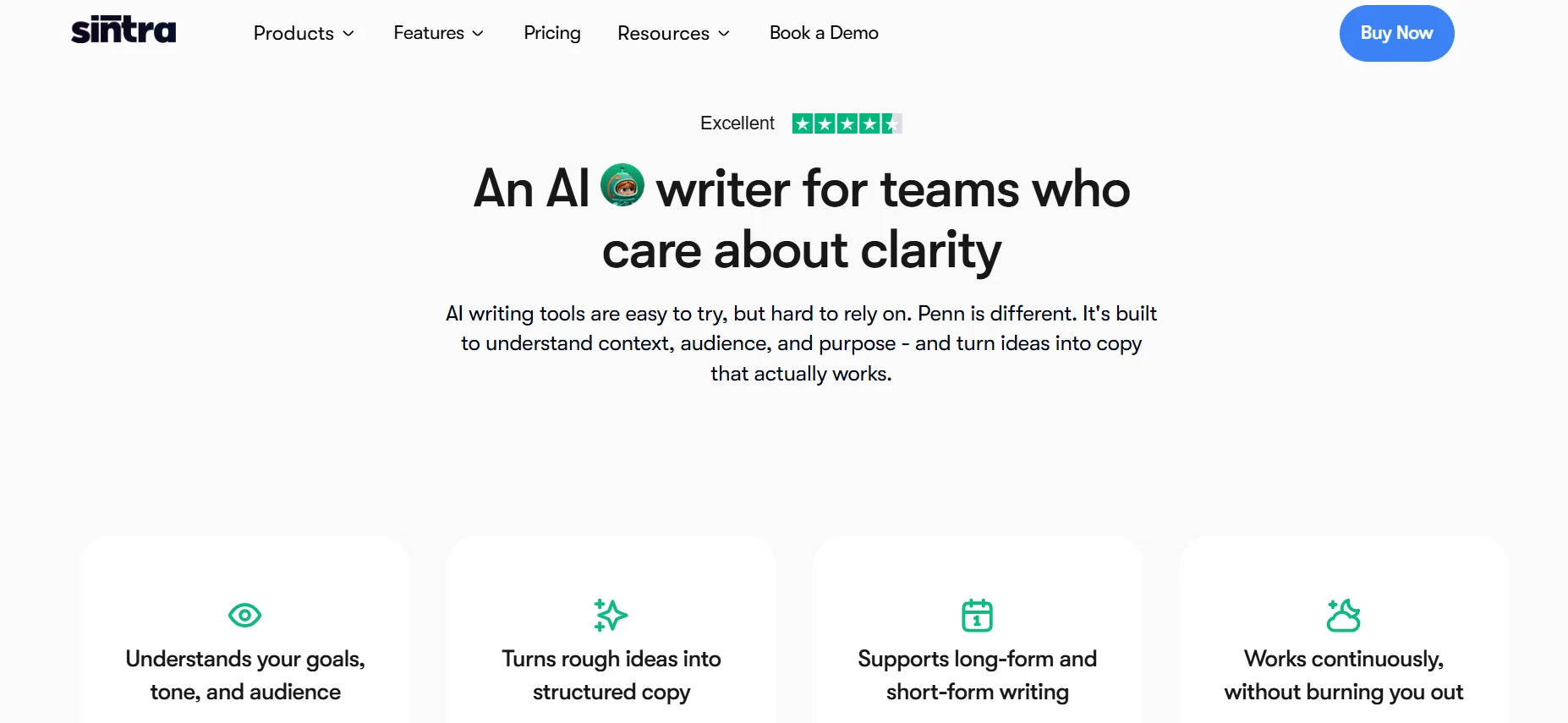
I went to Penn, gave a brief: “Write a 1,200-word blog post about the top 5 benefits of recurring revenue for SaaS businesses. Tone: conversational, practical. Audience: early-stage SaaS founders.” Penn produced a full draft in about 90 seconds. It had a clear intro, five structured sections, real examples in each section, and a conclusion. I spent 15 minutes editing and personalizing it. Total time for a publish-ready post: under 20 minutes. My old process without AI: 2 to 3 hours.
Workflow 2:
Customer Support Inbox
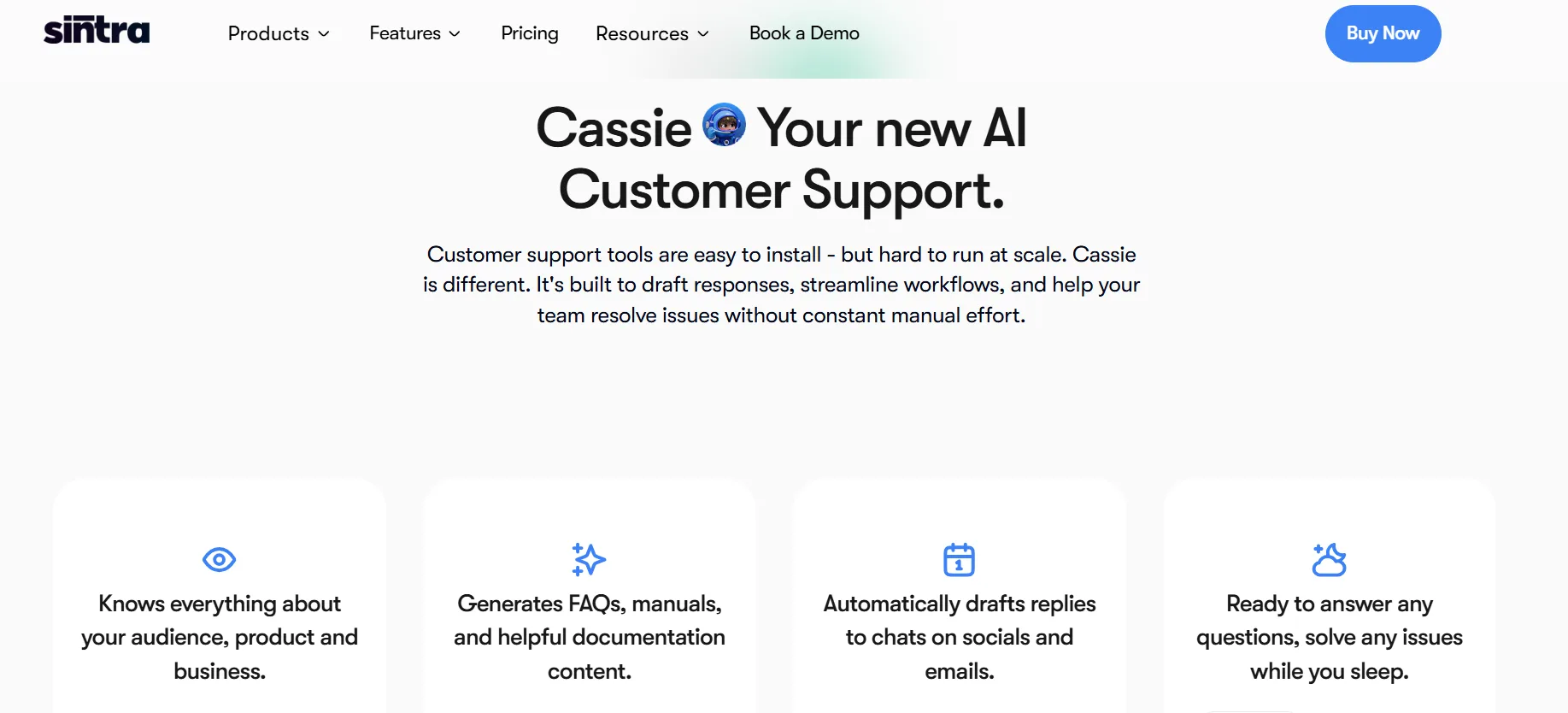
I gave Cassie 15 real customer emails — a mix of refund requests, product questions, and complaints. I asked her to draft responses for all 15. She completed all 15 in about 3 minutes. 12 of the 15 responses were good enough to send with minor edits. 3 needed more significant changes because they involved edge cases Cassie hadn't been briefed on. Overall time saving: roughly 45 minutes on that batch alone.
Workflow 3:
Cold Outreach Sequence
I gave Milli a target client profile — marketing agencies with 5 to 20 employees, focused on ecommerce brands, based in the US. I asked for a 4-email cold outreach sequence. Milli produced four emails with distinct angles — a curiosity hook, a case study reference, a direct ask, and a breakup email. All four were ready to send with light personalization. Writing these manually would have taken me at least two hours.
Workflow 4:
SEO Audit on a Specific Page
I gave Seomi a URL and asked for an SEO review. The output included: current title tag assessment, suggested revised title tag, meta description suggestion, three primary keyword opportunities I was missing, and five internal linking suggestions. Practical, fast, and accurate. Not as detailed as a full Ahrefs audit but infinitely better than doing nothing.
Workflow 5:
Monthly Social Media Content Calendar
I asked Soshie for a 30-day content calendar for a SaaS business targeting freelancers. She produced a calendar with daily post ideas across LinkedIn, Instagram, and Twitter, including post type (carousel, image, text), caption angle, and hashtag suggestions. Setting this up manually would take most of a day. Soshie did it in 4 minutes.
What I Like About Sintra
All 12 helpers are genuinely useful — there is no filler in the lineup
Brain AI makes every output smarter the more you use the platform
The interface is clean and simple — no learning curve for non-technical users
Pricing is fair and the BUILD72 discount makes it accessible even on a tight budget
The 14-day money-back guarantee means you can test it without any risk
Works in 100+ languages natively — great for non-English markets
Covers the full stack of small business needs from one platform
What I Don't Like About Sintra
Soshie creates content but cannot schedule or publish posts — you need a separate tool for that
250 credits per month runs out faster than you expect on high-volume use
Brain AI takes proper time to set up — if you rush it, the outputs suffer
Not designed for complex multi-step automation — for that you need Lindy or Relevance AI
No real-time data access — helpers work from what you provide, not live web data
Power-Ups (advanced features for individual helpers) cost extra on top of the base plan
Who Should Use Sintra AI?
Perfect for:
Solopreneurs running their entire business alone and needing support across multiple functions
Freelancers who want to move faster on client deliverables without hiring help
Small business owners with no dedicated marketing, sales, or support team
Content creators who need high output without spending hours writing
Agency owners who want to scale output without scaling headcount
Not the right fit for:
Large teams that need collaboration features and approval workflows
Businesses needing autonomous AI that executes end-to-end without human input
Heavy users who will burn through 250 credits in the first two weeks
Anyone who needs real-time web data or live research in their AI outputs
Pros and Cons of Sintra AI
Pros
- 12 specialized helpers covering every core business function in one platform
- Brain AI shared memory means you never repeat yourself across helpers
- Genuinely beginner-friendly — no prompt engineering or technical knowledge needed
- One subscription replaces multiple single-purpose AI tool subscriptions
- 14-day money-back guarantee — zero risk to try it
Cons
- Soshie cannot schedule or publish social media posts — content creation only
- 250 monthly credits is limiting for high-volume users
Overall Rating: 4.6 / 5
Category | Score |
Ease of use | 5.0 / 5 |
Helper quality | 4.5 / 5 |
Value for money | 4.8 / 5 |
Brain AI feature | 4.7 / 5 |
Support and docs | 4.3 / 5 |
Overall | 4.6 / 5 |
FAQs: Sintra AI Review 2026
Yes — especially if you are a solopreneur or small business owner who needs AI support across multiple business functions. At $15.60 per month on the annual plan (or even less with the BUILD72 code), it replaces several single-purpose subscriptions and keeps everything in one place.
Use BUILD72 at checkout for 72% off all plans. This is the best discount currently available and it works on all three plan durations.
Sintra has 12 core AI helpers: Cassie, Penn, Seomi, Soshie, Emmie, Buddy, Milli, Dexter, Vizzy, Commet, Scouty, and Gigi. Some sources mention 24+ helpers — this refers to additional specialized variants available on higher tiers.
Not exactly. ChatGPT is a general-purpose AI that can do almost anything if you know how to prompt it. Sintra's advantage is that the helpers are pre-trained for specific business tasks, so you don't need to know how to prompt. For business use cases, Sintra is often faster and more practical. For open-ended or highly technical tasks, ChatGPT may still be better.
No. Soshie creates social media content but cannot schedule or publish posts. You still need a tool like Buffer, Later, or SocialRails for publishing.
Sintra offers a 14-day money-back guarantee rather than a free trial. You pay to start, but if you are not happy within 14 days you get a full refund.
Brain AI is Sintra's shared memory feature. You load it with your business information — brand voice, audience, products, tone — and every helper automatically uses this context in every output. It is the feature that makes Sintra significantly more useful the longer you use it.
Yes, it is one of the most beginner-friendly AI tools available. You do not need to write prompts or have any technical knowledge. You just choose a helper and describe what you need in plain language.
Quick Links:
Final Verdict: Sintra AI Review 2026
Sintra AI is the most practical all-in-one AI tool I have tested for solopreneurs and small business owners in 2026.
It is not the most powerful AI platform on the market. It will not replace a dedicated automation tool if you need complex multi-step workflows. And Soshie's inability to publish social media posts is a genuine gap.
But for a solopreneur who is wearing ten hats simultaneously — writing content, handling customer emails, managing social, doing SEO, prospecting for sales — Sintra is the closest thing to having a real support team without the payroll. The Brain AI feature makes it genuinely smarter over time, and the pricing at $15.60 per month annual is hard to argue with.
If you have been putting off trying AI tools because they feel complicated or generic, Sintra is the one I would recommend starting with.
Use code BUILD72 for 72% off all plans. All plans come with a 14-day money-back guarantee.