
You need a clean image for a blog post or a social graphic, you have no budget, and you do not want to burn an hour learning a new tool. That is exactly where most people land when they go hunting for a free AI image generators. The good news is that 2026 gives you more real options than ever. The catch is that the word “free” means something different on every single platform.
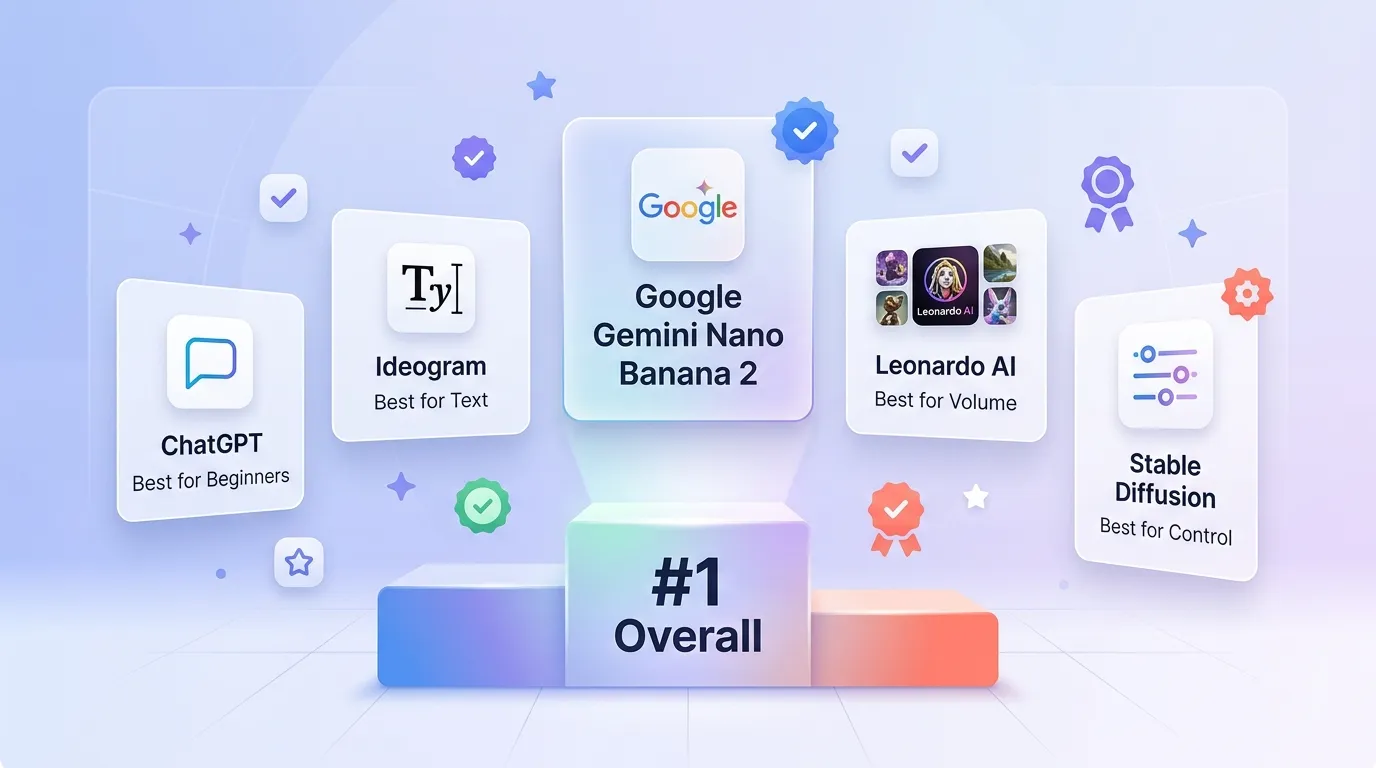
Here is the short answer. Google Gemini, running the Nano Banana 2 model, is the best free AI image generators for most people in 2026. It has a simple daily allowance, almost no setup, and it runs right in your browser. But it is not the right pick for every job. ChatGPT is easier for true beginners, Ideogram wins for text inside images, Leonardo stretches further for daily volume, and Stable Diffusion or FLUX give you full local control once you do the setup work.
I ranked these tools on five things: free access, image quality, prompt adherence, commercial rights, and setup effort. That keeps the list practical instead of judging each tool on one lucky prompt.
Quick pick by need: Free AI Image Generators in 2026
Need | Best free pick | Why |
Best overall | Google Gemini (Nano Banana 2) | Clear daily allowance, browser based, almost no setup |
Best for beginners | ChatGPT (GPT Image 2) | Plain language, edit in the same chat |
Best for text in images | Ideogram | Built around readable in-image text |
Best for daily volume | Leonardo AI | Token budget can stretch further |
Best for local control | Stable Diffusion 3.5 | No platform cap once it runs |
How I judged each tool
Free access structure matters more than a headline “free” badge. Some tools give you daily credits, some give weekly slow credits, some give unlimited local runs once your hardware is set up. Image quality and prompt adherence decide whether you get what you actually asked for or a close cousin of it. Commercial rights are easy to ignore and painful to fix later, so I checked what each free plan really allows. Setup effort is the last filter, because a powerful tool you never get running is not useful.
9 Best Free AI Image Generators in 2026
#1 Google Gemini (Nano Banana 2)
Google released Nano Banana 2, officially called Gemini 3.1 Flash Image, on February 26, 2026. Its free allowance is far easier to understand than the credit math on most tools here. It is one of the best Free AI Image Generators.
Free users in the Gemini app get roughly 20 images per day with Nano Banana 2 at up to 1K resolution. Nano Banana Pro, the higher quality paid model, is capped at about 2 images per day on the free tier. Developers using Google AI Studio get around 50 API requests a day without a credit card.
The model handles complex text in more than 10 languages and stays clean across a wide range of styles. Every output carries Google's invisible SynthID watermark and C2PA content credentials.
Best for: people who want a fixed daily allowance and no token math.
Honest negative: the generous count is on the standard model. Nano Banana Pro is heavily limited on free, every output is watermarked with SynthID, and you need a Google account.
#2 ChatGPT Images 2.0 (GPT Image 2)
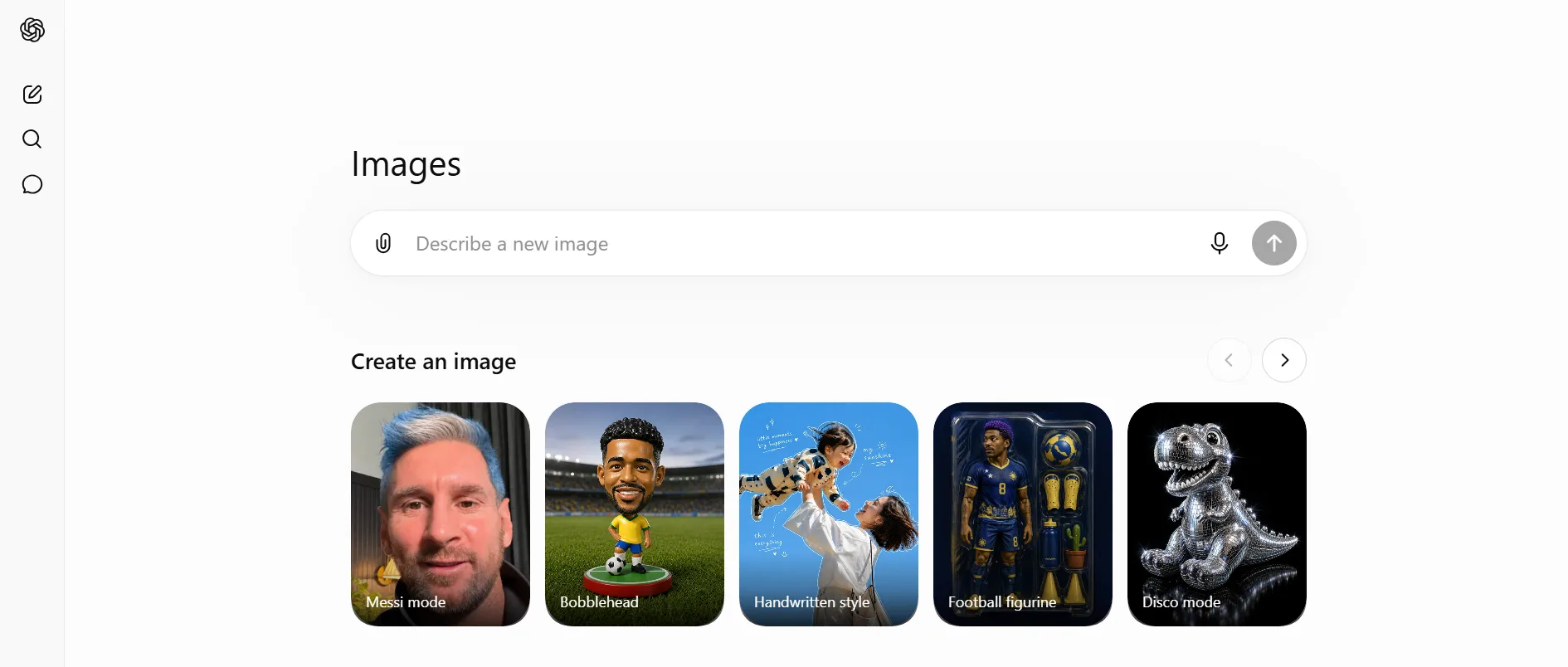
generation sitting right there. OpenAI launched ChatGPT Images 2.0, powered by the gpt-image-2 model, on April 21, 2026. DALL-E 3 was retired on May 12, 2026, so any guide still naming DALL-E 3 as the current ChatGPT image model is out of date. ChatGPT image 2.0 is also known one of the best Free AI Image Generators.
The free tier gives you about 2 to 3 images in a rolling 24 hour window. OpenAI has not posted an exact number, but that figure is steady across user reports.
The cap is tight, but the workflow is the simplest of the bunch. You describe what you want in plain words, iterate in the same thread, and use follow-up edits like “make the lighting warmer” without starting over. Text rendering is strong and it supports resolutions up to 2K.
Best for: beginners and casual users who want the odd image without switching tools.
Honest negative: the daily cap is small and not officially published, and some editing features are tighter on free.
#3 Microsoft Designer and Bing Image Creator
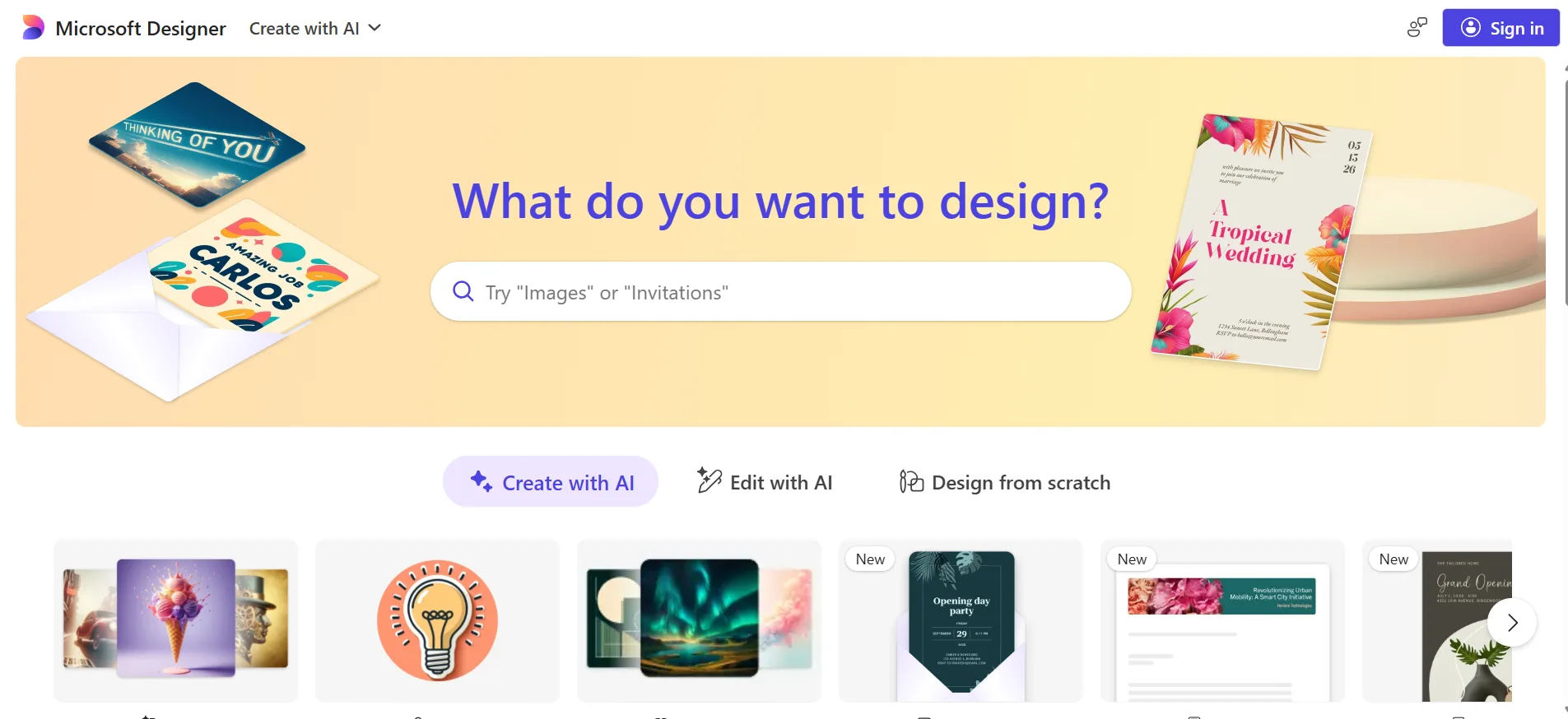
Microsoft Designer and Bing Image Creator run the same pipeline behind two front ends. Bing Image Creator is the simpler free door in.
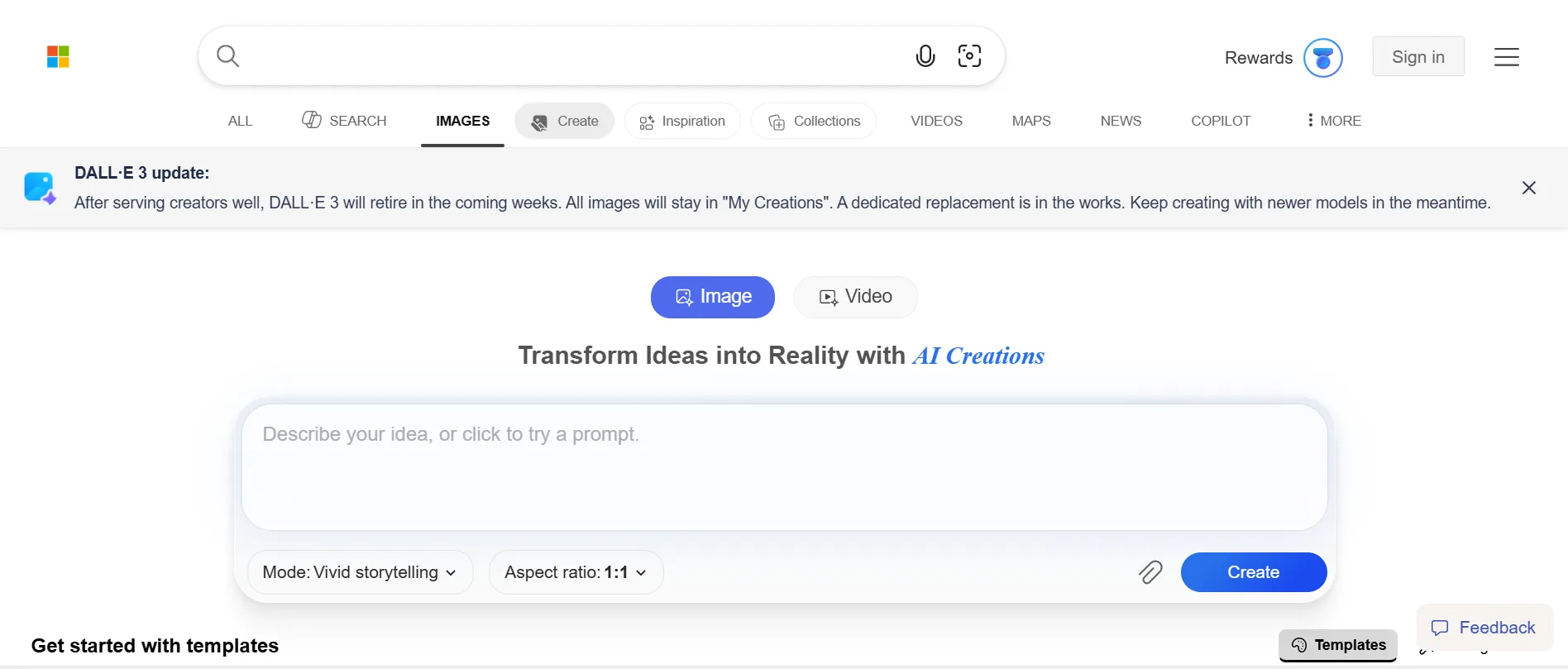
You get 15 fast creations per day. After those run out, generation keeps going at a slower standard speed with no hard cap. You can now pick between models: MAI-Image-2e, which is Microsoft's own model released in March 2026, plus GPT-4o and DALL-E 3. DALL-E 3 is being phased out here too.
A personal Microsoft account is required, and work or school accounts are not supported. The service is blocked in Russia and China. Outputs are 1024×1024 with a visible watermark, and free use is personal and non-commercial under current terms.
Best for: casual users already inside the Microsoft world.
Honest negative: square watermarked output, personal account only, and free use is non-commercial.
#4 Adobe Firefly
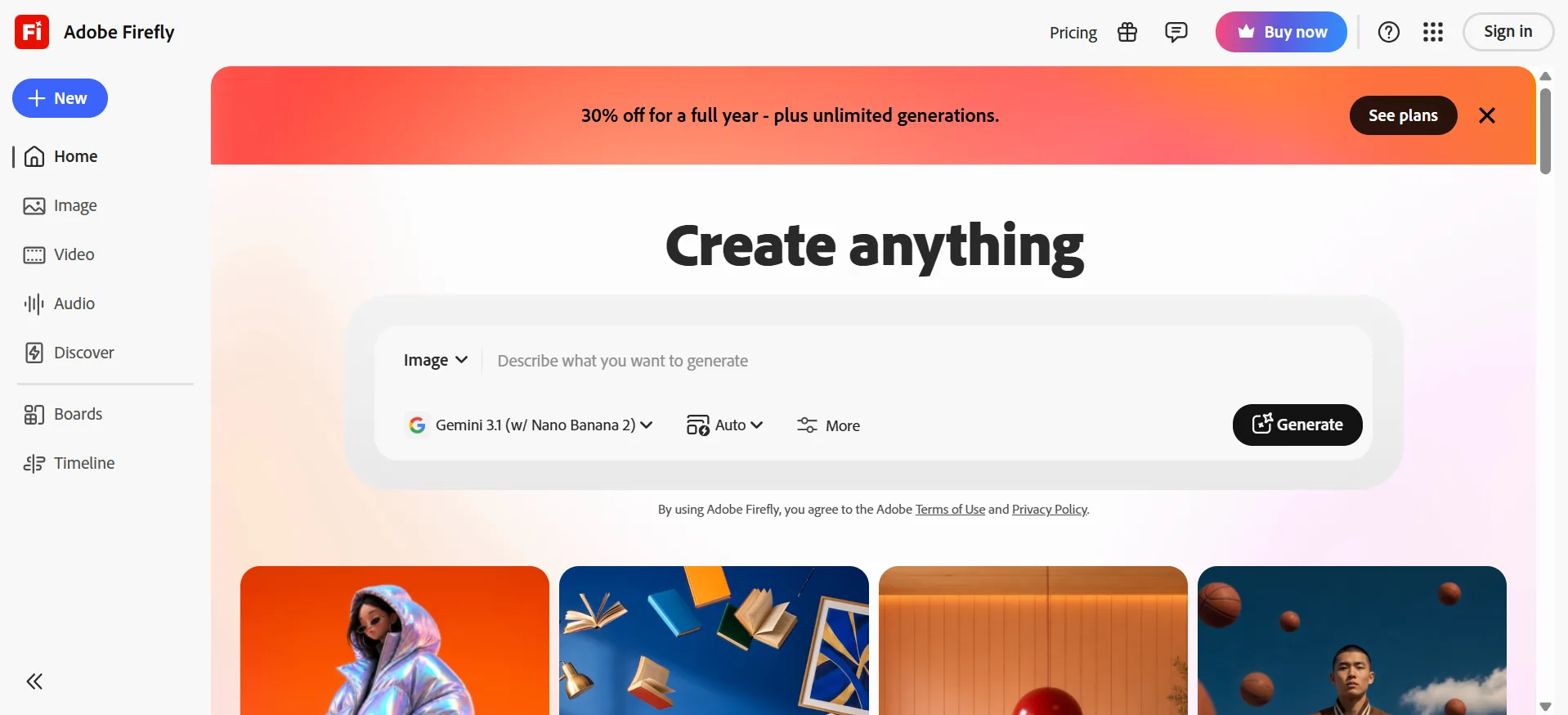
Firefly's whole pitch is legal safety. Its first image model was trained on licensed Adobe Stock and public domain content, so its training story is cleaner than most tools here. That matters most for client work.
Firefly is mostly a paid product. Free users get a small batch of generative credits when they first try a Firefly feature, and those credits expire a month later. Paid plans start at $9.99 per month. If it is a paid tool but also consider as Free AI Image Generators.
One detail to flag: Adobe's IP indemnification, its legal cover if a claim comes up, applies only to paid subscribers. Free users can use outputs commercially, but without that legal defense.
Best for: designers and teams who need documented training provenance.
Honest negative: the free entry is a tiny one-time credit batch with no rollover, and indemnification is paid only.
#5 Leonardo AI
Leonardo gives free users 150 tokens per day, refreshed every 24 hours with no rollover. A standard 1024×1024 image costs roughly 4 to 6 tokens, which works out to about 25 to 37 images a day. That can beat Gemini's count, but you are doing token math, and features like the Consistent Character Engine cost more per run.
The platform hosts its own Phoenix model, Leonardo Diffusion XL, and FLUX variants, plus image-to-image editing, ControlNet, and upscaling.
Free users get a non-exclusive, royalty-free license to use images commercially. The trade-off is that Leonardo can still use and distribute free-plan images, and they are public by default. Paid plans add full ownership and private generation. Leonardo AI is a free AI Image Generators.
Best for: digital artists, game asset makers, and concept artists who want a solid daily budget.
Honest negative: free images are public, Leonardo keeps rights to use them, and API access is paid only.
#6 Ideogram
Ideogram built its name on readable text inside images. For posters, thumbnails, and social graphics with visible words, it is the first tool to compare.
The free tier gives 10 slow credits per week, resetting Saturday at midnight UTC. Each credit covers up to four variations, so you get roughly 40 images a week at the cheapest settings. The word “slow” earns its place here. Waits can stretch past 20 minutes at peak times, with only one generation running at once.
On June 3, 2026, Ideogram released Ideogram 4.0 as an open-weight model, now on Hugging Face, ComfyUI, Replicate, and other platforms for local or API use. Commercial use is allowed on free, with one exception: you cannot use outputs to train competing image models. Ideogram is known for its free AI Image Generators.
Best for: anyone who needs accurate, readable text inside an image.
Honest negative: weekly slow credits instead of daily, images public by default, and no reference image uploads on free.
#7 Stable Diffusion 3.5 (local)
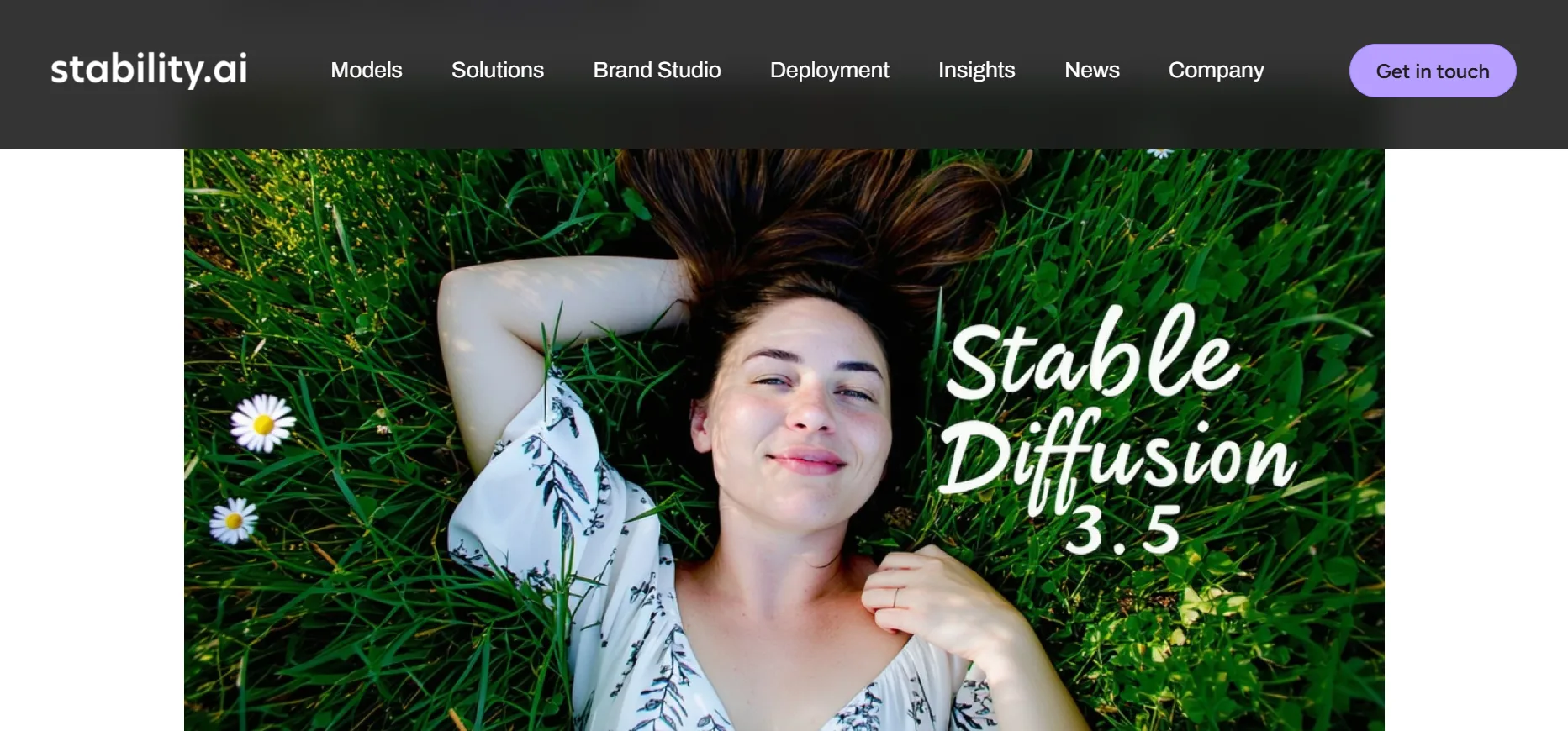
Stable Diffusion has no site to log into and no credit system. You download the model weights, install a front end, and run everything on your own machine. After that, there are no platform limits, no watermarks, and no internet requirement.
The current version is Stable Diffusion 3.5, in three variants: Large at 8.1 billion parameters, Large Turbo for speed, and Medium at 2.5 billion parameters for consumer hardware. SD 3.5 Medium needs about 10GB of VRAM. The Large version wants around 18GB at full precision, though FP8 quantization cuts that a lot. ComfyUI is the main front end in 2026 for its memory efficiency, with Forge often used on lower-VRAM setups.
The Stability AI Community License allows free commercial use for people and organizations under $1 million in annual revenue. Bigger organizations need an enterprise license.
Best for: developers and power users who want full control and no usage limits.
Honest negative: the setup is real work. You need Python, GPU drivers, and patience. The payoff is uncapped local generation once it runs.
#8 FLUX.2 and free FLUX platforms
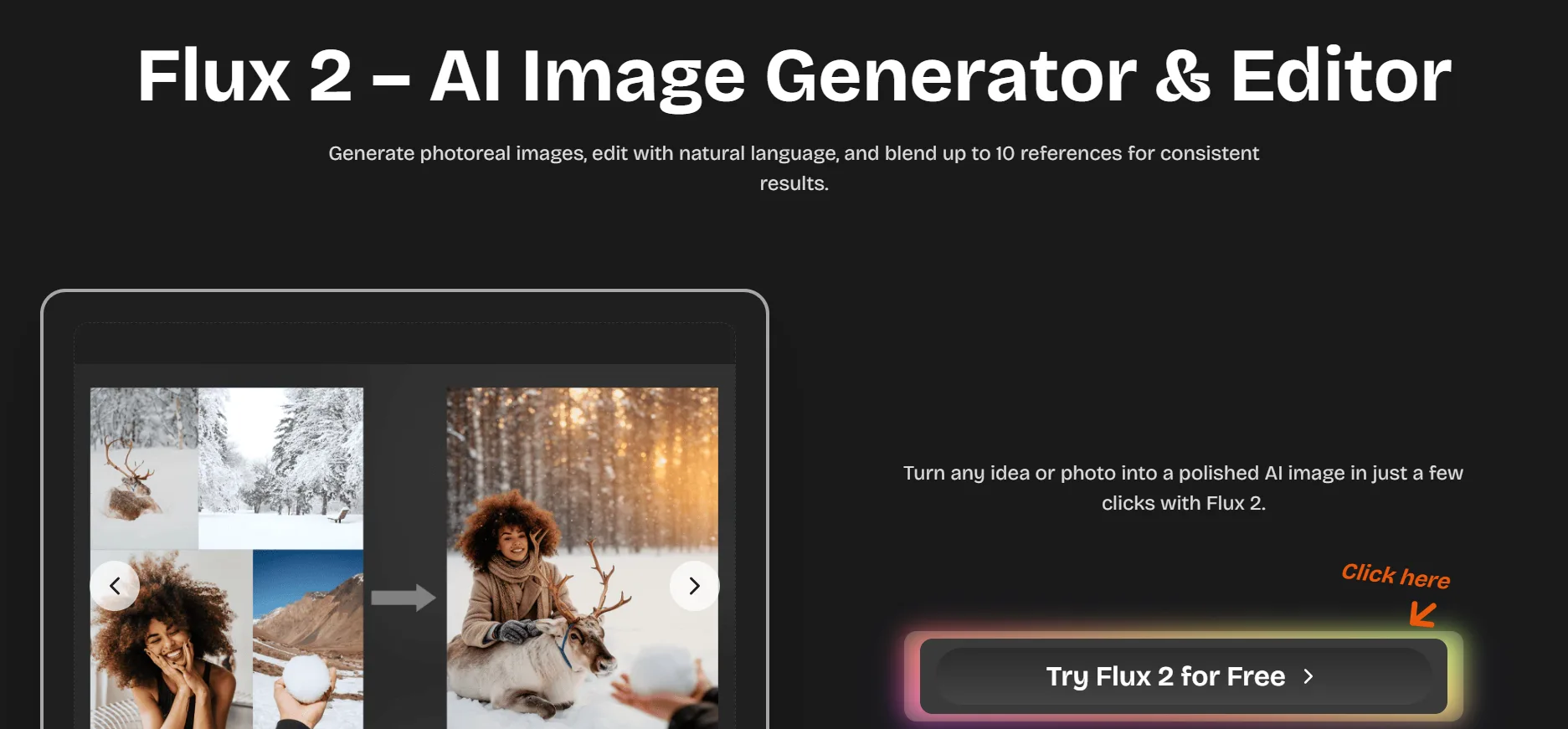
FLUX comes from Black Forest Labs, founded by researchers behind the original Stable Diffusion. It is often compared with SD for photorealism and hand rendering.
The FLUX.2 family launched in November 2025. Dev is a 32-billion-parameter open-weight model, Klein is faster and built for consumer hardware, and Pro is API only. From the older FLUX.1 family, Schnell is still widely used. Both FLUX.1 Schnell and FLUX.2 Klein are Apache 2.0 licensed, which means free commercial use. The Dev variants carry non-commercial licenses, so always check which variant a platform is running before you ship anything.
You do not need a local GPU to try FLUX. Mage.Space and Hugging Face Spaces offer browser-based FLUX generation with no install, and many Hugging Face demos need no account. NightCafe is another route, with 5 free credits a day and FLUX support on some tiers.
Best for: technical users who want open-weight generation, locally or through free platforms.
Honest negative: licensing changes by variant, and local use depends on your VRAM.
#9 Canva AI (Magic Media)
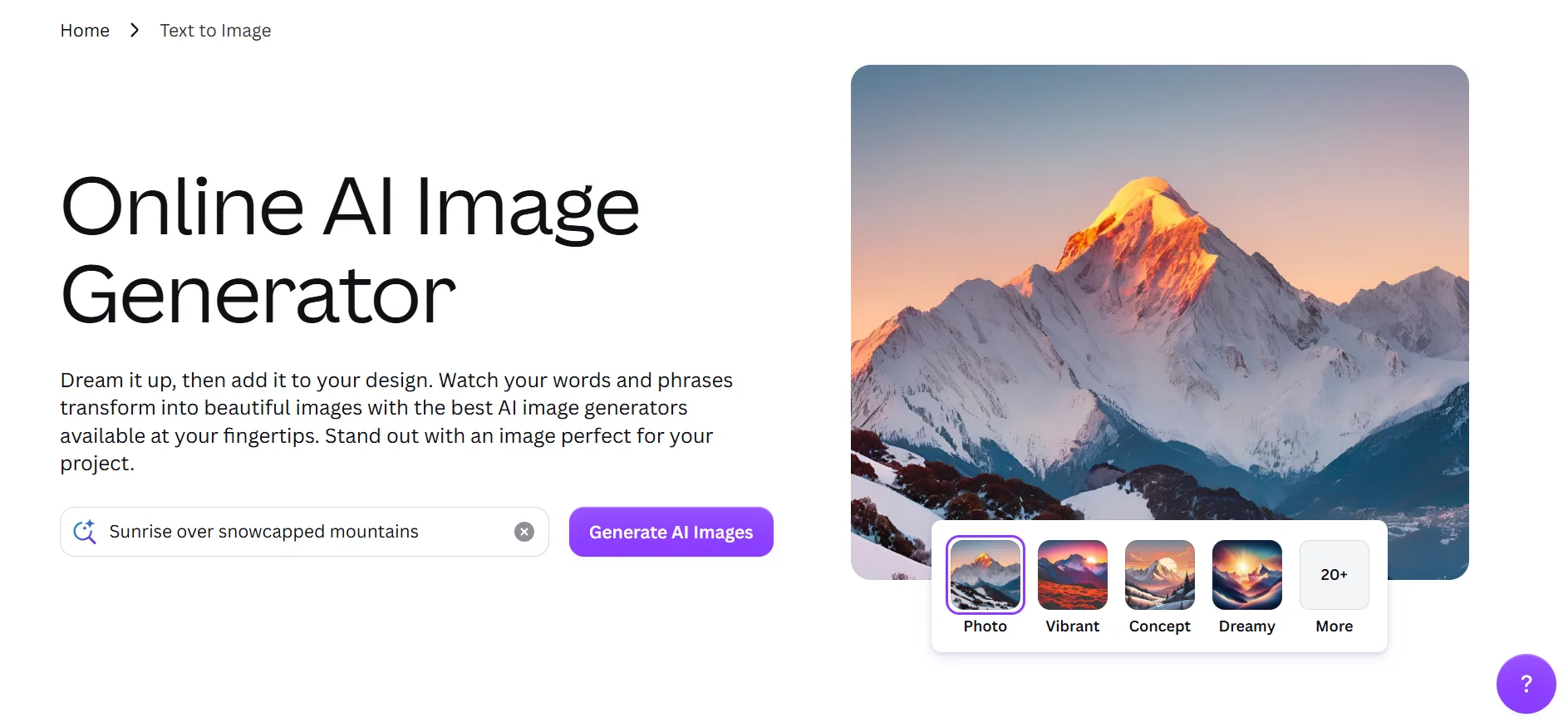
Canva's generator makes sense mainly if you already design in Canva. It is one feature inside a bigger platform, not a standalone tool, so judge it as part of that workflow. Canva tool is currently known for its free AI Image Generators.
Magic Media lives inside the design canvas. You generate an image and drop it straight into a layout for social posts, branded graphics, or slides. The free tier gives an AI credit allowance that resets daily for standard features, while premium features like Magic Media image generation are more limited. In practice the free image generation works better as a supplement than a main workflow.
Best for: people already working in Canva who want occasional generation without leaving.
Honest negative: weaker in-image text than Ideogram or ChatGPT, plus a tight credit allowance and lower detail than dedicated tools.
A few more worth knowing for Free AI Image Generators
Craiyon is unlimited and needs no account. Detail is lower than anything else here and downloads carry a visible watermark, but it works for quick brainstorming.
NightCafe gives 5 free credits a day through activity, with a social challenge layer. Free credits work on standard models, and FLUX or premium architectures usually need paid credits. NightCafe added credit expiry dates in early 2026, which matters if you were stockpiling a balance.
One thing that left the free list: Grok's image generation is no longer free. xAI removed free image generation in March 2026, so it now needs a paid SuperGrok subscription.
Best free AI image generators by use case
Beginners: ChatGPT. The cap is tight, but the plain-language chat makes your first runs less confusing.
Professional designers: Adobe Firefly, for its training provenance and paid-plan indemnification, not for free volume.
Marketing content: Canva, when the image needs to sit inside a Canva layout instead of living on its own.
Open-source fans: Stable Diffusion 3.5 with ComfyUI, for local control without platform caps.
Photorealistic images: ChatGPT Images 2.0 for occasional output, since the free limit is tight.
Text in images: Ideogram, the first stop when readable words inside the image matter.
When a paid plan actually makes sense:
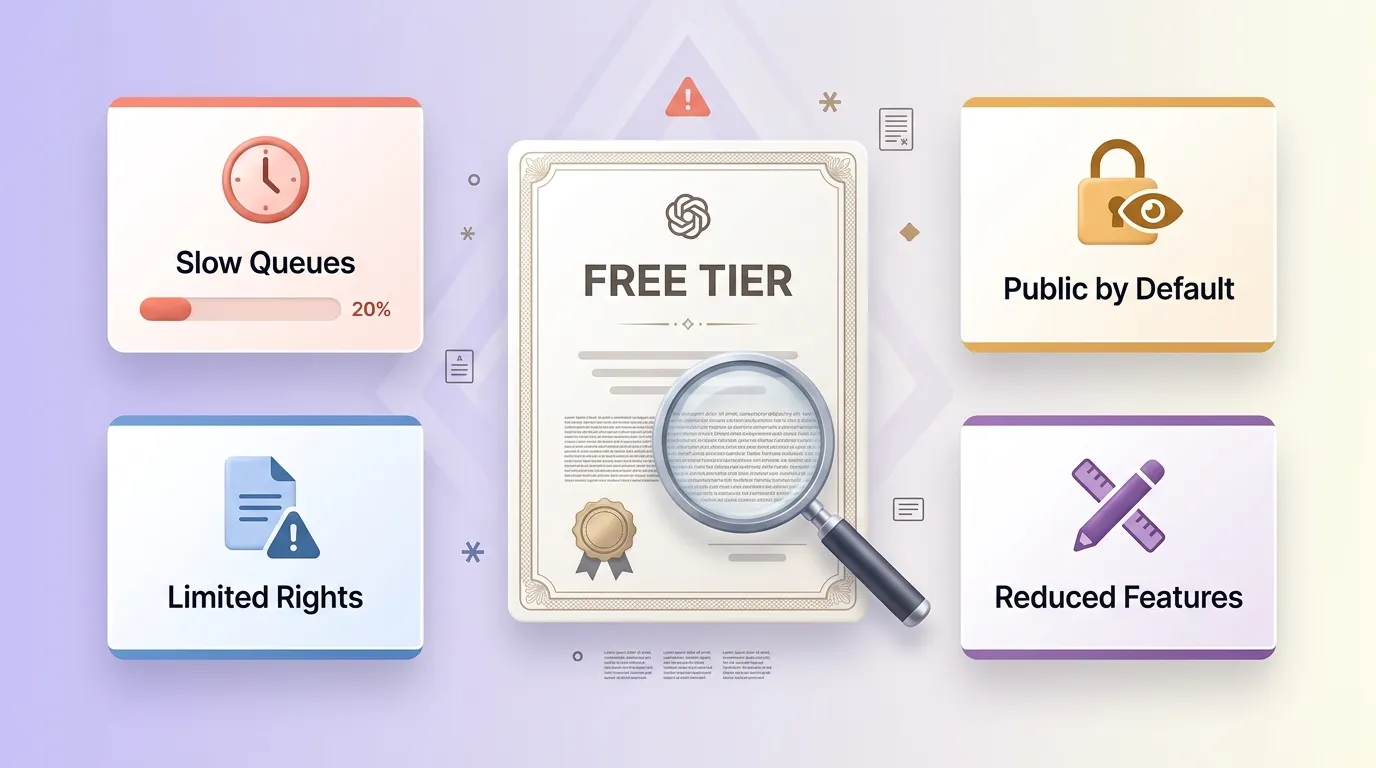
Free tiers hide their catch in the fine print. Watch for these.
Credit limits and slow queues. Ideogram's 10 slow weekly credits are fine for the odd job and painful for anything steady. The slow part can hurt as much as the cap, since free users wait longer and peak-hour waits can pass 20 minutes.
Public generations. Leonardo and Ideogram make free-plan output public by default. For client concepts or anything confidential, that is a real problem.
Commercial rights. Permission, ownership, and indemnification are three separate questions. Read the terms before you publish anything commercial.
Reduced editing. Multi-turn editing, reference uploads, and batch generation are often gated on free. If those sit at the center of your workflow, the free tier acts more like a demo.
A paid plan earns its cost when you keep hitting the same wall, need private generation, want cleaner commercial rights, or rely on gated editing.
How to choose fast: Free AI Image Generators
If ease of use comes first, start with ChatGPT or Bing Image Creator. Both need only a standard account.
If daily volume matters most, compare Gemini and Leonardo rather than assuming a winner. Gemini is easier to count, Leonardo can stretch further with the right token settings, and local generation drops the platform cap but makes hardware the limit.
If you need documented training provenance, start with Adobe Firefly and keep the paid-plan caveat in mind.
If text inside images is central, start with Ideogram.
If you want local control, compare FLUX.1 Schnell, which is Apache 2.0, with Stable Diffusion 3.5.
One simple test sorts most of this out. Run the same prompt through two tools. The one that gets closest without making you fight the interface is your starting point.
FAQs: Free AI Image Generators in 2026
Google Gemini with Nano Banana 2 for most people, thanks to a clear daily allowance and near-zero setup.
Often yes, but terms vary by tool. Firefly is the safest story for commercial work, while Bing free output is non-commercial. Always read the current terms.
Ideogram and ChatGPT (GPT Image 2) lead. Most other tools still jumble letters.
No. OpenAI retired DALL-E 3 on May 12, 2026. ChatGPT now uses GPT Image 2.
Some do, some do not. Gemini uses an invisible SynthID mark, Bing adds a visible one, and several tools embed C2PA metadata that does not affect how the image looks.
Quick Links: