
Your shell loop fires 30 cURL requests, the first few return clean JSON, then request seven onward comes back as 429 Too Many Requests.
That is the target rate-limiting your single IP. cURL is the fastest way to script a scrape or test an endpoint, but raw cURL sends every request from your own address, so you get throttled or blocked fast. Route it through a proxy and each call can egress from a fresh IP. The catch is picking a provider that drops cleanly into the -x flag, supports SOCKS5 when you need it, and does not make you fight the auth setup.
Quick Tip: cURL takes a proxy with one flag. HTTP: curl -x “http://user:pass@host:port” https://httpbin.org/ip. SOCKS5 with remote DNS: curl -x “socks5h://user:pass@host:port” https://httpbin.org/ip. To proxy every request in a shell, export https_proxy=”http://user:pass@host:port”, or add a proxy = line to ~/.curlrc to make it permanent. Always test against httpbin.org/ip first to confirm the IP changed.
7 Best Proxies For cURL 2026
Here are the seven best proxies for cURL in 2026, tested from the command line, ranked best for cURL first.
| Provider | Key Edge | Ideal cURL Workflow |
| Webshare | Free forever plan, simplest setup | Quick tests and light shell scraping |
| Decodo | Balanced residential + clear cURL docs | Mid-scale rotating scrapes |
| Oxylabs | Premium SOCKS5 + cURL tutorials | SLA-grade large jobs |
| Bright Data | Web Unlocker callable from cURL | Defended targets and APIs |
| DataImpulse | $1/GB, authenticated SOCKS5 | High-volume shell loops on a budget |
| IPRoyal | Sticky sessions up to 7 days | Long multi-step scripts |
| Rayobyte | Unlimited-bandwidth datacenter | Fast scraping of unprotected targets |
1. Webshare (Best Proxies For cURL Overall)
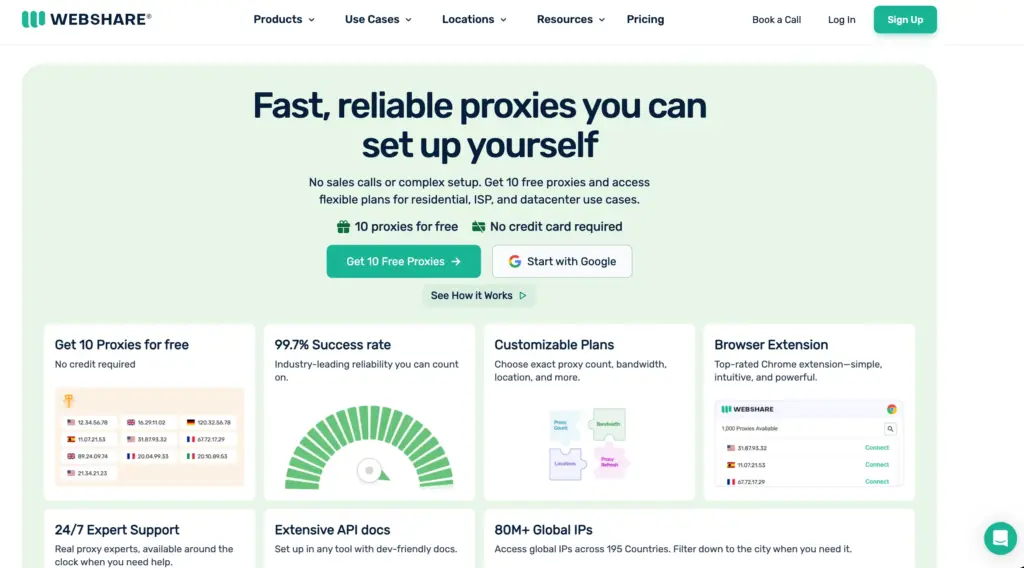
Webshare wins for cURL because it is the fastest to go from zero to a working -x command, and it costs nothing to start.
The free plan gives 10 proxies and 1 GB a month with no card, every connection type supports HTTP and SOCKS5, and the dashboard exports a ready-to-paste host:port:user:pass list. For testing scripts or light shell scraping, you are running cURL through a proxy in two minutes.
Best for: developers who want to test cURL through a proxy instantly and scrape light targets without paying.
Webshare Highlights
- Free plan: 10 proxies + 1 GB monthly, no card, no expiry
- Protocols: HTTP, HTTPS, and SOCKS5 on direct, rotating, and backbone connections
- Pool size: 500K+ datacenter/ISP IPs and 80M+ residential across 195 countries
- Setup: one-click proxy list export, drops straight into cURL
- Ratings: 4.3 to 4.4 on Trustpilot across 1,000+ reviews
What You Pay: Datacenter starts at $0.0299/IP, the cheapest entry here. Residential lists at $7/GB but a standing 50 percent promotion brings it to roughly $1.40 to $3.50/GB. The free tier is permanent.
Why Webshare: Nothing else lets you test cURL through a real proxy this fast for free. Start here, prove your script works, and only scale into paid datacenter or residential once you know your volume.
Pros
- Free forever plan is the best cURL testing sandbox in the category
- Cheapest datacenter IPs, ideal for fast unprotected scraping from the shell
- Simple flat auth that pastes straight into curl -x
Cons
- Shared residential IPs can inherit flags, less consistent than Oxylabs
- No mobile product and support is chat-only
- Residential pool of 80M is smaller than Oxylabs' 175M for heavy jobs
2. Decodo (Best Balanced Pick For cURL)
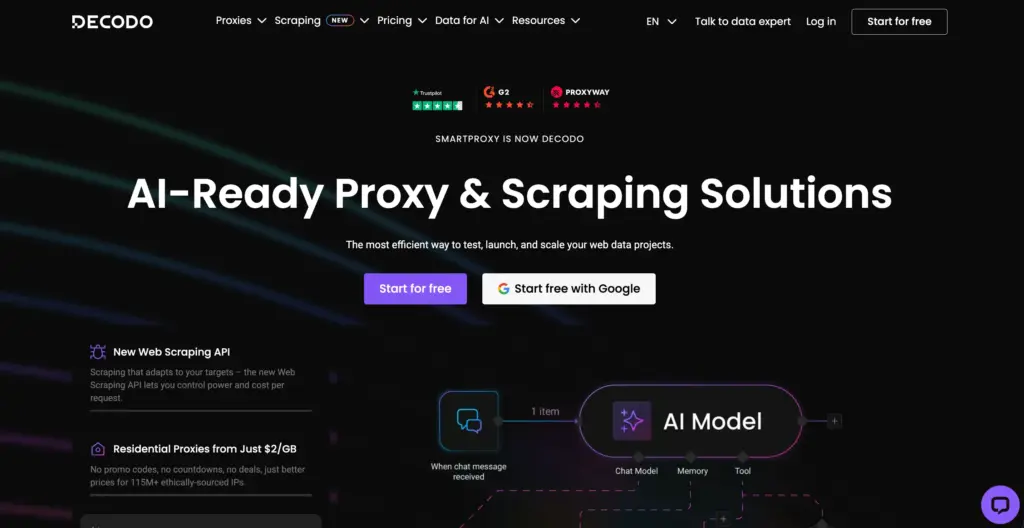
Decodo is the balanced default once you outgrow free proxies: clean documentation with copy-paste cURL examples, HTTP(S) and SOCKS5 support, and sticky sessions you can hold up to 24 hours when a script needs a stable IP across steps. The 115 million residential pool plus datacenter options cover most cURL scraping without the enterprise price tag.
Best for: developers running mid-scale rotating cURL scrapes who want good docs and a fair price.
Decodo Highlights
- Pool size: 115M+ residential IPs across 195+ locations, plus datacenter
- Protocols: HTTP(S) and SOCKS5
- Sessions: rotating or sticky up to 24 hours
- Trial: 3-day free trial for new users
- Ratings: 4.6/5 on G2, 9.3/10 on Proxyway's independent benchmark
What You Pay: Residential is $3.75/GB on the 3 GB plan ($11.25), $3.00/GB at 50 GB ($150), and $2.00/GB at 1,000 GB ($2,000). Datacenter starts at $0.60/GB. Pay-as-you-go residential is around $3.50 to $4/GB.
Why Decodo: It is the sensible step up from free proxies for cURL work, with docs that get you running quickly and sticky sessions for scripts that need IP stability. The default mid-market choice.
Pros
- Documentation includes ready cURL snippets, fast to wire up
- Sticky sessions up to 24h suit multi-request scripts
- Strong price-to-performance below $500/month
Cons
- Its site lists two conflicting pay-as-you-go rates ($4 vs $8.50), confirm at checkout
- No free permanent tier like Webshare, only a 3-day trial
- DataImpulse undercuts it heavily on pure per-GB cost
3. Oxylabs (Best Premium SOCKS5 For cURL)
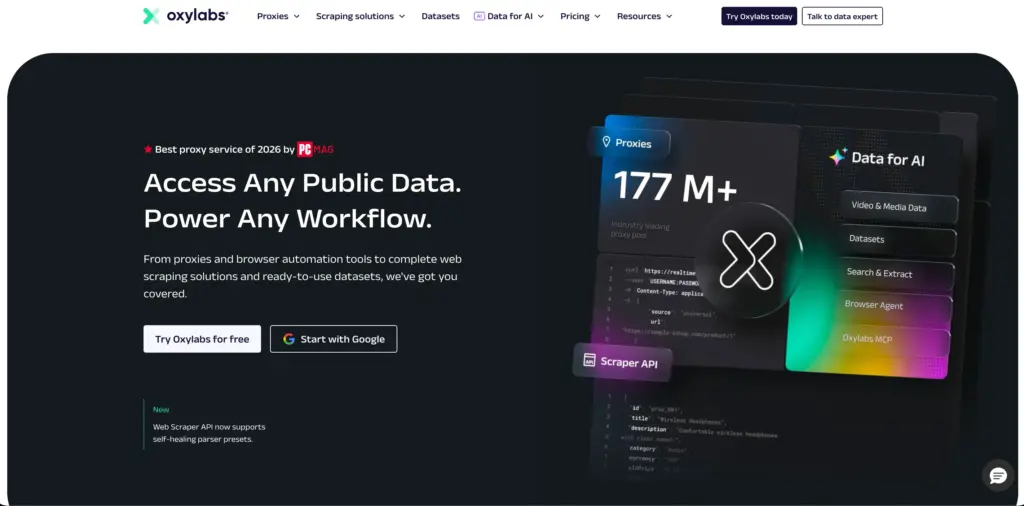
Oxylabs is the premium SOCKS5 choice, with the protocol supported across residential, mobile, dedicated datacenter, and ISP proxies at no extra charge, plus a dedicated cURL tutorial and a public GitHub example repo. With 177 million IPs, it is built for large, reliable command-line jobs.
Best for: teams running SLA-grade, high-volume cURL scrapes that need SOCKS5 and strong support.
Oxylabs Highlights
- Pool size: 175M+ residential IPs, plus datacenter and ISP
- Protocols: SOCKS5 on residential, mobile, datacenter, and ISP, no surcharge
- Docs: dedicated cURL tutorial and GitHub example repo
- Tooling: Web Unblocker and Web Scraper API
- Ratings: 4.5/5 on G2 across 414+ reviews
What You Pay: Self-service residential starts at $6/GB (5 GB, $30), $5/GB at 20 GB ($100), $4/GB at 125 GB ($500), and $2.50/GB at 1 TB ($2,500). Pay-as-you-go is $4/GB. There are 5 free datacenter IPs with 5 GB monthly.
Why Oxylabs: When cURL scraping is production-grade, and you need SOCKS5 plus the best docs, Oxylabs delivers. Just plan around the default port restriction if your script targets non-standard ports.
Pros
- SOCKS5 across all proxy types with no extra fee
- Best-documented cURL setup, including a ready GitHub example
- 177M pool keeps success rates high on large shell jobs
Cons
- Only ports 80 and 443 work by default, other ports need KYC approval
- $6/GB entry is 60 percent higher than Decodo's mid-tier rate
- Residential trial requires contacting sales rather than instant signup
4. Bright Data (Best For Defended Targets Via cURL)
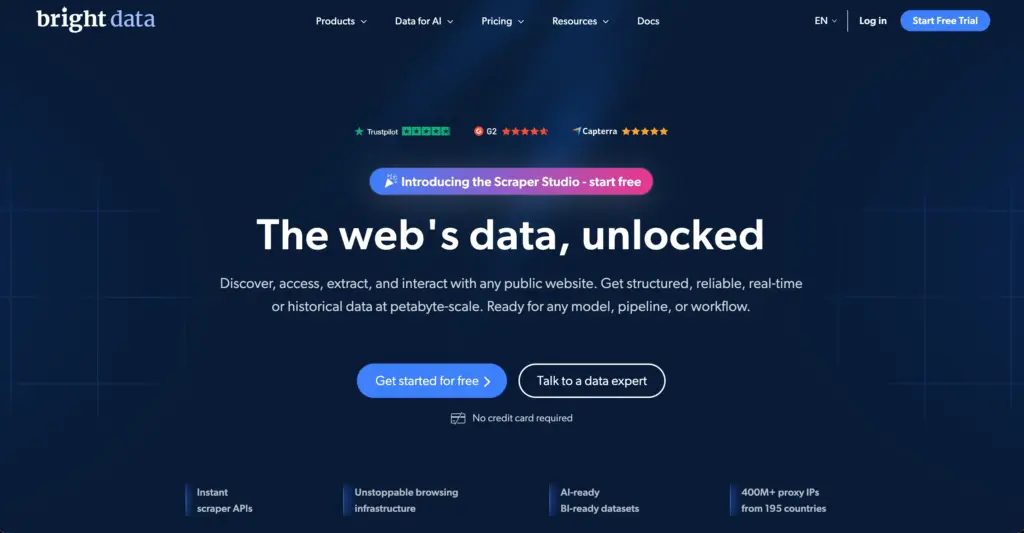
Bright Data's edge for cURL is its Web Unlocker, an endpoint you can hit with a single cURL request that handles CAPTCHAs, headers, and retries for you, so a one-line shell call returns unblocked HTML from sites that would crush a raw proxy. Its 150 million-plus pool and SERP API are equally callable from the command line.
Best for: developers scraping defended targets from cURL who want managed unblocking rather than building it themselves.
Bright Data Highlights
- Pool size: 150M+ residential IPs across 195 countries
- Protocols: HTTP(S) and SOCKS5
- Tooling: Web Unlocker ($3 per 1,000 successes) and SERP API, both curl-callable
- Performance: 97 to 99% success rates with no DNS leaks in testing
- Trial: $5 to $20 in trial credits
What You Pay: Residential is about $5 to $8.40/GB pay-as-you-go, roughly $3.50/GB on the $499/month growth plan, near $2/GB at enterprise scale. Web Unlocker is $3 per 1,000 successes. Datacenter is around $0.60/GB.
Why Bright Data: When your cURL target fights back with anti-bot defenses, hitting the Web Unlocker endpoint is simpler than engineering your own bypass. Overkill for easy targets, ideal for hard ones.
Pros
- Web Unlocker turns a defended page into a one-line cURL call
- SERP API and datasets also callable straight from the shell
- Deepest tooling and highest documented success on hard targets
Cons
- Does not support non-standard ports, which limits some SOCKS5 setups
- Pay-as-you-go residential at $8.40/GB is the most expensive entry here
- Complex platform with a learning curve and required KYC
5. Rayobyte (Best Datacenter For cURL Scraping)
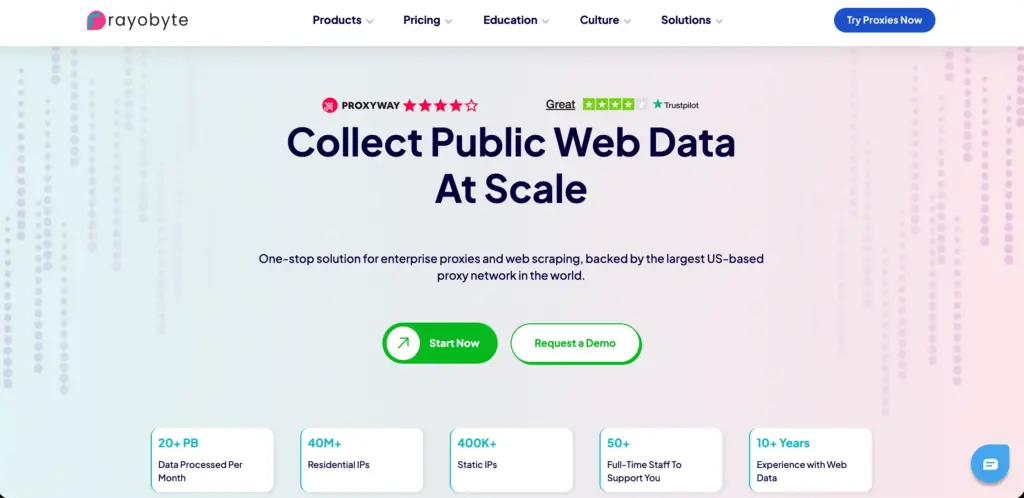
Rayobyte is the datacenter pick for cURL, with unlimited-bandwidth datacenter IPs that are perfect for hammering unprotected targets from the shell where residential is overkill. It supports SOCKS5 on private, semi-dedicated, and ISP proxies via username and password auth, and it is US-based with ethical sourcing.
Best for: developers scraping unprotected or lightly defended targets at speed, where cheap unlimited-bandwidth datacenter IPs win.
Rayobyte Highlights
- Heritage: US-based, founded 2014 (formerly Blazing SEO), strong datacenter network
- Protocols: SOCKS5 on private, semi-dedicated, and ISP proxies via user/pass
- Datacenter: unlimited bandwidth, ideal for high-request cURL loops
- Tooling: Web Scraping API that returns JSON, callable from cURL
- Support: 24/7 with prepaid and pay-as-you-go billing
What You Pay: Datacenter starts at $1/IP with unlimited bandwidth. Rotating residential is as low as $0.90/GB pay-as-you-go, with plans from $3/GB at 10 GB to $0.88/GB at 1,000 GB. ISP proxies start at $4.60/IP.
Why Rayobyte: When your cURL job hits unprotected targets at high volume, unlimited-bandwidth datacenter from $1/IP beats paying per GB for residential you do not need. The dev-friendly datacenter choice.
Pros
- Unlimited-bandwidth datacenter IPs suit high-volume cURL on easy targets
- Residential entry from $0.90/GB is among the cheapest credible rates
- Ethical sourcing and a curl-callable Web Scraping API
Cons
- SOCKS5 proxies do not support inbound UDP, though cURL over TCP is unaffected
- Residential performance is rated average, behind Oxylabs on hard targets
- Strongest in datacenter, so residential is not its core strength
6. IPRoyal (Best For Long Sticky cURL Scripts)
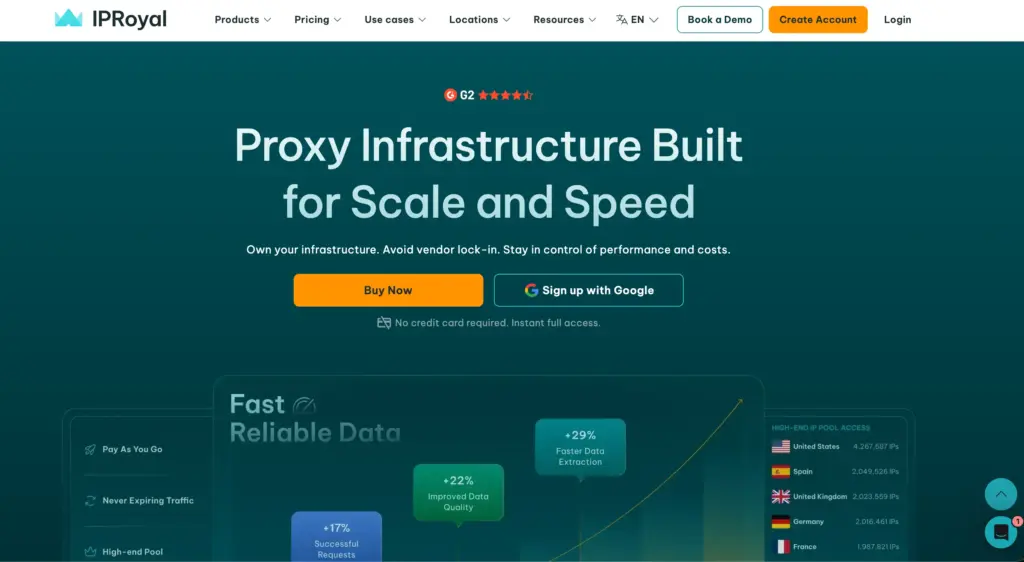
IPRoyal's standout for cURL is sticky sessions that hold the same IP up to 7 days, the longest here, which suits scripts that log in once and run a long sequence of requests. It supports SOCKS5, traffic never expires, and it takes crypto, which devs running personal projects often prefer.
Best for: developers running long, multi-step cURL scripts that need a stable IP across many requests.
IPRoyal Highlights
- Pool: residential network across 195 countries
- Protocols: HTTP(S) and SOCKS5
- Sessions: sticky sessions up to 7 days, plus rotating
- Billing: traffic never expires, true pay-as-you-go
- Payments: cards, PayPal, and 25+ cryptocurrencies
What You Pay: Residential is $7/GB at 1 GB, $5.25/GB at 10 GB, $4.90/GB at 50 GB, scaling to $1.75/GB at bulk. Datacenter is from $1.39/proxy on 90-day plans, ISP from $2.40/proxy/month. Free trial on request.
Why IPRoyal: When your cURL script needs one IP held steady through a long sequence, IPRoyal's 7-day sticky sessions and non-expiring traffic fit better than rotating-first providers. Best for stateful scripts.
Pros
- 7-day sticky sessions are the longest here for stable scripted flows
- Non-expiring traffic is ideal for occasional cURL projects
- Crypto payment support for privacy-focused developers
Cons
- Headline $7/GB at 1 GB is high until you prepay for volume
- Returned a UDP error in SOCKS5 testing, though TCP works fine for cURL
- No managed unblocking for defended targets
7. DataImpulse (Best Cheap Proxies For cURL)
DataImpulse is the value baseline for cURL: $1/GB residential pay-as-you-go, authenticated SOCKS5 alongside HTTP and HTTPS, and targeting set right in the username string so a single endpoint covers country, city, or ASN. Traffic never expires, so test scripts do not burn a subscription.
Best for: developers running high-volume cURL loops who want the lowest cost per successful request.
DataImpulse Highlights
- Pool size: 90M+ first-party residential IPs across 195 countries
- Protocols: HTTP, HTTPS, and authenticated SOCKS5
- Targeting: country, city, and ASN set inside the username
- Billing: $5 minimum, traffic never expires, no subscription
- Ratings: 4.8/5 on G2, with a published 99.51% success rate
What You Pay: Residential is $1/GB pay-as-you-go with 20 percent off above 1,000 GB. Datacenter is $0.50/GB and mobile is $2/GB. Minimum top-up is $5 for 5 GB.
Why DataImpulse: For shell scraping at volume where every GB counts, $1/GB with authenticated SOCKS5 and non-expiring traffic gives the lowest true cost. You trade managed tooling for raw affordability.
Pros
- $1/GB is the lowest credible residential rate of any provider here
- Authenticated SOCKS5 plus targeting in the username keeps cURL one-liners simple
- Non-expiring traffic means test scripts do not waste a monthly plan
Cons
- Smaller 90M pool reuses IPs faster on heavy single-target loops
- City targeting is a paid add-on, not included
- No managed unblocking, so defended targets need your own retry logic
Quick Comparison Table: Best Proxies For cURL 2026
| Provider | Key Edge | Ideal cURL Workflow |
| Webshare | Free forever plan, simplest setup | Quick tests and light shell scraping |
| Decodo | Balanced residential + clear cURL docs | Mid-scale rotating scrapes |
| Oxylabs | Premium SOCKS5 + cURL tutorials | SLA-grade large jobs |
| Bright Data | Web Unlocker callable from cURL | Defended targets and APIs |
| DataImpulse | $1/GB, authenticated SOCKS5 | High-volume shell loops on a budget |
| IPRoyal | Sticky sessions up to 7 days | Long multi-step scripts |
| Rayobyte | Unlimited-bandwidth datacenter | Fast scraping of unprotected targets |
How To Use A Proxy With cURL
The proxy goes in the -x flag. For a basic HTTP proxy:
curl -x “http://user:pass@host:port” https://httpbin.org/ip
For SOCKS5, use socks5h:// so DNS resolves through the proxy and your real location does not leak:
curl -x “socks5h://user:pass@host:port” https://httpbin.org/ip
To send every request in a terminal session through the proxy, set environment variables:
export http_proxy=”http://user:pass@host:port”
export https_proxy=”http://user:pass@host:port”
To make it permanent, add a line to ~/.curlrc:
proxy = “http://user:pass@host:port”
Point cURL at a rotating residential gateway and each request egresses from a fresh IP, so a simple for loop spreads your scrape across the pool with no IP list to manage. Use –noproxy example.com to exclude specific hosts. Always confirm the proxy works by checking that httpbin.org/ip returns the proxy IP, not yours.
How To Choose The Right Proxy For cURL
Match the proxy to the job. To test cURL through a proxy for free, start on Webshare. For balanced mid-scale rotating scrapes, Decodo's docs and 24h sticky sessions fit. For SLA-grade SOCKS5 at scale, Oxylabs leads, just mind the default port limit.
For defended targets, Bright Data's Web Unlocker turns a hard page into a one-line call. For the cheapest per-GB shell scraping, DataImpulse at $1/GB wins. For long stateful scripts, IPRoyal's 7-day sticky sessions hold steady. For high-volume scraping of unprotected targets, Rayobyte's unlimited-bandwidth datacenter from $1/IP is the value pick.
Whatever you choose, run a small for loop against httpbin.org/ip first to confirm rotation works before pointing it at a real target.
FAQs: Best Proxies For cURL 2026
Yes. Use curl -x "socks5h://user:pass@host:port" URL. The socks5h scheme resolves DNS through the proxy, which prevents location leaks. Plain socks5:// resolves DNS locally.
Datacenter is cheaper and faster for unprotected targets and API testing. Use residential when the target blocks datacenter IPs, such as ecommerce, social, or login-protected pages.
Webshare's free plan is best for testing, datacenter from $0.0299/IP. For paid residential, DataImpulse at $1/GB and Rayobyte from $0.90/GB are the lowest credible rates.
Point cURL at a rotating residential gateway and each request gets a new IP automatically. For a stable IP across a sequence, use a sticky session, where IPRoyal offers up to 7 days.
Either the target detects datacenter IPs (switch to residential), the IP is already flagged (rotate), or you are sending too fast (add delays). For heavily defended sites, a managed endpoint like Bright Data's Web Unlocker handles this for you.
Yes. Export http_proxy and https_proxy in your shell, or add a proxy = line to ~/.curlrc to make it permanent across sessions.
Quick Links: