
A logo needs to do more than look good on your laptop. It should stay clear on a business card, fit neatly into a social media profile, and work on your website. You also need the right files to print it without losing quality.
| Best For | Logos and a complete brand identity | Browsing many customisable logo styles | Guided logo creation and brand kits |
| Pricing | Starter 3/monthbilledannually(9 billed monthly); Value 4/monthbilledannually(14 billed monthly); Premium 5/monthbilledannually(19 billed monthly) | Starter 3/monthbilledannually(9 billed monthly); Value 4/monthbilledannually(14 billed monthly); Premium 5/monthbilledannually(19 billed monthly) | Basic $20; Premium $65; Brand Kit $96/year; Brand Kit Web $129/year |
| Free Option | Free exploration and selected free logo templates | Free exploration and selected free logo templates | Free design, editing and previews |

The best AI logo generators help you get there without starting from a blank canvas. Some suggest designs after a short questionnaire. Others let you describe your business and refine the results with prompts. Several also turn your logo into matching business cards, social posts and other brand materials.
Design.com is our first pick for businesses that want a logo and a complete brand identity in one place. BrandCrowd is useful for exploring different styles, while Looka suits people who prefer a guided process. Canva and Adobe Express make more sense when everyday content creation is also part of the job.
This guide covers all 10 tools, including their strengths, limitations, pricing, and free-use options.
Best AI logo generators in 2026 at a glance
Compare the best AI logo generators in one quick view. This guide highlights each tool's standout features, pricing style, and ideal use so you can choose faster.
AI logo generator | Best for | Pricing overview | Free option |
Logos and a complete brand identity | Starter 3/monthbilledannually(9 billed monthly); Value 4/monthbilledannually(14 billed monthly); Premium 5/monthbilledannually(19 billed monthly) | Free exploration and selected free logo templates | |
BrandCrowd | Browsing many customisable logo styles | Starter 3/monthbilledannually(9 billed monthly); Value 4/monthbilledannually(14 billed monthly); Premium 5/monthbilledannually(19 billed monthly) | Free exploration and selected free logo templates |
Looka | Guided logo creation and brand kits | Basic $20; Premium $65; Brand Kit $96/year; Brand Kit Web $129/year | Free design, editing and previews |
LogoAI | AI logos and branded marketing assets | $10 seven-day paid trial; Pro $20/month | Check current generation access; full trial is paid |
Wix Logo Maker | Creating a logo alongside a Wix website | One-time logo packages and website bundles; checkout pricing | Free design and a low-resolution sample |
Canva | Beginners creating logos and other content | Free; Pro displayed at $144/year for one person | Ongoing free plan; eligible paid-plan trials |
Adobe Express | Logos within a broader creative toolkit | Free; Premium $9.99/month in the US | Free plan and a 30-day Premium trial |
Tailor Brands | Logo creation and business branding tools | Basic, Standard and Premium subscriptions; prices inside Tailor Studio | Free logo sample and design exploration |
Brandmark | AI logo concepts and one-time brand packages | Basic $35; Designer $95; Enterprise $195 | Free logo generation |
Straightforward logo creation for entrepreneurs | Free; Brand Plan $15/month, with a listed $36 first-year annual offer | Free PNG logo files |
How we compared these AI logo generators
This shortlist focuses on what a small business needs after choosing a design: clear text, useful editing controls, downloadable files and a sensible way to create matching materials.
The comparison uses official product, pricing and support information. The order reflects the use cases in this guide. It is not a claim that every tool was tested through a paid purchase.
The main questions are straightforward:
Can you change the colours, fonts and layout?
Does the plan include transparent and scalable files?
Can you create matching business materials?
Is the payment a one-time purchase or a subscription?
What happens if you cancel or request a refund?
1. Design.com: Best for creating logos and a complete brand identity
Design.com is the strongest starting point in this list when your business needs more than a logo. Its platform connects logo creation with tools for websites, business cards, social media graphics, presentations, and other branded materials.
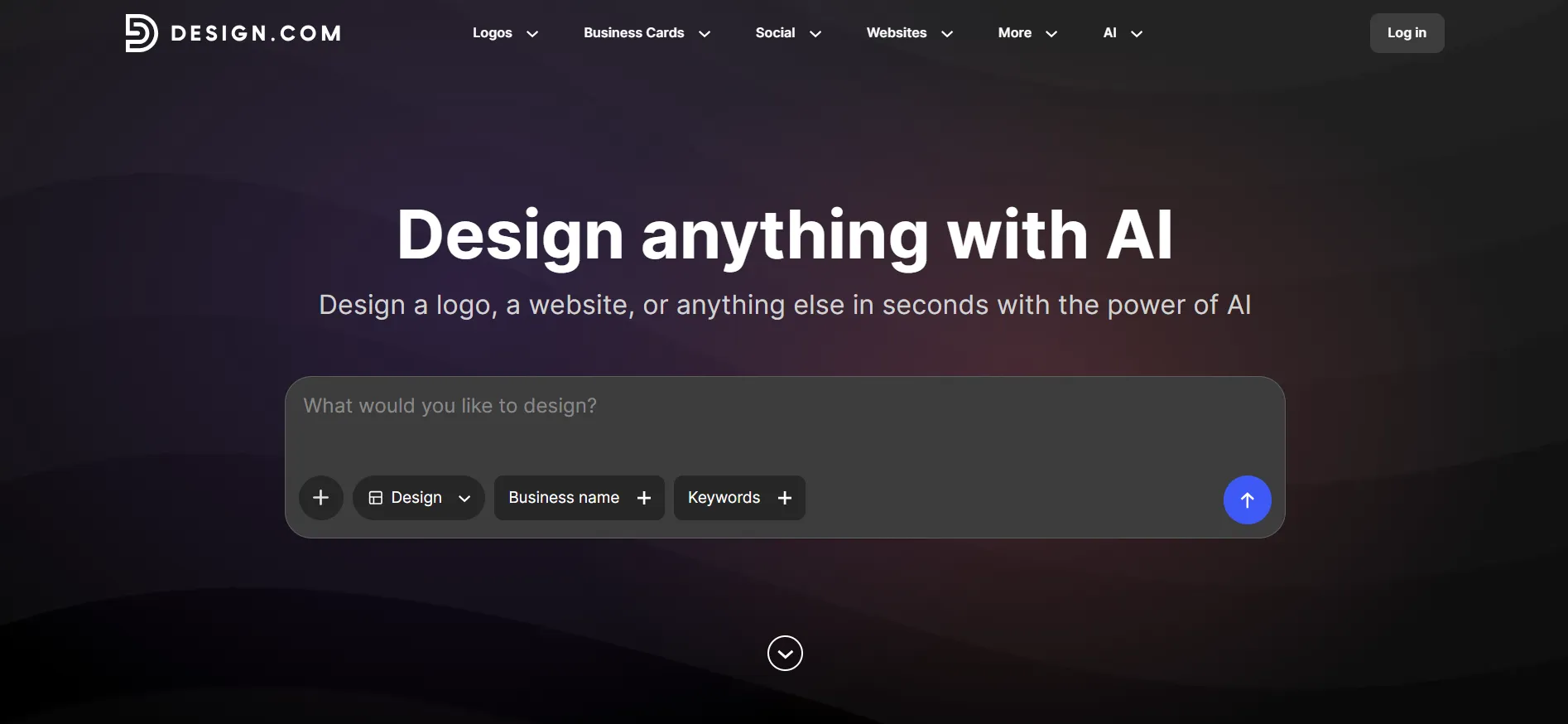
For someone searching for the best AI logo generator, that wider workflow is worth considering. Choosing a logo is one task. Keeping your website, business card, and Instagram page visually consistent is another.
Why Design.com stands out
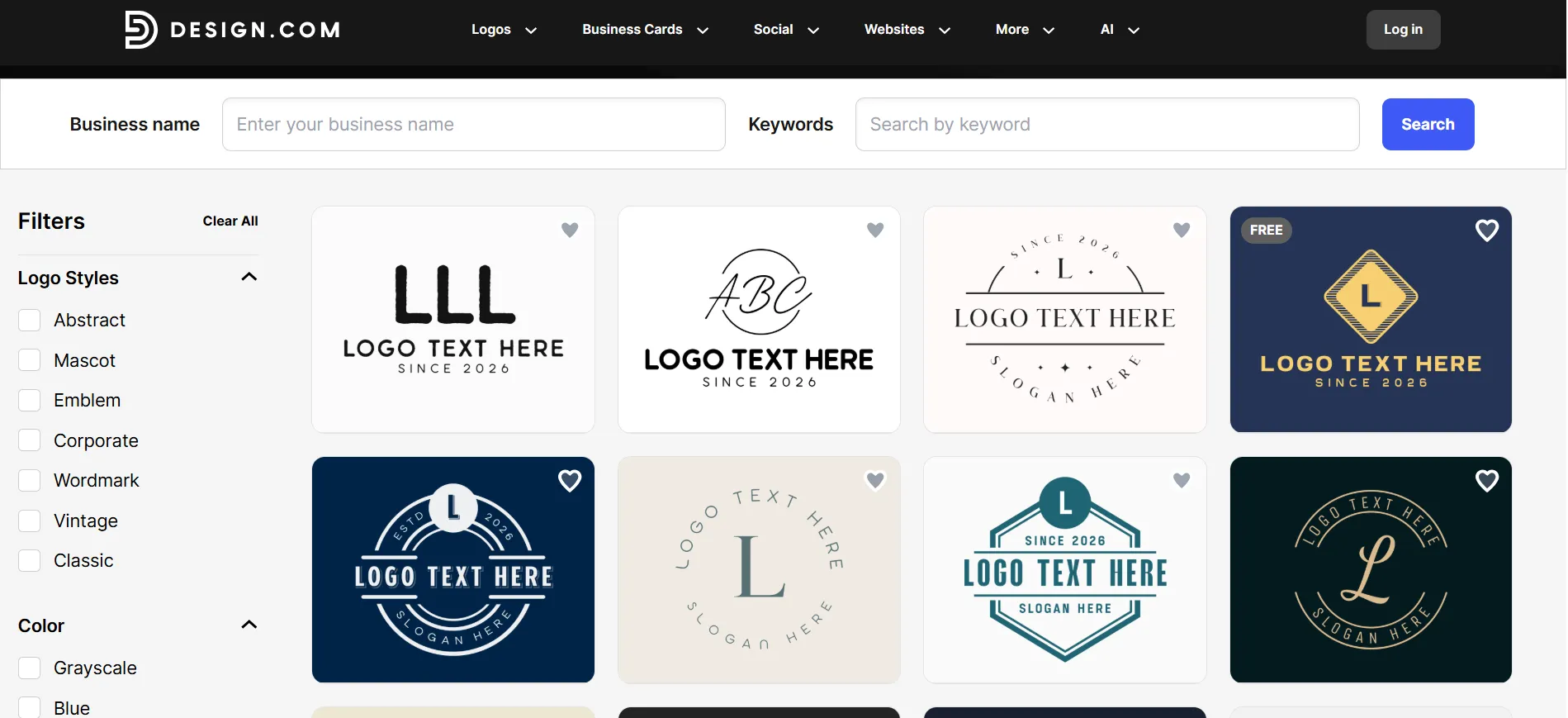
You can start with your business name and a short description, explore the results and refine the direction. The editor supports changes to colours, fonts, layouts, and spacing. Design.com also provides AI-assisted editing and previews that help you judge how a design will look in use.
The platform advertises more than 50 design tools. Its AI logo page also describes matching brand materials that apply your logo, colours and fonts across different layouts. These are provider-listed capabilities, rather than independent performance claims.
That matters for a business owner working alone. Suppose you are opening a bakery. You may need a shop logo, takeaway stickers, a menu, a free business card, and social posts. Working from one brand direction gives you a useful starting point for each item.
It still helps to make a few decisions yourself. Choose a small colour palette. Keep the business name readable. Avoid an icon with so much detail that it disappears on a small label. A large design library gives you options, but it does not make those decisions for you.
Design.com Pricing
Design.com’s pricing is as follows:
Free: Users are free to browse and customize the AI logo generator before downloading, plus selected free design templates that can be downloaded at no cost
Starter: $3/month billed annually, or $9/month billed monthly. Includes high-resolution and vector logo files, unlimited logo changes, 50+ design tools, and access to 618,000+ templates.
Value: $4/month billed annually, or $14/month billed monthly. Everything in Starter, plus a website.
Premium: $5/month billed annually, or $19/month billed monthly. Everything in Value, plus link-in-bio and digital business cards.
The FAQ says annual subscriptions offer lower rates. Offers may differ at checkout, so compare the total amount charged with the renewal amount.
Paid packages include high-resolution and vector logo files. Printing business cards or other physical items costs extra.
Free option and refund policy
You can explore the platform before paying. Design.com also offers selected free logo templates. However, its purchasing FAQ says downloads created with its paid AI tools require an upgrade, so check the download terms for your chosen design.
The refund FAQ says digital logo and asset purchases are non-refundable once made available. It lists a seven-day window for requests concerning the latest automatic renewal.
There is an important qualification: the legal terms separately describe unused subscription renewal refunds within seven days for monthly plans and 30 days for annual or longer plans. Because those pages differ, confirm which terms apply to your purchase.
Pros
- Connects logo creation with a broad set of branding tools.
- High-Quality Logos
- Gives beginners several ways to refine a design.
- Offers vector and high-resolution files in paid packages.
- Helps carry a consistent style into business materials.
Cons
- Web-based only, with no native app
Who should choose it? Small businesses, freelancers and new brands that need a coordinated set of materials. If you only want one simple image and no ongoing design tools, compare the subscription cost with a one-time package elsewhere.
2. BrandCrowd: Best for exploring a wide range of customisable logo designs
BrandCrowd suits people who know what they like once they see it. Enter your business name, browse different directions and use keywords to narrow the results.
Its AI logo generator draws on a large library of designer-created logos. You can change fonts, colours, layouts and other elements. Paid downloads include transparent versions, high-resolution files and vector formats such as SVG, EPS and PDF.
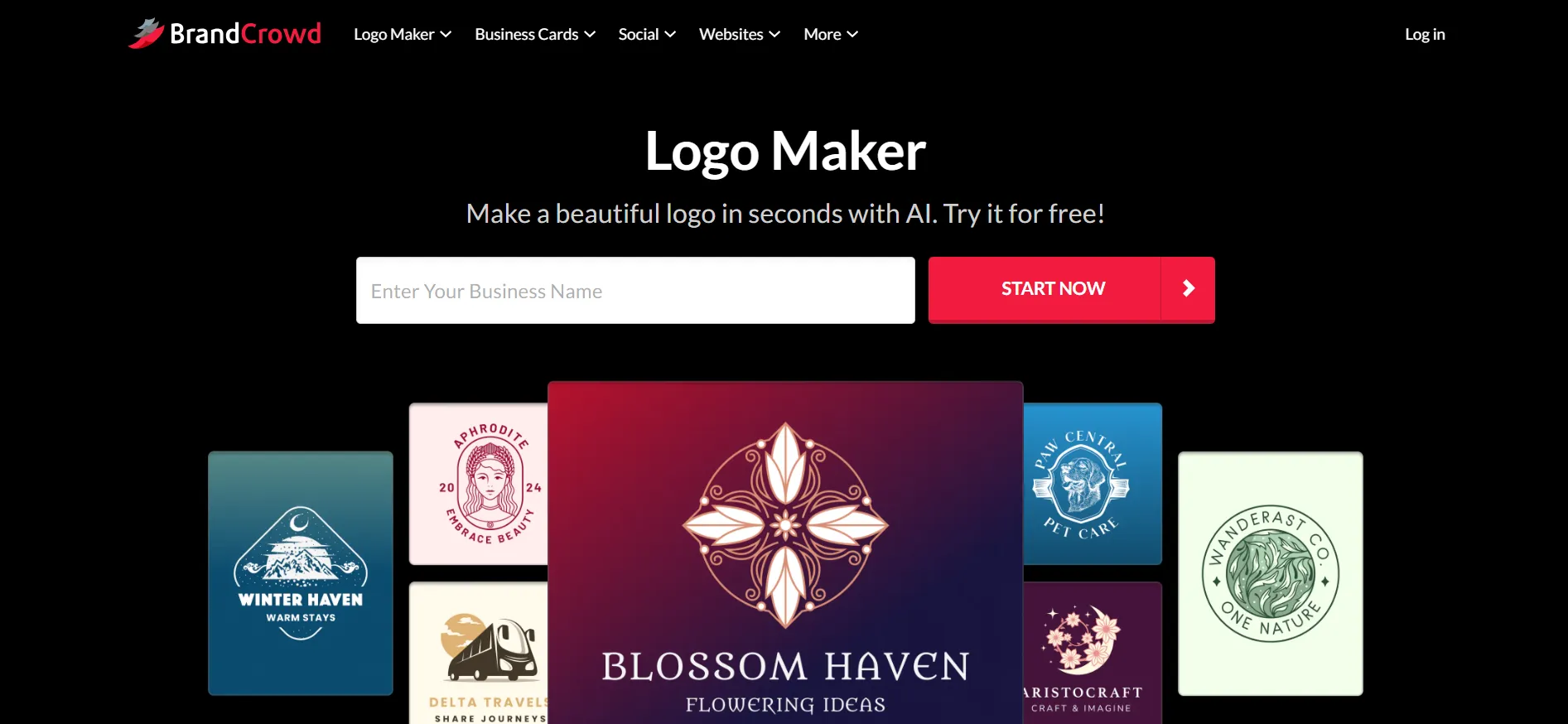
This approach works well when you have not settled on a visual style. A restaurant owner might compare a simple wordmark, a badge, and an illustrated icon before deciding which direction feels right.
Pricing
Free: Users are free to browse and customize the AI logo generator before downloading, plus selected free design templates that can be downloaded at no cost
Starter: $3/month billed annually, or $9/month billed monthly. Includes high-resolution and vector logo files, unlimited logo changes, 50+ design tools, and access to 618,000+ templates.
Value: $4/month billed annually, or $14/month billed monthly. Everything in Starter, plus a website.
Premium: $5/month billed annually, or $19/month billed monthly. Everything in Value, plus link-in-bio and digital business cards.
Free option and refund policy
Free design exploration is not the same as a free premium download. BrandCrowd also has selected free logo designs.
Its service terms do not provide a general change-of-mind refund for digital designs. For unused subscription periods, they describe renewal refund requests within seven days for monthly subscriptions and 30 days for annual or longer subscriptions. Conditions apply.
Pros
- Useful for comparing different logo styles.
- Straightforward customisation controls.
- Paid packages include print-friendly vector files.
- Includes tools for other business materials.
Cons
- Browsing many designs can take time.
- Premium pricing needs a checkout check.
Who should choose it? Business owners who want plenty of visual starting points before committing to a style.
3. Looka: Best for guided logo creation and brand kits
Looka is a good fit if you would rather answer questions than write detailed prompts. It guides you through your preferences and generates logo directions you can adjust.
Its logo-only packages suit buyers who want a finished set of files. The Brand Kit subscriptions extend the design into business cards, social materials, email signatures and other layouts.
Pricing
Basic Logo Package: $20, one-time.
Premium Logo Package: $65, one-time.
Brand Kit Subscription: $96/year.
Brand Kit Web Subscription: $129/year.
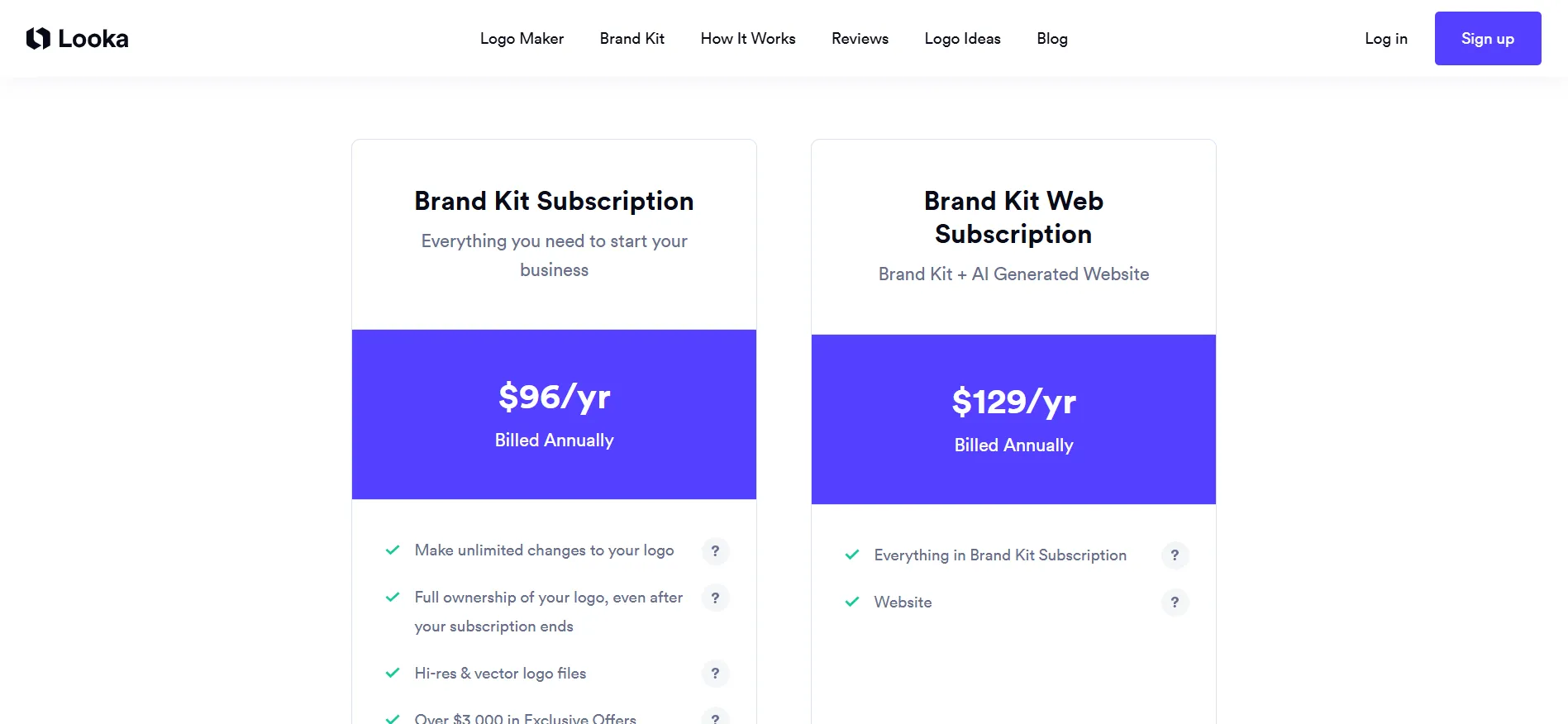
Basic includes a single PNG file. Premium provides multiple high-resolution formats and colour variations, including vector files. Brand Kit subscriptions add branded templates, while Brand Kit Web adds website publishing.
Free option and refund policy
Designing, editing, saving and previewing logos is free. You pay for the files or Brand Kit access.
Looka’s refund help page allows requests within seven days of purchase only if the logo files have not been downloaded or emailed. Review the design carefully before collecting the files.
Pros
- Guided process is approachable for beginners.
- One-time logo packages are available.
- Premium includes several useful file formats.
- Brand Kit options help with matching business materials.
Cons
- The Basic package is limited.
- The business-name field cannot be changed after purchase.
Who should choose it? Founders who want a structured process and clearly separated logo-only and brand-kit options.
4. LogoAI: Best for AI-generated logos and branded marketing assets
LogoAI now offers a broader branding and design subscription. Its current pricing page includes logo creation, an AI Brand Kit, logo animations and brand videos, alongside a Design Studio.
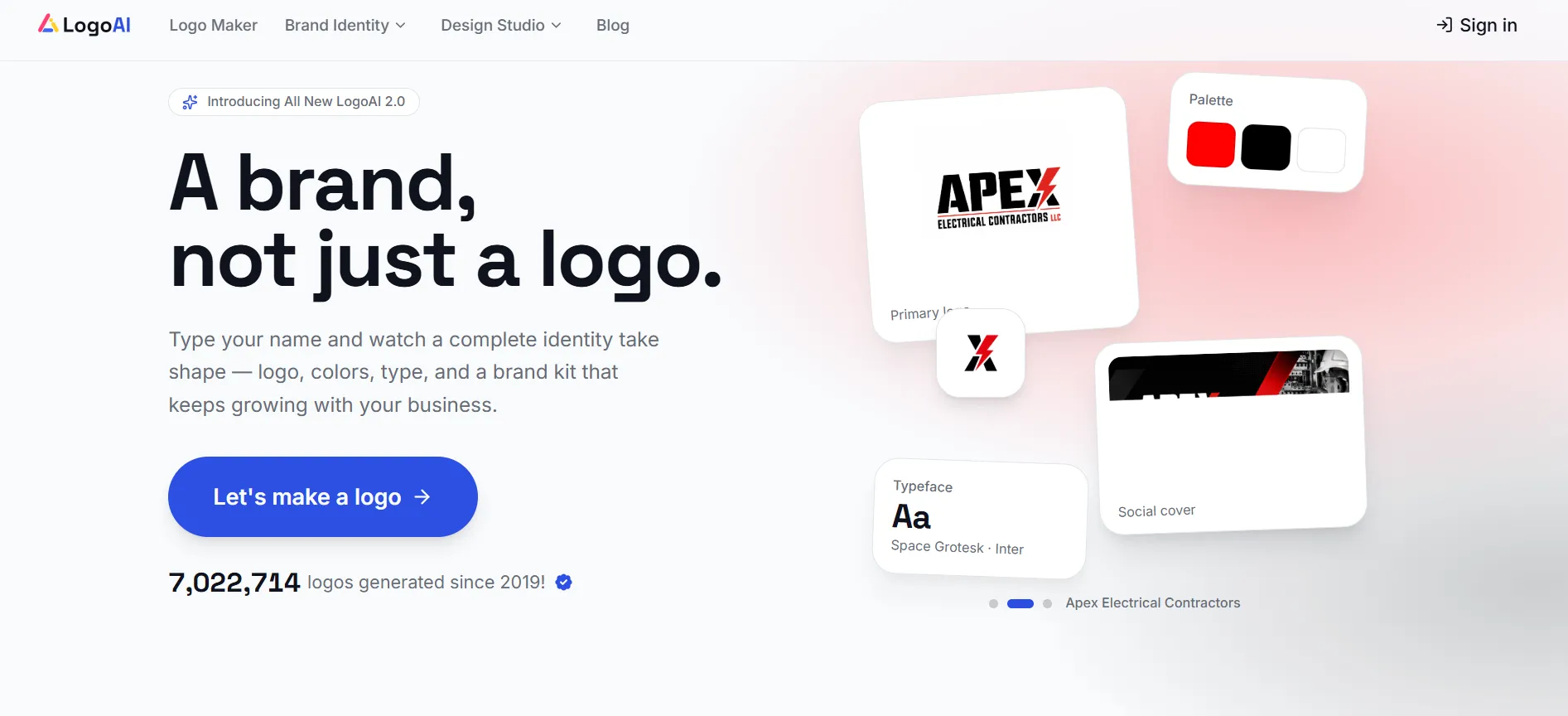
That makes it worth considering if you expect to create moving assets as well as a static logo. It also means older reviews of its one-time packages may no longer describe the main current offer.
Pricing
Seven-day paid trial: $10.
Pro: $20/month.
Trial allowance: 200 AI credits.
Pro allowance: 500 AI credits per month.
The trial renews at $20/month unless cancelled before it ends. Export formats and credit use vary by feature.
Free option and refund policy
The seven-day offer is a paid trial, not a free trial. Check what you can generate before payment and which features require credits.
The current pricing page explains cancellation but does not publish a general refund window. Confirm the applicable refund terms before starting the paid trial.
Pros
- Combines logos with other branded assets.
- Includes animation and video tools.
- Current pricing explains the trial renewal.
- Paid plans include downloads.
Cons
- The trial costs money.
- Continued access uses recurring billing.
Who should choose it? Small teams that want logos, brand assets and motion content within one subscription.
5. Wix Logo Maker: Best for businesses building a website alongside their logo
Wix Logo Maker is a practical choice when your website is already on Wix or you intend to build it there. You can create a logo, refine it and choose a logo-only package or a bundle with online-presence tools.
The useful question is which files you need. A logo for a website is different from a logo that will also appear on signs, packaging and merchandise.
Pricing
Wix offers one-time Basic, Advanced and Brand Plus logo plans, along with logo-and-website options. Current amounts should be checked in the purchasing flow.
Basic: High-resolution PNG files.
Advanced: Adds scalable SVG files and more brand formats.
Brand Plus: Adds Brand Kit access and further editing features.
Avoid using website subscription prices as though they were standalone logo prices.
Free option and refund policy
You can design a logo and download a low-resolution sample for free.
Wix’s plan help page describes logo-only purchases as non-refundable. Its separate logo terms mention a discretionary review for requests made within seven days where the logo has not been downloaded. Do not apply the website-plan money-back guarantee automatically to a logo purchase.
Pros
- Convenient for existing Wix users.
- Free sample helps you review the design.
- One-time logo packages are available.
- Higher plans include scalable files.
Cons
- Exact prices require a checkout check.
- Basic does not include vector files.
Who should choose it? Businesses that want their website and logo tools close together.
6. Canva: Best for beginners who want logos and other visual content
Canva is useful when the logo is one part of a much larger content workload. You can create a logo layout, then use the same colours and typography in presentations, social posts and printed materials.
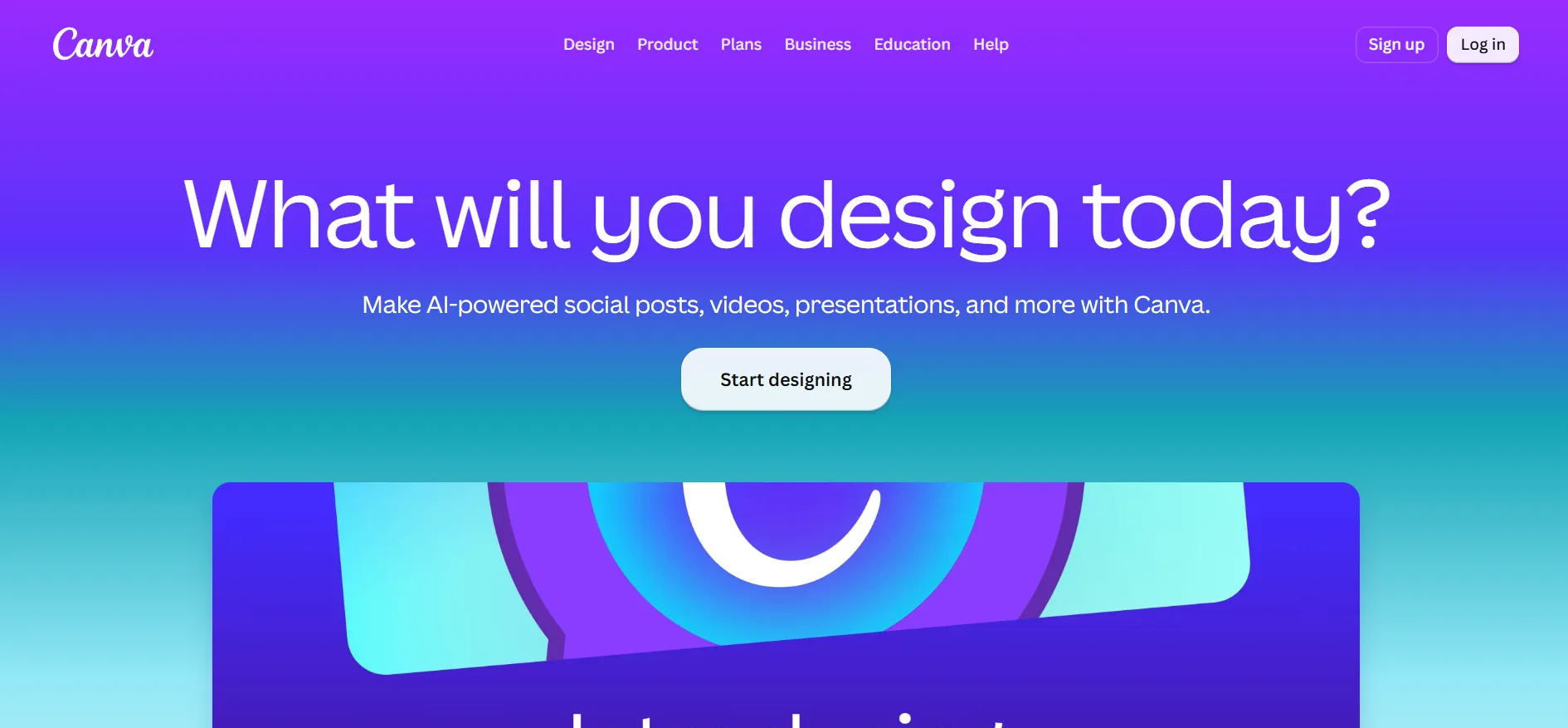
Its AI tools can help you explore ideas, while the editor gives you direct control over the layout. That flexibility is helpful, but you will still need to decide which elements belong in the finished logo.
Pricing
Canva Free: $0.
Canva Pro: The public page reviewed displayed $144/year for one person.
Canva Business: The same page displayed $250/year per person.
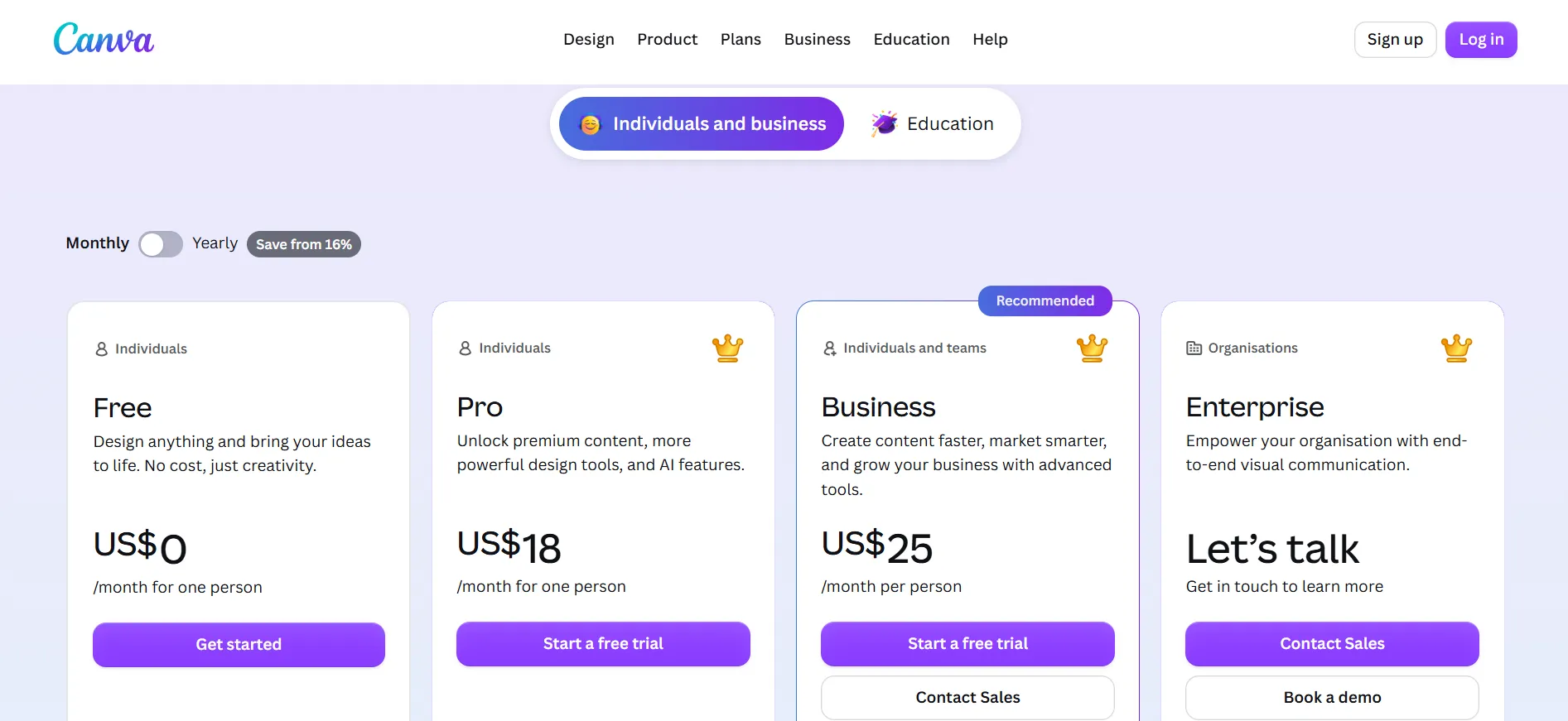
Local billing and monthly prices can differ. Check your account’s offer before subscribing.
Free option and refund policy
Canva has an ongoing free plan and offers eligible users paid-plan trials. Its terms allow Canva to set trial duration and eligibility, so do not assume every account receives the same number of days.
Ordinary cancellation takes effect at the end of the billing cycle and does not automatically refund fees already paid, except where required by law.
For logos, licensing deserves attention. Canva says its library graphics generally cannot be used in a registered trademark, with exceptions for fonts, simple shapes and lines. Original uploaded artwork is another route.
Pros
- Easy to learn.
- Useful for many types of business content.
- Free plan is available.
- Flexible manual editing.
Cons
- Premium assets and features cost extra.
- AI access has limits.
Who should choose it? Beginners and small teams that need regular visual content alongside their logo.
7. Adobe Express: Best for creating logos within a broader design toolkit
Adobe Express combines logo creation with tools for social graphics, videos, documents and other content. Its free logo maker provides a starting point, while the main editor lets you develop the design further.
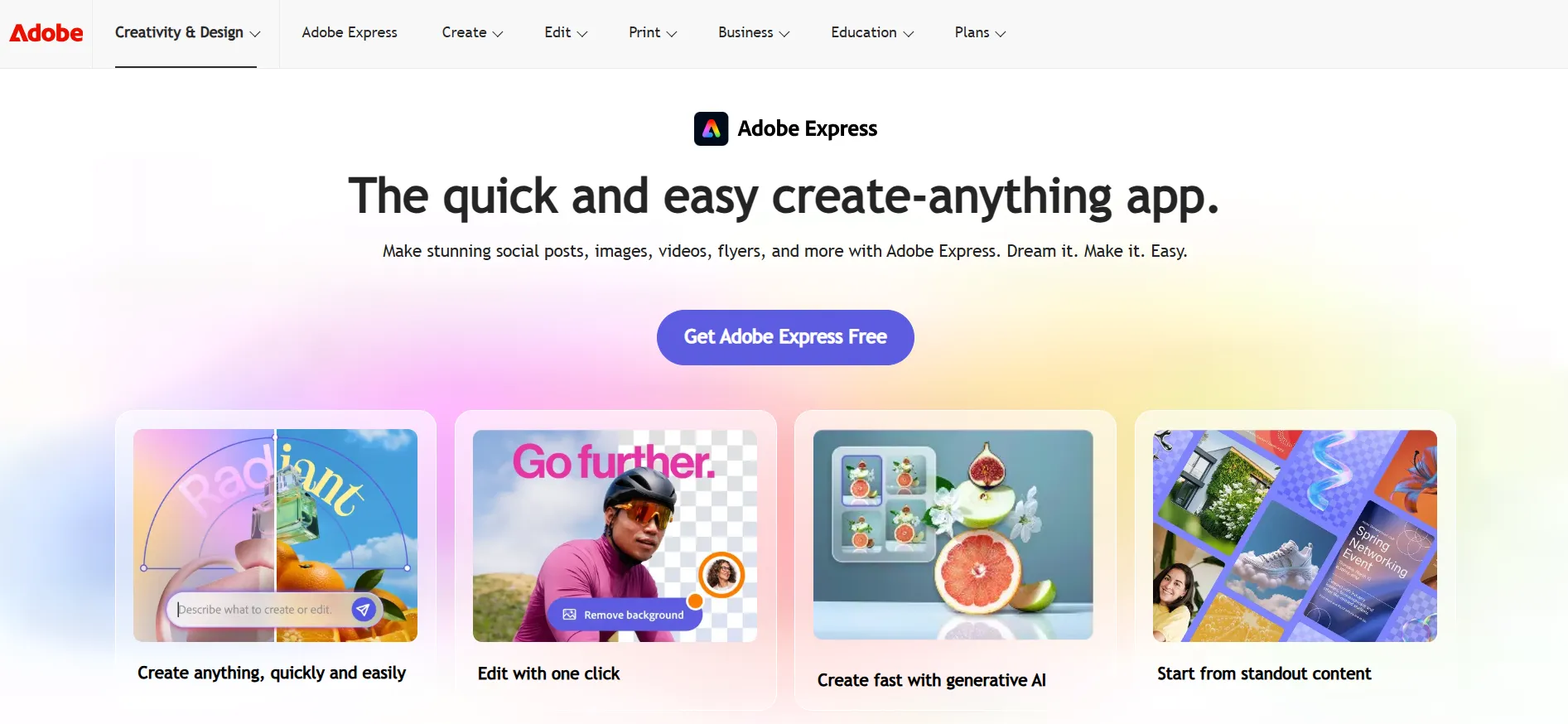
It is a sensible option if you already use Adobe products or want a broader creative workspace.
Pricing
Adobe Express Free: $0.
Adobe Express Premium: US$9.99/month on the US pricing page.
India Premium price: ₹398.84/month including GST on the Indian page reviewed.
These are regional subscription prices, not currency conversions.
Free option and refund policy
The Free plan does not require a credit card. Adobe advertises a 30-day Express Premium trial; billing starts after the trial unless you cancel.
Refund and cancellation rules depend on the selected plan, region and purchase channel. Review those terms separately from the trial offer.
Pros
- Free logo creation tools are available.
- Useful for a broader range of content.
- Works within the Adobe ecosystem.
- Premium trial offers time to explore the tools.
Cons
- Some assets and features require Premium.
- AI generations use allowances or credits.
Who should choose it? People who want logo creation within an everyday creative toolkit.
8. Tailor Brands: Best for logos and business branding tools
Tailor Brands offers a structured logo process based on your business information, preferred logo type and font choices. Its platform also includes other business tools.
Its own support guide describes the editor as suitable for straightforward designs rather than highly artistic custom work. That is useful to know before spending time on a complex brief.
Pricing
The logo subscriptions are Basic, Standard and Premium, with monthly, yearly and two-year billing options.
Tailor Brands directs users to the Upgrade option beside their design in Tailor Studio to see applicable prices and features. Its public LLC formation prices are for a different service and should not be quoted as logo-plan prices.
Free option and refund policy
Free perks include a logo sample. No universal logo-subscription trial or refund period was confirmed on the current public pages reviewed.
You can cancel branding subscriptions in your account and retain access until the end of the billing cycle. Download important files before expiry.
Pros
- Guided process keeps the first steps simple.
- Offers name, initial and icon-based directions.
- Connects logos with other business tools.
- Several billing periods are available.
Cons
- Prices appear inside the account flow.
- Cannot freely upload custom fonts or icons into the logo editor.
Who should choose it? Entrepreneurs who want a straightforward logo and are also interested in the platform’s wider business tools.
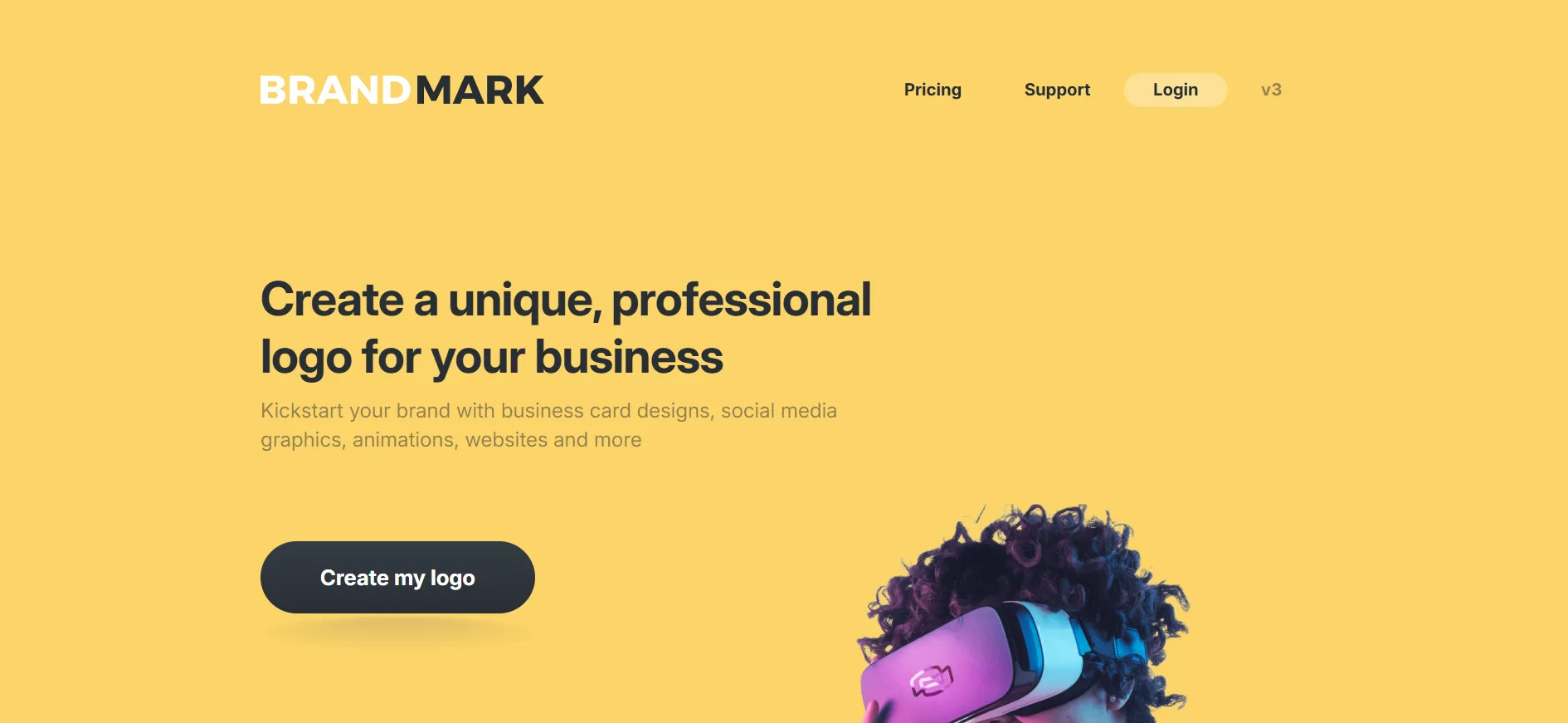
9. Brandmark: Best for AI-assisted logo concepts and brand identity packages
Brandmark is worth considering if you prefer a one-time purchase. Its platform combines logo concepts with brand materials, and the packages give you a clearer choice between basic files and a broader identity kit.
Pricing
Basic: $35, one-time.
Designer: $95, one-time.
Enterprise: $195, one-time.
Basic includes PNG and vector logo files. Designer adds source files, revisions, brand guidelines and supporting designs. Enterprise includes the Designer package plus up to 10 original hand-crafted concepts and a font download.
Free option and refund policy
Brandmark lets you generate logos for free without creating an account. Purchasing unlocks the chosen package.
A clear general refund window was not found on the public pricing and terms pages reviewed. Ask support before paying if refund eligibility is important to your decision.
Pros
- One-time pricing.
- Vector files are included in Basic.
- Broader brand assets are available.
- Higher package includes human-created concepts.
Cons
- Complete brand materials cost more.
- Free generation does not include the paid package.
Who should choose it? Buyers who want a logo package without another monthly subscription.
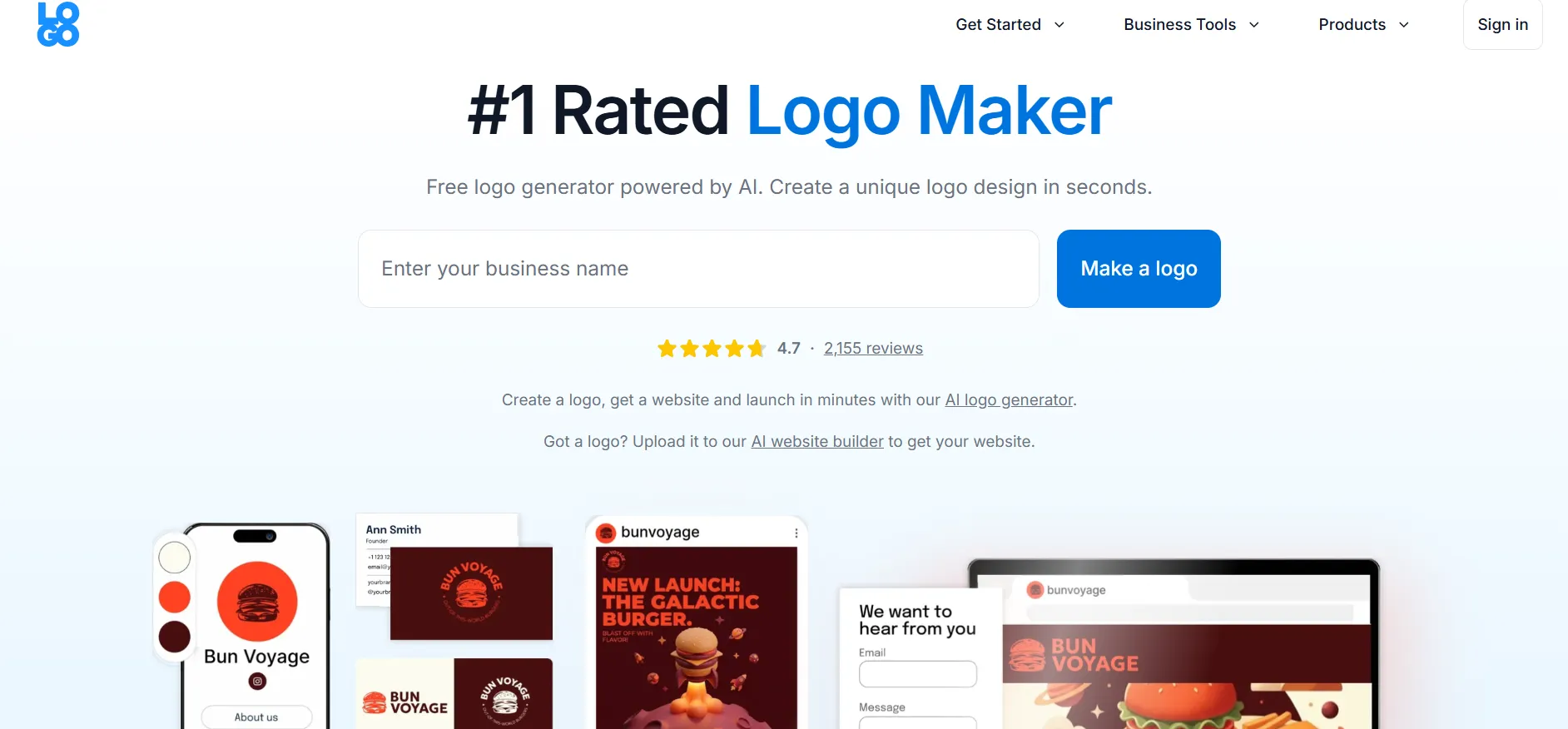
10. LOGO.com: Best for a straightforward logo creation experience
LOGO.com is a useful starting point when you want to create a logo without committing to a paid plan. The current free offering includes PNG files, while paid plans add more formats and brand tools.
Pricing
LOGO.com’s current company reference lists:
Free: $0.
Brand Plan: $15/month, or a listed $36 introductory first-year price with annual billing.
Business Plan: $50/month, or a listed $120 introductory first-year annual price.
Other public LOGO.com pages still display different plan names and amounts. Treat the figures above as the provider’s current published reference and confirm the checkout total and renewal price.
Free option and refund policy
The free plan includes one saved logo and PNG downloads. Paid plans add formats such as SVG and PDF.
LOGO.com offers a seven-day satisfaction guarantee for a first Brand Plan or Business Plan purchase. It excludes renewals and third-party services; a domain’s standard cost may be deducted where relevant.
Pros
- Free downloadable logo option.
- Simple route from an idea to a usable design.
- Paid plans add vector formats and brand materials.
- First-purchase refund policy is clearly explained.
Cons
- Free downloads are limited to PNG.
- Public pricing pages contain inconsistent figures.
Who should choose it? Entrepreneurs who want to start free and upgrade only when they need more files or branding tools.
How to choose the right AI logo generator
Start with where the logo will appear. A freelancer using it on a website and invoice may need fewer assets than a café printing menus, signs, and takeaway packaging.
Before paying, check these five things:
File formats: Ask for SVG or EPS if you need scalable artwork for printing.
Transparent background: Useful when placing the logo on different colours.
Small-size readability: Check the name and icon at profile-picture size.
Editing rights: Find out what can be changed after purchase.
Billing: Compare the amount due today, renewal cost and cancellation process.
Also try the logo in black and white. If it only works with gradients, shadows or a detailed background, simplify it before ordering printed materials.
FAQs: Best AI Logo Generators
Design.com is our first pick for that use case. It connects logo creation with business cards, websites, social graphics and other branded materials, making it useful for businesses that want a coordinated set of designs.
Yes, depending on the tool and design. Canva, Adobe Express and LOGO.com offer free options, while Design.com and BrandCrowd have selected free designs. Check download quality, file formats and commercial-use terms before choosing.
Free design access lets you create or preview logos without payment. A subscription trial temporarily unlocks paid features and may require a payment method. LogoAI’s seven-day trial is paid, so it should not be described as free.
A vector file is strongly recommended if you will print the logo at different sizes. SVG and EPS artwork can scale without the blurring that can affect an enlarged PNG. Keep a PNG copy for everyday digital use too.
Not automatically. Commercial-use permission, copyright claims, exclusivity and trademark registration are different matters. Read the provider’s licence and check whether any icons, fonts or templates remain available to other users.
Looka’s logo-only packages and Brandmark’s packages use one-time payments. Compare the included files and editing rights before buying. Their brand tools and higher packages may offer different levels of access.
Quick Links:
Conclusion: Best AI Logo Generators 2026 Which AI logo generator is right for your business?
Choose Design.com if you want a logo and matching brand materials in one workspace. Try BrandCrowd if you need to explore several styles, or Looka if you prefer a guided process and clearly separated packages.
For broader content creation, Canva and Adobe Express are useful choices. Brandmark suits one-time buyers, while LOGO.com gives entrepreneurs a free starting point.
Before purchasing, check the logo at a small size, confirm the files you will receive and read the billing terms. A design that stays clear and useful across your business is worth more than a preview that only looks impressive on screen.