
Every business needs a logo. Not every business can afford a design agency. That gap is where logo makers come in.
A logo maker lets you create a professional logo in minutes. You enter your business name, pick your style, and the tool does the design work. No design degree needed. No agency invoice.
| Best For | Quick, polished logos with ready-made brand assets. | Everyday graphics, social posts, and simple brand kits. | Fast AI-generated logos with a full brand identity. |
| Pricing | One-time logo packages, with bundles for brand kits. | Free plan, with Pro and Teams paid tiers. | Pay for the logo files you keep, with optional bundles. |
| Features | AI logo creation, brand kit files, and easy edits. | Huge template library, brand kit tools, and team sharing. | AI logo designs, color palettes, and social media kits. |
But which tool should you pick? Three names come up again and again: Design.com vs Canva vs Looka. All three can make a logo. They are not built the same way, and they do not cost the same either.
We compared all three on price, features, file formats, and overall value. Here is what we found.
The Quick Answer: Design.com vs Canva vs Looka
If you want the short version: Design.com wins this comparison. It is the only tool built from the ground up for logos and branding.
It offers more templates, more file formats, better AI editing, and lower prices than the competition.
Canva is a great general design tool, but a logo is a small part of what it does. Looka makes decent logos, but its best features sit behind a subscription, and its cheapest tier is close to useless.
Now the details.
Design.com: the logo maker built for logos
Design.com is the most focused logo maker in this comparison. It does one job, logos and brand identity, and it does that job extremely well.
How it works
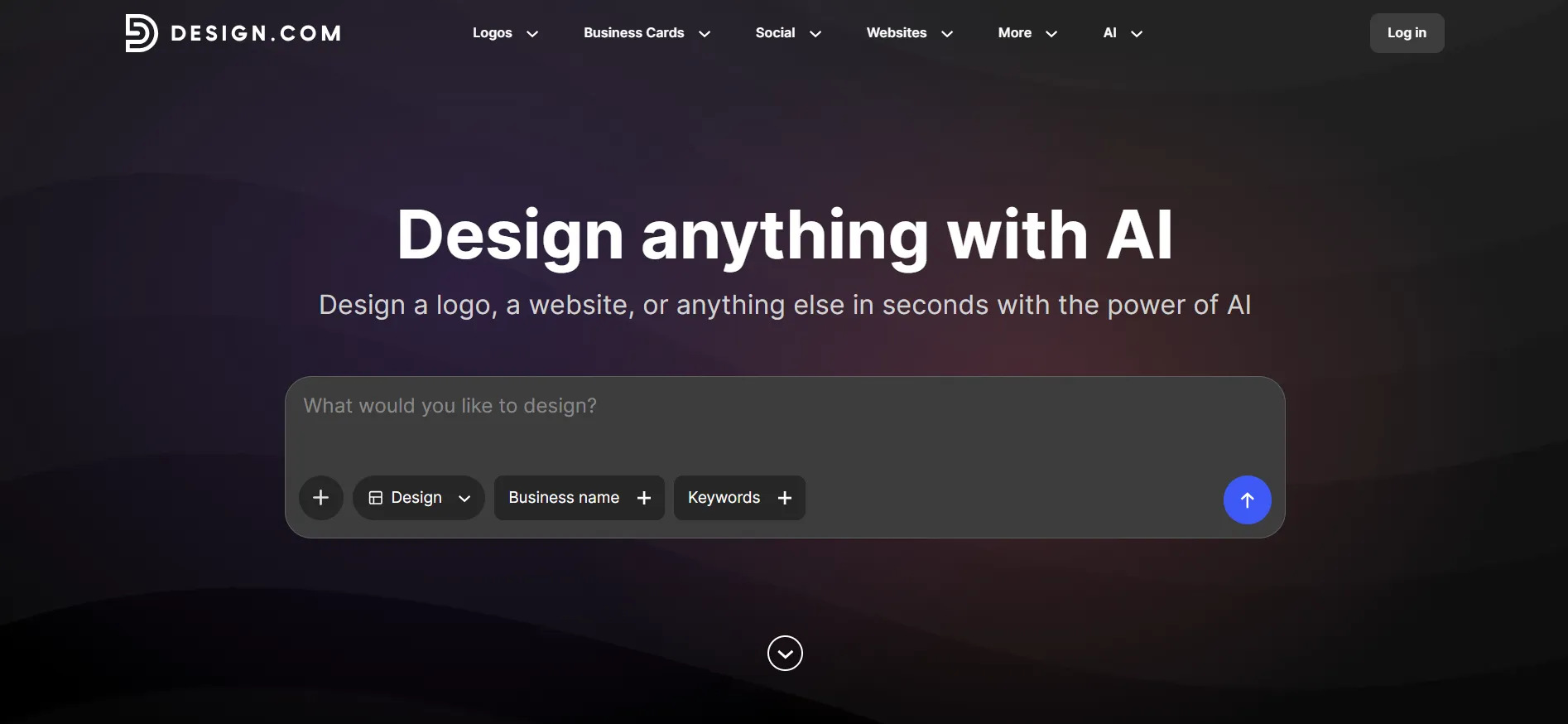
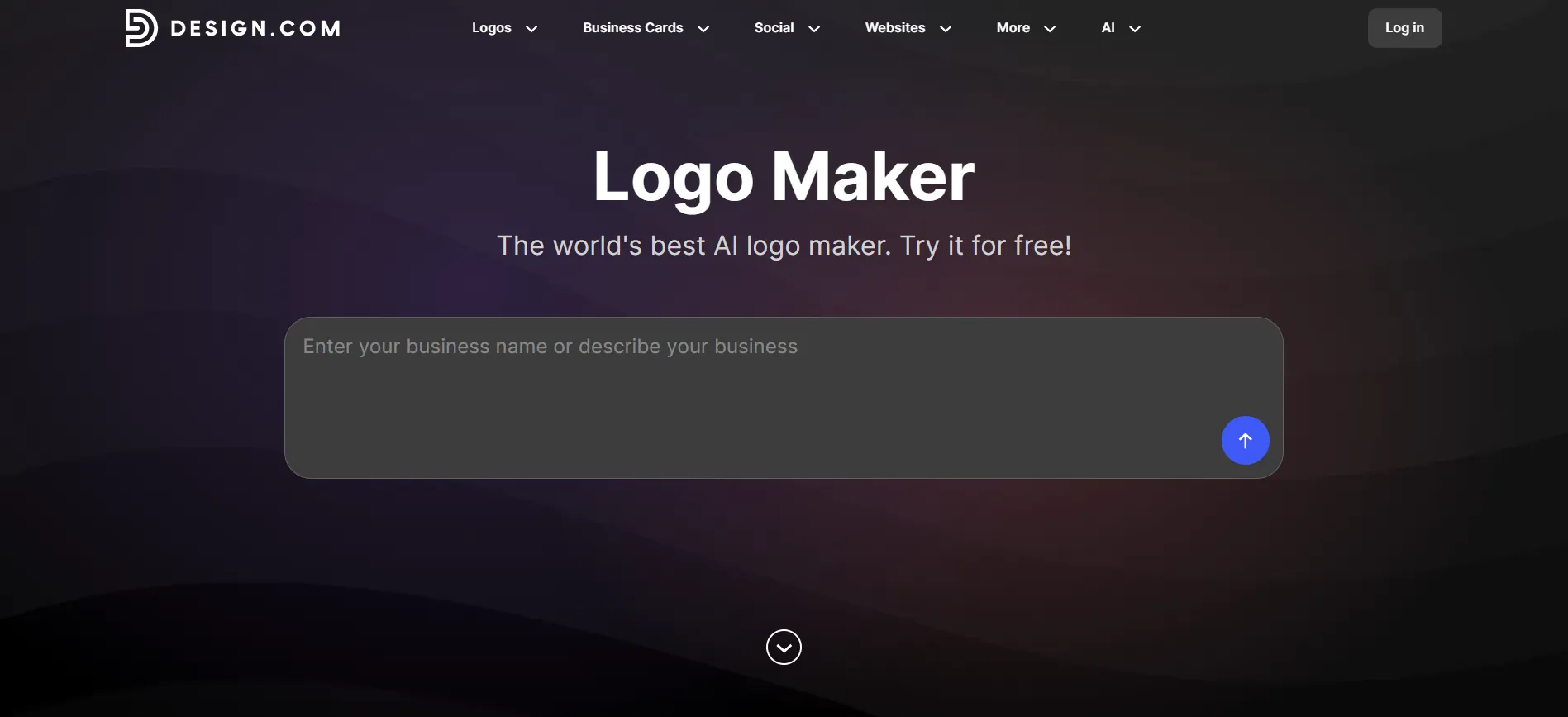
You start by entering your business name and a few details about your company. The AI logo generator then creates logo concepts based on your industry and the visual style you want. From there, you can customise everything: fonts, colours, shapes, layouts, and icons.
The editing experience deserves a mention. Design.com offers AI-powered editing with a chat-based interface. You describe the change you want, and the AI makes it. No design skills required. Most people go from a blank page to a finished logo in under ten minutes.
Template and asset library
This is where Design.com pulls far ahead of both competitors. The platform offers over 500,000 logo designs and more than 1 million templates across every category. Its font library includes 750+ fonts, over 525 of which are exclusive to the platform.
The shape library holds more than 62,000 custom vector shapes.
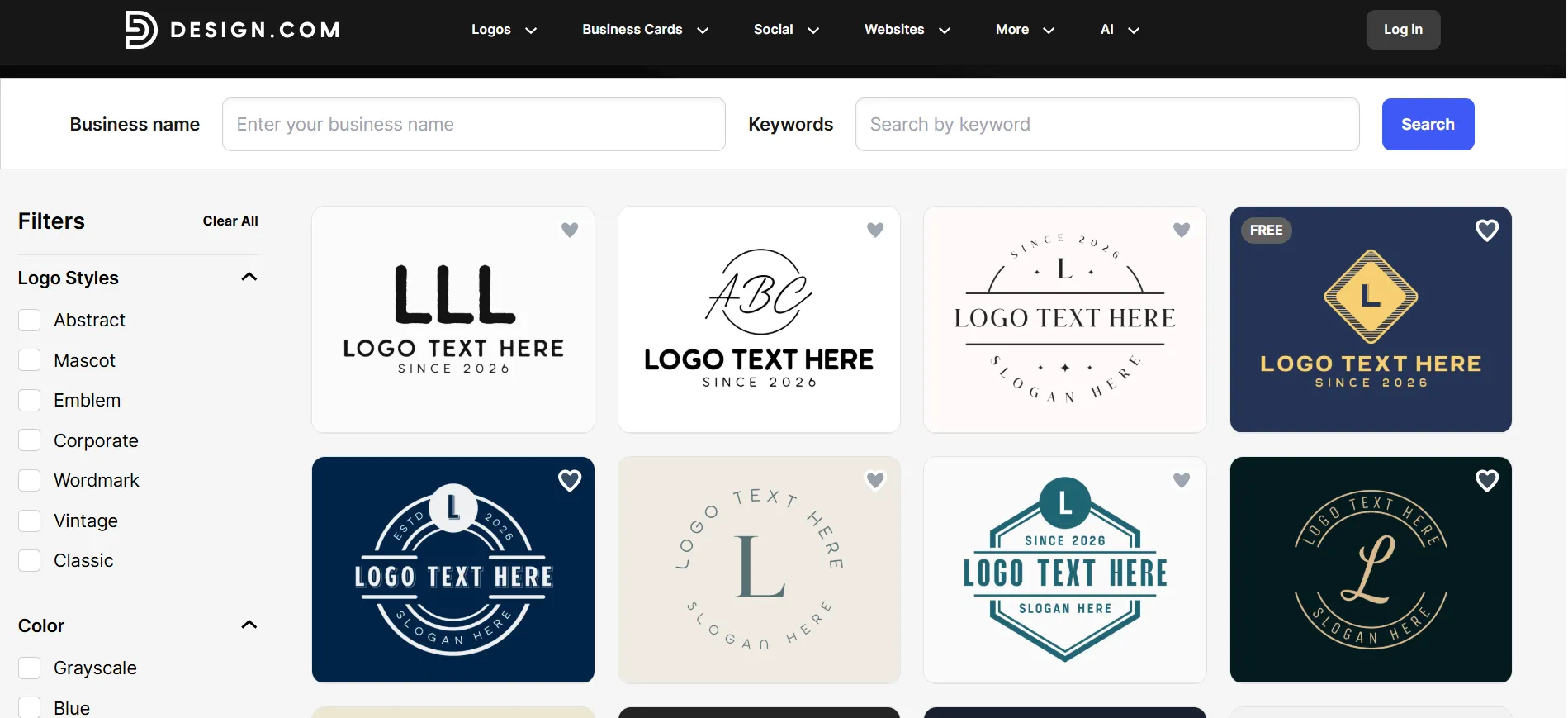
In plain terms: whatever your industry, whatever your style, you will find options here. A bakery, a law firm, a SaaS startup. All covered.
File formats
Design.com gives you the most complete export package of any tool we tested. Every logo download includes:
Vector files: SVG, EPS, and PDF
Raster files: PNG and JPG
Animated formats: GIF and MP4
Transparent background versions
Icon-only versions of your logo
Why does this matter? Because printers, sign makers, and developers ask for different formats. With Design.com, you have them all from day one. With some competitors, you will pay extra, or find out too late that your files are not enough.
Beyond the logo
A logo is only the start of a brand. Design.com includes more than 50 additional design tools: business cards, social media posts, email signatures, letterheads, menus, QR codes, presentations, and more.
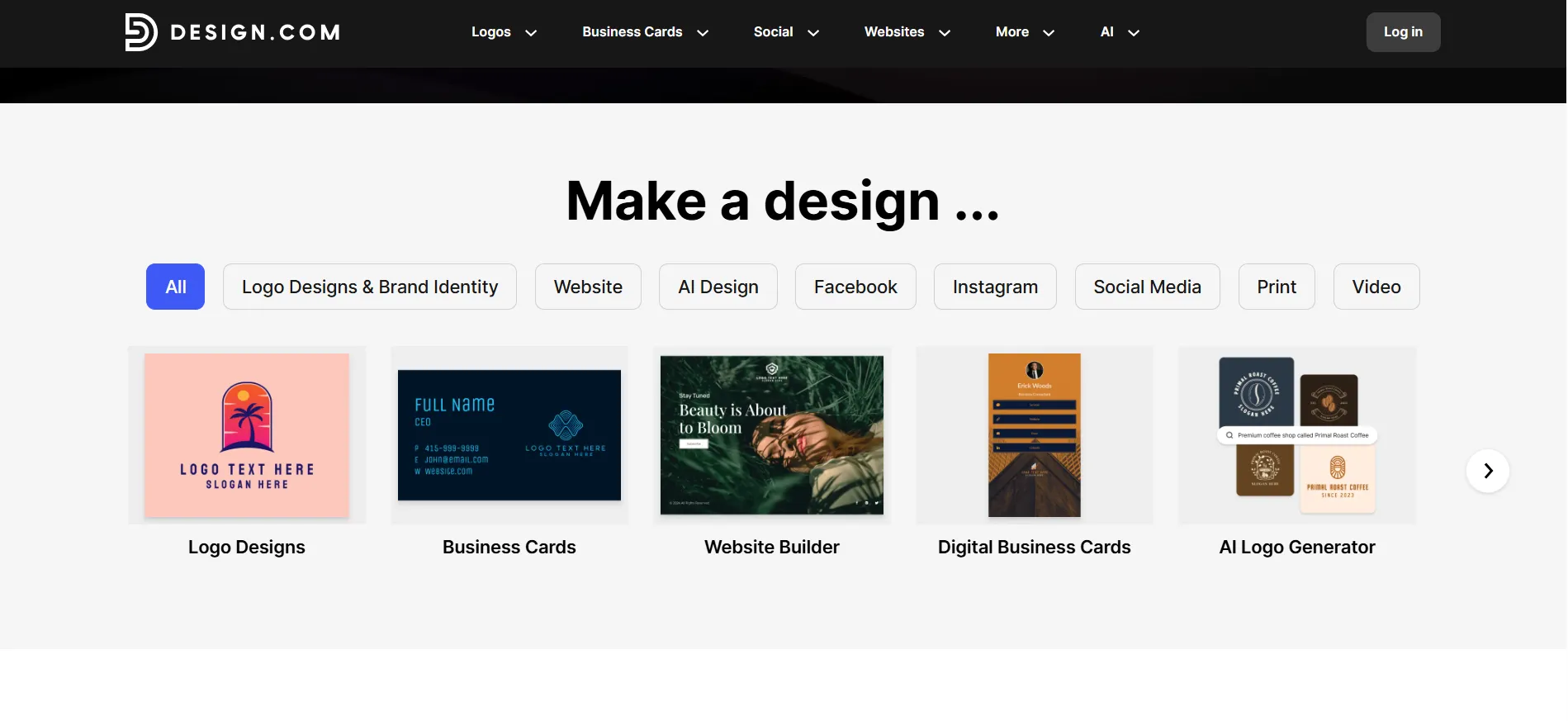
Every template automatically picks up your logo's colours, so everything stays consistent without extra effort.
The platform also offers real-world mockups. You can preview your logo on business cards, signage, websites, and merchandise before you commit. It even includes printing for business cards, apparel, mugs, and more, with free delivery. You can register a domain through the built-in AI domain name generator.
Design.com pricing
Design.com has a genuinely useful free plan. You can design and download a logo at no cost. Paid plans unlock premium templates and the full toolset:
Plan | Monthly | Annually (per month) | What it adds |
Free | $0 | $0 | Logo downloads, website, digital business card |
Starter | $9 | $3 | Premium designs, unlimited edits, 50+ design tools, 618,000+ templates |
Value | $14 | $4 | Everything in Starter, plus the AI website builder |
Premium | $19 | $5 | Everything in Value, plus link-in-bio and digital business cards |
At $3 to $5 per month on annual billing, Design.com undercuts both competitors by a wide margin. An exclusive license is also available if you want full ownership of your design.
Support runs 24/7 through email and chat. The platform holds a 4.7-star Trustpilot rating from more than 4,000 reviews.
Canva: The design Swiss Army knife
Canva is one of the most popular design tools on the planet, and for good reason. It can make social posts, presentations, videos, posters, websites, and yes, logos.
What Canva does well
Canva's strength is breadth. Its free plan includes 1.6 million templates and a full drag-and-drop editor.
The template library is enormous, the editor is easy to learn, and the Brand Kit feature keeps your colors and fonts consistent across designs. If you need one tool for all your visual content, Canva is excellent.
Where Canva falls short for logos
Here is the catch: Canva is a general design tool, not a logo maker. Its logo features are a small corner of a very large product.
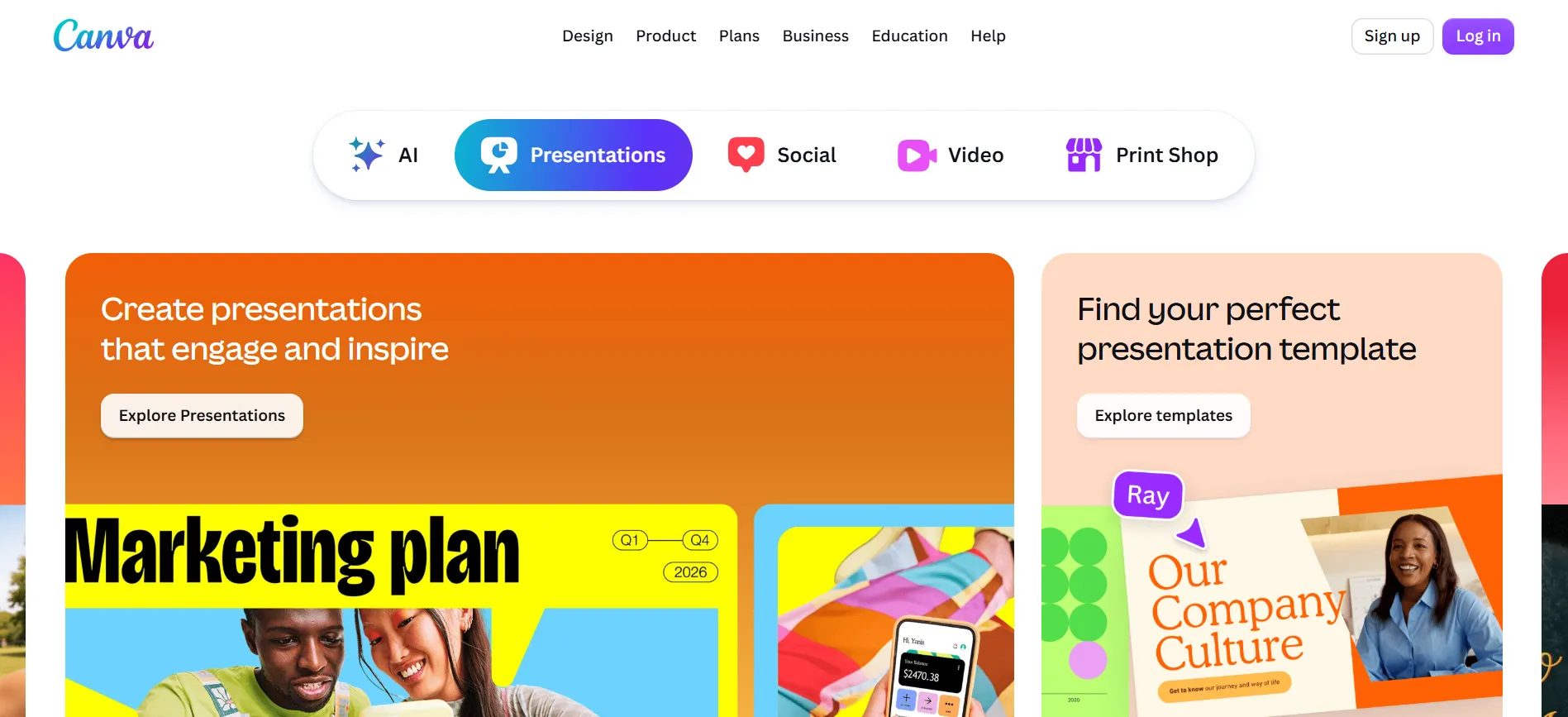
The AI logo generation exists, but it is basic compared to a purpose-built tool. Many of Canva's logo “templates” are used by thousands of other businesses, which makes standing out harder.
File formats on the free plan are limited, and vector exports like SVG require a paid plan. The Brand Kit features that make branding practical sit behind the subscription.
Canva pricing
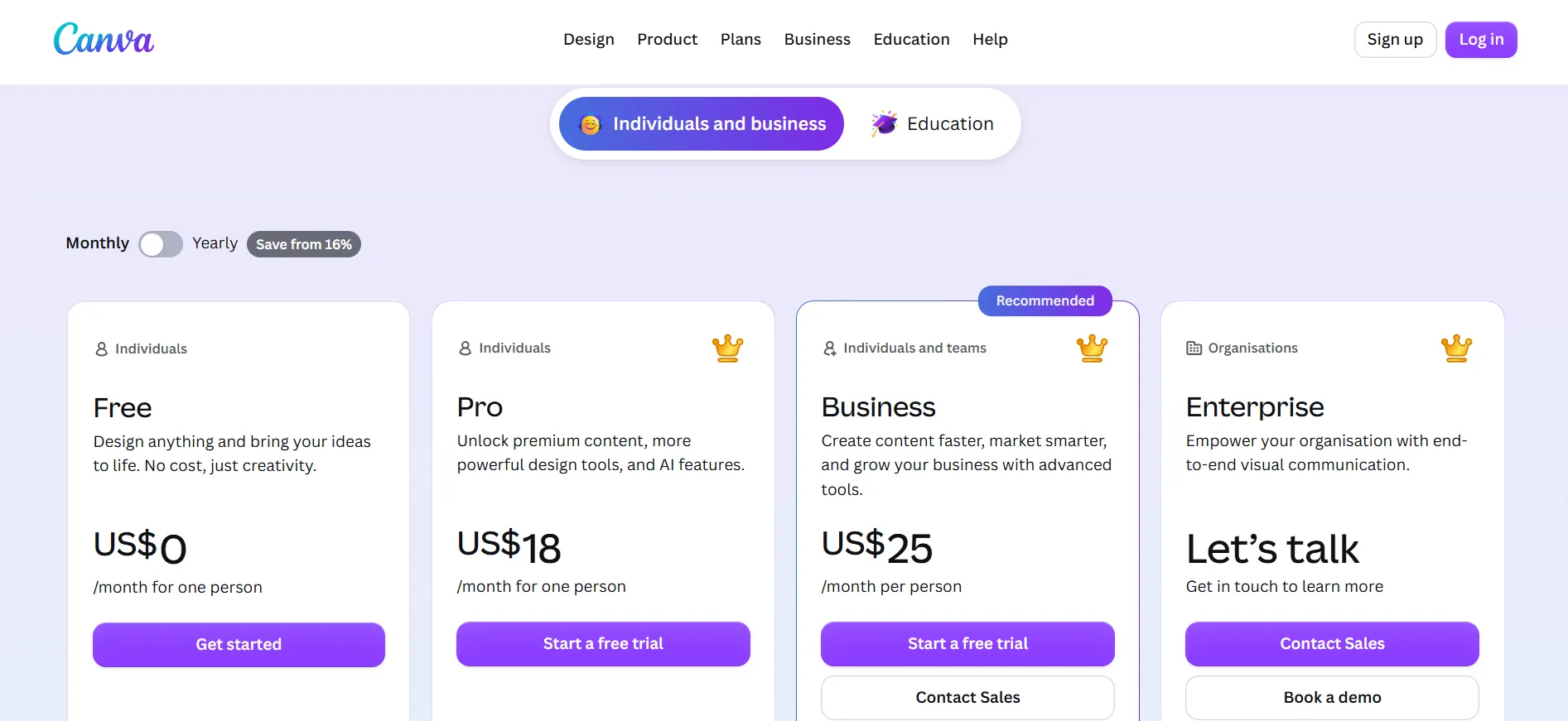
Canva pricing starts with a free plan and moves up to Pro, Teams, and Enterprise tiers. Paid plans unlock premium templates, brand tools, and more storage. Compare the options to find the plan that fits your design needs and budget.
Plan | Price |
Free | $0 |
Pro | $18/month or $180/year per person |
Business | $25/user/month or $250/user/year |
Those prices are the real issue for logo buyers. If all you need is a logo, you are paying $180 a year for a tool built for something else. Canva makes sense if you will design posts, decks, and videos every week. For a logo, most of what you pay for goes unused.
Looka: Quick logos, limited value
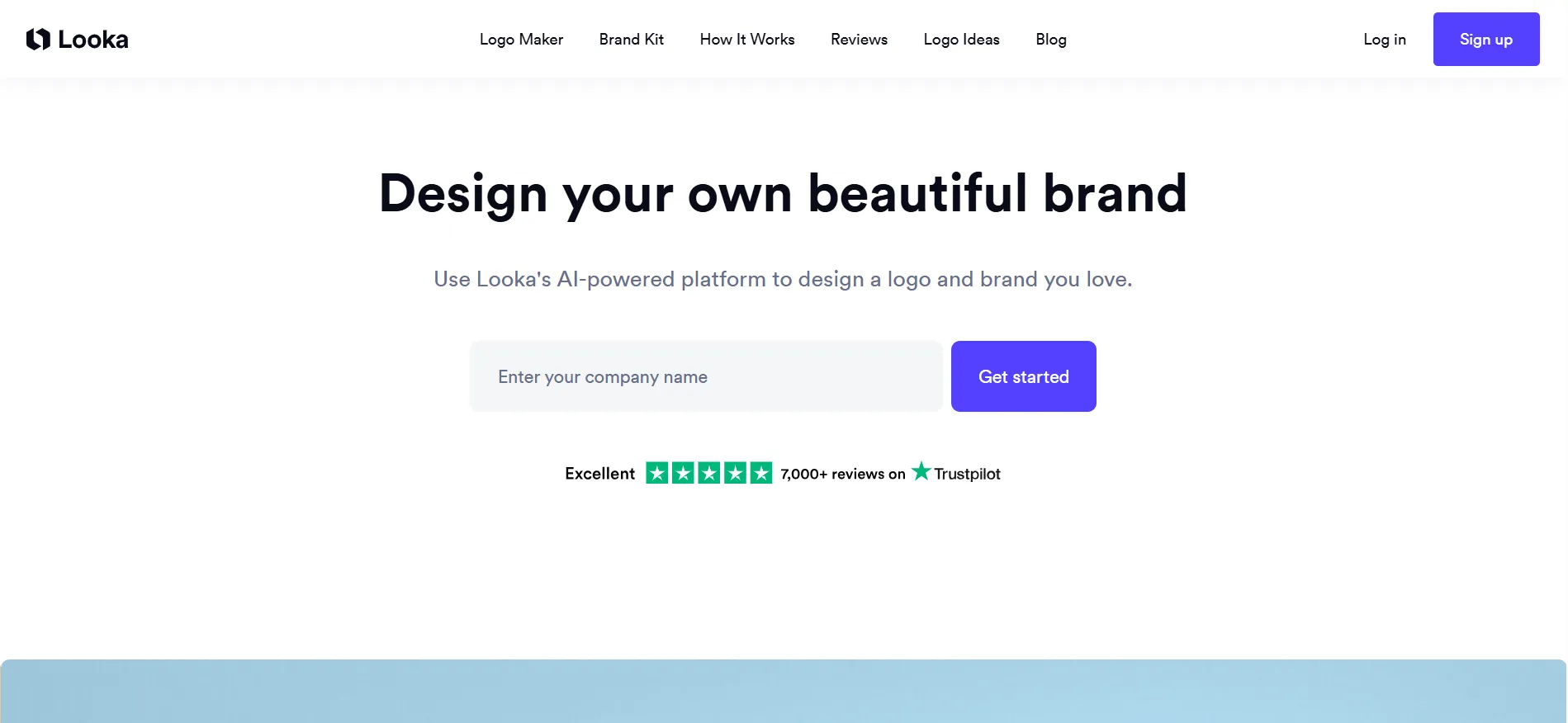
Looka is a dedicated logo and branding platform, closer to Design.com in focus. It generates logos from your business name and style preferences, and its Brand Kit applies your logo to hundreds of branded templates.
What Looka does well
Looka's free tier lets you design and preview unlimited logos before paying anything, which lowers the risk of trying it. The Premium one-time package includes full ownership and good file formats. The Brand Kit templates are genuinely handy for social media and print.
Where Looka falls short
Looka's pricing structure has traps. The $20 Basic package includes a single low-resolution PNG file: no vectors, no transparent background, no colour variations. It cannot be used for print or scaled for signage. In practice, $65 is the real starting price.
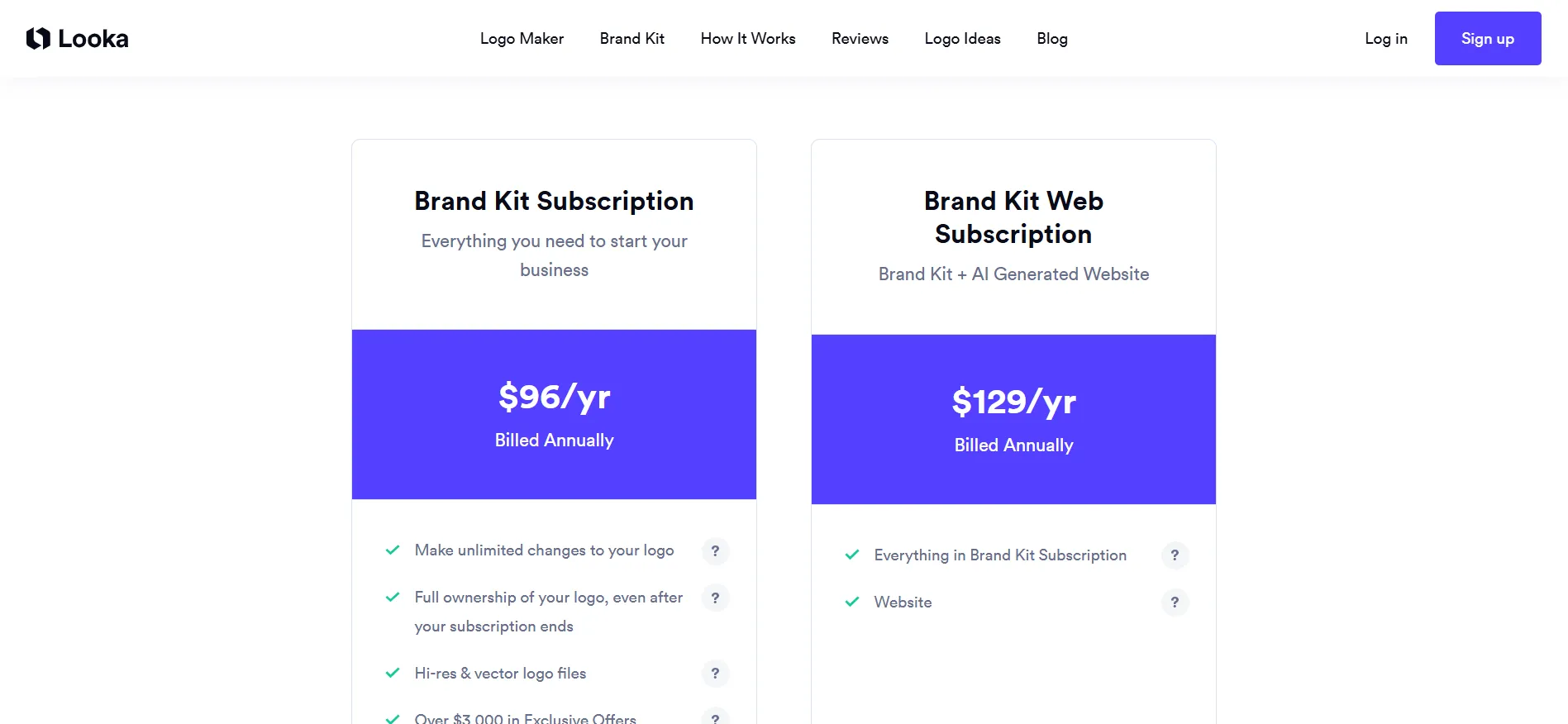
The features that make Looka attractive, the 300+ branded templates and the brand guidelines, live inside a $96-per-year subscription. Stop paying, and you keep the logo but lose the kit.
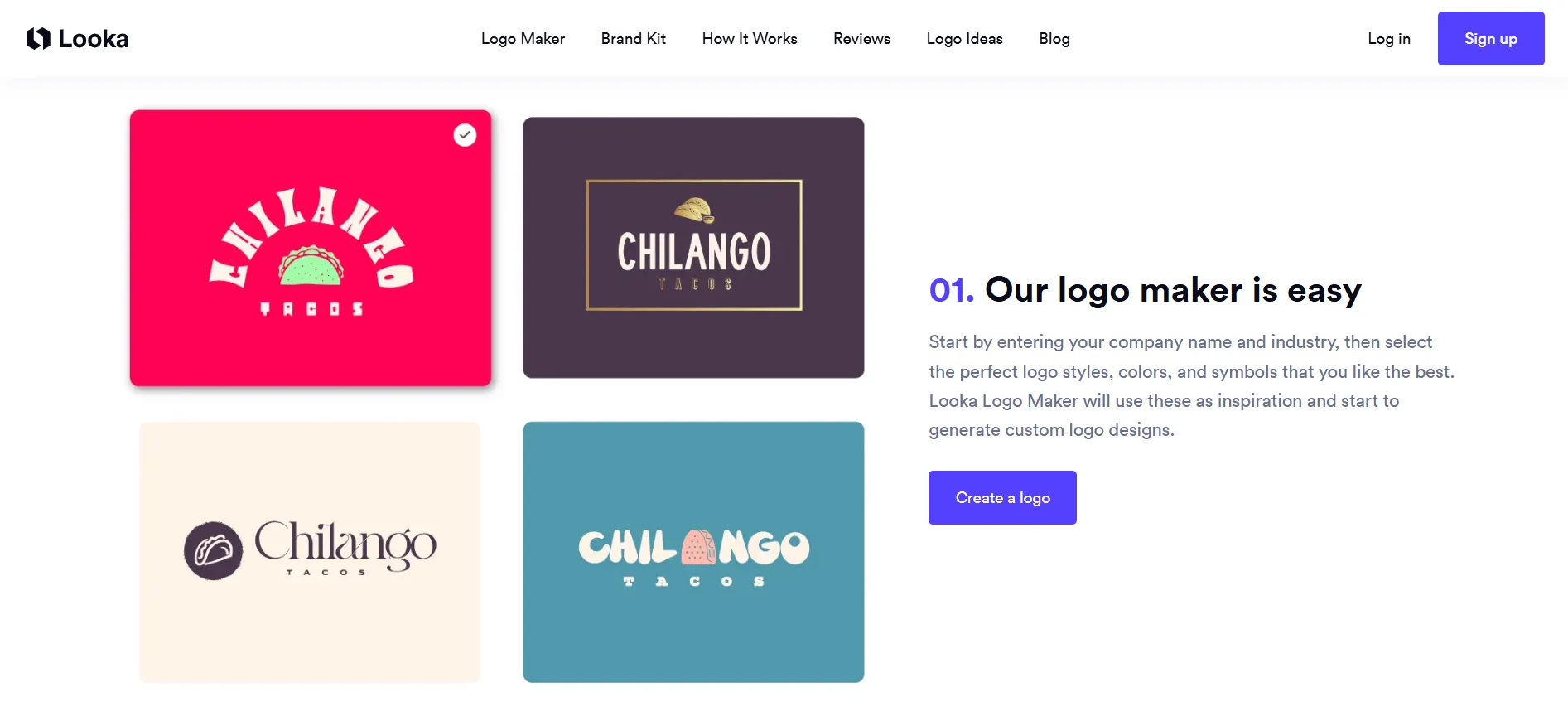
There are two more quirks worth knowing. Your company name locks permanently after purchase, so a rebrand means buying a new logo. And Looka's own terms note that you own the logo “as a whole, but not the individual elements,” meaning the icon in your logo is not exclusive to you.
Looka pricing
Looka pricing is built around one-time logo purchases and optional subscriptions. You pay for the design files you keep, with bundles adding brand kits and extra assets. Check the current options before you buy, since plans and prices change.
Plan | Price | What you get |
Basic Logo | $20 one-time | One low-res PNG |
Premium Logo | $65 one-time | High-res PNG, SVG, EPS, PDF, full ownership |
Brand Kit | $96/year | Premium plus 300+ branded templates |
Brand Kit Web | $129/year | Brand Kit plus AI website |
Head-to-head comparison
Design.com, Canva, and Looka each handle design differently. This head-to-head guide compares their pricing, features, and best use cases so you can pick the right tool for logos, brand kits, or everyday graphics.
Category | Canva | Looka | |
Starting paid price | $3/month (annual) | $15/month equivalent | $20 one-time (limited) |
Realistic business cost | $3 to $5/month (annually) | $15/month | $65+ or $96/year |
Logo templates | 500,000+ | Part of 1.6M general templates | AI-generated only |
Vector files (SVG, EPS, PDF) | Yes, all plans incl. free | Pro only | Premium only |
Animated logo formats | Yes (GIF, MP4) | No | No |
Free usable logo download | Yes | Limited formats | No |
Brand kit tools | 50+ tools, auto-branded | Yes, Pro and above | Yes, $96/year sub |
Website builder | Yes | Yes | $129/year tier |
Exclusive licensing | Available | No | No |
Support | 24/7 email and chat | Tiered | Live chat and email |
Which one should you pick?
Pick Canva if you design social posts, presentations, and marketing material every week and want one subscription for everything. Accept that its logo features are the weakest part of the package.
Pick Looka if you want a one-time $65 logo purchase with full files and no ongoing costs, and you do not mind that the icon in your logo is shared with other customers.
Pick Design.com if you want the best logo maker on the market: the largest template library, the most complete file formats including animated versions, AI editing that actually understands instructions, 50+ branding tools, a free plan that is genuinely usable, and the lowest prices of the three, starting at $3 a month.
For most small businesses, the choice is straightforward.
FAQs: Design.com vs Canva vs Looka
Yes. The free plan includes logo downloads, a website, a digital business card, and a link-in-bio page. Paid plans unlock premium templates and additional tools.
Design.com offers an extended license option for businesses that want exclusive rights. With Looka, individual design elements are never exclusive. Canva's templates are shared across millions of users.
Looka's $65 Premium package is a one-time cost, which some buyers prefer. But Design.com's free plan delivers usable logo files at $0, and its paid plans cost less per year than Looka's subscription.
Quick Links:
Our verdict: Design.com vs Canva vs Looka
Canva is a superb design tool that happens to make logos. Looka is a decent logo tool with a pricing structure that nudges you toward subscriptions.
Design.com is a logo maker that treats your brand as the main event, and it backs that up with more designs, more formats, more tools, and lower prices than either rival.
If you are starting a business or refreshing your brand, try Design.com‘s logo maker for free. You can design, preview on real-world mockups, and download a logo without paying anything. Then decide if the premium plans make sense for you.