
If you’re looking for the best antidetect browser, you probably already have a job in mind. Perhaps you manage several client accounts. Perhaps you need separate browser environments for research or testing. What you need is a tool that keeps that work organised without turning every login into another task.
| Best For | Affiliate marketers, crypto traders, large-scale operations | Small business owners, individual operators | Budget-conscious startups, small teams |
| Pricing | €10-€329/month (3-1,200 profiles) | Free to $100+/month (5-unlimited profiles) | Free to $80/month (5-1,000+ profiles) |
| Features | Profile templates, API automation, team collaboration, responsive support | Cloud mobile and browser profiles, built-in proxy, API access | Fast automation, campaign management, affordable pricing |



Octo Browser leads this shortlist for its combination of profile management, team features and automation options. But the right purchase depends on how you work. A solo marketer has different needs from an agency with several people accessing client accounts.
At AffiliateBooster, we’ve organised this comparison around those buying decisions. You’ll find ten options, the differences worth checking and the costs that can be easy to overlook.
Product information checked on 8 October 2026. This is a feature-based editorial comparison. Plans, prices and offers can change.
Which are the best antidetect browsers in 2026?
Octo Browser is our first recommendation for buyers who want room to grow from individual profile management into team workflows. Multilogin, AdsPower, and GoLogin are also worth comparing, particularly if their entry plans or specific tools fit your requirements better.
Position | Browser | Worth considering for | Main buying check |
1 | Octo Browser | Individuals and growing teams | Profile limits and API access |
2 | Multilogin | Browser and mobile workflows | Included traffic and usage allowances |
3 | AdsPower | Repetitive browser tasks | Automation and member limits |
4 | GoLogin | Shared profile workflows | Features available at your chosen tier |
5 | Dolphin Anty | Organising multiple projects | Free versus paid features |
6 | Incogniton | Starting with a small workload | Allowance after the introductory period |
7 | Kameleo | Developer-led automation | Concurrent browsers and usage time |
8 | MoreLogin | Browser and cloud-phone requirements | Which environment you actually need |
9 | Undetectable | Larger locally stored profile collections | Local versus cloud allowances |
10 | VMLogin | Teams comparing shared browser environments | Regional pricing and support |
These positions reflect the priorities of this guide. They are not measured speed rankings or account-safety scores.
What does an Antidetect browser actually do?
An antidetect browser lets you maintain separate browser profiles and manage the browser characteristics exposed to websites. This goes beyond keeping different bookmarks or opening an incognito window. Products in this category combine profile separation with fingerprint controls and, often, proxy management.
For a marketing team, the practical benefit is separation. One client’s browser environment can stay distinct from another’s, making authorised account work easier to organise.
That does not make every action anonymous or guarantee that a platform will accept an account. Choose the software for its workflow benefits, rather than promises that restrictions will disappear.
1. Octo Browser: Our first pick for growing workflows
Octo Browser takes first place because its published feature set covers several stages of the same workflow: creating profiles, organising them, sharing access and adding automation when needed.
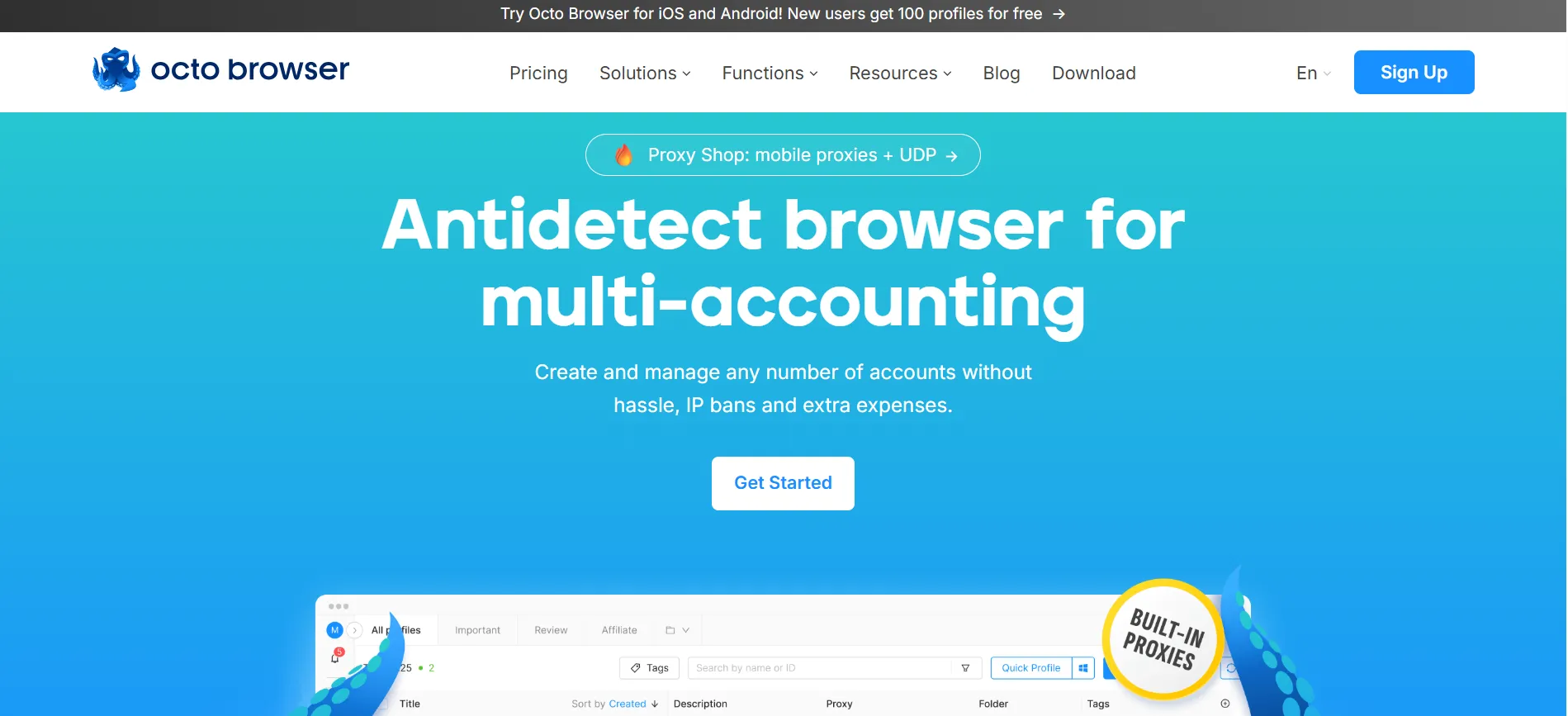
Its automation offering supports tools including Selenium and Puppeteer. That gives technically capable teams a route beyond purely manual work.
The practical question is which subscription you need. Octo Browser lists Lite at €10 per month for three profiles, while Starter begins at €29 per month with ten base profiles. Published prices exclude VAT. Check the selected configuration and billing period before paying.
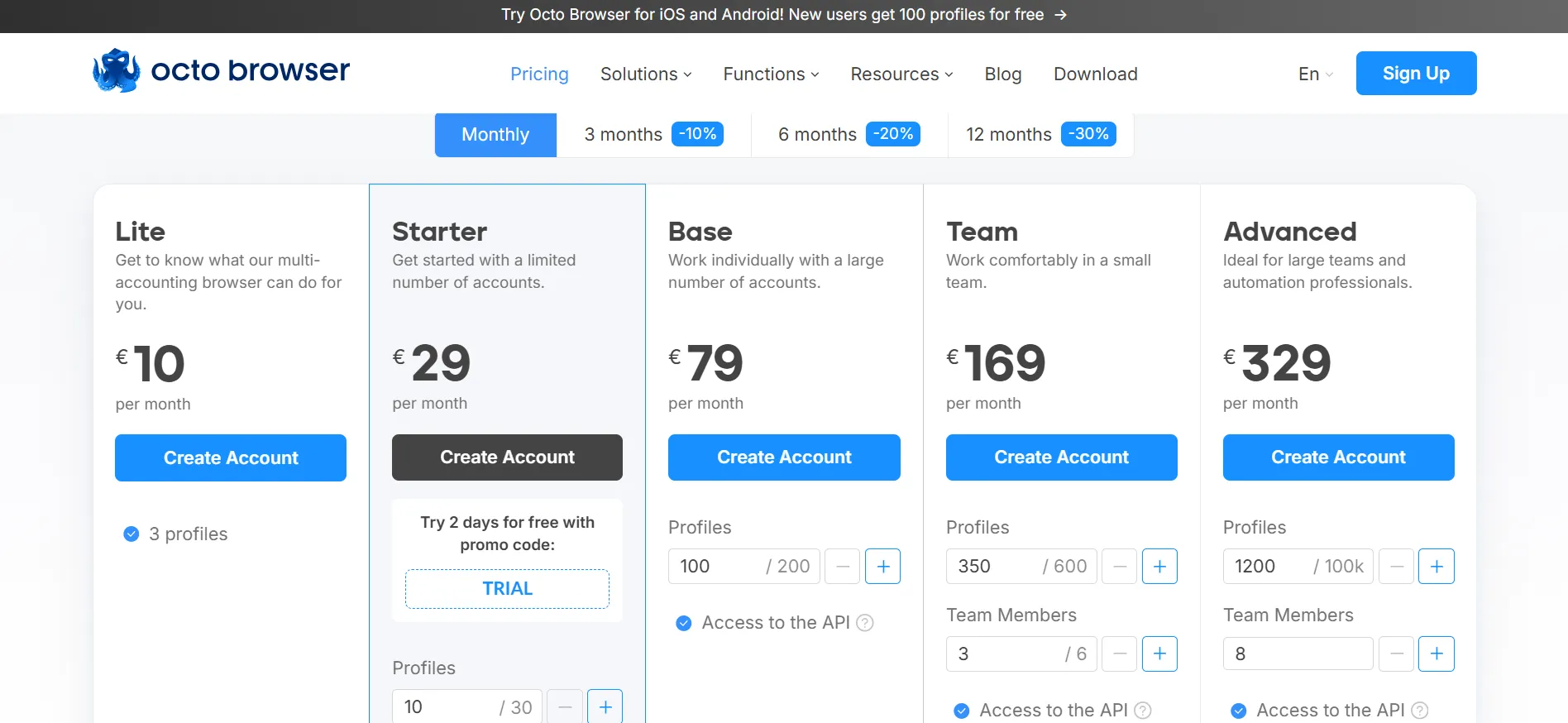
For a freelancer, a small profile allowance may be enough. An agency should also check team access and API availability before comparing prices. A cheaper plan is poor value if it leaves out the feature your daily work depends on.
What are the AffiliateBooster Octo Browser offers?
Use the following codes for the supplied offers:
AFFBOOST: Four days of the Starter subscription free.
AFFBOOST30: A 30% discount on your first purchase.
Confirm eligibility and the applied offer in your Octo Browser account before completing a purchase. Do not assume the codes can be combined.
Use the trial to complete an ordinary working session. Create profiles, reopen them, organise a project and check the tasks you repeat most often. That tells you more than a quick look around the dashboard.
2. Multilogin: Consider it for browser and mobile work
Multilogin brings browser profiles and Android cloud phones into the same platform. Its free plan lists five profiles, with 200 MB of proxy traffic and 30 mobile minutes supplied as one-time bonuses.
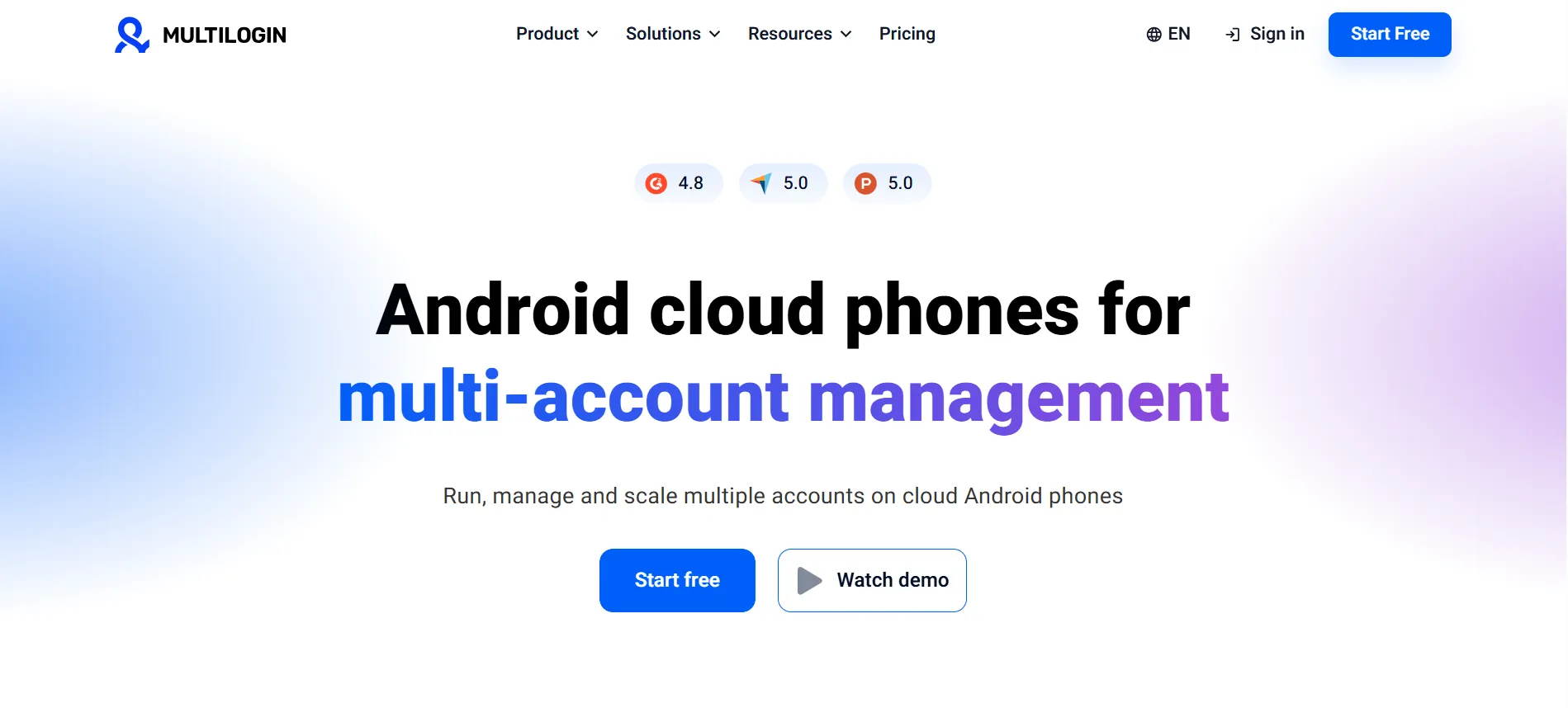
The distinction between a recurring allowance and a one-time bonus matters. A free starting balance can help you evaluate a service, but it should not become part of your long-term budget.
Multilogin belongs on your shortlist if your work includes both browser sessions and mobile environments. If you only need desktop browser profiles, compare the price and limits for that narrower workload. Extra capabilities are useful only when they solve a problem you actually have.
3. AdsPower: Consider it for repetitive tasks
AdsPower lists a Synchronizer, robotic process automation tools and a local API. Its pricing page also offers two free profiles and a seven-day feature trial.
Those features make it worth investigating when repetitive browser work takes up a large part of your day.
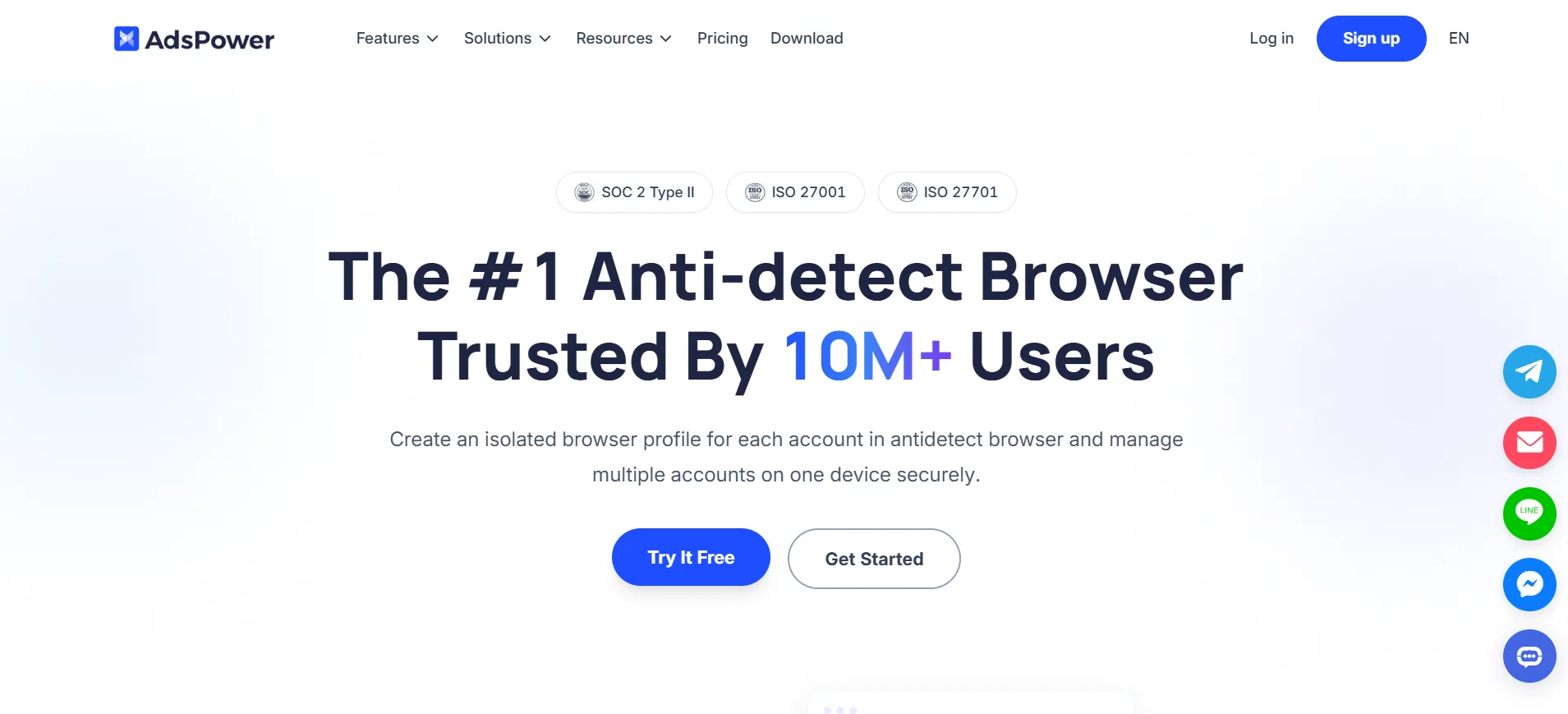
Start by writing down the task you want to simplify. Then check whether it needs straightforward action synchronisation, a configurable workflow or custom code. These are different requirements.
During evaluation, pay attention to mistakes as well as successful runs. If a process stops halfway through, can your team understand what happened and recover without repeating everything? That is a more useful buying question than the number of automation features advertised.
4. GoLogin: Consider it for shared profile workflows
GoLogin offers profile sharing, organisational tools and a seven-day free trial. Its pricing page assigns some capabilities to particular profile tiers, so the feature list needs to be read alongside the plan limits.
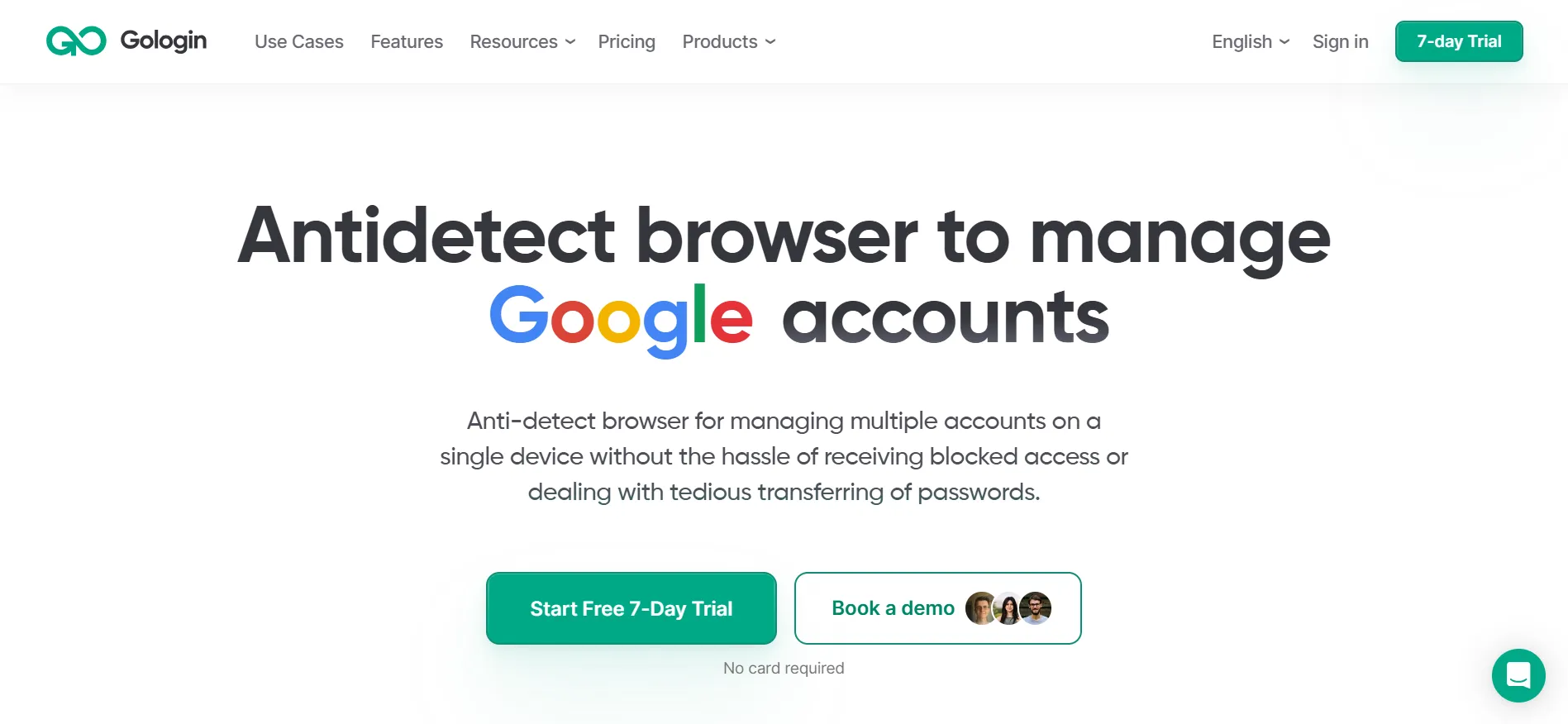
For an agency, evaluate the handover process. Imagine a colleague taking over a client project while you are away. Can they identify the correct profile and understand how it should be used?
Try that process before paying for a longer subscription. The right tool should fit the way your team communicates, names projects and assigns responsibility.
Also check whether a feature you consider essential requires a larger plan than your profile count alone would suggest.
5. Dolphin Anty: Consider it for project organisation
Dolphin Anty advertises tags, folders, profile-sharing tools and a Synchronizer. Its website currently lists five free profiles.
It is worth considering if keeping profiles organised is becoming a problem in its own right.
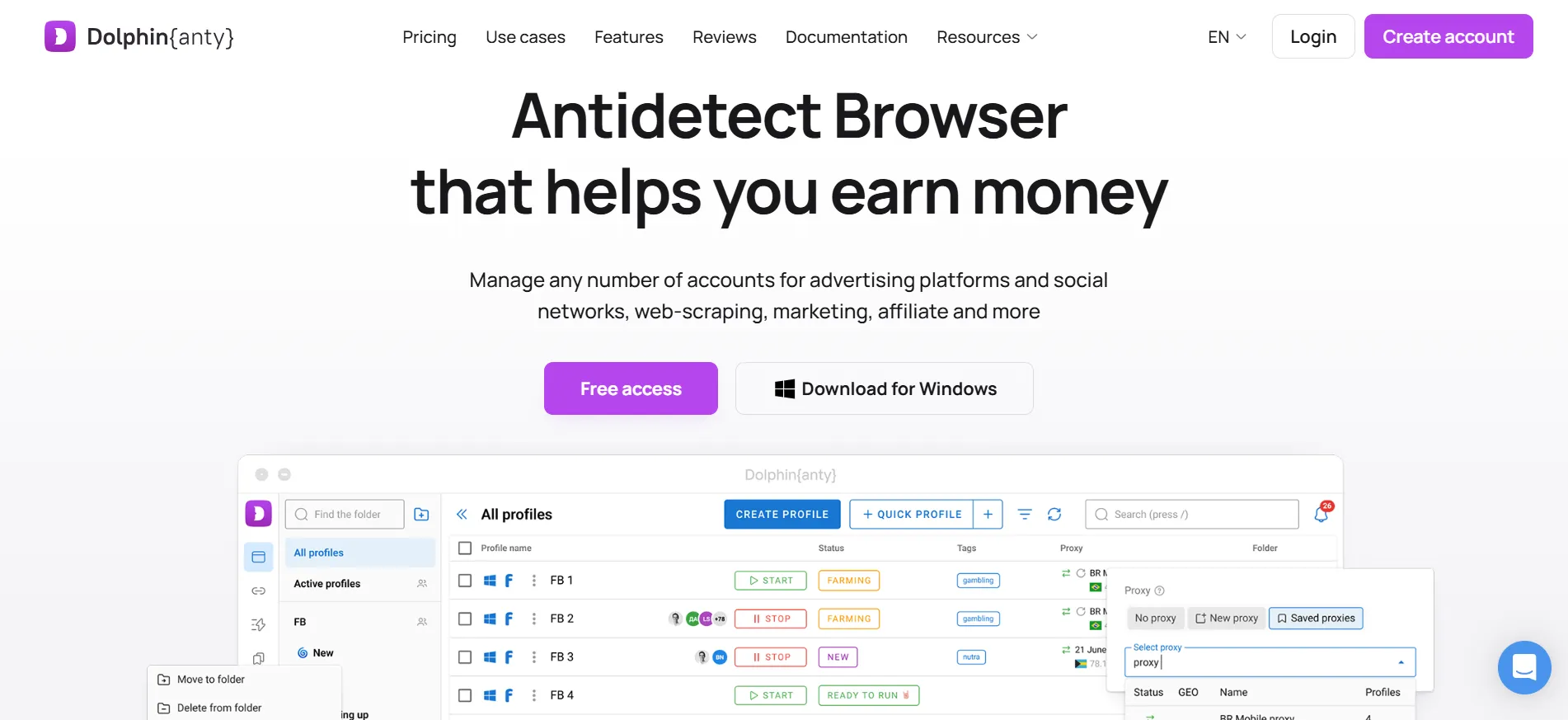
A small collection is easy to manage by memory. That changes when several people work across different clients or projects. Before choosing a subscription, decide on a naming system and try to use it consistently.
Evaluate how quickly you can find the right environment after several days away from a project. A crowded dashboard can create avoidable mistakes, even when the underlying browser features meet your needs.
6. Incogniton: Check what happens after the introductory period
Incogniton offers ten free profiles for the first two months, after which the free allowance becomes three profiles. Its paid plans offer larger limits and additional capabilities.
That makes the timing important. Someone trying the software briefly may see a different allowance from someone planning to use it free over the long term.
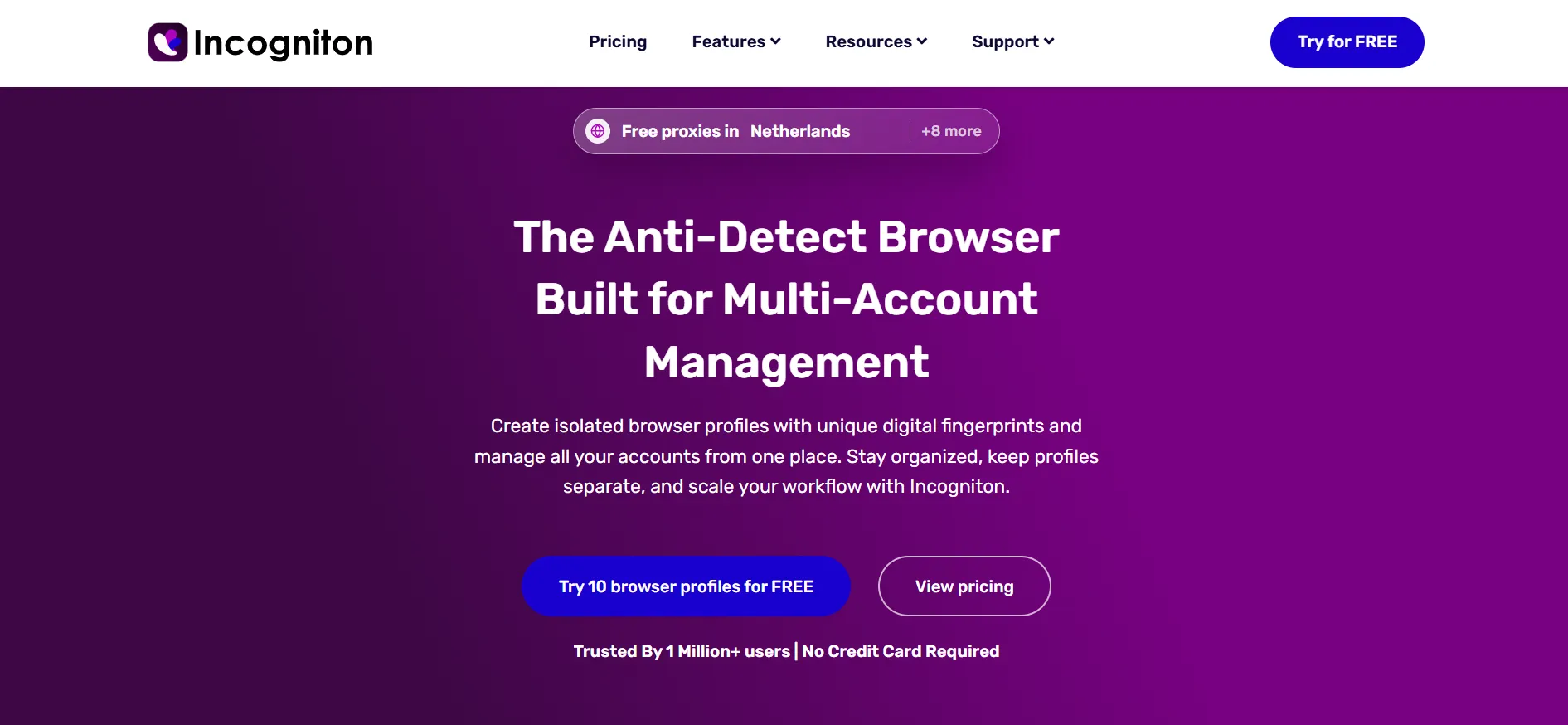
Before starting, estimate how many profiles you will need after the introductory period ends. If that number already exceeds the continuing free allowance, include the paid plan in your comparison now.
This is also a useful reminder when reading older browser roundups: an introductory allocation should not be described as a permanent free plan.
7. Kameleo: Consider it for developer-led work
Kameleo publishes support for Selenium, Puppeteer and Playwright. Its free plan lists two concurrent browsers and 300 browser-usage minutes.
Here, the buying decision is about more than saved profiles. Concurrency measures how many browser instances can operate at once. Usage allowances introduce another limit to consider.
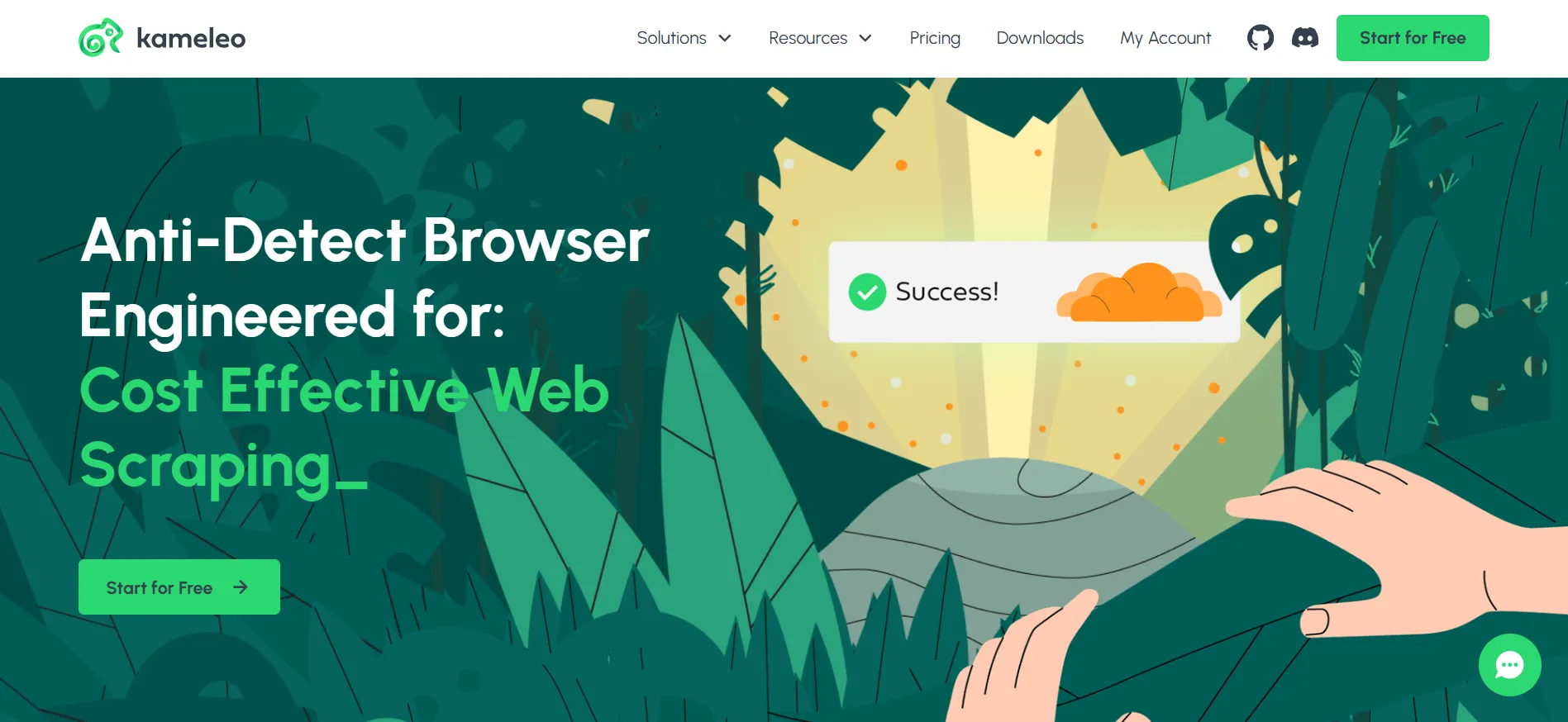
Kameleo is worth evaluating when a developer is involved in choosing and maintaining the workflow.
Ask that person to estimate the number of simultaneous jobs and the time each job takes. A large collection of saved profiles will not solve a concurrency bottleneck, and a suitable concurrency limit will not remove a usage cap.
8. MoreLogin: Consider it for mixed browser and mobile needs
MoreLogin presents browser profiles, Android cloud phones, automation tools and team permissions within its product range.
It deserves a closer look if your requirements genuinely span browser-based work and mobile apps.
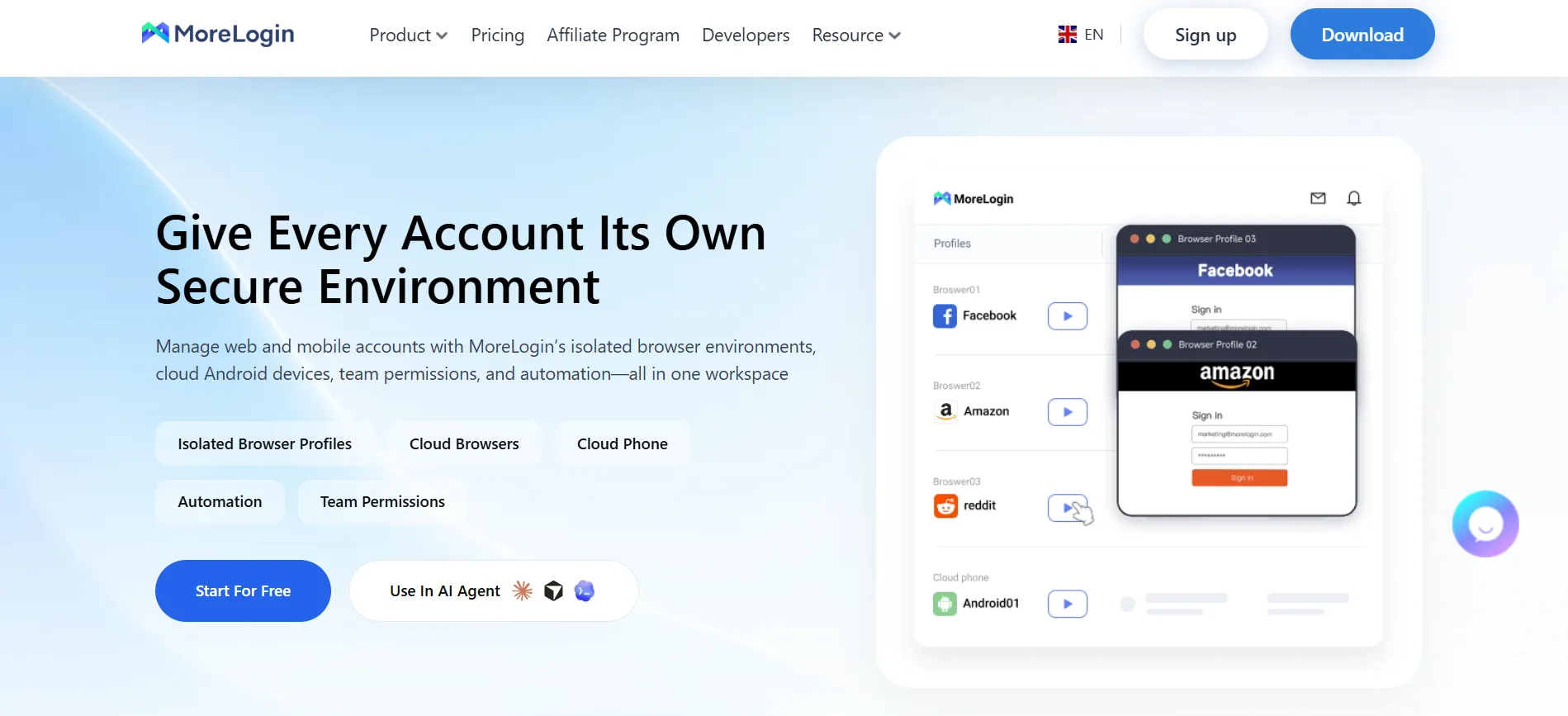
Be specific about which environment each task needs. “Mobile support” can refer to different things, and a mobile-looking browser session is not automatically the same as an Android environment running an app.
Prepare a short task list before comparing plans. Mark each task as browser-based or app-based. This helps you avoid choosing a package because it sounds comprehensive, then discovering that the part you need carries different limits or charges.
9. Undetectable: Consider it for local profile storage
Undetectable advertises unlimited local profiles on paid plans, with separate cloud allowances and automation capabilities.
That makes it relevant when you want to retain a substantial collection of local browser environments.
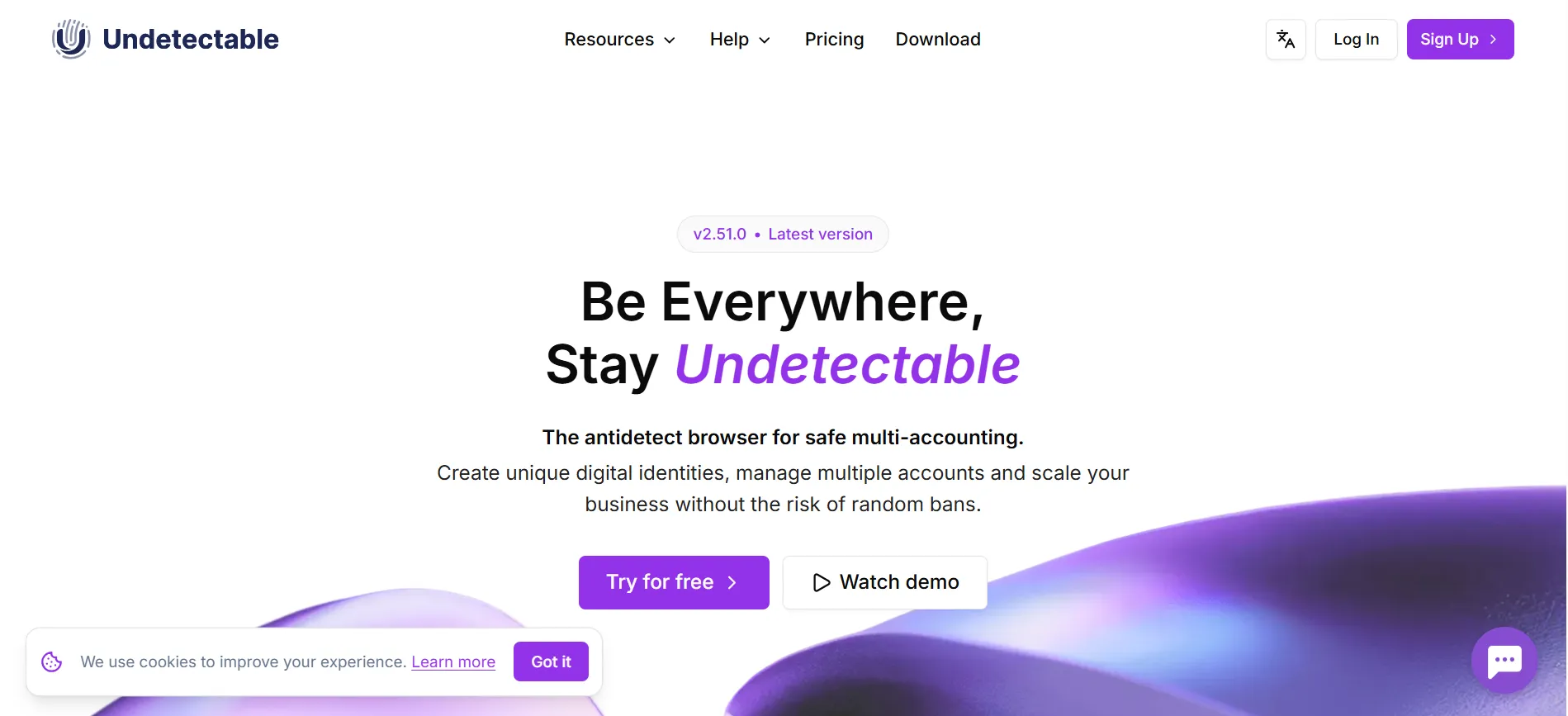
“Unlimited local profiles” still needs careful interpretation. It describes the product’s profile allowance, rather than how much work your computer can handle simultaneously.
Before committing, decide how you will back up important information, manage access and retire profiles you no longer need. A larger collection can become harder to maintain without a clear filing system.
If several colleagues need shared access, compare the cloud and team arrangements rather than choosing solely on local capacity.
10. VMLogin: Consider it for another team-workflow option
VMLogin lists separate browser environments, profile sharing, subaccounts and REST API capabilities.
It gives teams another option to compare when shared access is a central requirement.
Check the practical details before making it your main workspace. These include the available support language, subscription currency, onboarding documentation and the features included in the package offered to you.
Run through an ordinary handover with a colleague. Both people should understand who owns the profile, who can change it and how to resolve a problem.
A feature checklist can get a browser onto your shortlist. Clear documentation and a workable support process help determine whether it stays there.
How should you compare the real monthly cost?
Compare the price of the setup you need, including profile capacity, team access, proxy usage and any separate automation or cloud charges.
Use the same requirements for every provider:
How many profiles do you need now?
How many people need access?
Which paid features are essential?
Are traffic allowances recurring or introductory?
What will the subscription cost after a discount ends?
Also check the billing period. A monthly equivalent attached to an annual subscription is not the same commitment as paying month by month.
You can compare internal value with a simple calculation: total expected monthly spending divided by the profiles your team actively uses. Treat that as a budgeting tool, not a quality score. A lower cost per profile does not automatically mean a better working experience.
What should you test before choosing?
Test a complete working session, including the awkward parts.
Create a profile, use it for an authorised task, close it and return later. Try your naming system. If you work with colleagues, test a handover. If automation matters, evaluate that exact requirement before purchasing the relevant plan.
Ask support one question that is not already answered on the pricing page. Notice whether the response resolves the issue clearly.
Finally, check cancellation, renewal and export arrangements. It is much easier to understand those details before your team depends on the service.
FAQs: Best Antidetect Browsers
Octo Browser leads this feature-based shortlist for buyers seeking profile management with options for team use and automation. The best purchase still depends on your required profile count, budget and workflow.
Several providers offer free plans or trials. Check whether the allowance continues, expires or becomes smaller later. Also confirm which features remain available without upgrading.
Incognito mode is designed for a temporary browsing session. Antidetect products focus on maintaining separate profiles and managing fingerprint-related settings. The two serve different purposes.
No browser can guarantee that. Platforms can assess account activity and other signals beyond the browser environment. Product selection should focus on legitimate workflow requirements, not a promise of unrestricted access.
Start with profile organisation, access permissions, handovers and the cost of adding colleagues. Automation matters if your team will use it. Otherwise, it should not outweigh the quality of everyday work.
Quick Links:
Which browser should you try first?
Start with Octo Browser if its profile limits and feature access match your requirements. Then compare one alternative that addresses your biggest priority, such as automation, mobile work or a continuing free allowance.
For more help evaluating subscriptions and marketing software, browse the guides at AffiliateBooster. Use the same approach across tools: identify the job, check the limitations and compare the full cost.
Choose the smallest plan that lets you test your actual work properly. A browser earns its place in your toolkit by making those tasks easier to manage.