
Monetag is our first shortlist option for clearly documented in-page push setup. Adsterra offers the format within Social Bar, while Clickadu provides several visual styles. HilltopAds and AdMaven are further publisher options. Choose by placement control, mobile behaviour and confirmed revenue rather than claims that the format is always unobtrusive.
| Best For | A clearly documented first setup | Comparing notification-style creative options | Publishers comparing different skins |
| Relevant Product | In-Page Push | Social Bar, including in-page push | InPage Push |
| Main Check | Position, frequency and mobile overlap | Which Social Bar components are enabled | Current designs and frequency settings |



A notification-style card appears while someone is reading your website. They can open the promotion or dismiss it and continue.
That is the basic idea behind in-page push. It can create an advertising opportunity without reserving a large rectangular space in the article. But on a small phone screen, even a compact card can get in the way.
The best in-page push ad networks give you a format you can control and a setup you can maintain. This guide compares five publisher products using official documentation, with particular attention to the difference between in-page ads and browser push subscriptions.
Best in-page push ad networks: Quick comparison
Compare the best in-page push ad networks based on ad formats, targeting capabilities, traffic requirements, payout thresholds, and earning potential to find the right solution for monetizing your website without requiring users to opt in to browser notifications.
Network | Relevant product | Best fit | Main check |
|---|---|---|---|
Monetag | In-Page Push | A clearly documented first setup | Position, frequency and mobile overlap |
Adsterra | Social Bar, including in-page push | Comparing notification-style creative options | Which Social Bar components are enabled |
Clickadu | InPage Push | Publishers comparing different skins | Current designs and frequency settings |
HilltopAds | In-Page | Adding a defined format to a publisher setup | Timing and placement behaviour |
AdMaven | Native Floater / in-page push | A configurable notification-style placement | Current controls and account availability |
These are recommendations by product fit, not a measured ranking of CPM or conversion rates.
How is in-page push different from browser push?
In-page push is an ad displayed inside a website. It resembles a notification, but it does not require the visitor to subscribe to browser notifications.
Traditional browser push uses a subscription and can deliver messages outside the current page. An in-page placement is part of the browsing session.
Monetag's help centre explicitly explains that its in-page ads appear on the publisher's site without subscriptions and support iOS. Monetag In-Page Push guide
That does not mean every visitor will see an ad or that every implementation behaves identically. Browser conditions, eligibility and the site's own setup still affect delivery.
It also does not create permission to make an ad look like a genuine account alert. The user should recognise a commercial message as advertising.
5 Best In-Page Push Ad Networks in detail
Explore the 5 best in-page push ad networks, comparing their ad formats, targeting options, traffic requirements, payout methods, and earning potential to help you choose the right platform for monetizing your website without requiring visitors to subscribe to push notifications.
1. Monetag: Best for a documented setup route
Monetag provides a dedicated In-Page Push product page and help documentation. Its public description includes controls over position and the number of ads shown, and it has separate WordPress installation guidance.
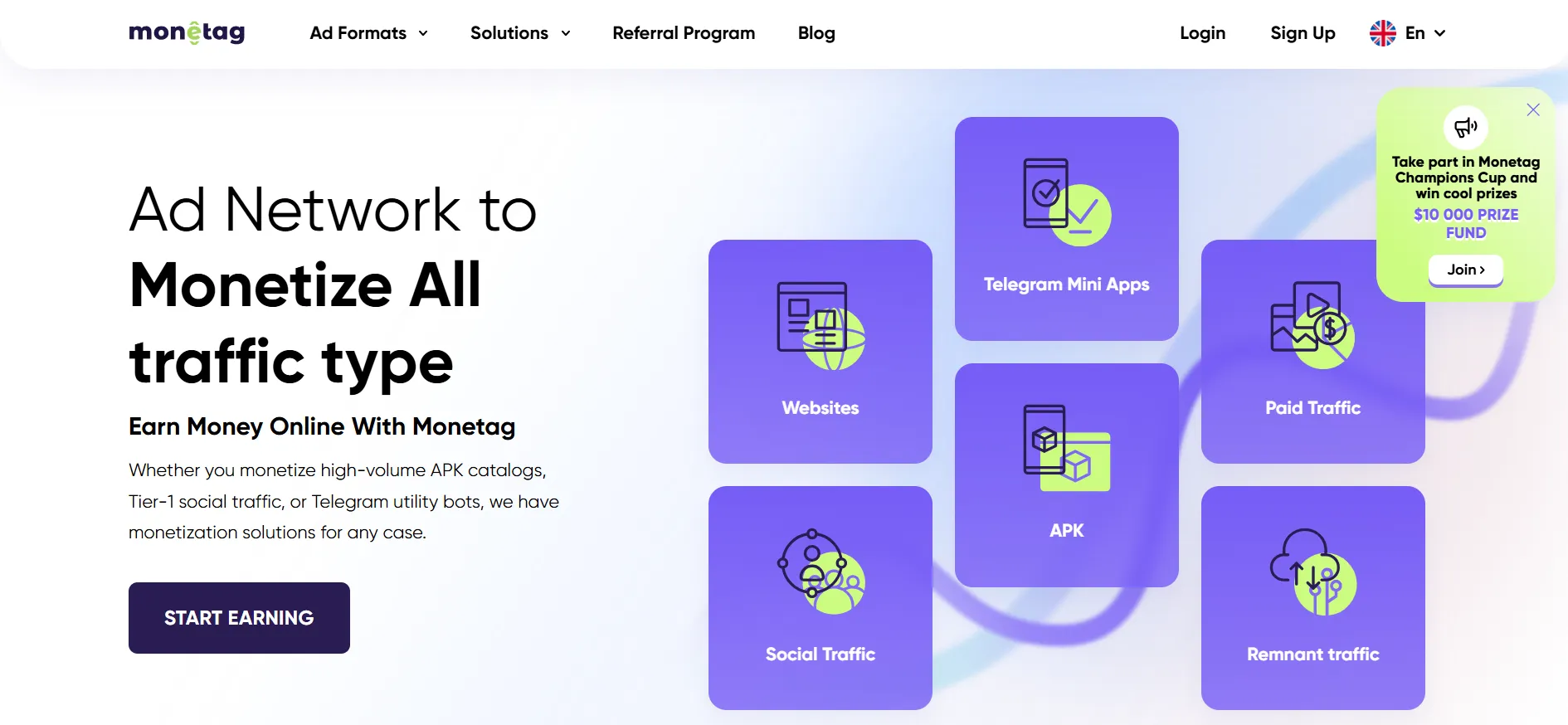
That makes it a useful first comparison when you want to understand the implementation before creating an account.
Begin with the least distracting placement that remains visible. Check what else already occupies the screen: cookie controls, a sticky menu, a chat button and a bottom navigation bar can leave little room.
Ask how to change the display settings for your site. A provider may describe a format as unobtrusive, but the actual result depends on where it appears.
Pros
- Dedicated format and installation documentation.
- Published placement and display controls.
Cons
- Another on-page element can overlap existing controls.
- Product-wide usability claims need checking on your layout.
Our verdict: Start with Monetag if clear implementation guidance is your priority. Test the placement on the narrowest screen your audience commonly uses.
2. Adsterra: Best for comparing Social Bar options
Adsterra places in-page push within its Social Bar product, which also includes other creative experiences such as interstitials.
This matters when setting expectations. Asking for “Social Bar” is not necessarily the same as asking for one fixed notification-card design.
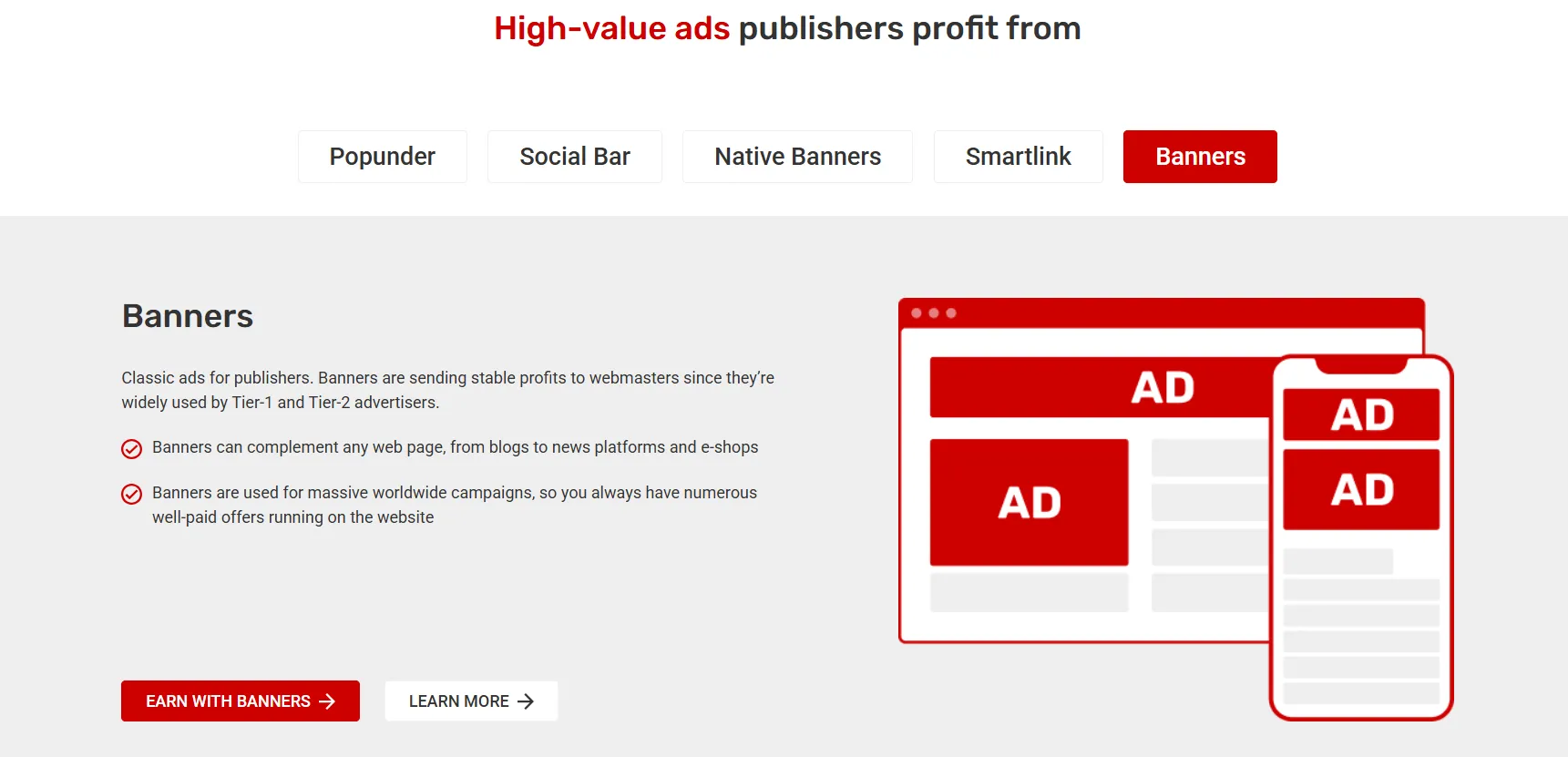
Confirm what is enabled in your account and how it behaves. If you want a small dismissible placement, do not judge the setup only by a demonstration of that one appearance.
The broader product can be useful for testing different approaches, but make changes one at a time. Otherwise, you may not know which experience improved revenue or caused a complaint.
Pros
- A documented product that includes in-page push.
- Several creative approaches to discuss.
Cons
- Social Bar is broader than a single notification-style unit.
- Format changes can make test results harder to interpret.
Our verdict: Compare Adsterra when you want creative flexibility. Confirm the exact components and behaviour rather than relying on the product name alone.
3. Clickadu: Best for comparing visual styles
Clickadu documents InPage Push and lists several skins in its help centre. Its format guidance also discusses customisation and frequency settings.
That is useful when the initial appearance is an important part of the decision.
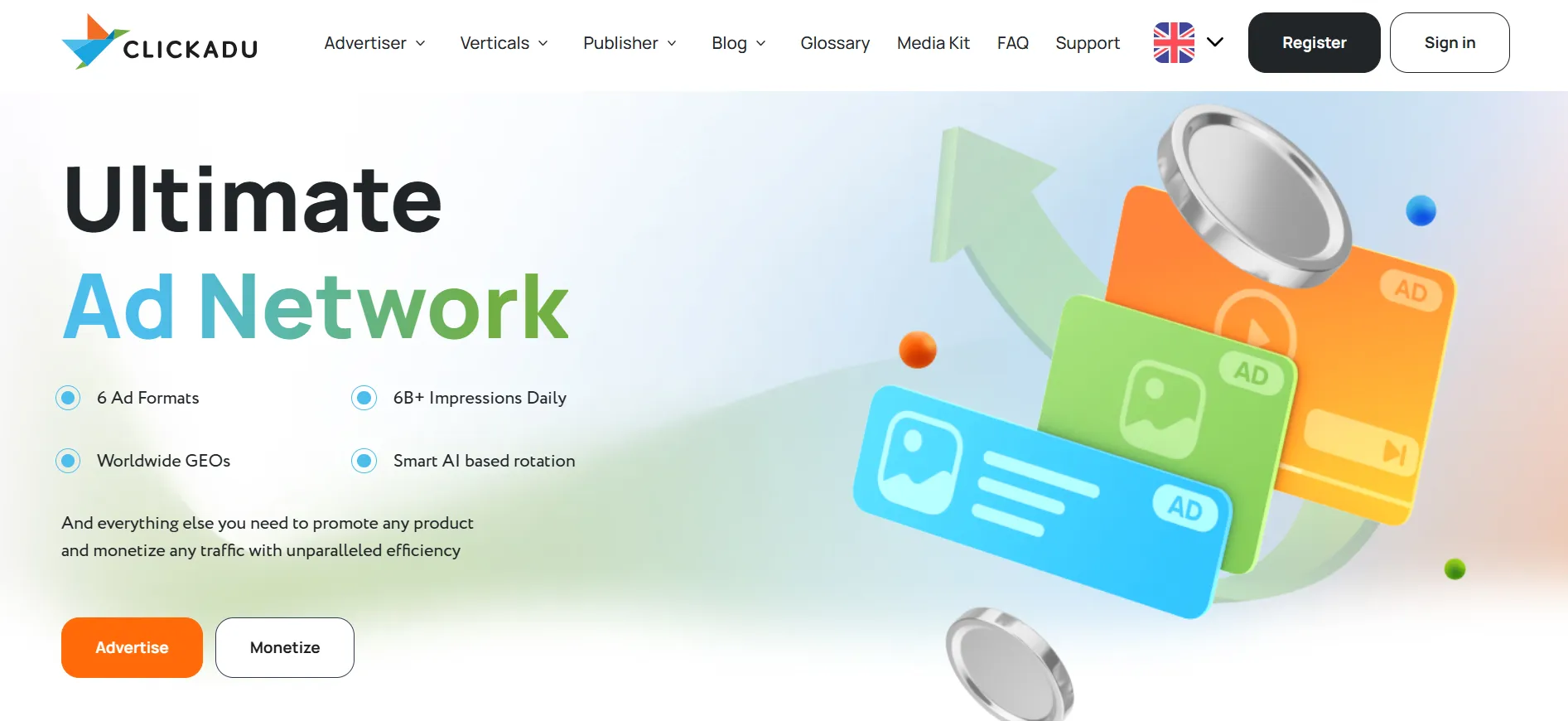
A larger card may attract more attention, but attention is not automatically useful engagement. Check whether the close control is clear, whether the ad covers a task and whether the design looks like a site function.
Use the skin that fits the layout rather than the one that looks strongest in a standalone screenshot. Preview both a short page and a long article, because the available space can differ.
Pros
- Published information about several creative styles.
- Documentation that addresses format customisation.
Cons
- More prominent designs can create more interference.
- Some later changes may require account-manager assistance.
Our verdict: Shortlist Clickadu if you want to compare presentation options. Treat dismissibility and separation from site controls as part of the design decision.
4. HilltopAds: Best for a clearly identified additional format
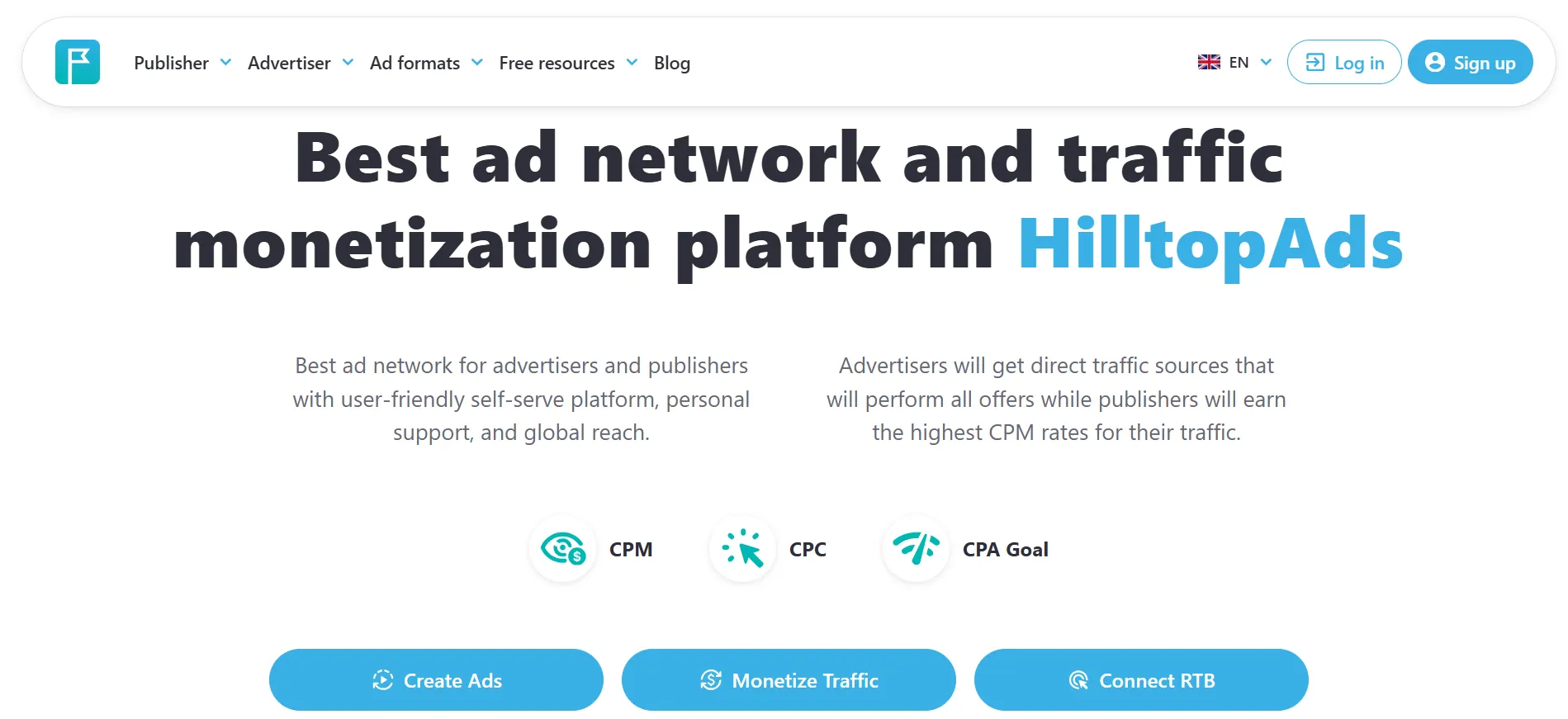
HilltopAds lists In-Page separately from popunder, video and banner products. Its publisher page describes notification-like messages shown on the website.
That makes it a relevant candidate when you want to add one defined format rather than turn on a collection of unrelated placements.
Ask how timing works on your implementation. An ad that appears immediately can compete with a cookie notice or the user's first attempt to navigate. A later appearance can still interrupt a form or reading task.
Also ask how to exclude pages where the unit would be unsuitable. A checkout, account settings page or detailed tool may need a different advertising policy from an entertainment article.
Pros
- In-Page is clearly identified as a publisher format.
- Can be assessed separately from other listed products.
Cons
- Timing and exclusions need confirmation for your setup.
- A familiar notification shape can be mistaken for site messaging.
Our verdict: Compare HilltopAds for a controlled additional placement. Confirm the display rules and page exclusions before enabling it broadly.
5. AdMaven: Best for a Native Floater comparison
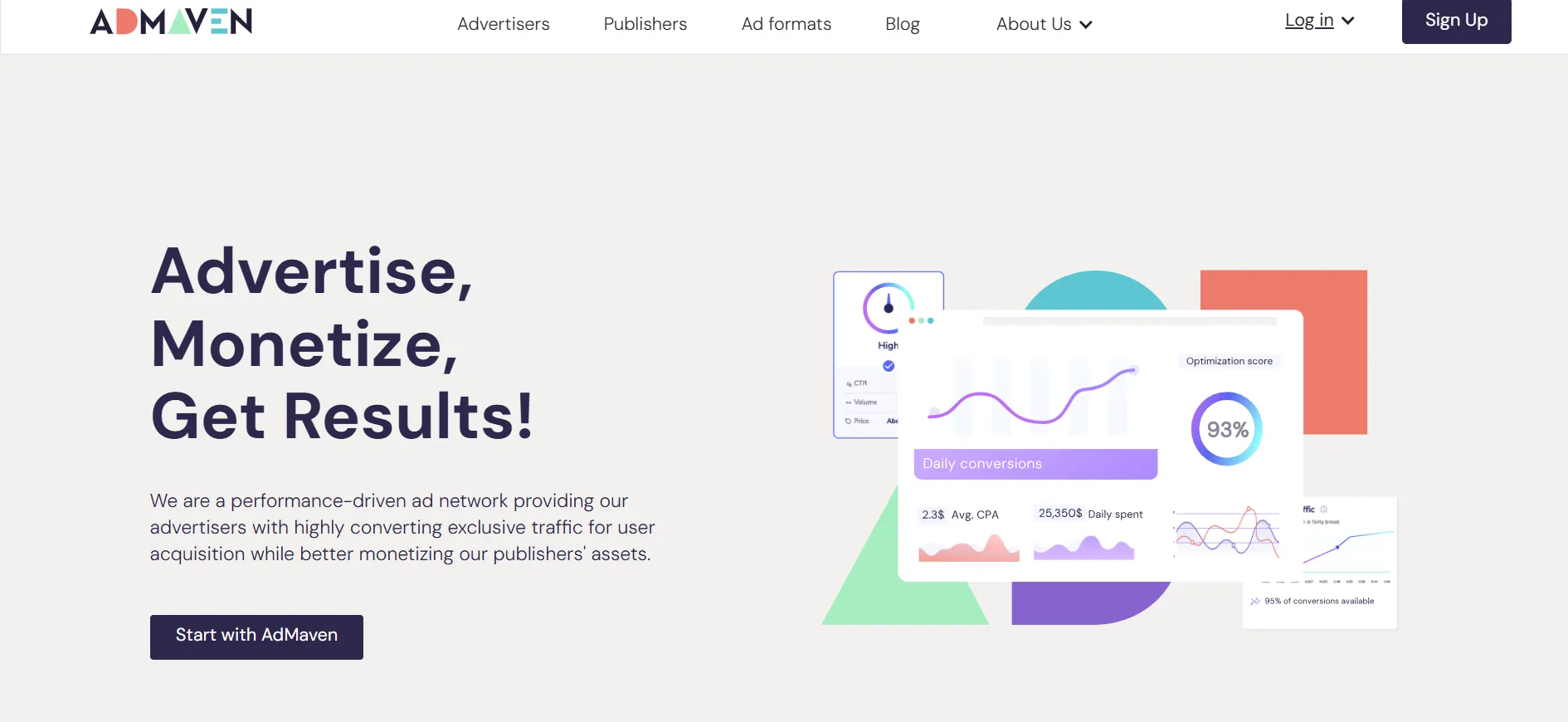
AdMaven describes Native Floater Ads as its in-page push format. Its product explanation says the ads appear while users browse the site and describes changes to size and placement.
The linked introduction is older product documentation, so confirm current controls and availability in your account rather than assuming every setting is unchanged.
The format is worth investigating if you want a notification-style placement with configurable presentation.
During the trial, watch what happens after dismissal. Repeatedly replacing a closed unit with another message can make the experience feel more persistent than a single preview suggests.
Pros
- A clearly described in-page format under the Native Floater name.
- Published discussion of size and placement flexibility.
Cons
- Current account controls should be checked against older documentation.
- Repeated exposure can become distracting even with a small unit.
Our verdict: Put AdMaven on the comparison list if Native Floater fits your layout. Verify the current settings and test repeat visits, not just the first page load.
Does in-page push work on iOS?
The format is an on-page ad rather than a browser-notification subscription. Providers such as Monetag and Clickadu explicitly describe support across platforms, including environments where conventional push is restricted.
That is a format advantage to investigate, not a promise of universal delivery.
Test the browsers and devices your audience actually uses. Include the orientation and screen size that are most likely to reveal overlaps.
A desktop preview is not enough. On mobile, a card that occupies a modest fraction of a wide monitor may cover the main action on the page.
How should you measure whether it adds revenue?
Measure the change in total earnings from comparable traffic, not just the new format's reported revenue.
A hypothetical site might earn $100 a day before adding in-page push. After the change, it records $20 from the new unit but loses $12 from other placements. The net advertising gain is $8, before considering any effect on subscriptions or sales.
That is an illustration, not an expected result.
Record the baseline, enable one placement and compare:
Total net advertising revenue.
Revenue per session or pageview.
Returning visits and important site actions.
Complaints and accidental-click signals.
Time spent handling ad-quality issues.
Keep the audience mix comparable. A sudden influx of traffic from another country can change earnings independently of the placement.
What placement mistakes should you avoid?
Do not put the unit over navigation, a form field, the play button of a video or the content the reader came to see.
Keep its commercial purpose clear. An ad should not impersonate a download warning, a security alert or a message from the user's own account.
Check the whole page, including other floating elements. Two individually reasonable tools can become a poor combination when they occupy the same corner.
Frequency also matters. A visitor moving through several articles should not have to dismiss the same obstruction at every step merely to keep reading.
Ask which settings are available before choosing a provider. If you cannot achieve the behaviour your site needs, a conventional banner may be a better option.
Should you run in-page push with other ad formats?
It may be possible, subject to your agreements and placement rules. The more useful question is whether the combination improves the business and remains comfortable to use.
Adding a banner, a recommendation widget and a floating card can increase the number of opportunities to earn. It also divides attention and adds page complexity.
Introduce one change at a time. Keep a record of which script inserts each placement and how to disable it. That makes both performance evaluation and troubleshooting simpler.
FAQs: Best In-Page Push Ad Networks
Monetag is our first shortlist option for its dedicated setup documentation. Adsterra, Clickadu, HilltopAds and AdMaven are relevant alternatives depending on the controls and presentation your site needs.
No browser-notification subscription is needed for the in-page format described here. The advertisement appears within the website rather than as an external subscribed notification.
An in-page ad is tied to the website experience. Do not confuse it with subscribed browser push, which has a different delivery mechanism.
Social Bar includes in-page push but is a broader product. Confirm which components and creative behaviours are enabled in your setup.
No. Position, size, timing and repetition determine the experience. A poorly placed notification card can interfere more than a conventional banner in a reserved slot.
There is no dependable universal winner. Compare net revenue from similar traffic, alongside the effect on other earnings and the usability of your pages.
Quick Links:
Which in-page push network should you try first?: Best In-Page Push Ad Networks
Start with one provider whose documented controls match your layout. Monetag is a useful first comparison; Clickadu offers a visual-style discussion, while Adsterra, HilltopAds and AdMaven provide other relevant formats.
Keep the unit only if it adds worthwhile revenue without obstructing the page. The best placement is one you can explain, measure and remove easily.