
Google AdMob is our first pick for developers starting with in-app ads. AppLovin MAX is a strong choice for game monetisation, while Unity LevelPlay suits teams managing several advertising partners. Appodeal is worth comparing if you want more automation. The best option depends on your app, audience and development resources.
| Best For | Developers starting with in-app ads | Mobile games and detailed monetisation testing | Teams managing multiple game ad partners |
| Main Role | Ad network and mediation | Mediation platform | Mediation platform |
| Main Consideration | Start with a manageable placement setup | Separate MAX reporting from individual network payments | Network adapters still need configuration |

Your app has users. Now you need to earn from it without making people regret downloading it.
That is where choosing an ad platform gets tricky. One promises better rates. Another offers more advertisers. A third makes setup sound effortless. But none of those claims tells you how the ads will perform inside your app.
The best app monetization platforms help you balance three things: revenue, a good user experience and a setup you can manage. A casual game might have room for rewarded videos between levels. A reading app needs a different approach.
Below, we compare eight mobile advertising platforms, explain their strengths and limitations, and show which ones deserve a place on your shortlist.
8 Best app monetization ad networks: Quick comparison
Some products below supply advertising demand. Others also manage multiple ad networks through mediation. That distinction matters because you can use several of these services together.
# | Platform | Best for | Main role | Main consideration |
1 | Google AdMob | Developers starting with in-app ads | Ad network and mediation | Start with a manageable placement setup |
2 | AppLovin MAX | Mobile games and detailed monetisation testing | Mediation platform | Separate MAX reporting from individual network payments |
3 | Unity LevelPlay | Teams managing multiple game ad partners | Mediation platform | Network adapters still need configuration |
4 | Appodeal | Publishers who want automation and control | Mediation and growth tools | Compare the available setup and commercial terms |
5 | InMobi | Adding demand to an existing mediation setup | Advertising demand and integrations | Format support depends on the integration |
6 | Mintegral | Testing additional mobile advertising demand | Ad network | Measure its contribution to your actual audience |
7 | Pangle | Accessing TikTok for Business advertising demand | Ad network | Confirm market and account eligibility |
8 | Developers comparing SDK and mediation routes | Mobile supply-side platform | Published payment cycle is NET 45 |
The order reflects our recommended starting points. It does not mean the first platform will earn the most for every app.
What is an app monetization platform?
An app monetization platform helps developers earn money from their apps. Advertising platforms do this by connecting available ad space with advertisers.
An ad network brings advertising demand. A mediation platform helps several networks compete to show an ad. AdMob, for example, supports mediation alongside its own advertising demand.
Think of it this way: a network is a potential buyer of your ad space. Mediation helps organise the buyers.
This article focuses on earning from ads inside your own app. Promoting someone else’s app for an install commission is a different business model.
The 8 Best app monetization platforms in detail
Get a detailed look at eight leading app monetization platforms. This guide explains how each one earns revenue, which ad formats it supports, and what suits apps at different stages.
1. Google AdMob: Best starting point for new app publishers
Google AdMob takes the first spot because it offers a practical route into in-app advertising, with room to expand your setup later.
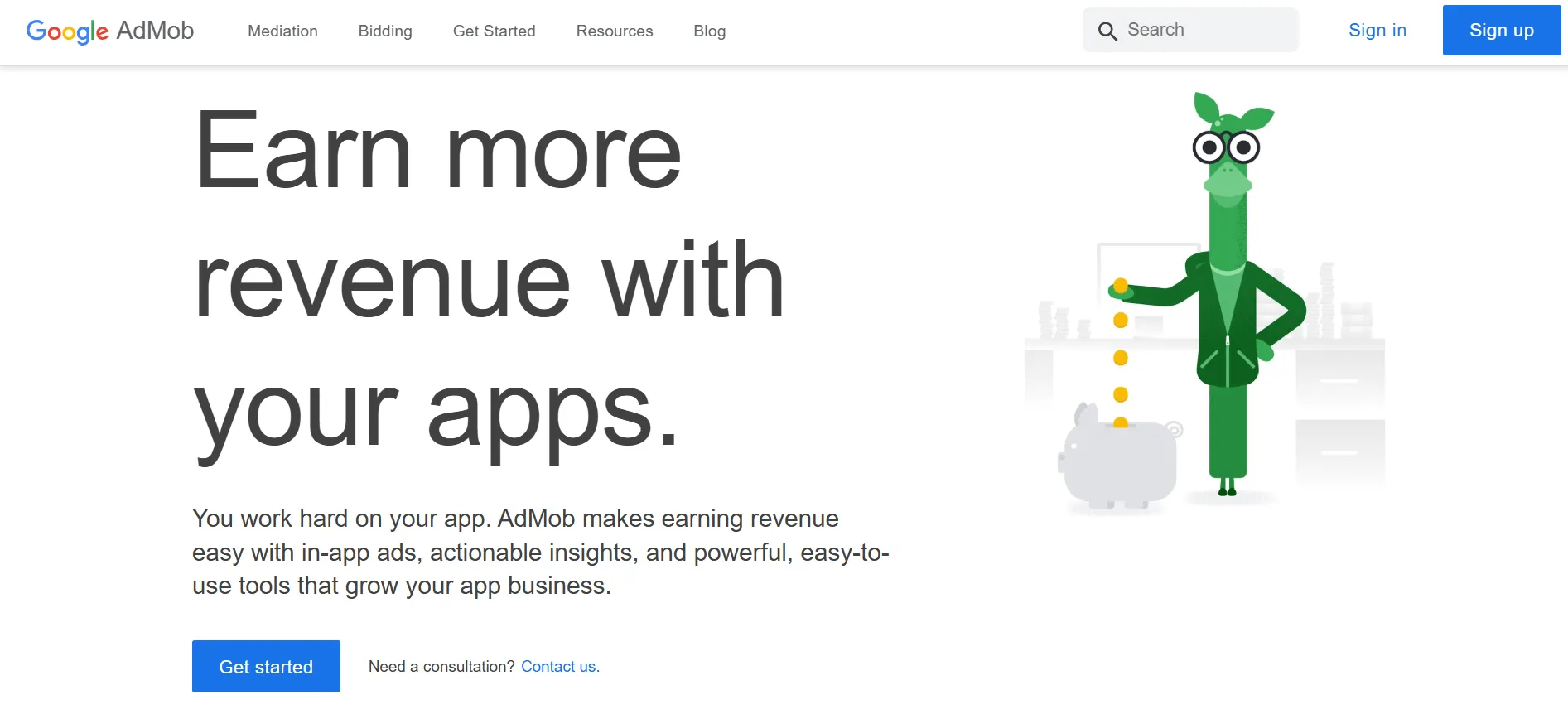
It supports formats including banners, interstitials, native ads and rewarded ads. You can also connect other advertising partners through mediation. That gives you a starting platform without requiring you to commit permanently to one demand source.
For a first app, the sensible approach is to begin with a small number of placements. Find out where an ad fits naturally before adding more.
A weather app, for example, should let someone see the forecast without repeatedly getting in the way. A game may have clearer breaks where a full-screen placement makes sense.
Pros
- Several formats for different app experiences.
- A path from a basic setup to multi-network mediation.
- Extensive official integration documentation.
Cons
- Mediation adds setup and maintenance work.
- A broad choice of formats does not tell you which placement will suit your users.
Our verdict: Start with AdMob if you want a general-purpose foundation. Keep the initial setup simple, then add partners when you have enough activity to compare results.
2. AppLovin MAX: Best for mobile games and monetisation testing
AppLovin MAX is a strong shortlist choice for developers who want to test and improve an established advertising setup.
Its features include real-time auctions, reporting, A/B testing and ad-review tools. AppLovin states that MAX mediation is free for publishers, with bidding networks paying a fee on generated advertising revenue.
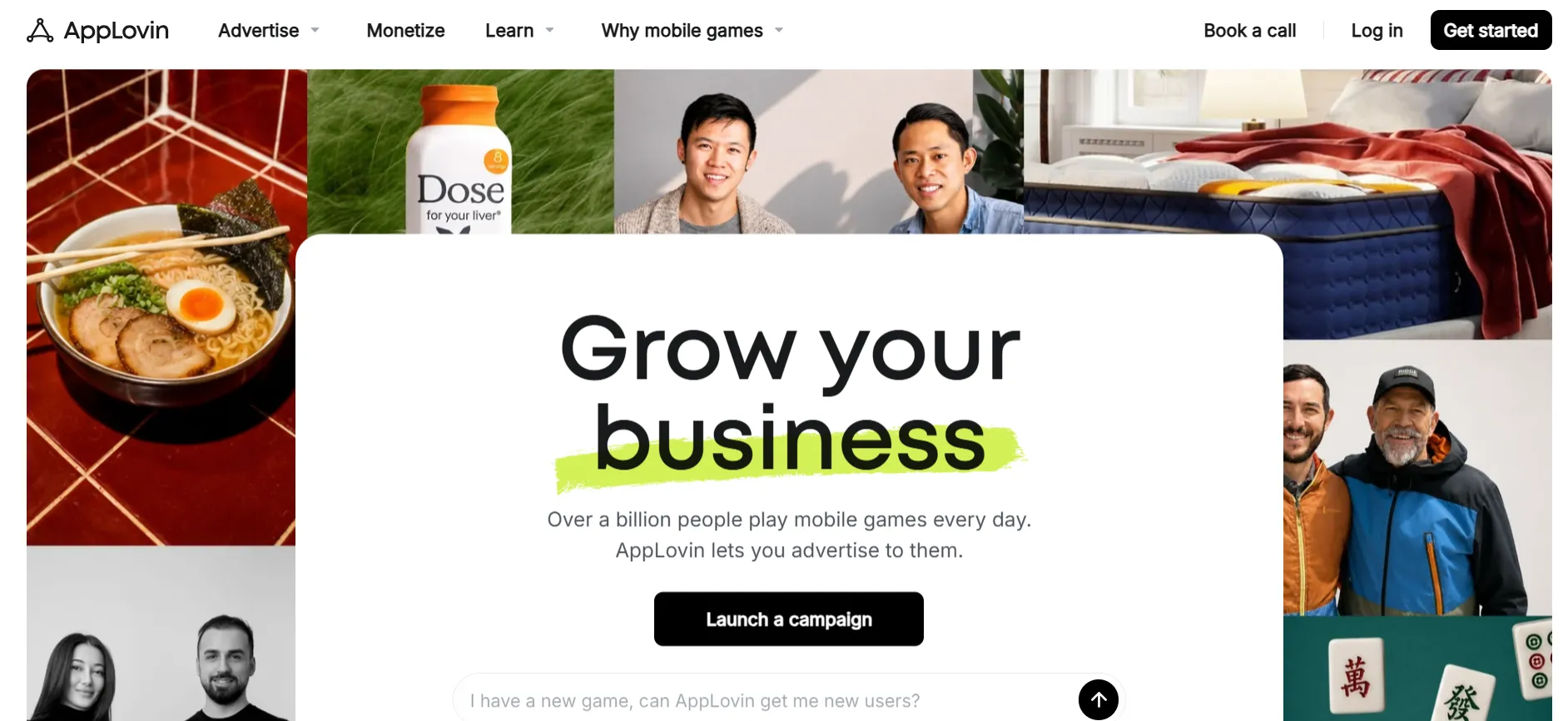
The appeal is control. Instead of assuming one configuration works everywhere, you can compare how different setups affect your game.
Payments need a closer look. AppLovin publishes a $100 minimum threshold for earnings from its own network, with payments generally made around the 15th of the following month. Those terms should not be applied automatically to every third-party network shown in MAX.
Pros
- Built-in tools for testing monetisation changes.
- Reporting that supports more detailed analysis.
- Ad-review controls for investigating the advertising experience.
Cons
- Several connected networks can mean several payment arrangements.
- Advanced controls are useful only if someone has time to review the results.
Our verdict: Put MAX near the top of your list if you run a game and want to actively optimise ad revenue. Compare total earnings and retention, rather than choosing it on a headline eCPM claim.
3. Unity LevelPlay: Best for managing several game ad partners
Unity LevelPlay brings multiple advertising networks into one mediation setup. It supports real-time bidding, waterfall management and reporting. A waterfall calls networks in a chosen order; bidding lets demand sources compete through an auction.
It is a natural candidate for a game studio comparing ways to manage several partners.
The practical benefit is having a central place to organise and evaluate demand. However, “one mediation platform” does not mean every network connects itself. Unity’s documentation still calls for the relevant adapters and network configuration.
Before choosing it, check the integration route for your app and the formats you intend to use.
Pros
- Supports both bidding and waterfall management.
- Central reporting for evaluating the setup.
- Lets developers work with multiple advertising partners.
Cons
- Individual network integrations still need attention.
- More partners bring more testing and maintenance.
Our verdict: Choose LevelPlay if managing several networks is already part of your plan. Compare its development workflow with MAX before deciding which platform your team would rather maintain.
4. Appodeal: Best for automation with room for manual control
Appodeal is worth considering if you want mediation automation without giving up the ability to adjust your strategy.
Its published features include automated bidding and waterfall decisions, controls by country and placement, raw auction data and A/B testing. Appodeal also reports data synchronisation with more than 70 advertising demand sources. That is a platform capability, not a promise that every source will serve your app.
For a small team, the attraction is spending less time making routine adjustments. For a more experienced publisher, the appeal is having data available when a change needs investigating.
Ask which features, support and payment arrangements apply to the service you are considering.
Pros
- Automation alongside more detailed controls.
- A/B testing and access to auction data.
- Segmentation by factors such as placement and audience location.
Cons
- You still need to monitor the outcome of automated decisions.
- Commercial and payment details should be confirmed for your account.
Our verdict: Shortlist Appodeal if managing mediation is taking too much of your team’s time. Judge it on the work it saves and the results it produces for your app.
5. InMobi: Best for expanding an existing mediation setup
InMobi is a useful option when you already have a working setup and want to test another source of demand.
Its official documentation lists integrations with platforms including AdMob, AppLovin MAX and Unity LevelPlay. Supported formats vary by integration, with options including banners, interstitials, native and rewarded video.
That makes the first question straightforward: does InMobi support the combination of platform and format you actually use?
If it does, evaluate its contribution within that setup. A new network should justify the extra integration through useful revenue, demand coverage or another measurable benefit.
Pros
- Documented connections with major mediation platforms.
- Multiple supported advertising formats.
- Can be evaluated as an additional demand source.
Cons
- Format availability is not identical across integrations.
- Adding another partner creates another component to maintain.
Our verdict: Consider InMobi when you want to expand demand without immediately replacing your mediation platform. Check compatibility first, then test its contribution.
6. Mintegral: Best for testing another mobile demand source
Mintegral offers app monetisation through its SDK and connections with mediation platforms. Its publisher product includes in-app bidding, reporting and an automatic settlement feature.
It is a candidate for developers looking beyond their initial advertising partners.
The useful comparison is specific. Does Mintegral add revenue for your Android users in one market? Does it contribute to rewarded placements in another? A single overall rate can hide those differences.
Its publisher page includes customer results, but those should be read as individual examples. They are not a rate card for a new account.
Pros
- In-app bidding support.
- SDK and mediation integration options.
- Reporting and automatic settlement functionality.
Cons
- Published customer results do not predict your earnings.
- Another integration needs enough incremental value to justify maintaining it.
Our verdict: Test Mintegral as an additional partner when you have a stable baseline. Compare the same audience and placements before deciding whether to expand its role.
7. Pangle: Best for accessing TikTok for Business demand
Pangle is the ad network of TikTok for Business. It connects app publishers with that advertising demand and lists rewarded video, interstitial, native and banner formats.
Its place on the shortlist is about access to another pool of advertisers.
That does not automatically make it the best choice for every country or app. Confirm that your account, audience markets and chosen integration are supported before investing development time.
For rewarded placements, also consider the offer to the user. An optional ad needs a reward that makes sense inside the app.
Pros
- Access to TikTok for Business advertising demand.
- Several in-app formats.
- An additional network to compare within a broader strategy.
Cons
- Market and account eligibility need checking.
- Strong results for another publisher may not transfer to your audience.
Our verdict: Consider Pangle where its supported markets match your users. Evaluate the added demand alongside your existing partners.
8. Start.io: Best for comparing flexible integration routes
Start.io connects mobile advertising inventory with programmatic demand through its supply-side platform.
It provides a self-service SDK and documents integration routes through mediation platforms. Its listed formats include banners, native ads, interstitials and rewarded video. Start.io publishes a NET 45 payment cycle, subject to a minimum payout threshold.
That payment timing deserves attention if your app earns modest amounts. Revenue shown in a dashboard and money available in your bank account are different things.
Before integrating, confirm the threshold, payment method and any applicable fees.
Pros
- Direct SDK and mediation integration options.
- Support for several standard mobile ad formats.
- Public guidance on its payment cycle.
Cons
- NET 45 may not suit publishers who need faster cash flow.
- Payment thresholds and methods still need account-specific confirmation.
Our verdict: Shortlist Start.io if its integration options suit your app. Review the payment arrangement alongside the technical setup.
How much can you earn from app ads?
There is no fixed payment for having an app or reaching a download milestone. For a simple advertising estimate, use served impressions and the revenue earned per thousand impressions.
Estimated revenue = served ad impressions ÷ 1,000 × publisher eCPM
The following figures are calculation examples, not market benchmarks or network promises.
Monthly served impressions | At $2 eCPM | At $5 eCPM | At $10 eCPM |
10,000 | $20 | $50 | $100 |
100,000 | $200 | $500 | $1,000 |
1,000,000 | $2,000 | $5,000 | $10,000 |
A higher eCPM does not always mean more money.
For example, 100,000 impressions at $5 generate $500. If a different setup produces only 60,000 impressions at $7, revenue falls to $420.
Look at total revenue alongside the rate. Then check whether the advertising change affects repeat visits, purchases or subscriptions.
Which ad formats should you start with?
Choose placements around what people are doing in the app. The format should fit the experience.
Format | Where it may fit | What to watch |
Banner | A screen with space away from important controls | Crowding and accidental taps |
Interstitial | A natural break between activities | Interruptions during a task |
Rewarded video | An optional exchange for a useful in-app benefit | Whether the reward is clear and delivered correctly |
Native | A feed or content layout | Clear identification as advertising |
Rewarded ads give users an opportunity to engage with an ad in exchange for an in-app reward. Google’s guidance recommends designing that exchange around the user experience.
For a game, an extra attempt may be a sensible reward. For a utility app, forcing a video before every basic action may make the product frustrating.
Start with a placement you can explain. If you cannot say why it belongs on that screen, reconsider it.
Which app monetization platform should you choose?
Use your current situation to narrow the list:
Launching your first ad-supported app: Start by evaluating AdMob.
Running a game with an active monetisation team: Compare MAX and LevelPlay.
Spending too much time managing mediation: Investigate Appodeal’s automation.
Already using mediation and seeking more demand: Test compatible options such as InMobi, Mintegral, Pangle or Start.io.
Working with limited development time: Choose the supported integration your team can maintain reliably.
Avoid installing every available partner at once. If revenue or app performance changes, you will struggle to identify what caused it.
What should you check before going live?
Before a public release, test the complete advertising experience:
Loading: What happens when an ad loads slowly or is unavailable?
Closing: Can the user return to the app properly?
Rewards: Is the promised benefit delivered after the required action?
Placement: Does the ad cover navigation or interrupt an important task?
Payments: Who pays each revenue stream, and when?
Reporting: Can you compare revenue, served impressions and user behaviour?
Use the provider’s test tools and supported testing process. Google, for example, describes testing advertising configurations with a subset of users before wider implementation.
A working integration is only the beginning. The real decision is whether it improves the business while keeping the app useful.
FAQs: Best App Monetization Ad Networks
Google AdMob is our first recommendation for developers starting with in-app advertising. It offers several formats and a route into mediation. Begin with a small placement setup and expand when you have enough data to compare changes.
There is no verified universal winner in this comparison. Evaluate each network for your audience, format and operating system. Compare total revenue as well as eCPM, because a higher rate on fewer impressions can produce lower earnings.
Yes. Mediation platforms such as AdMob, MAX and LevelPlay support multiple advertising partners. You still need to complete the relevant account, adapter and network configuration requirements.
AppLovin states that MAX mediation is free for publishers. Bidding networks pay AppLovin a fee on generated ad revenue. This does not remove your own development costs or make every connected network’s payment terms identical.
Payment timing depends on the provider and your agreement. AppLovin publishes monthly NET 15 payments for its own network earnings after the $100 threshold is met. Start.io publishes NET 45, subject to a minimum threshold. Verify the terms for every revenue source.
You can design an app around both, but measure the combined result. An advertising change that increases ad revenue while reducing purchases may leave the business worse off. Test where ads belong and whether paying users should receive a different experience.
Quick Links:
Which platform should you try first?: Best App Monetization Ad Networks
For a first app, begin by evaluating AdMob. For a game where you want more detailed monetisation controls, compare AppLovin MAX and Unity LevelPlay. Add Appodeal to the shortlist if automation is a priority.
Once the basic setup works, test additional demand partners one at a time. The best app monetization platform is the one that produces sustainable revenue for your app and remains practical for your team to run.