
Google AdSense is our first option for publishers starting with conventional display banners. Adsterra, HilltopAds and BidVertiser offer alternative banner products. MGID brings a native-style option for standard display spaces, while BuySellAds suits publishers exploring sponsorship and managed demand. Choose by layout fit, net revenue and the work required.
| Best For | A first conventional banner setup | An alternative publisher banner test | Banners within a multi-format account |
| Relevant Offering | Responsive and fixed-sized display units | Conventional banner ads | Dedicated banner format |
| Main Check | Approval and responsive layout | Audience and creative fit | Available sizes and placement rules |



A banner is one of the simplest advertising ideas: reserve a space on a page and let an advertiser use it.
The hard part is choosing the space, the demand partner and the amount of advertising readers will tolerate. A large unit can earn little if nobody reaches it. A smaller unit can be useful if it appears where visitors naturally pause.
The best banner ad networks give you suitable demand and workable controls without making the page difficult to use. This guide compares six publisher options, including clearly labelled alternatives to a basic self-service network.
Best Banner Ad Networks: Quick comparison
Compare the best banner ad networks based on approval requirements, traffic limits, banner formats, payout thresholds, and earning potential to find the right platform for monetizing your website and maximizing ad revenue.
Network or service | Best fit | Relevant offering | Main check |
|---|---|---|---|
Google AdSense | A first conventional banner setup | Responsive and fixed-sized display units | Approval and responsive layout |
Adsterra | An alternative publisher banner test | Conventional banner ads | Audience and creative fit |
HilltopAds | Banners within a multi-format account | Dedicated banner format | Available sizes and placement rules |
BidVertiser | Publishers comparing display demand | Display banners and other formats | Account terms and net earnings |
MGID | A native-style use of display space | IAB banner units | Whether the creative model fits |
BuySellAds | A defined audience attractive to sponsors | Direct relationships and managed monetisation | Proposed format and service scope |
The list is for publishers selling advertising space. An advertiser choosing where to buy banner traffic needs a different comparison.
What is the difference between banner and display advertising?
A banner is a particular kind of display placement, usually occupying a defined rectangular area on a page. Display advertising is the wider category and can include several formats and buying arrangements.
That matters because a provider may sell “display monetisation” without offering the exact banner workflow you expect.
Some publishers want a self-service code snippet. Others need help selling sponsorships, managing demand or coordinating several buyers. Both can involve banners, but the service relationship is different.
Choose the role you need before comparing brand names. A strong sales partner may be unnecessary for a tiny site, while a larger publisher may need more than a basic ad tag.
6 Best Banner Ad Networks in detail
Explore the 6 best banner ad networks, comparing their ad formats, approval requirements, traffic thresholds, targeting options, and payout methods to help you choose the right platform for displaying banner ads and generating consistent revenue from your website.
1. Google AdSense: Best starting point for responsive banners
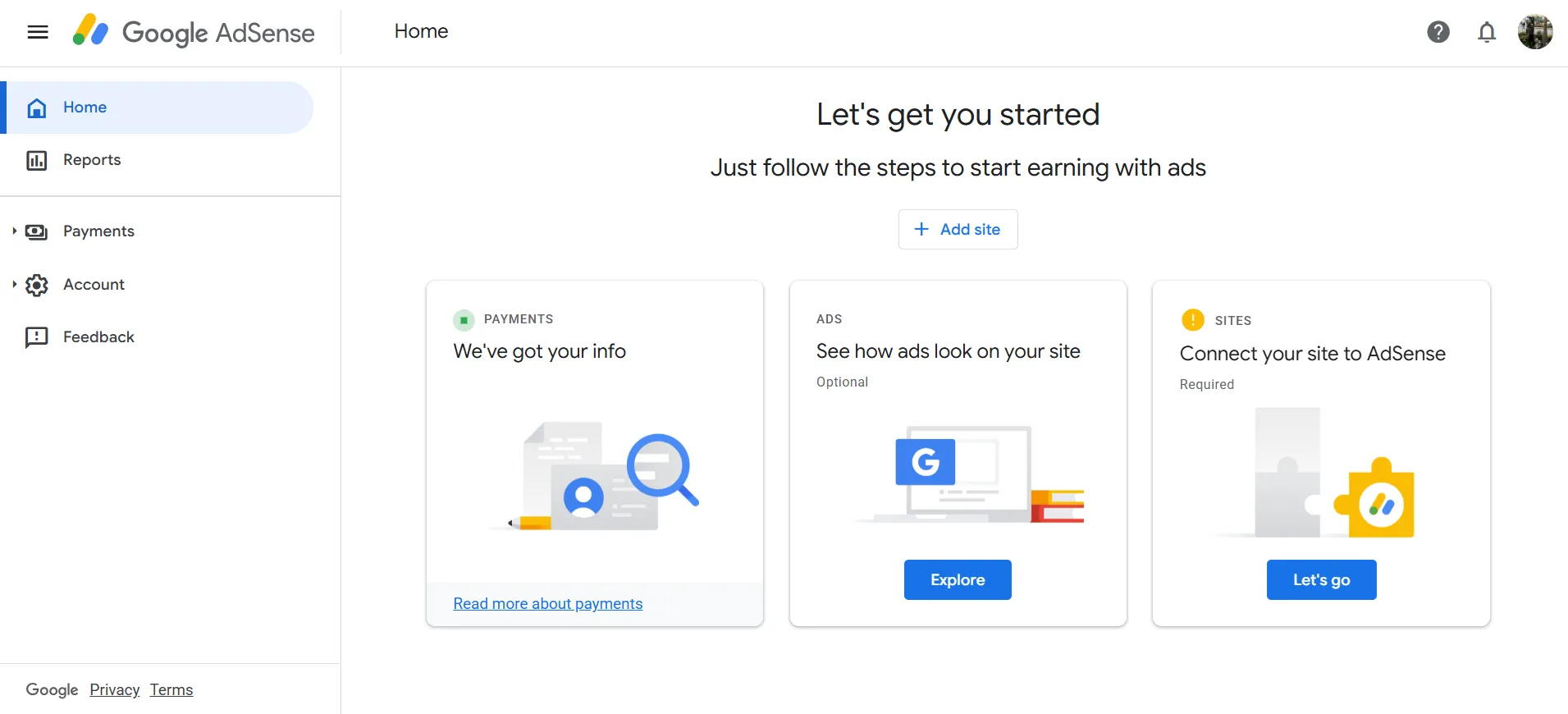
Google AdSense documents responsive display units and approved ways to adjust their behaviour at different screen widths. It also provides guidance for fixed-sized display units.
That makes it a useful first comparison for a publisher who wants a conventional banner setup with a clear implementation path.
Begin with a space the page can support on both desktop and mobile. Do not assume that a desktop sidebar placement will remain useful when the layout collapses on a phone.
The initial goal is to understand how advertising affects your content and revenue. Avoid adding every available position before you know which ones people actually see.
Pros
- Published responsive-display implementation guidance.
- A practical first option for a standard publisher setup.
Cons
- Site and account approval still apply.
- Poor placement can undermine a technically correct integration.
Our verdict: Start with AdSense if you want a straightforward conventional display comparison. Reserve sensible space and verify the responsive behaviour before expanding.
2. Adsterra: Best for an alternative banner-demand test
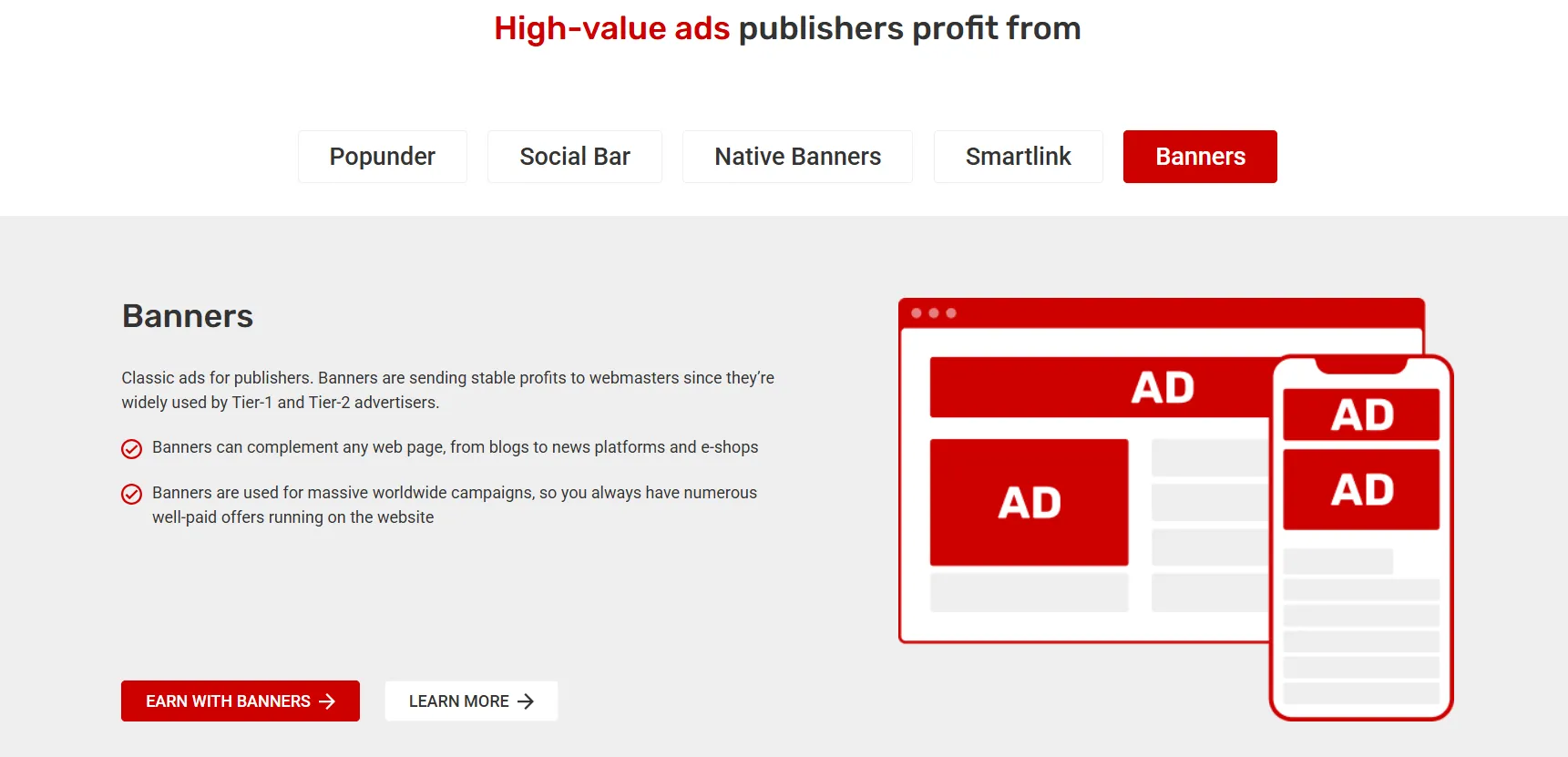
Adsterra lists conventional banners as a publisher product separate from its Native Banners, Smartlinks and Social Bar formats.
That separation is useful. A publisher comparing classic banners should activate and assess that product rather than treating revenue from several formats as one result.
Keep the existing page position stable during the test. If you move the banner to a more prominent area at the same time as changing the provider, you will not know how much of the result came from the network.
Review the creative categories and destination quality. A banner can fit the dimensions perfectly and still be a poor match for the audience.
Pros
- Conventional banners are clearly identified.
- Can be tested separately from other publisher formats.
Cons
- Ad quality and audience fit still need review.
- Mixing formats makes like-for-like comparison harder.
Our verdict: Compare Adsterra as a focused alternative in a defined banner slot. Keep the placement consistent and measure net revenue from similar traffic.
3. HilltopAds: Best for a banner option within a broader account
HilltopAds includes banners among its publisher formats, alongside in-page and video options.
That may be useful if you want to manage more than one approved format through the same commercial relationship.
Convenience is a reason to investigate, not enough reason to enable everything. Ask which banner sizes and implementation rules apply to your account and how each placement appears in reporting.
A separate identifier for each meaningful slot can reveal whether a sidebar, header or in-content position is producing value. One blended revenue figure makes layout decisions harder.
Pros
- A documented banner product.
- Potential operational convenience alongside other formats.
Cons
- Available sizes and exact setup need confirmation.
- A broad account can encourage unnecessary format expansion.
Our verdict: Shortlist HilltopAds when account simplicity matters, but keep banner performance visible as its own decision.
4. BidVertiser: Best for another display-demand comparison
BidVertiser lists display banners among its publisher formats. Its broader product mix also includes Smartlinks and other monetisation routes, which should be assessed separately.
It is relevant for a publisher seeking another source of demand for existing display space.
Before integration, confirm the banner-specific commercial terms. An earning model described for Smartlinks should not automatically be applied to banners from the same company.
Ask how estimated earnings become final, which payment method is available and what deductions can appear. Those details make a revenue comparison more meaningful than simply watching the first day's dashboard.
Pros
- Explicitly lists display banners for publishers.
- An additional option for an existing placement.
Cons
- Terms for another product may not apply to banners.
- Final earnings can differ from early estimates.
Our verdict: Compare BidVertiser when you want another banner-demand candidate. Confirm the format-specific arrangement and judge settled results.
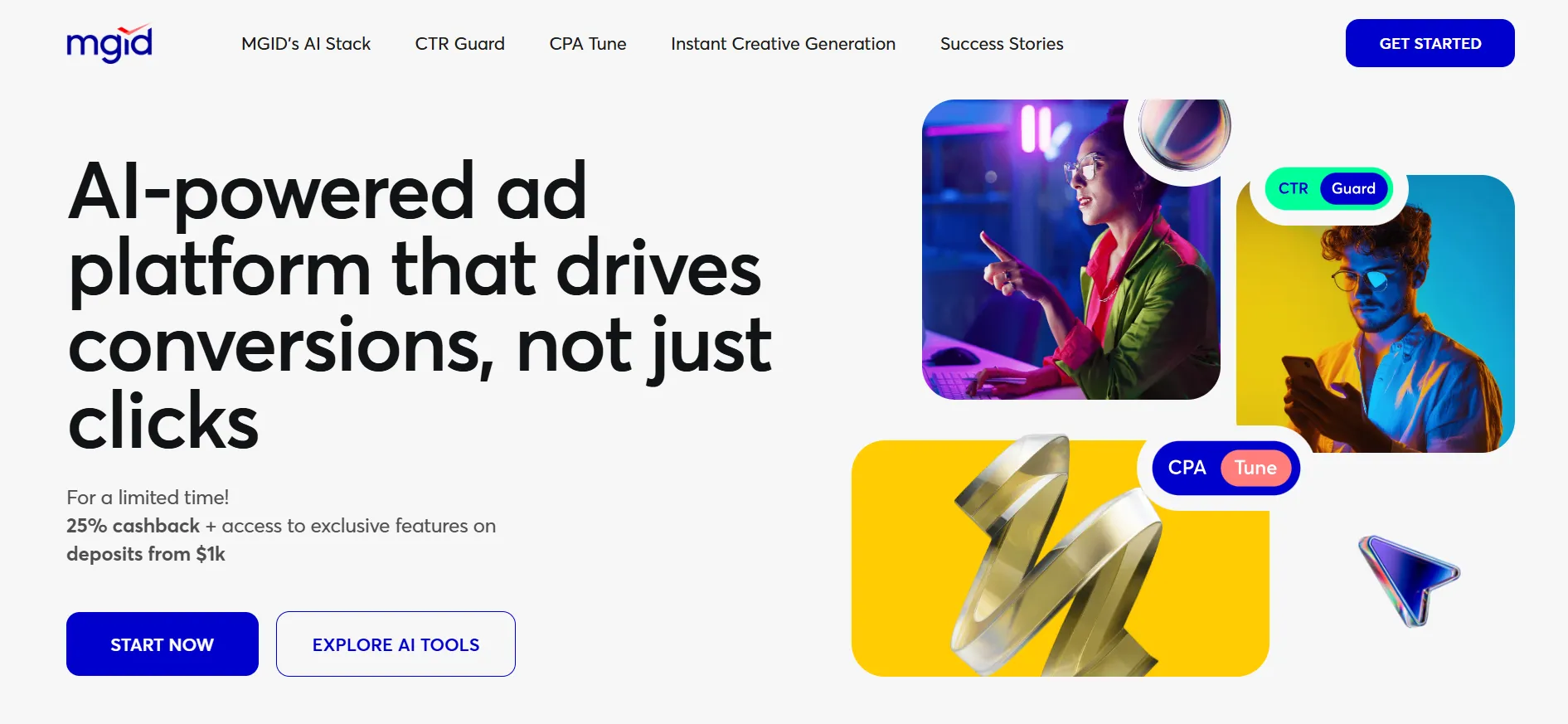
5. MGID: Best for native-style demand in display space
MGID describes IAB banner units that bring its native advertising approach to standard display spaces.
This is a useful distinction for a publisher with reserved banner inventory who is open to a different creative style.
It should not be treated as proof that every display buyer or every conventional banner creative will be available through the same product. Ask what the actual unit looks like and how it is selected.
A native-style unit can appear closer to the surrounding editorial design. Maintain a clear advertising label and check that it does not look like part of your own navigation or article recommendations.
Pros
- A documented use of standard display space.
- A way to compare a different creative approach within the layout.
Cons
- Not necessarily the same demand or creative model as a classic banner network.
- Editorial-looking units need clear commercial identification.
Our verdict: Consider MGID when you want to test native-style demand in an existing display area. Compare both the earnings and the reader's understanding of the unit.
6. BuySellAds: Best for a defined audience and sponsorship discussion
BuySellAds' current publisher proposition includes sponsorship relationships through Carbon and managed monetisation services. Its publisher-discovery pages also show display and native inventory.
That makes it a different option from simply pasting a self-service banner tag into any site.
It is particularly worth investigating when you can explain who reads the publication and why that audience is valuable to relevant sponsors.
Prepare a clear audience description, available positions and examples of the experience you want to preserve. Then discuss the proposed commercial scope, including who handles sales, delivery and reporting.
Pros
- A route to discuss direct commercial relationships and managed demand.
- Relevant to publishers with a clearly defined audience.
Cons
- Partnership fit must be established.
- It may involve a broader arrangement than one banner slot.
Our verdict: Compare BuySellAds when the audience itself is a strong selling point. Assess the actual proposal rather than assuming a universal self-service network model.
Which banner sizes should you use?
Use sizes your layout can support and your provider accepts. More available sizes do not automatically create more useful inventory.
Google's responsive-ad guidance illustrates different dimensions at different screen widths, including 320 × 100, 468 × 60 and 728 × 90 examples. Those are implementation examples, not a rule that every publisher should use that exact combination.
Check the content width, available height and surrounding controls. A placement should not push a key button away while it loads or make text jump unexpectedly.
If a fixed slot leaves a large blank gap on mobile, review the layout rather than simply filling it with another format.
How should you compare banner revenue?
Use both placement-level and page-level measures.
A banner's eCPM can help compare earnings per thousand impressions. Page RPM helps explain what the overall layout earns per thousand pageviews.
A hypothetical example shows why both matter:
Layout | Monthly pageviews | Net ad revenue | Page RPM |
|---|---|---|---|
Two restrained placements | 50,000 | $250 | $5 |
Four placements | 50,000 | $300 | $6 |
The extra placements add $50 in this example. Whether that is worthwhile depends on the effect on reading, subscriptions, purchases and maintenance.
These are illustrative calculations, not benchmark rates.
Also check the percentage of useful ad opportunities that become paid impressions. A high rate on a small number of impressions can produce less total revenue than a lower rate with stronger delivery.
Where should banners go?
Start with a natural break that does not obstruct the page's main task.
A long article, a search-results page and an interactive calculator have different requirements. The placement should fit what the visitor is doing.
Avoid positions next to buttons where people may tap accidentally. Keep advertising distinct from downloads, menus and account controls.
Do not assume the highest position is always best. A large unit before the article may delay the reader from reaching the information they came for. A lower unit may work if the content encourages deeper reading.
Evaluate actual page behaviour instead of choosing by a template diagram alone.
What should you check in the agreement?
Confirm which inventory the provider may monetise and whether any exclusivity applies. Clarify the revenue share or earning arrangement, payment schedule, threshold, deductions and exit process.
For a managed service, ask who can change placements. For a direct sponsorship, establish who approves creative and handles delivery commitments.
Keep a copy of the agreed arrangement. When several tools or partners are involved, a simple record can prevent two services from trying to control the same slot.
Do not assume a large advertiser network means your specific audience will receive strong demand. Ask questions about the traffic and content you actually have.
FAQs: Best Banner Ad Networks
AdSense is our first comparison for a conventional display setup because it provides clear responsive-ad guidance. Approval, content quality and sensible placement still matter.
Banners are one type of display advertising. Display monetisation is a broader category that can include several formats and service arrangements.
That depends on the layout and provider. Responsive units can adapt to available space, while fixed units provide defined dimensions. Test the supported behaviour on the devices your audience uses.
Potentially, if the agreements and technical setup permit it. Keep clear ownership of each placement and avoid conflicting code.
It can increase ad opportunities, but it can also reduce usability or other revenue. Measure the net effect on the whole page and business.
No provider can be assumed to lead for every site. Audience, geography, demand, viewability and placement affect results. Compare confirmed earnings from similar inventory.
Quick Links:
Which banner network should you choose?: Best Banner Ad Networks
Start with the role you need. AdSense is a practical first self-service comparison. Adsterra, HilltopAds and BidVertiser provide alternatives; MGID offers a native-style display approach. BuySellAds is worth discussing when sponsorship or managed demand fits your audience.
Build a restrained layout, measure its value and expand only when the extra advertising earns its place.