
AdSense with Google's Site Kit is our first option for WordPress publishers who want a self-service setup. WordAds suits eligible WordPress.com sites. Mediavine and Raptive provide documented WordPress integrations for approved publishers. Monetag, Media.net and Adsterra are alternatives to compare for specific formats and site requirements.
| Best For | A self-service starting point | Eligible WordPress.com sites | Approved managed-service publishers |
| WordPress route | Google's Site Kit or supported code placement | Built-in programme controls | Mediavine Control Panel |
| Main Check | Avoid duplicate AdSense code | Plan, domain and account requirements | Eligibility before installation |

Adding advertising to WordPress can look deceptively simple. Install a plugin, connect an account and paste a code snippet.
Then an ad appears twice, a page behaves differently on mobile or nobody remembers which plugin is inserting the script.
The best ad networks for WordPress should suit your content and be practical to maintain. That includes understanding how the code reaches the site, who controls placements and how to remove the setup if it causes problems.
This guide compares seven advertising options and their WordPress integration routes. It also explains a common source of confusion: an ad-management plugin and an ad network do different jobs.
7 Best WordPress ad networks: Quick comparison
Compare the best WordPress ad networks based on approval requirements, traffic limits, ad formats, payout thresholds, and revenue potential to find the right solution for monetizing your WordPress website and growing your ad earnings.
Service | Best for | WordPress route | Main check |
|---|---|---|---|
AdSense | A self-service starting point | Google's Site Kit or supported code placement | Avoid duplicate AdSense code |
WordAds | Eligible WordPress.com sites | Built-in programme controls | Plan, domain and account requirements |
Mediavine | Approved managed-service publishers | Mediavine Control Panel | Eligibility before installation |
Raptive | Approved content publishers | Raptive Ads plugin | Page, category and tag exclusions |
Monetag | Publishers wanting a documented plugin route | Official WordPress guidance | Site verification and format choice |
Contextual advertising | Provider code through a supported insertion method | Keep integration ownership clear | |
Adsterra | Testing selected formats | Publisher code in a permitted location | Check actual mobile behaviour |
These are editorial starting points, not speed-test results. A provider's plugin does not establish that your account is approved or that its ads will work well with every theme.
What should you check before choosing a WordPress ad network?
First, identify how the site is hosted.
A WordPress.com website and a self-hosted WordPress installation can have different plan, plugin and advertising arrangements. Check your own hosting permissions before following an installation guide.
Next, separate the service from the tool. An ad network supplies advertising demand and defines how you earn. A plugin may only place or manage advertising code.
Installing a code-management plugin does not create an advertising account, approve the website or guarantee revenue.
7 Best ad networks for WordPress in detail
Explore the 7 best ad networks for WordPress websites, comparing their features, approval requirements, ad formats, payment options, and earning potential to help you choose the right platform to monetize your WordPress site and maximize advertising revenue.
1. Google AdSense with Site Kit: Best first option for self-service publishers
Site Kit can connect WordPress with AdSense, display monetisation information and place the Auto ads code. Google's documentation recommends removing other copies of the AdSense snippet if Site Kit will insert it.
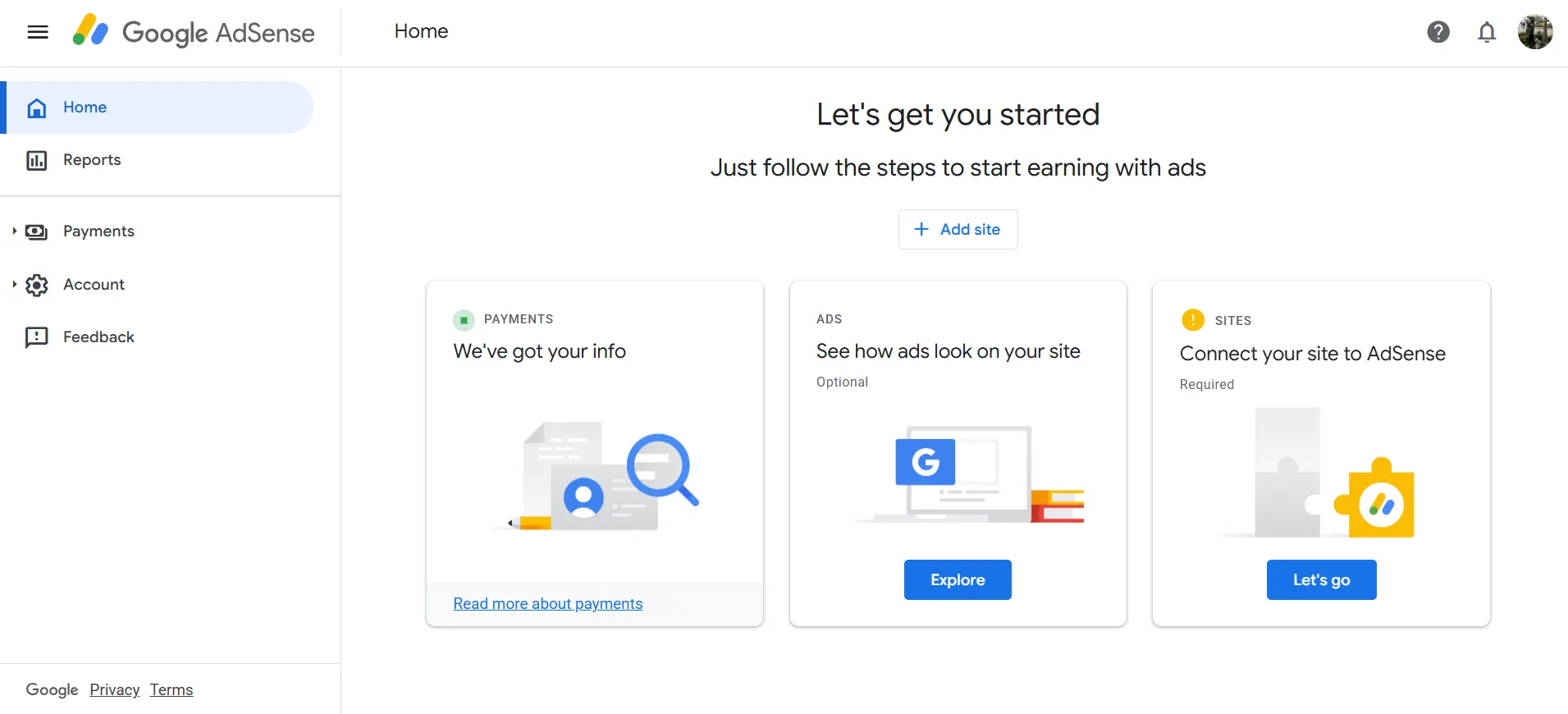
That is the main reason to favour a clearly documented route: you can identify which tool is responsible for the code.
Before enabling insertion, check your theme settings, header tools and existing plugins. A snippet placed months ago can be easy to forget.
Also remember that connecting Site Kit is not the same as passing AdSense's review.
Pros
- An official Google integration for WordPress.
- A documented code-insertion route and dashboard connection.
Cons
- Duplicate snippets can create problems.
- Account and site approval remain separate from plugin installation.
Our verdict: Start here if you want a self-service WordPress setup. Give one tool responsibility for inserting the AdSense code and keep a record of that decision.
2. WordAds: Best for an eligible WordPress.com site
WordAds is an option for WordPress.com publishers who meet its requirements. These include a public site, Premium or higher, a primary custom domain and PayPal.
If you already qualify, it is a route to investigate within the environment you use.
The hosting cost belongs in the comparison. Upgrading only for advertising makes little sense unless the expected benefit supports the extra expense.
Advertising controls also matter. Read what you can change before assuming the service gives the same level of control as a manually configured setup.
Pros
- A programme within the WordPress.com environment.
- Published account and hosting requirements.
Cons
- Not a default route for every WordPress installation.
- Plan costs and available controls need checking.
Our verdict: Consider WordAds if your WordPress.com site already meets the requirements. If an upgrade is necessary, assess the whole plan rather than treating ad income as guaranteed cost recovery.
3. Mediavine: Best for approved publishers wanting a managed integration
Mediavine's Control Panel plugin connects a WordPress site with its advertising setup and installs the script wrapper. It is an integration tool for publishers using the service, rather than a shortcut around eligibility.
For a site moving from another provider, preparation matters. List the old snippets, plugins and theme settings before changing anything.
That gives the onboarding team a clearer picture and makes it easier to avoid overlapping installations.
Pros
- An official WordPress integration.
- A defined route for installing the service's script.
Cons
- Programme acceptance comes first.
- Existing advertising code still needs careful handling during a move.
Our verdict: Compare Mediavine when you qualify and want to evaluate managed advertising. Follow the agreed migration steps rather than activating new and old code together without a plan.
4. Raptive: Best for publishers who need documented exclusion controls
Raptive documents a WordPress advertising plugin with controls that include disabling ads for selected categories or tags.
That is useful because not every page on a publishing site has the same purpose.
You may want advertising on general articles while keeping a course page, sales page or important resource clear. Decide that structure before installation, then verify that the exclusions behave as intended.
Approval is still part of the provider decision. The plugin is the implementation route after that decision, not the eligibility test itself.
Pros
- A documented WordPress plugin.
- Controls for excluding selected content groupings.
Cons
- The service's application requirements still apply.
- Categories and tags need to be organised carefully for exclusions to work as intended.
Our verdict: Consider Raptive when you qualify and want to discuss a managed layout with clear exceptions. Write down which sections should remain ad-free before onboarding.
5. Monetag: Best for an official WordPress verification route
Monetag publishes WordPress instructions that include its official plugin and site-verification options.
That is helpful when you want a supported route rather than guessing where a verification tag belongs.
Once the site is connected, the format decision still needs attention. A plugin can help with installation, but it cannot decide whether a placement is appropriate for your readers.
Inspect the site while logged out. Administrators may not see exactly the same page experience as a normal visitor.
Pros
- Official WordPress setup guidance.
- A documented approach to verification.
Cons
- Successful verification does not establish suitability of every format.
- The visible visitor experience needs its own check.
Our verdict: Shortlist Monetag if its products fit your audience and you want a documented integration path. Verify the live experience on both desktop and mobile after setup.
6. Media.net: Best for contextual advertising through a clear code setup
Media.net provides publisher advertising, while a compatible WordPress insertion method handles the code. Advanced Ads, for example, lists support for Media.net among the advertising services it can manage.
The key distinction is who does what. Media.net supplies the advertising service. The plugin controls where supported code is inserted.
Before adding a generic manager, ask whether the provider recommends a particular integration. Fewer overlapping tools usually make ownership easier to understand.
Pros
- A contextual advertising service to compare.
- Compatible code-management options exist for WordPress.
Cons
- A third-party insertion tool is another component to maintain.
- Installing the tool does not establish network acceptance.
Our verdict: Consider Media.net for a suitable content site, then use a clear, supported implementation. Record which plugin or setting owns each placement.
7. Adsterra: Best for a controlled format trial
Adsterra supplies publisher code for its selected advertising formats. On WordPress, the important step is placing that code through a method your site and provider support.
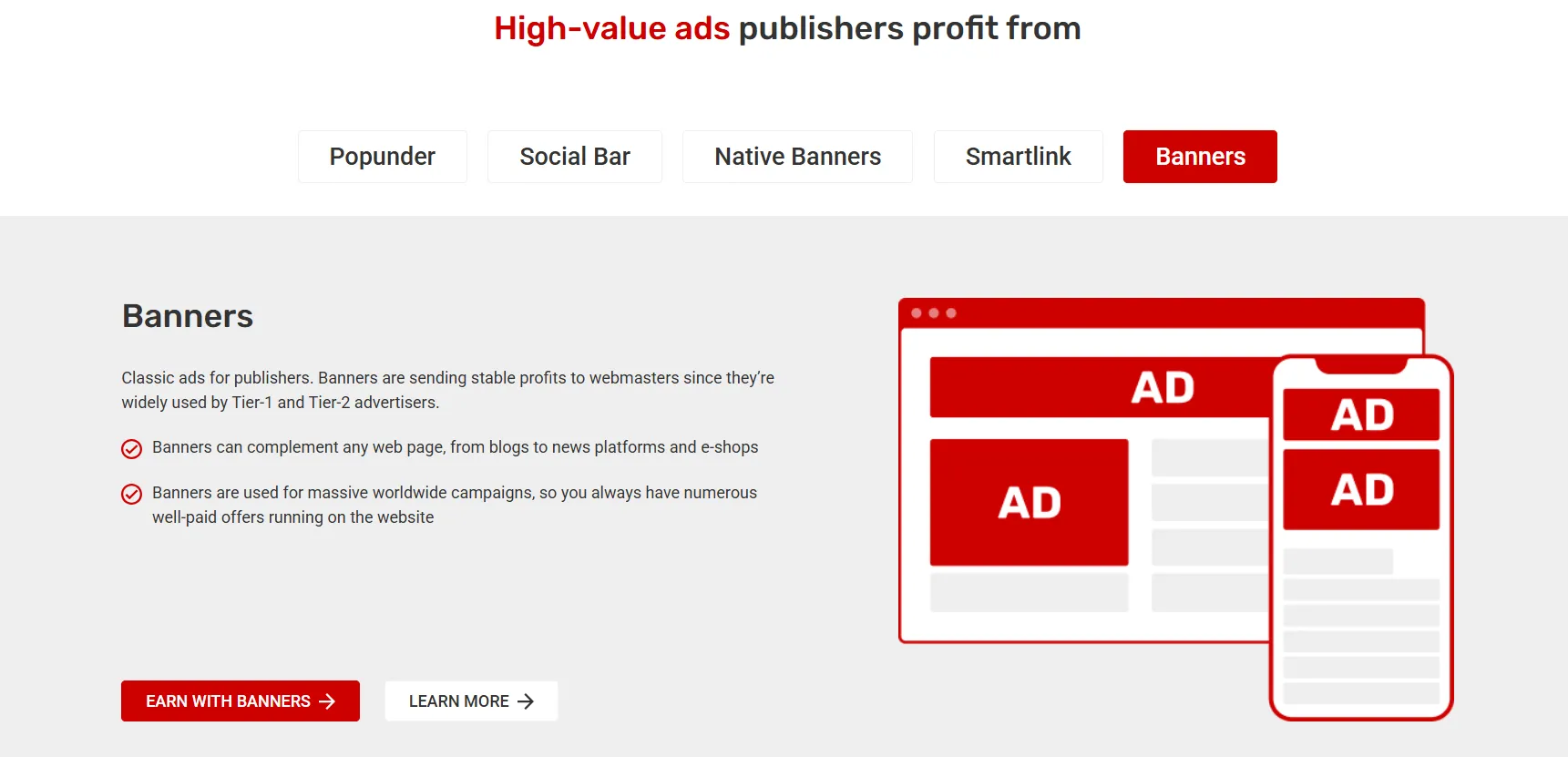
Keep the first trial small. One placement is easier to inspect and remove than code scattered through the theme, a header plugin and individual posts.
Check the page on a phone, including menus and buttons. The question is whether visitors can still use the site comfortably.
Pros
- Several formats to consider for a limited test.
- A trial can be evaluated around a specific placement.
Cons
- Code ownership becomes confusing if several tools insert it.
- Some formats require careful judgement about visitor experience.
Our verdict: Try Adsterra when you have a specific format and placement in mind. Keep the integration easy to identify and reverse.
Is an ad plugin the same as an ad network?
No. The network or advertising service provides demand and the earning arrangement. A plugin may simply manage code, placements or schedules.
Advanced Ads is an example of an ad-management tool. Its supported advertising integrations do not make it the organisation paying for every ad placed through it.
Choose the advertising service first. Then choose the least complicated supported way to implement it.
Installing several ad plugins before making that decision can create work without moving you closer to earning.
How do you avoid duplicate advertising code?
Keep a short installation record before you make changes.
Item | What to record |
|---|---|
Advertising service | The provider and account in use |
Insertion method | Plugin, theme setting or managed installation |
Placements | Pages or positions where ads are intended |
Exclusions | Content that should remain ad-free |
Removal route | How to disable the setup cleanly |
If you change the insertion method, remove or disable the old one according to the provider's instructions.
Do not keep copying a snippet into new locations because the ad has not appeared yet. First check approval, verification, placement configuration and the actual error or status message.
That prevents a pending-review problem from turning into a duplicate-code problem.
What should you test after adding ads to WordPress?
Test the website as a visitor:
Open the homepage and several article types.
Check a short post as well as a long guide.
Use menus, search, forms and important buttons.
Confirm that excluded pages remain ad-free.
Compare phone and desktop layouts.
Check the site while logged out.
If something fails, change one thing at a time. Follow the provider's guidance when investigating caching or script-optimisation settings.
Avoid clicking live ads during your checks. Use supported test methods and inspect layout and behaviour instead.
How should you compare performance?
Compare a representative period before and after the change. Note revenue, page activity and important business outcomes.
Also look at loading behaviour and layout movement. A setup that increases advertising revenue but makes a checkout or lead form difficult to use may not improve the site overall.
Plugin count by itself is not a performance result. Measure the actual website and investigate the tools that cause problems.
Keep rollback instructions available. If a change breaks an important page, you should know how to disable it without searching through every setting.
FAQs: Best WordPress Ad Networks
AdSense with Site Kit is our first option to evaluate because Google documents the connection and code-insertion process. Site approval is still required.
Do not assume the same advertising options exist on every plan. WordAds requires Premium or higher and a primary custom domain under its published rules. Check your current plan before following installation instructions.
No. Site Kit can connect services and help with setup, but the site's AdSense review remains separate. Follow the status shown in the account.
Only when each has a clear, compatible role. Avoid having multiple tools insert the same network's code. Keep a record of which tool manages each placement.
That depends on the service and integration. Some tools provide page, category or tag exclusions. Verify the actual excluded pages after making a change.
Possible causes include approval status, verification, code placement or configuration. Check the provider's messages and support troubleshooting steps before repeatedly reinstalling the plugin.
Quick Links:
Which WordPress ad network should you choose?: Best WordPress Ad Networks
For a self-service setup, evaluate AdSense with Site Kit. For an eligible WordPress.com site, compare WordAds. If you qualify for a managed service, discuss the integration and exclusion controls with Mediavine or Raptive.
Choose a provider that suits your content, then keep the installation clear. You should always know what inserts the ads, where they belong and how to turn them off.