
YouTube is the second-largest search engine in the world.
And it is massively underused by affiliate marketers who only think about text content.
The truth is, a single well-optimized YouTube review can generate affiliate commissions for years with zero ongoing effort. I have 3-year-old product review videos still driving $200–$400/month in passive affiliate income.
In 2026, AI video tools have made it possible to produce professional-quality YouTube affiliate reviews in a fraction of the time it used to take.
Here is my complete guide to AI-powered YouTube affiliate video production.
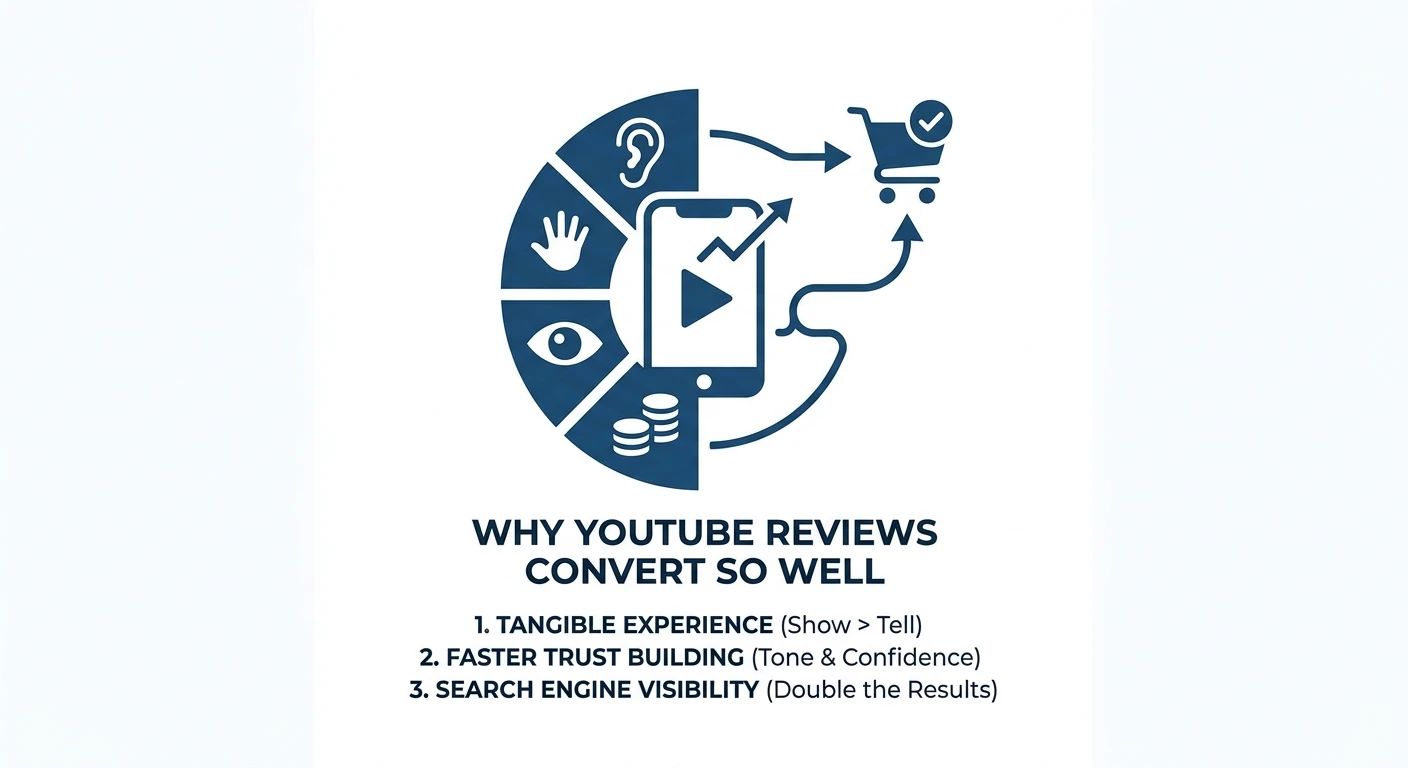
Why YouTube Reviews Convert So Well
Before I get into the tools, let me explain why video reviews are such a powerful affiliate format.
When someone watches a video review, they see the product being used. They hear the reviewer's tone and confidence. They experience the review rather than just reading it.
Trust is built differently through video than through text. And trust converts.
YouTube review videos also rank in Google's video carousels for product keywords. If you have a blog article AND a YouTube video ranking for the same product, you have doubled your visibility for a single content investment.
The AI Video Production Workflow
Here is my full workflow from script to published video.
Step 1: Script Writing With Claude
The script is the most important part of any video. A great video with a weak script will not convert.
I use Claude to write my video scripts.
Prompt:
“Write a YouTube video script for a review of [product name] targeting [audience]. The video should be 8–10 minutes long. Include: an attention-grabbing hook in the first 30 seconds, a ‘who this video is for' section, walkthrough of 5 key features with screen description notes, honest pros and cons, pricing section, verdict, and a clear CTA to click the affiliate link in the description. Write in a conversational, energetic tone. Include timestamps for each section.”
The output gives me a complete, structured script ready for recording — or ready to hand to an AI voice tool.
Step 2: AI Avatar or Voiceover With HeyGen / ElevenLabs
Not everyone wants to be on camera. And even those who do appreciate having an option for faster production.
HeyGen lets you create a realistic AI avatar that reads your script. You train a personal avatar from a few minutes of footage and then use it for all future videos without needing to record yourself.
ElevenLabs creates ultra-realistic AI voiceovers. If you are doing screen-recorded tutorials with a voiceover, ElevenLabs produces audio that sounds genuinely human — I have had viewers specifically compliment my voice when it was ElevenLabs audio.
For affiliate reviews where I want to show product demos, I use screen recording combined with an ElevenLabs voiceover of my Claude-written script. This is much faster than recording myself.
Step 3: Video Creation With Zebracat or Pictory
If you want to create a full video with visuals (not just a screen recording), AI video creation tools have become significantly more capable in 2026.
Zebracat generated a video complete with visuals and voiceovers within minutes of being given a product description. Zebracat intelligently selected visuals that aligned with the script, creating a cohesive narrative. The platform also offers human-like voiceovers, enhancing the professionalism of the videos. WordStream
Pictory is another strong option specifically for turning long-form text content into videos. You paste your Claude-written script and Pictory selects relevant stock footage, adds captions, and produces an edited video.
For affiliates who do not want to do screen recording at all, these tools can produce watchable product overview videos entirely from text input.
Step 4: Thumbnail Creation With Canva AI
YouTube thumbnails are a significant factor in click-through rate, which directly affects how many views your review gets.
I use Canva AI to create my thumbnails. The process:
Describe the thumbnail concept to Canva AI
Canva generates visual options
I select the best one and add text overlays manually
A good affiliate review thumbnail typically includes: the product logo, my face (optional but improves CTR), a clear outcome statement, and high-contrast colors.
Step 5: Optimizing Your Video for YouTube SEO
This is where many affiliate marketers leave traffic on the table.
I use ChatGPT to write my video title, description, and tags.
Prompt:
“Write a YouTube SEO package for a review video of [product name]. Include: (1) 3 title options optimised for search with the year in them, (2) a 300-word video description with the primary keyword in the first sentence and affiliate disclosure, (3) 15 relevant tags, (4) a pinned comment script. The target keyword is [keyword].”
Recommended AI Video Tool Stack
Tool | Best For | Pricing |
Claude | Script writing | $20/month |
ElevenLabs | AI voiceover | Free tier + $22/month |
HeyGen | AI avatar videos | From $29/month |
Zebracat | Text-to-video | From $36/month |
Pictory | Long-form to video | From $19/month |
Canva AI | Thumbnails | Free tier available |
My Fastest Production Format
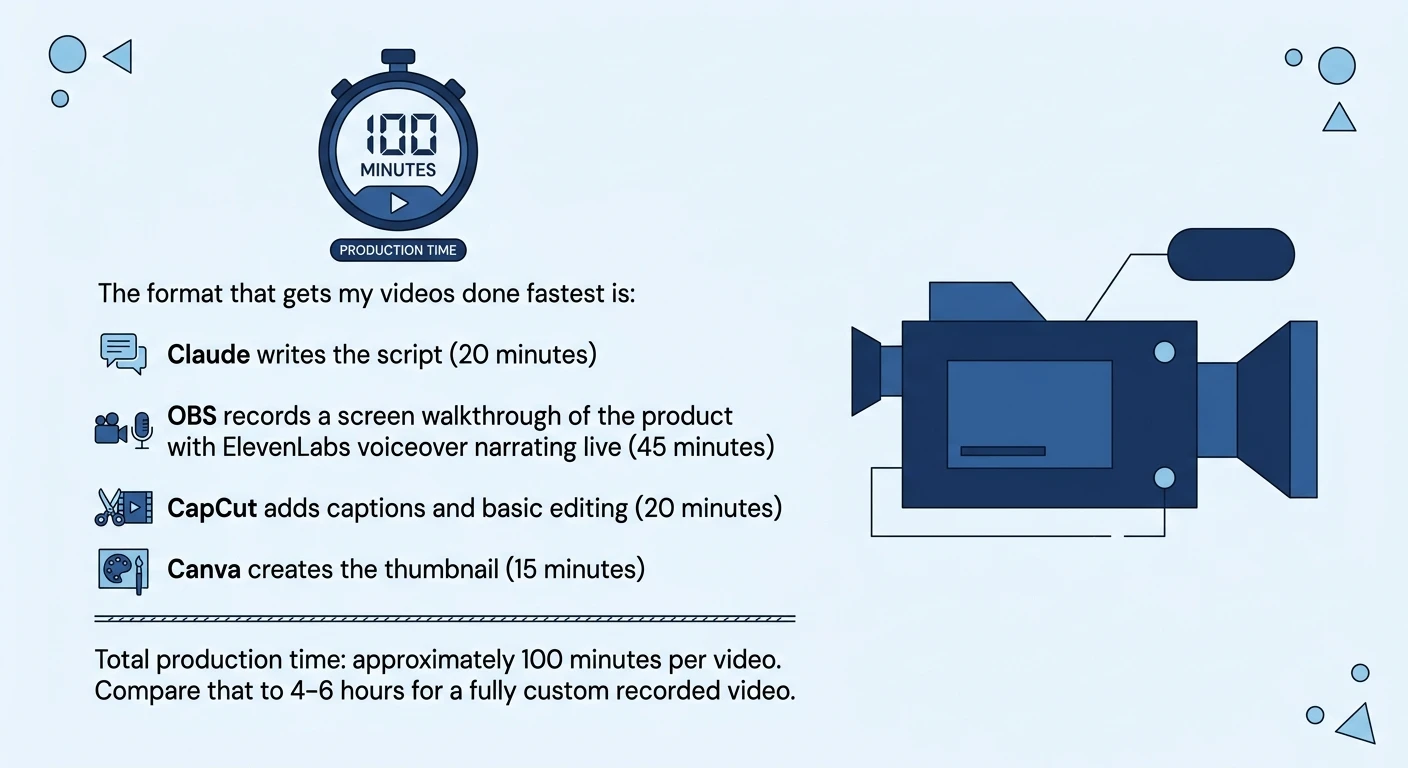
The format that gets my videos done fastest is:
Claude writes the script (20 minutes)
OBS records a screen walkthrough of the product with ElevenLabs voiceover narrating live (45 minutes)
CapCut adds captions and basic editing (20 minutes)
Canva creates the thumbnail (15 minutes)
Total production time: approximately 100 minutes per video. Compare that to 4–6 hours for a fully custom recorded video.
Conclusion
YouTube affiliate reviews are one of the highest-leverage content investments you can make.
They rank in Google. They rank on YouTube. They build trust faster than text. And they work while you sleep.
AI has compressed the production timeline from 4–6 hours to under 2 hours per video. Use that advantage to publish more videos, reach more people, and build a second traffic channel alongside your blog.
FAQs
No, you do not need to show your face. Screen recordings with AI voiceover work very well for SaaS product reviews, and AI avatars are another popular option. Some of the highest-converting YouTube affiliate channels never show the creator's face.
8–12 minutes is the sweet spot for SaaS product reviews in 2026. This length is long enough to cover the product thoroughly while still being short enough to hold viewer attention. Videos under 5 minutes tend to rank less well for competitive review keywords.
Yes, but you will need to adapt it for the video format. YouTube scripts require a stronger hook in the first 30 seconds, more verbal signposting, and shorter sentences than written prose. You can use an AI tool like Claude to quickly convert your blog post into a proper YouTube script.
No, subscriber count does not determine how individual review videos rank. YouTube ranks videos based on keyword relevance, watch time, and engagement, meaning a brand new channel can rank a well-optimized review video within days of publishing.
Place your affiliate links in the video description and verbally reference them at the start and end of your video. You can also add clickable end screens and cards that link to your review blog post, which then carries the affiliate links.