
Searching for a Surfshark VPN coupon code? Here's what's genuinely on offer, straight from Surfshark's own pricing page: up to 85% off on the 24-month plan, a real 7-day free trial for $0.00, and a 30-day money-back guarantee across every tier.
No hidden code to dig up, it's already reflected in the price. Beyond the discount itself, this covers what Surfshark actually does, its full toolkit, and where it fits for business teams and affiliate marketers specifically.
What's Actually On Offer Right Now
Discover the latest active Surfshark Coupon Code offers and verified discounts to save on VPN plans while enjoying secure browsing, online privacy, and unlimited device protection.

Surfshark One, $2.79/Month (24 Months)
The plan Surfshark itself flags as "Most Popular." Down from $511.65 to $75.33 for your first 27 months (24 months plus 3 free). Bundles VPN, antivirus, and ad blocking together.
Surfshark Starter, $2.49/Month (24 Months)
The cheapest way in. Down from $444.15 to $67.23 for 27 months. Straightforward VPN protection, nothing extra bundled in.
Surfshark One+, $4.49/Month (24 Months)
The top-tier bundle. Down from $589.95 to $121.23 for 27 months. Adds Alt ID, Alert, Search, $1M identity theft coverage, and Incogni.
7-Day Free Trial, $0.00
Test the full VPN across up to 3 devices for a week, entirely free. No charge unless you don't cancel in time.
3-Month Plan, From $8.99/Month
A middle option if you want real savings but aren't ready for a year-plus commitment.
Student Discount, Student Beans Partnership
A separate, official discount path for verified students, apply through Student Beans directly.
Claiming Your Discount, Step by Step
Step 1: Pick the offer that matches how long you're willing to commit.
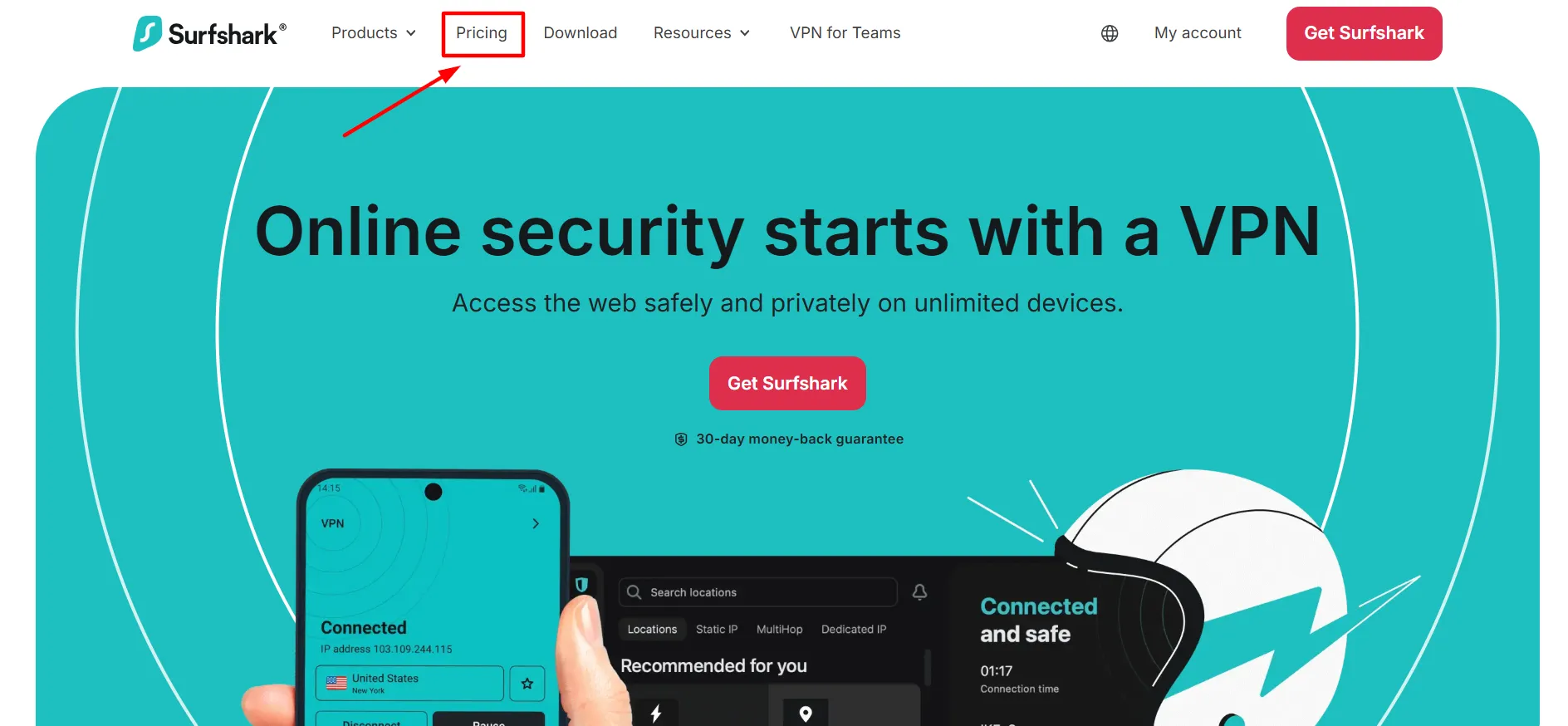
Step 2: Click through to Surfshark's actual pricing page.
Step 3: Choose Starter, One, or One+, then your billing length.
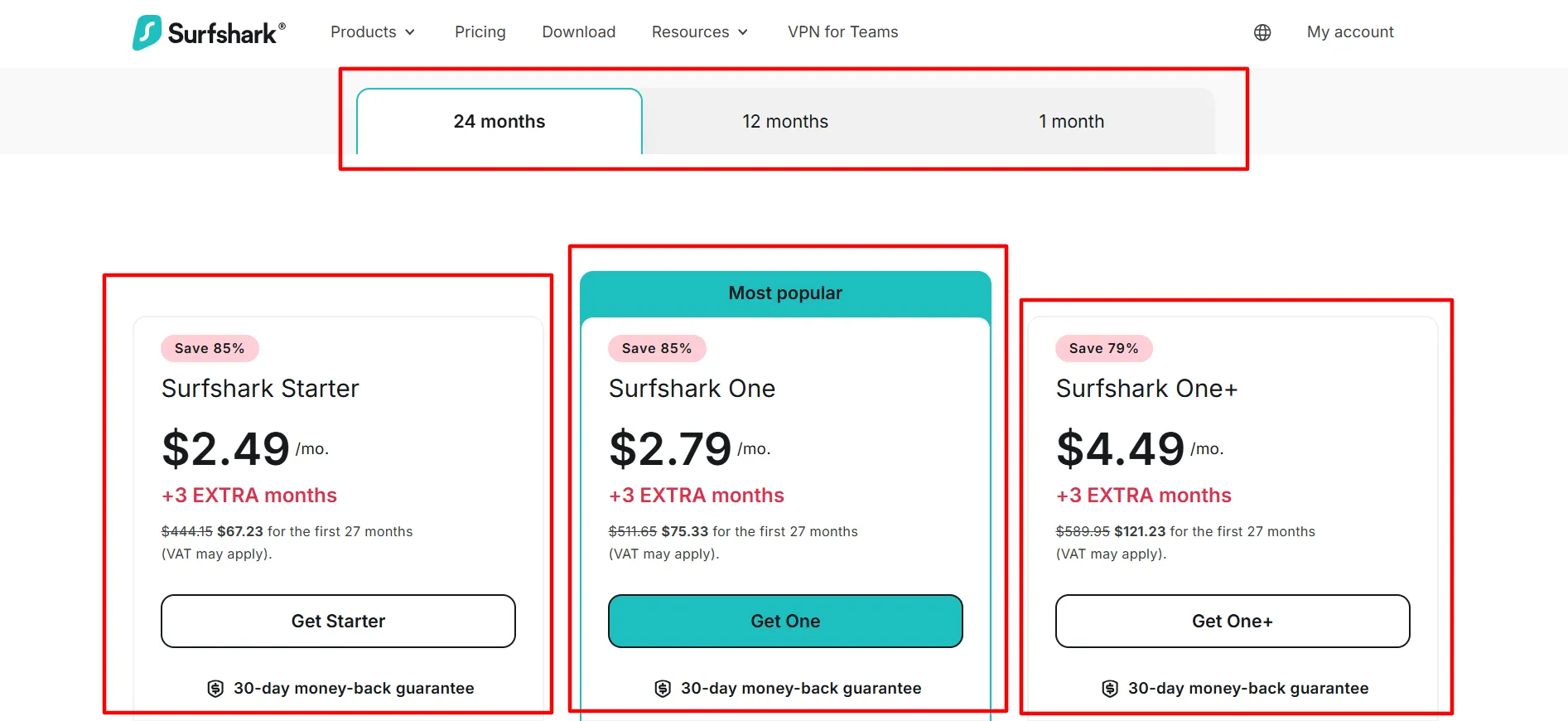
Step 4: The discount is already applied, no code to enter manually.
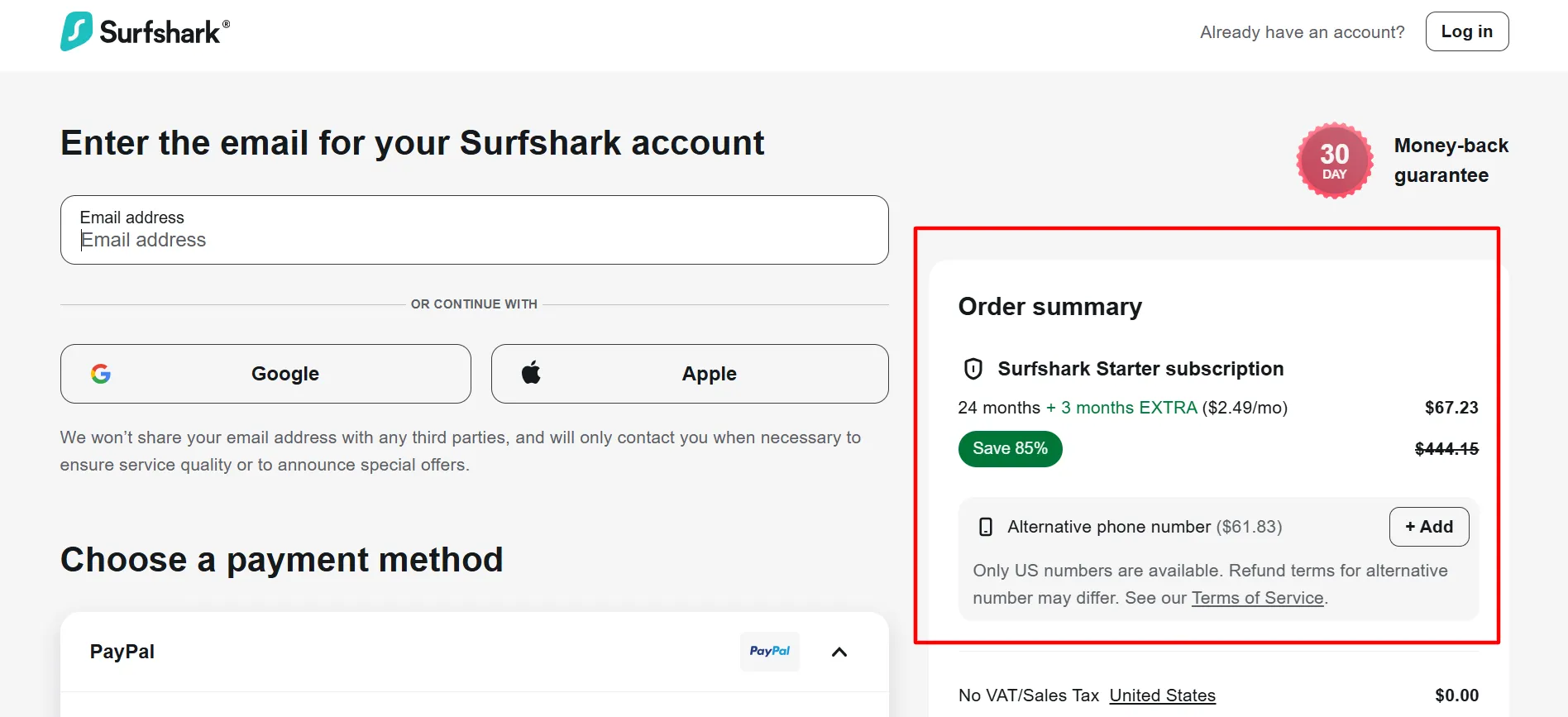
Step 5: Finish checkout, backed by the 30-day money-back guarantee no matter which plan you pick.
What Is Surfshark, Exactly?
Surfshark is a digital privacy and security company, launched in 2018, built around VPN technology but grown into something broader. The core function is straightforward: encrypt your internet traffic and mask your real IP address, making it far harder for your ISP, advertisers, or anyone snooping on public Wi-Fi to see or trace what you're doing online.
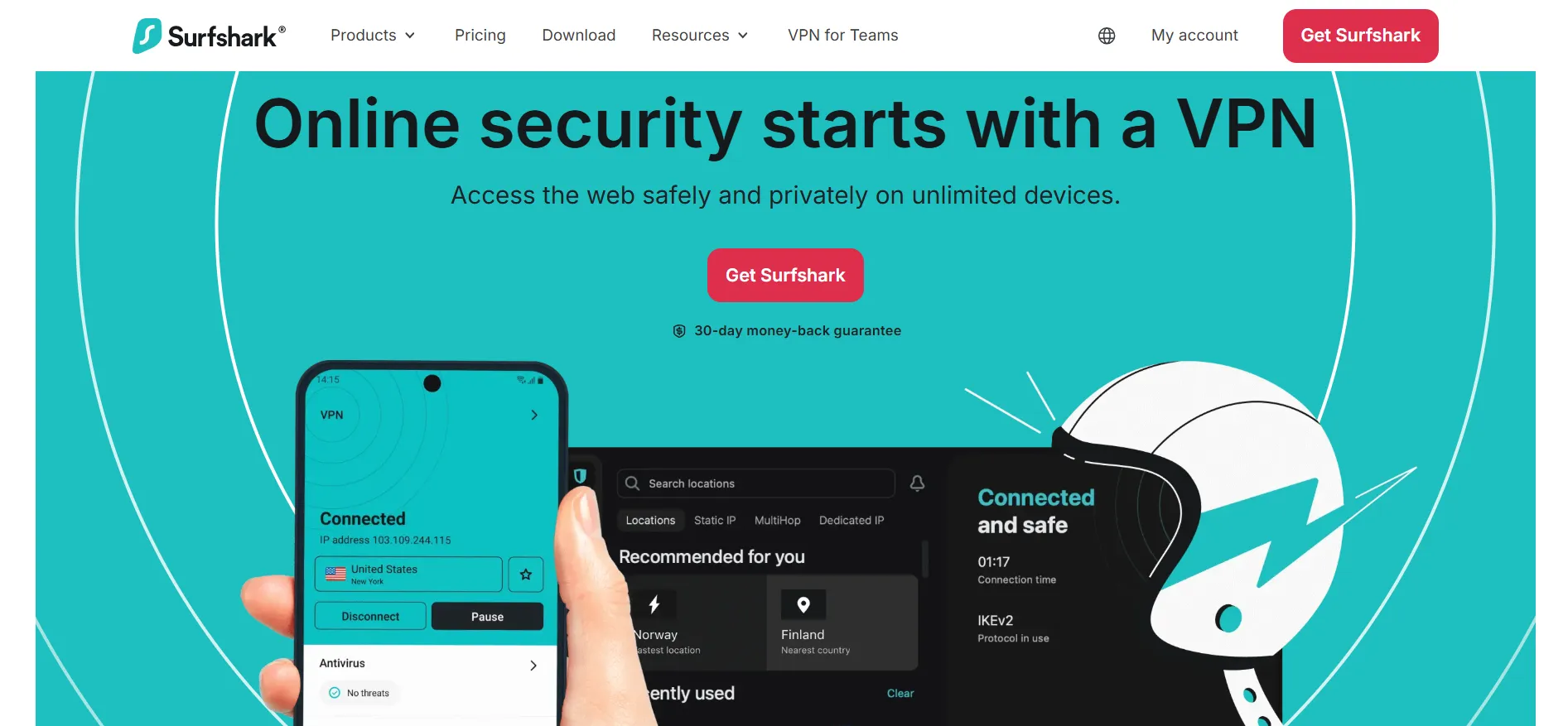
What makes Surfshark stand out among VPN providers is everything else bundled around that core function, antivirus protection, ad and tracker blocking, dark web breach monitoring, a private search engine, and dedicated identity-protection tools, depending on which tier you choose. It's less a single-purpose VPN app and more a full privacy suite.
Pricing Snapshot
Plan | 24-Month | 12-Month | 1-Month |
Starter | $2.49/mo | $3.39/mo | $16.45/mo |
One | $2.79/mo | $3.59/mo | $18.95/mo |
One+ | $4.49/mo | $7.49/mo | $21.85/mo |
Both longer-term plans (24 and 12 months) come with 3 bonus months tacked on, so you're really getting 27 or 15 months of coverage. The 1-month plan skips the bonus and runs on standard recurring billing.
Everything Included, Tier by Tier
1. Encryption
AES-256 and ChaCha20, industry-standard protection for your traffic
2. No Device Limit
Connect everything you own at once, phone, laptop, tablet, smart TV, all under one account
3. 4,500+ Servers, 100 Countries
All RAM-only, meaning nothing's ever written to disk and everything wipes on reboot
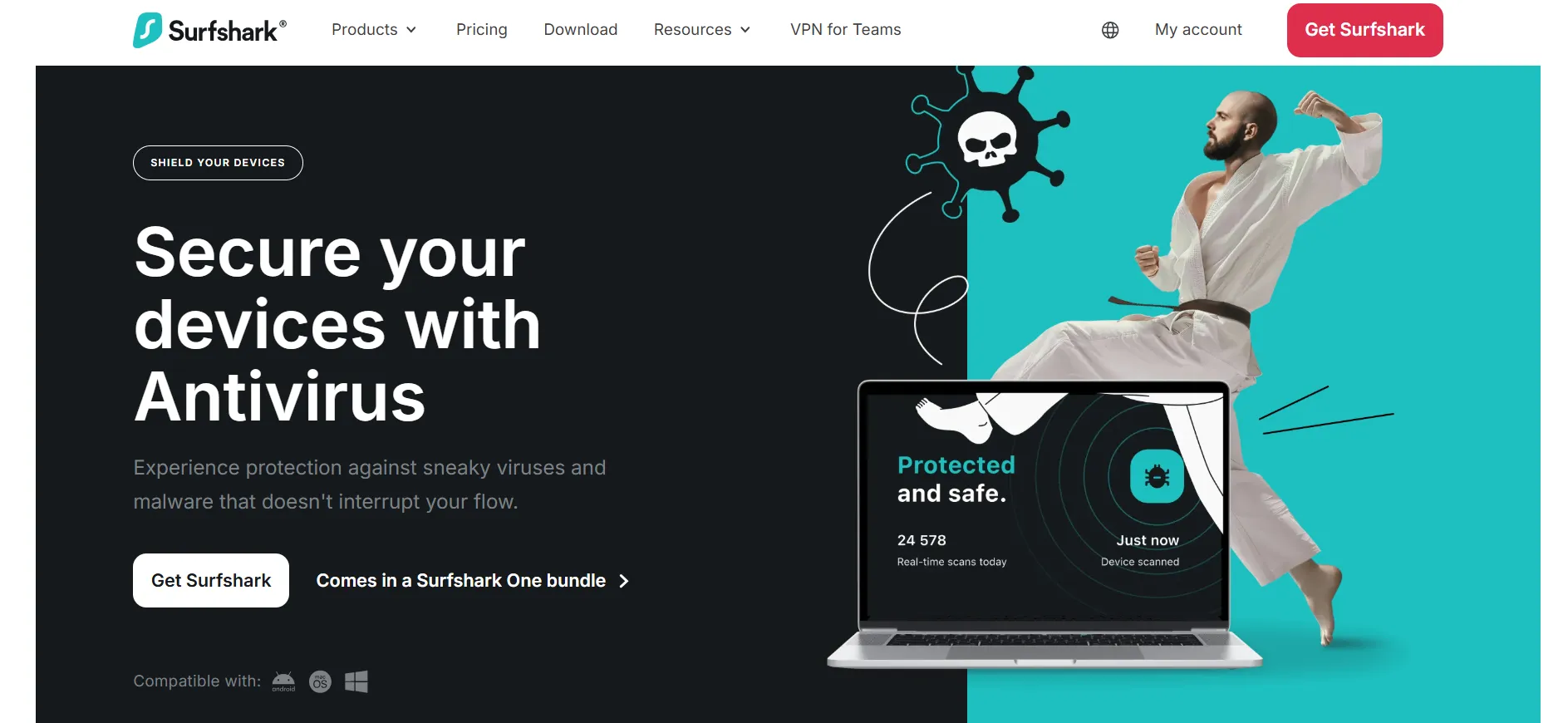
4. Antivirus (One, One+)
Real-time malware protection built into the same app you're already using
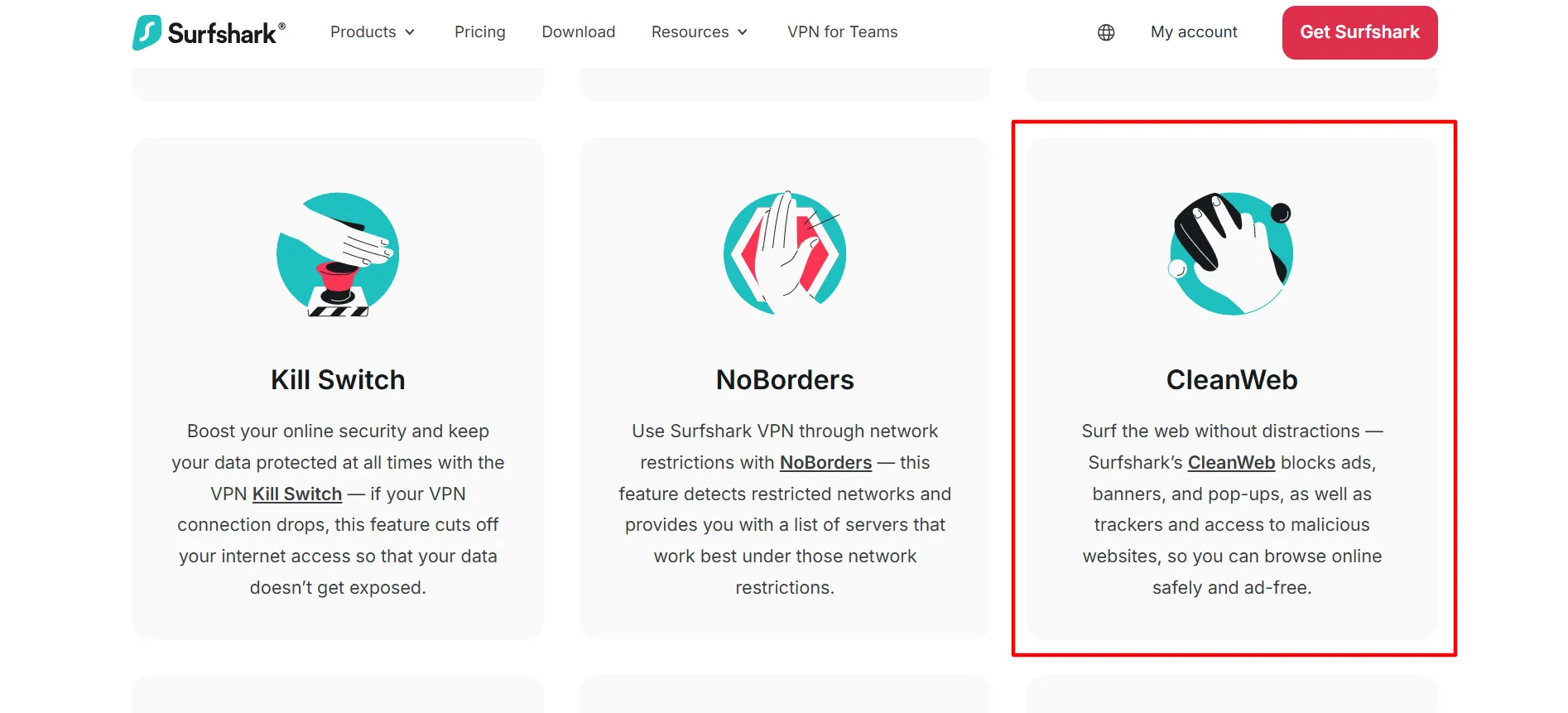
5. CleanWeb
Ad, tracker, and cookie pop-up blocking at both browser and app level
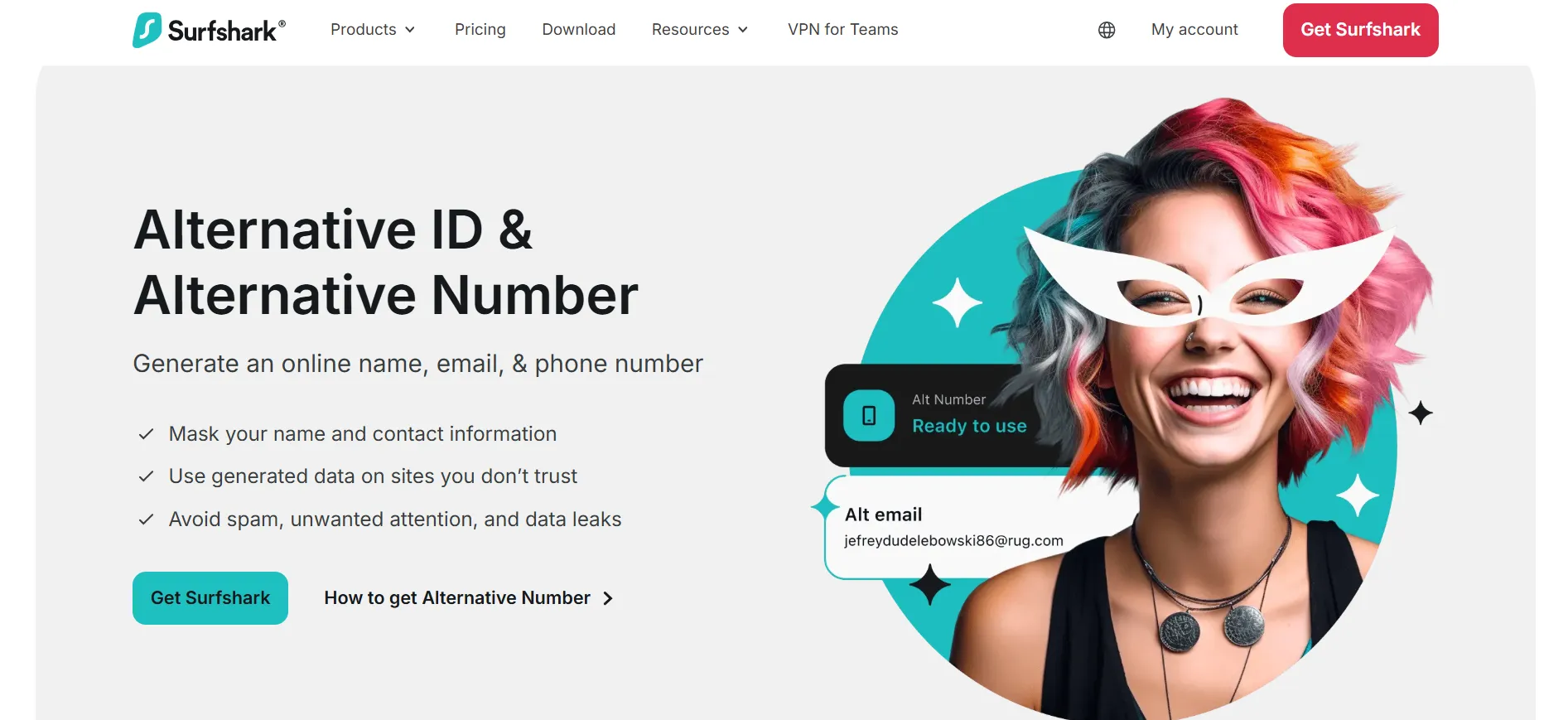
6. Alt ID (One+)
A throwaway identity, name, email, number, for signing up without exposing your real details
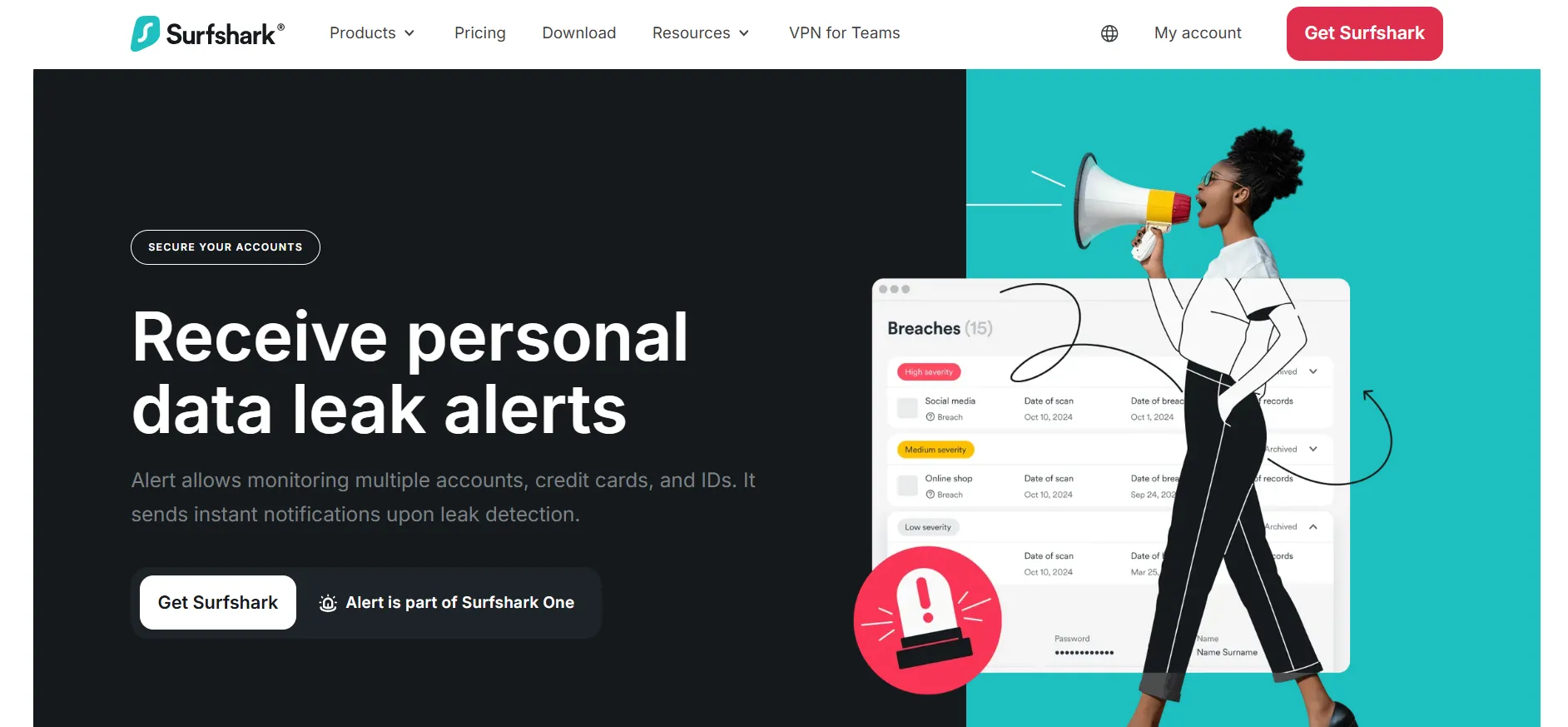
7. Alert (One+)
Flags your info if it turns up in a data breach or on the dark web
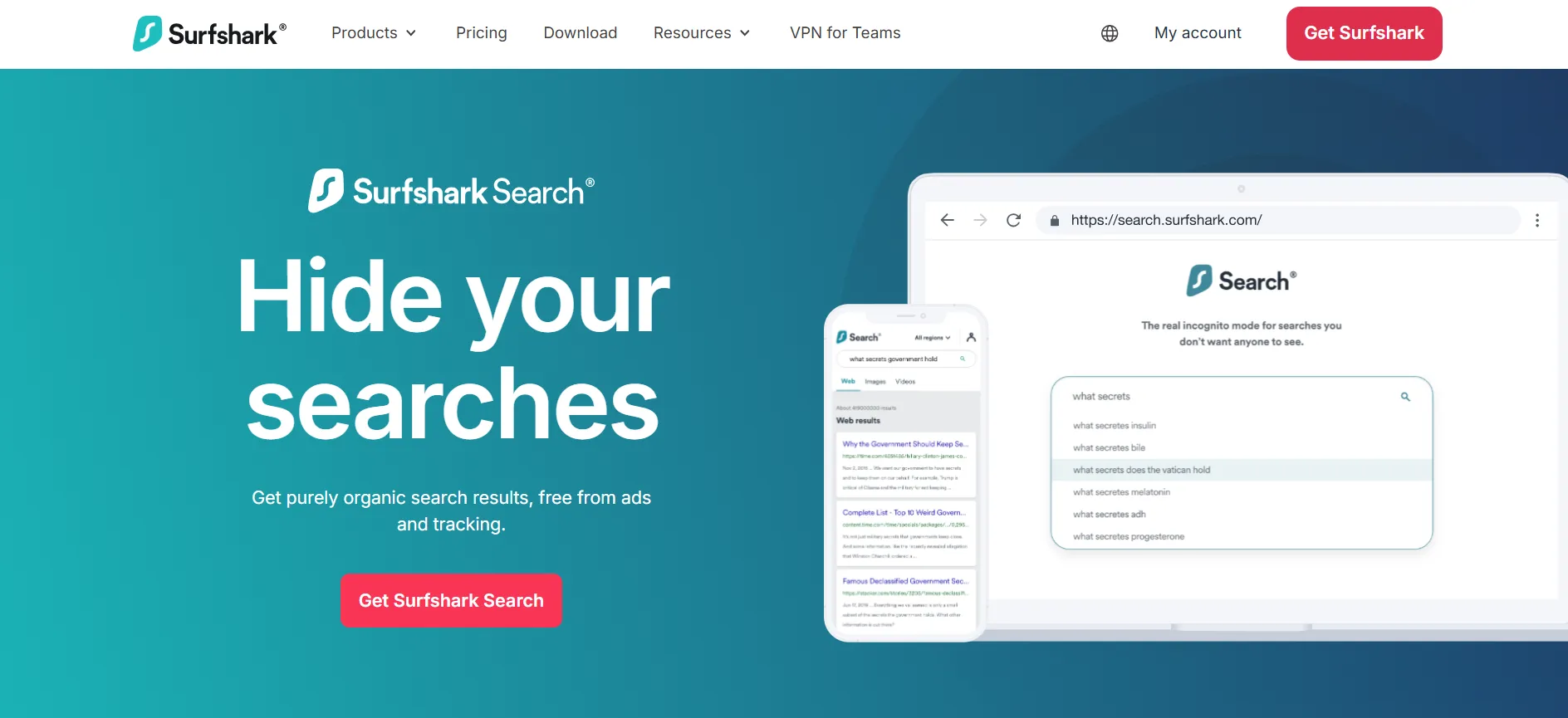
8. Search (One+)
A private search engine with zero ad tracking
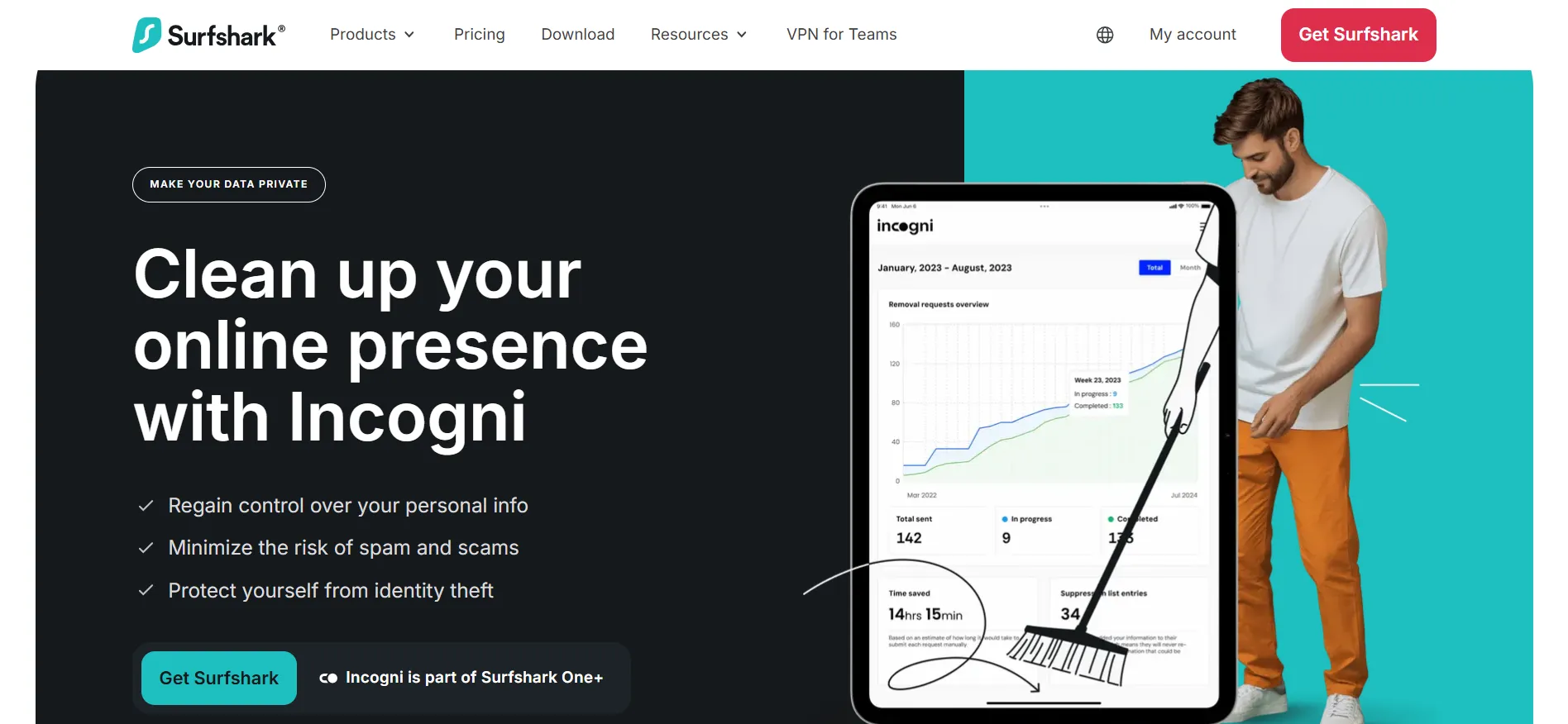
9. Incogni (One+)
Reaches out to data brokers on your behalf, requesting they delete your personal info
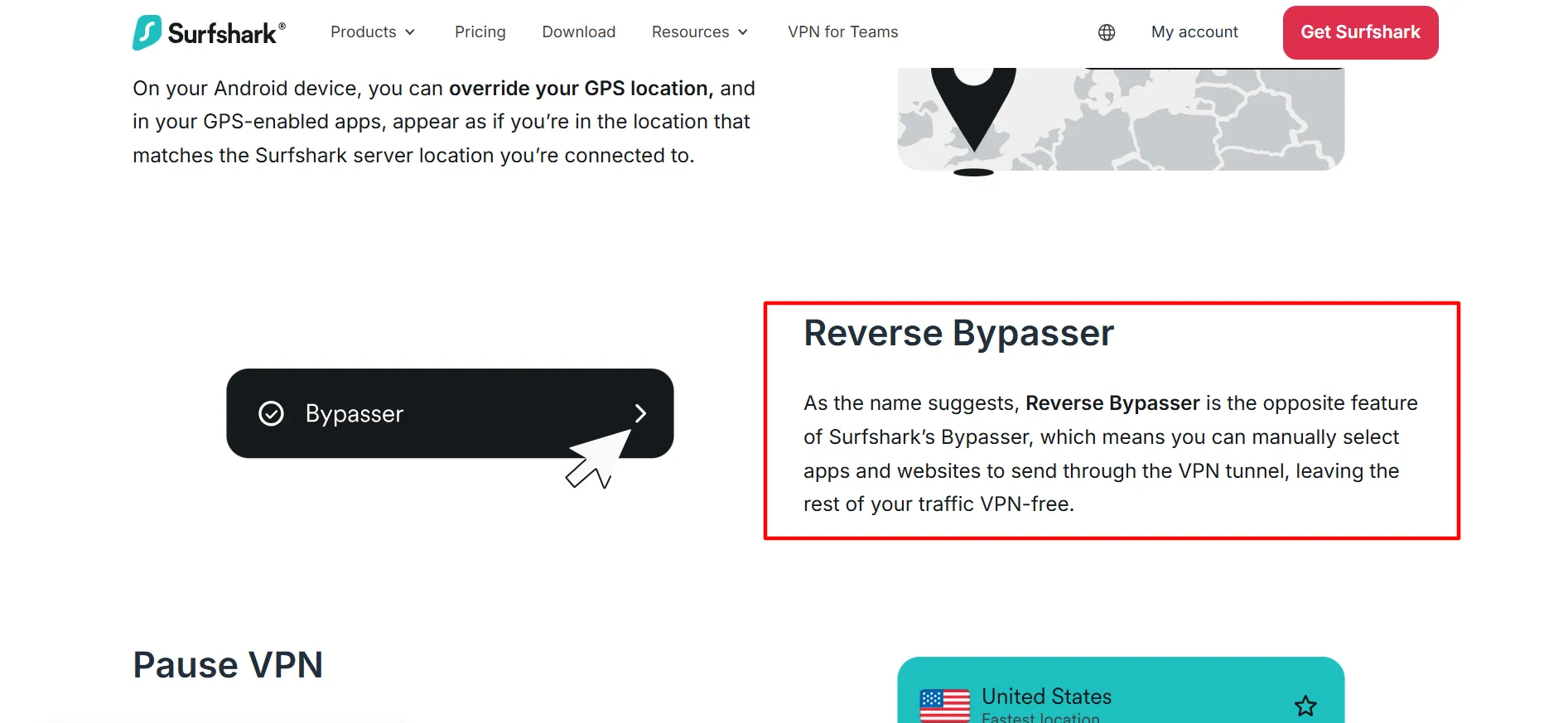
10. Bypasser
Split tunneling, keep specific apps or sites outside the VPN when your real IP is actually needed
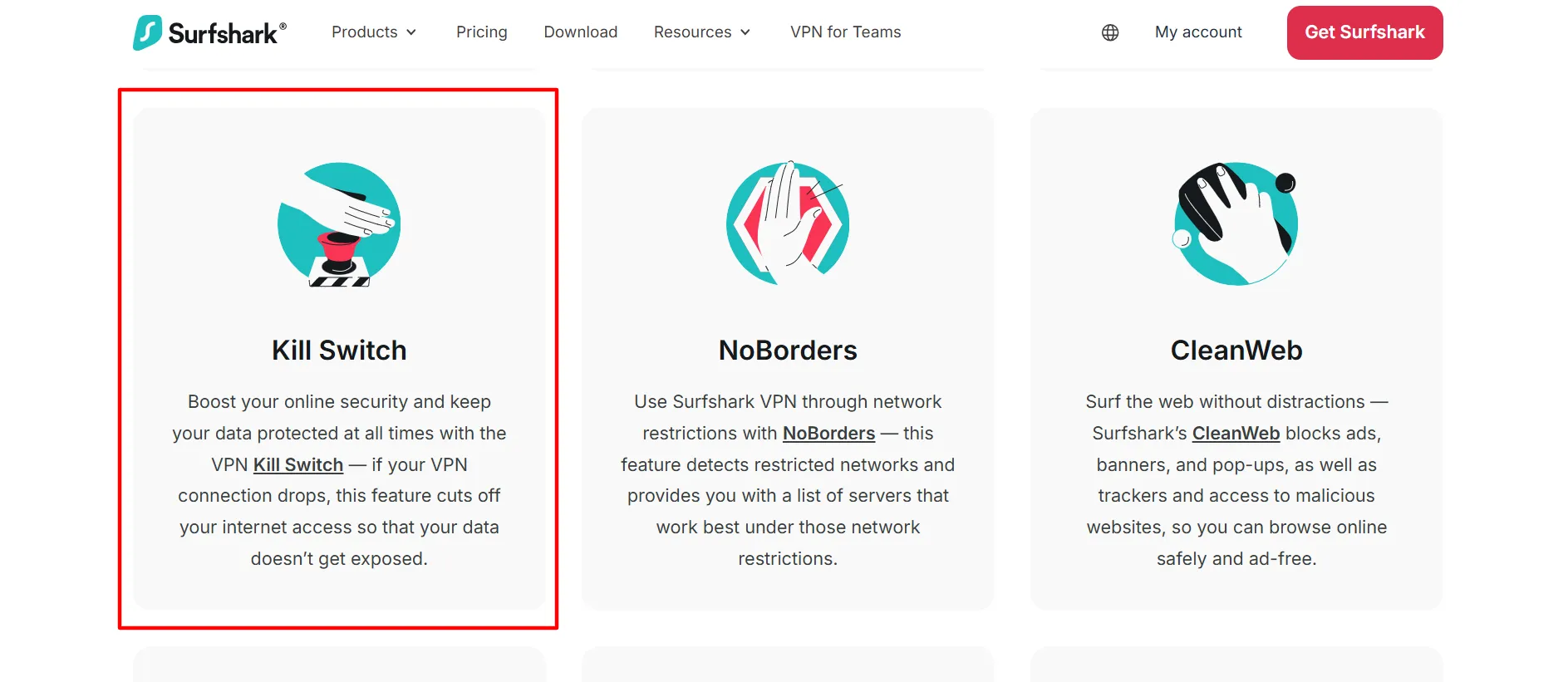
11. Kill Switch
Instantly cuts your connection if the VPN drops, so nothing leaks unencrypted
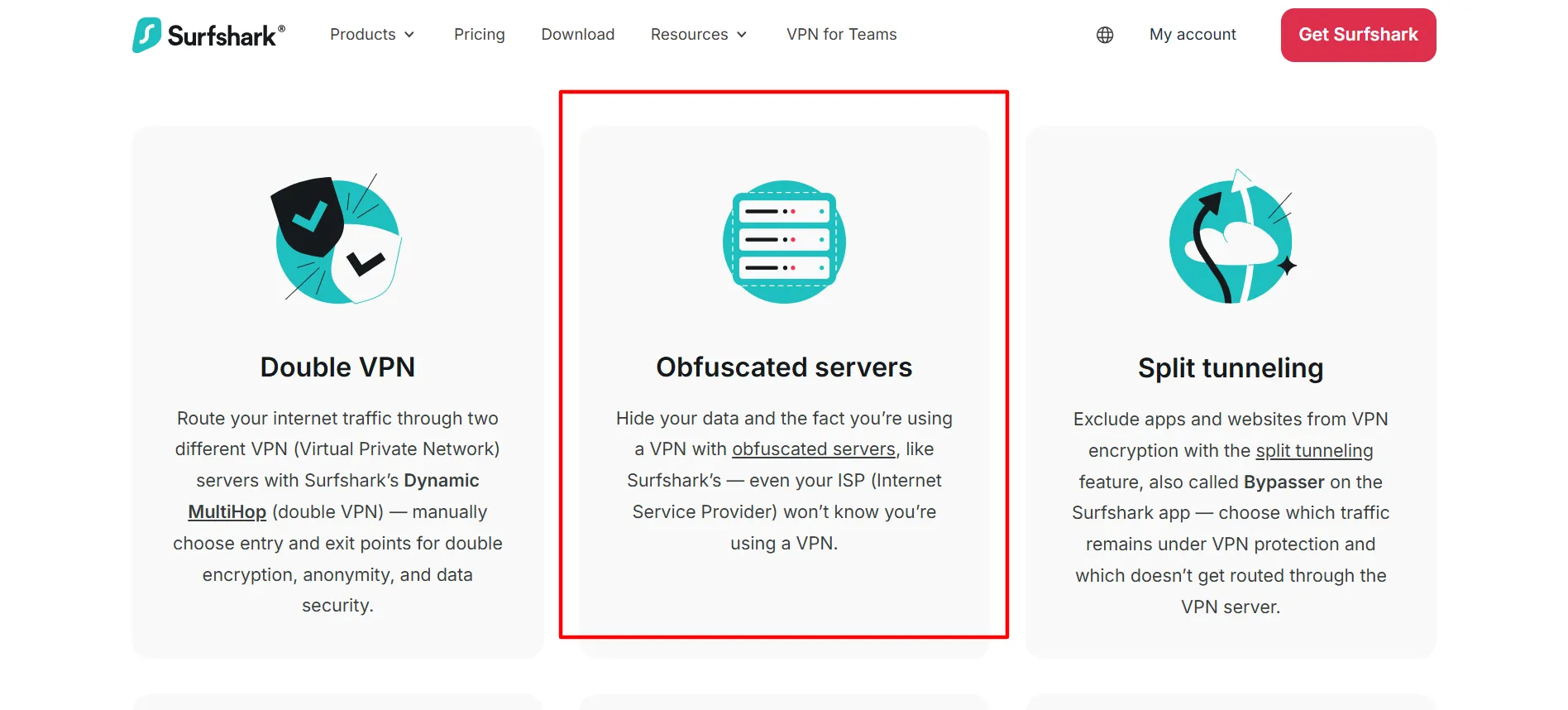
12. Obfuscation
Disguises VPN traffic as regular traffic, useful anywhere VPNs get actively blocked
Surfshark for Business and SaaS Teams
Surfshark runs a genuinely separate business product, Surfshark for Teams, aimed at startups and SMEs that need to lock down how staff connect to company systems without the overhead of a full enterprise security rollout.
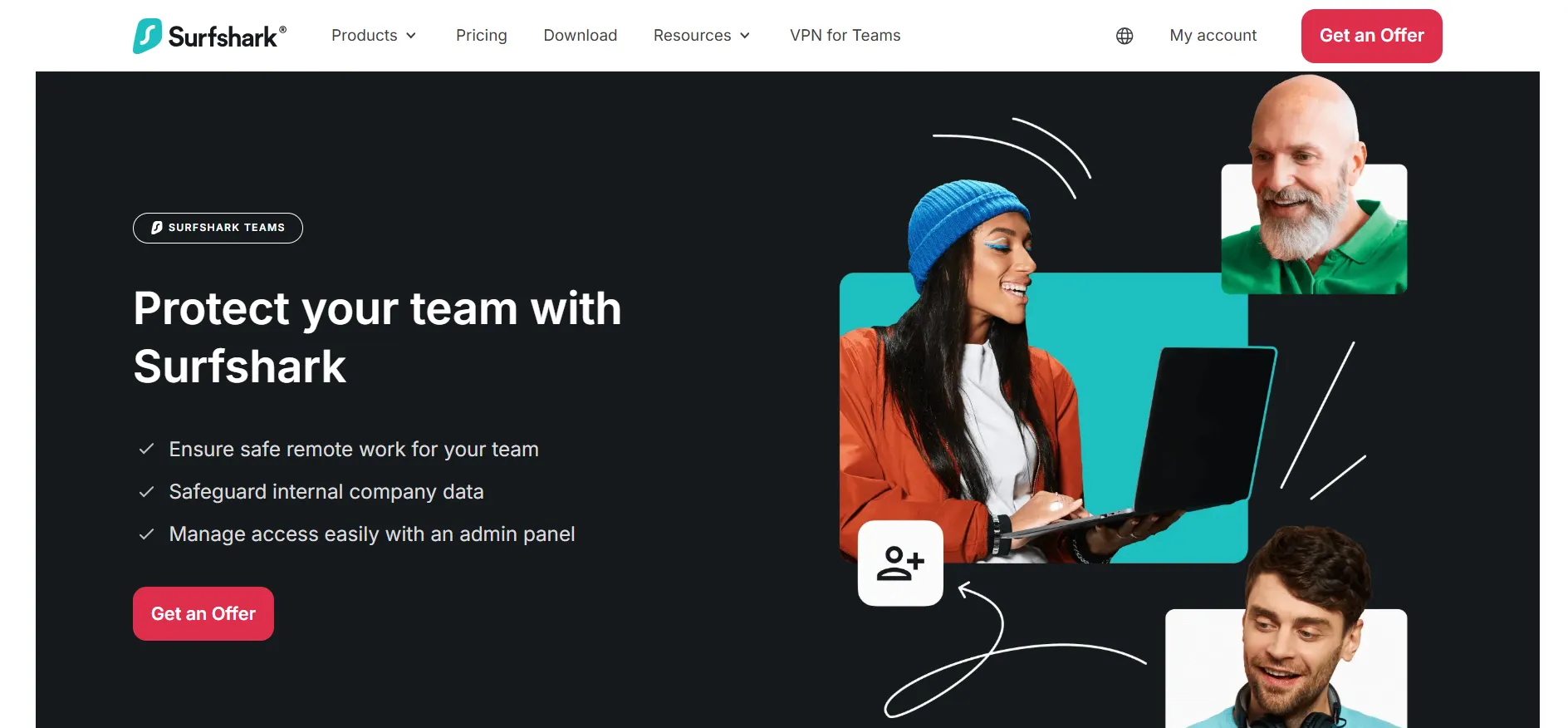
Where it actually earns its keep for a company:
Remote work protection: staff logging in from home, cafes, or airports get the same encryption as any personal Surfshark user
One admin dashboard: IT handles licensing, access, and oversight from a single panel instead of chasing individual setups
No employee activity logging: worth flagging specifically, Surfshark doesn't monitor what staff do while connected, this is a security tool, not surveillance software
Broad device support: Windows, macOS, Linux, iOS, Android, browsers, useful if your team's device fleet isn't standardized
5-license minimum: volume pricing for larger teams, quoted directly through sales rather than shown on the consumer pricing page
For SaaS companies specifically, this tends to cover two scenarios: securing a distributed engineering or support team accessing internal tools, and giving customer-facing staff safe browsing regardless of where they're logging in from.
Surfshark and Affiliate Marketing
VPNs show up regularly in affiliate marketing workflows, and Surfshark's unlimited device connections plus wide country coverage make it a genuinely practical fit for a few specific tasks:
Checking geo-targeted creatives
Plenty of ad networks and offers change based on location, a VPN lets you see the actual version a user in your target market sees, without traveling there yourself.
Verifying local search and ad results
Running SEO or paid campaigns aimed at a specific country? Connecting through a server there gives you a far more accurate picture of how things actually render and rank locally.
Testing offer funnels across regions
Many CPA offers behave differently depending on detected location, a VPN check confirms the funnel actually works correctly before you push real traffic to it.
Adding a layer of separation between browsing sessions
A VPN alone isn't a full solution for isolating multiple ad accounts (dedicated proxies or antidetect browsers handle that more precisely), but it does add IP-level separation when layered with other tools.
Worth being straight about this
For serious, at-scale ad account management specifically, most experienced affiliates lean on dedicated residential or ISP proxies rather than a consumer VPN, since proxies give tighter, stickier, more location-specific control. Surfshark fits well for general geo-checking, research, and everyday browsing security, less so as your primary account-management infrastructure.
How Surfshark Stacks Up Against Other VPNs
Pulled directly from Surfshark's own published comparison:
Feature | Surfshark | ProtonVPN | CyberGhost | ExpressVPN | Mullvad |
Speed | 1615 Mbps | 1521 Mbps | 950 Mbps | 1479 Mbps | Not listed |
Device limit | Unlimited | 10 | 7 | 12 | 5 |
Antivirus included | Yes | No | No | No | No |
Dark web monitoring | Yes | Yes | No | US only | No |
Trial and Refund Terms
7-Day Free Trial: Genuinely $0.00 for a full week, 3 devices covered. Cancel before it ends and you're never charged.
30-Day Money-Back Guarantee: Kicks in once you've committed to a paid plan, giving you 30 days to change your mind and get a full refund.
Think of these as two separate layers, test first with the trial, and if you subscribe afterward, the guarantee is still there as backup.
Pros and Cons: Surfshark Coupon Code
Pros
- Up to 85% off, already reflected on the pricing page
- A real, functional 7-day free trial, not just marketing language
- Zero device limit on any tier
- A legitimate business product (Surfshark for Teams) with real admin controls
- Antivirus and identity protection bundled depending on tier
Cons
- 24-month plan means a sizable upfront charge
- Business pricing isn't published, you'll need to talk to sales
FAQs: Surfshark Coupon Code
Yes, up to 85% off shows directly on the pricing page for the 24-month plan, no code required to unlock it.
Yes, through Surfshark for Teams, a dedicated business product with a central dashboard, a 5-license minimum, and custom pricing.
For geo-testing ads, offers, and local search results, yes. For heavy multi-account ad management, dedicated proxies usually serve better.
No, it runs a no-logs policy, and that extends to the Teams product too, employers can't see what staff browse.
Correct, unlimited simultaneous connections apply across every tier, Starter through One+.
Quick Links:
Conclusion: Surfshark Coupon Code
The real Surfshark discount is already live on their own pricing page, up to 85% off, no code hunting required, and it comes with a genuine free trial plus a 30-day money-back guarantee for good measure. Past the personal-use case, it holds up as a real business security tool through Surfshark for Teams, and plays a useful, if supporting, role for affiliate marketers doing geo-testing and localized research.