
Hey there! If you’ve ever wished you could learn from the best, like Gordon Ramsay, Shonda Rhimes, or Serena Williams, but didn’t want to pay right away, I’ve got some good news.
MasterClass no longer offers a free trial, but there are still ways to access it without paying up front. In this post, I’ll show you exactly how. Think of it like test-driving your dream car. You get to explore, enjoy, and see if it’s the right fit without the pressure.
I’ve tried it myself, and it made a big difference in how I learn from experts.
So let's get into learn about the Masterclass Free Trial. This could be the learning opportunity you didn’t know you were missing.

Get Started With Masterclass 30-Day Free Access
What Is the Masterclass Free Trial?
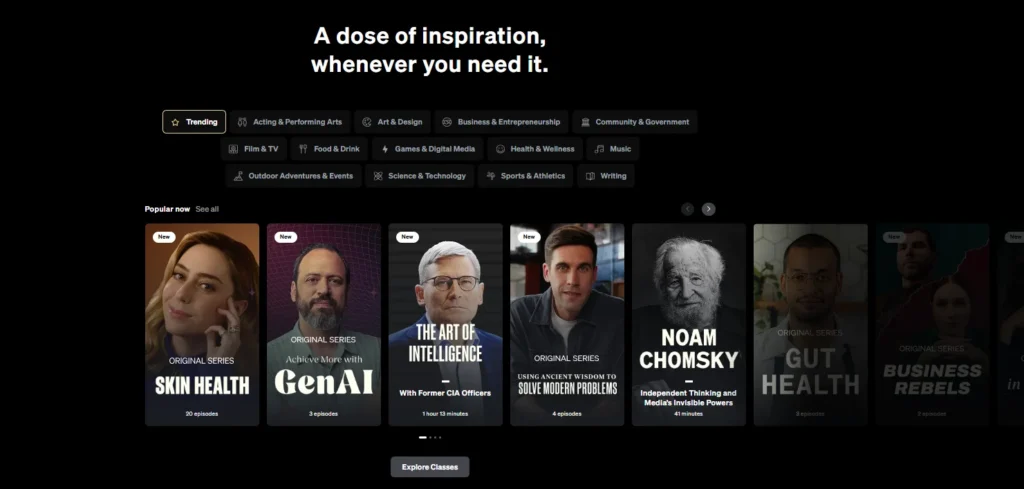
Has the Traditional MasterClass Free Trial Ended? Yes, as of 2025, MasterClass no longer offers a classic 7-day free trial. Instead, any user can access every course, workbook, and tool on the platform for 30 days, if you aren’t satisfied, simply cancel within that period for a full refund.
This 30-day money-back guarantee effectively acts as a MasterClass free trial for new users, giving you time to binge, sample, and decide commitment-free.
How to Claim the Masterclass Free Trial?
Step 1: Go to the MasterClass Website
Visit www.masterclass.com using your browser. Always use the official site to ensure you get the most accurate offer.
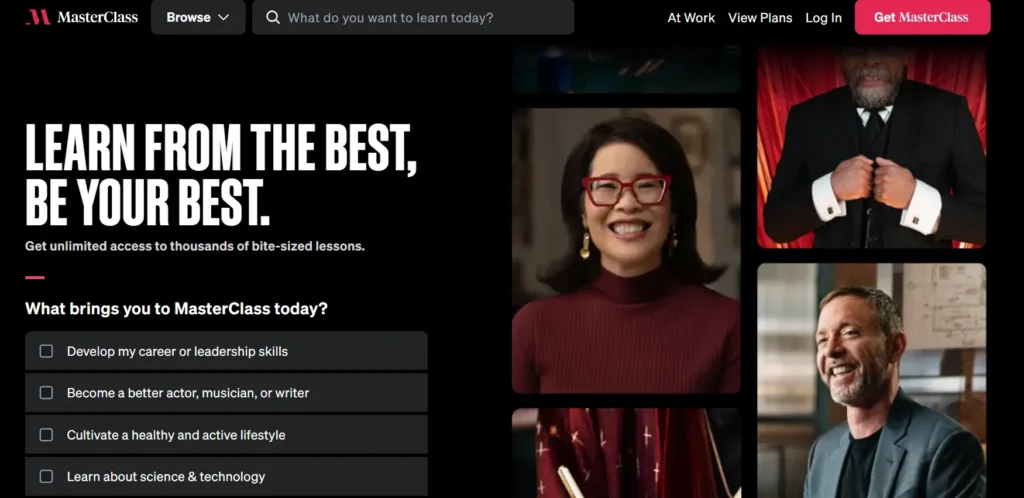
Step 2: Click on “Get Started” or “Start Learning.”
On the homepage, look for a button labeled “Get Started,” “Start Learning,” or a similar phrase. Click to begin the sign-up process.
Step 3: Choose a Subscription Plan
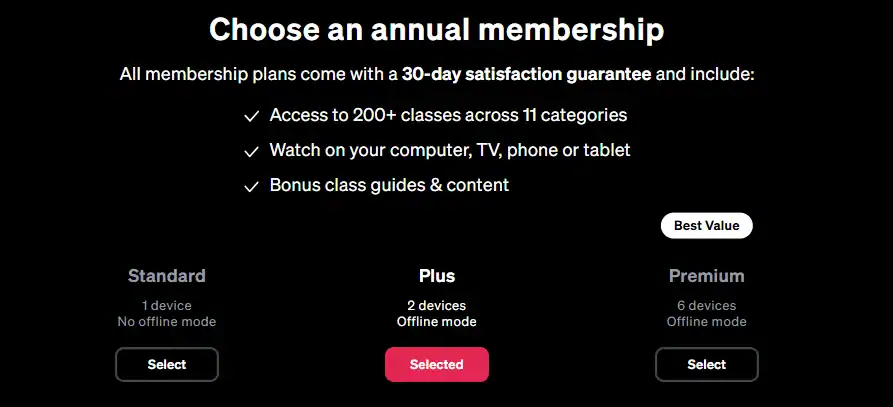
You’ll be shown three annual plans:
- Standard – for 1 user
- Plus– for 2 users/devices
- Premium – for up to 6 users/devices
Select the one that best suits your needs. You can still cancel later if needed.
Step 4: Create Your MasterClass Account
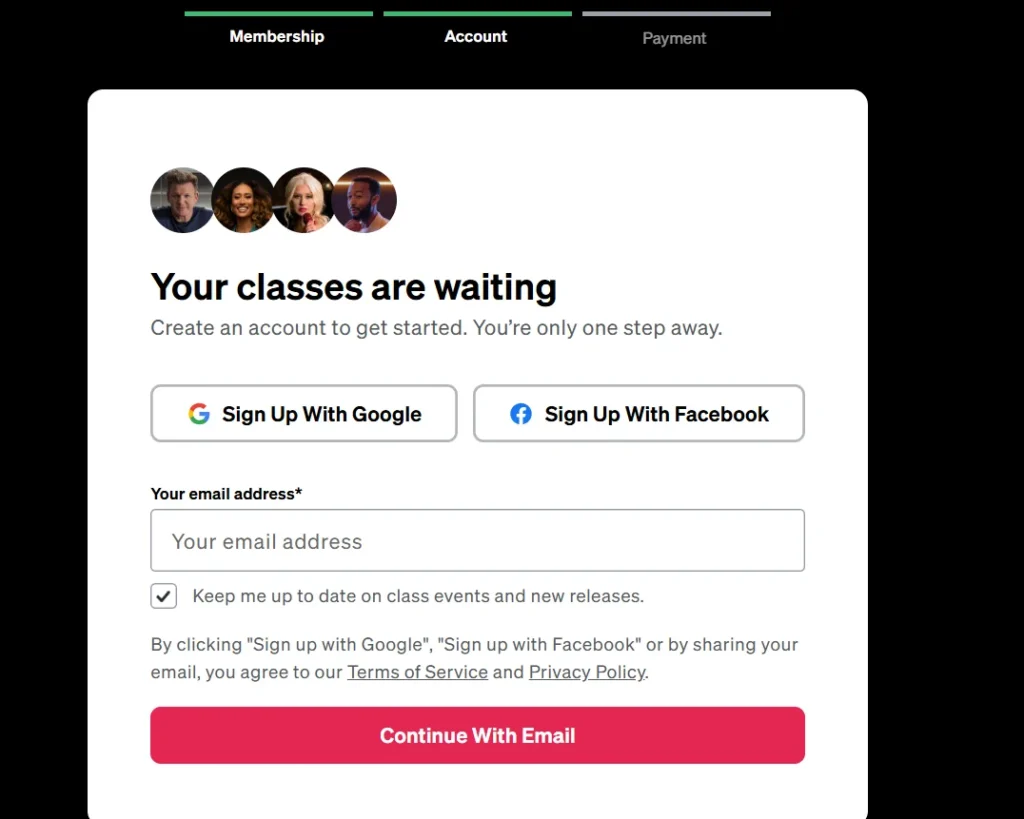
Enter your email address and create a password.
Or sign up using Google, Apple, or Facebook if you prefer.
Step 5: Enter Your Payment Information
You’ll need to provide credit card or PayPal info to complete the signup.
Don’t worry, you’ll be eligible for a full refund within 30 days if you cancel.
Step 6: Start Exploring the Platform
Once your account is created and payment is processed, you get unlimited access to all MasterClass content.
Watch video lessons, download workbooks, and explore any topic that interests you.
Step 7: Set a Calendar Reminder
If you’re just testing it out, set a reminder a few days before the 30-day window ends.
That gives you time to decide whether to continue or cancel.
Step 8: How to Cancel? (if needed)
If you decide MasterClass isn’t for you:
- Log in to your account
- Go to Settings
- Select “Cancel Membership.”
- Contact customer support for a refund within 30 days of purchase
Refunds are typically processed within a few business days.
Pro Tip:
Make the most of your trial period by checking out several classes.
Whether you’re into business, cooking, writing, or wellness, there’s something for everyone.
You can even download videos to watch offline through the mobile app.
How Long Can You Use MasterClass Risk-Free?
As of now, the 30-day money-back period is the closest thing to a Masterclass free trial.
Here’s what to keep in mind:
- You must request a refund within 30 days of purchase
- It applies to all plans: Individual, Duo, and Family
- If you go past 30 days, you're locked in for the year
Unlike a 7-day trial, this approach provides you with more time to actually watch, learn, and explore before making a decision.
It’s perfect for binge learners or individuals who want to try multiple classes before committing.
What’s Included During the Masterclass Free Trial Period?
Whether you’re using the refund window or accessing through a friend’s Family Plan, you get everything MasterClass has to offer:
✅ Unlimited access to 180+ classes
✅ Full HD video lessons (usually 2–5 hours each)
✅ Downloadable workbooks and guides
✅ Audio mode (for learning on the go)
✅ Community discussion boards
✅ Access via web, mobile app, or smart TV
✅ Offline downloads (mobile only)
No restrictions, no locked features. It’s the full experience, just like any paying member.
MasterClass Pricing Plans
| Plan Name | Price per Year | Devices You Can Watch On | Offline Viewing | Best For |
|---|---|---|---|---|
| Standard | $120/year | 1 device | ❌ Not available | Individual users who only stream online |
| Plus | $180/year | 2 devices | ✅ Available | Couples or learning partners who want offline access |
| Premium | $240/year | 6 devices | ✅ Available | Families, teams, or small groups |
Masterclass Guest Access (14-Day Free Trial)
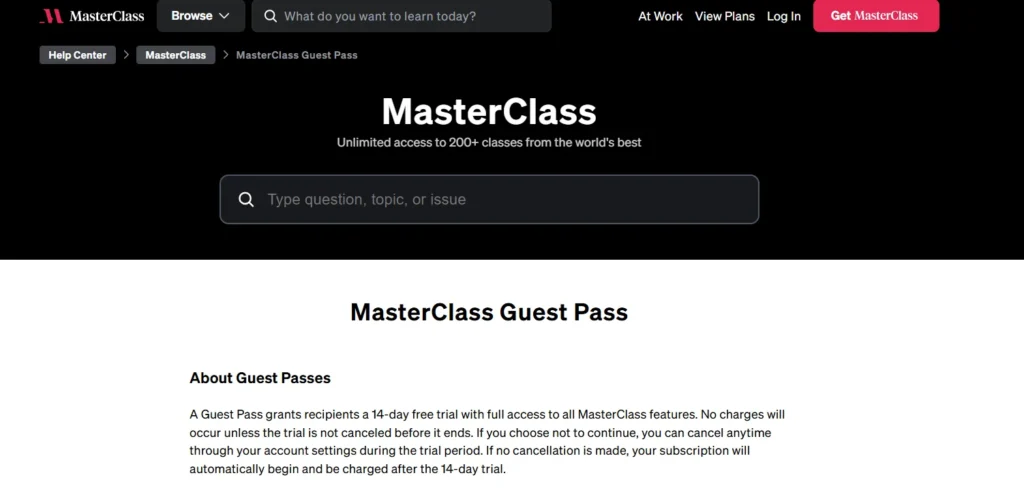
A Guest Pass lets you try MasterClass for free for 14 days. You get full access to all classes and features during the trial.
You won’t be charged unless you don’t cancel before the 14-day period is up. If you like it, you can keep the subscription.
If not, cancel anytime during the trial to avoid being charged. It’s a great way to explore MasterClass with no risk!
FAQs on Masterclass Free Trial 2026
Yes! Please ensure that you cancel within 30 days to receive a full refund, with no questions asked.
Yes, if you choose the Duo or Family Plan. Those plans let you share access with others.
Leadpages often extends free trials during Black Friday, so look out for those offers.
If you don’t cancel within the 30-day window, your payment becomes non-refundable, and your subscription continues for the full billing period you chose.
Quicklinks:
- Moz Free Trial 2025: Get 30 Days Free Trial With 20% OFF
- Mindvalley Free Trial: Get 7 Days Access🔥
- Helium 10 Free Trial: Unlock Every Premium Tool
- Semrush Free Trial: 14 Days (Guru & Pro)
- MasterClass Coupon Codes
Final Thoughts: Is the Masterclass Free Trial Worth It?
MasterClass doesn’t offer a traditional free trial anymore, but their 30-day money-back guarantee gives you the same freedom to explore, without any risk.
You get full access to every course and feature, and if it’s not what you expected, cancel within 30 days for a full refund. I’ve tried it myself and recommended it to friends.
It’s one of the best ways to learn from top experts in nearly any field. It’s simple: try it out, and if it’s not for you, there’s nothing to lose.