
Oxylabs
- Large proxy pool
- Residential & mobile IPs
- High-speed scraping
- Advanced geo-targeting
Bright Data

- Massive proxy network
- Fast IP rotation
- Global IP coverage
- Real-time proxy management
Decodo

- Budget-friendly pricing
- Fast and reliable speeds
- Customizable proxy options
- Easy-to-use interface
Price scraping tools are essential for businesses looking to track real-time pricing data across various online platforms.
These tools help companies monitor competitors, adjust pricing strategies, and stay competitive in the market. By automating the process of gathering pricing information, price scraping tools save time and provide valuable insights, allowing businesses to make informed decisions and react quickly to market changes.
In this post, we’ll take a closer look at some of the best price scraping tools available today and how they can benefit your business.
What is the Price Scraping Tool, & How does it work?
Price Scraping Tools are software programs or online services that automatically collect price information from websites. Businesses and individuals use these tools to track competitors' prices, monitor market trends, and make better pricing decisions.
How Do Price Scraping Tools Work?
- Crawling Websites – The tool scans web pages where product prices are listed.
- Extracting Data – It picks out important details like product names, prices, discounts, and availability.
- Organizing Information – The collected data is structured in an easy-to-read format, like spreadsheets or dashboards.
- Updating Regularly – Many tools automatically refresh the data to show real-time price changes.
7 Best Price Scraping Tools of 2026
1. Bright Data
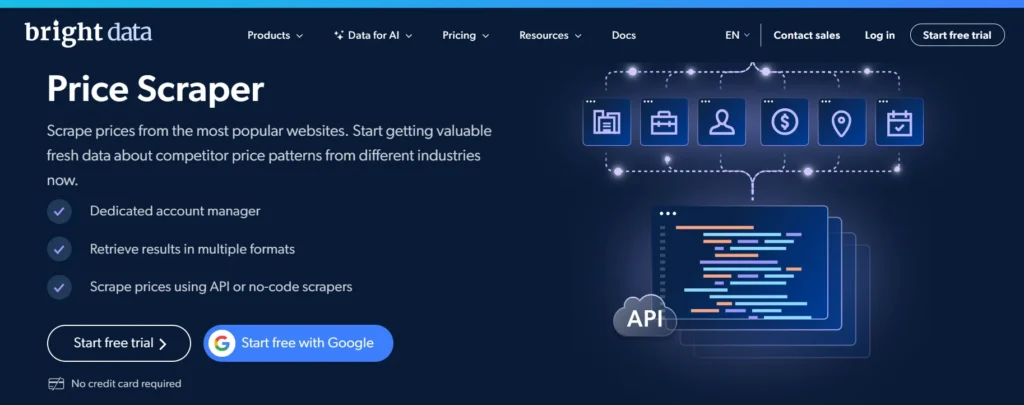
Bright Data isn’t just another scraping tool; it’s a complete solution for businesses that need pricing data at scale. It lets users gather price information from almost any website, whether it’s Amazon, Walmart, or smaller niche e-commerce sites.
With specific templates for e-commerce scraping and customizable datasets, Bright Data doesn't just provide raw data; it organizes it for immediate use.
For businesses needing regular price updates, Bright Data’s Web Scraper API automates the process, helping users track price changes and competitor moves in real-time.
If you need to scrape high-security websites, its Web Unlocker handles that, ensuring smooth data collection. Bright Data is made for businesses that rely on price intelligence, whether in retail, travel, or finance.
Key Features of BrightData
- Large proxy network (residential, mobile, data center).
- Real-time data collection.
- Advanced scraping tools with automation options.
- Customizable scraping setups.
- 24/7 customer support.
Pros
- Scalable solution for high-volume data collection.
- Highly reliable with excellent proxy management.
- Customizable scraping logic for specific business needs.
- Real-time data extraction ensures up-to-date insights.
- Supports a wide variety of industries and platforms.
- Comprehensive technical support and documentation.
- Secure and anonymous scraping with rotating proxies.
Cons
- Expensive, making it more suitable for enterprise users.
- Requires technical expertise for setup and configuration.
2. Decodo
Decodo is an easy-to-use and budget-friendly price scraping tool, making it an ideal choice for small to medium-sized businesses. With its rotating residential proxies, Decodo ensures smooth, uninterrupted data extraction without the risk of being blocked, even from websites with stricter security measures.
The tool integrates seamlessly with the most popular scraping frameworks, offering flexibility for a wide range of projects, whether you're analyzing competitors, monitoring price trends, or adjusting pricing strategies.
Decodo is a practical and reliable option for businesses focused on competitor analysis or dynamic pricing. Its affordability, combined with its straightforward setup and user-friendly interface, makes it an attractive choice for companies that want solid performance without the need for complex configurations or technical expertise.
Key Features of Decodo
- Easy setup with a simple interface.
- Scheduled scraping tasks.
- Export data in CSV, JSON, or Excel.
- Supports proxy rotation to avoid blocking.
- Automates scraping without coding.
Pros
- Cost-effective option for small and mid-sized businesses.
- Reliable performance with minimal interruptions.
- Easy integration with popular scraping tools.
- Rotating proxies ensures anonymity and efficiency.
- Flexible pricing plans for different project sizes.
- Suitable for a wide range of websites and platforms.
- Simple setup, ideal for users with limited technical skills.
Cons
- Limited advanced customization options.
- No built-in scraper; relies on third-party tools.
3. Oxylabs
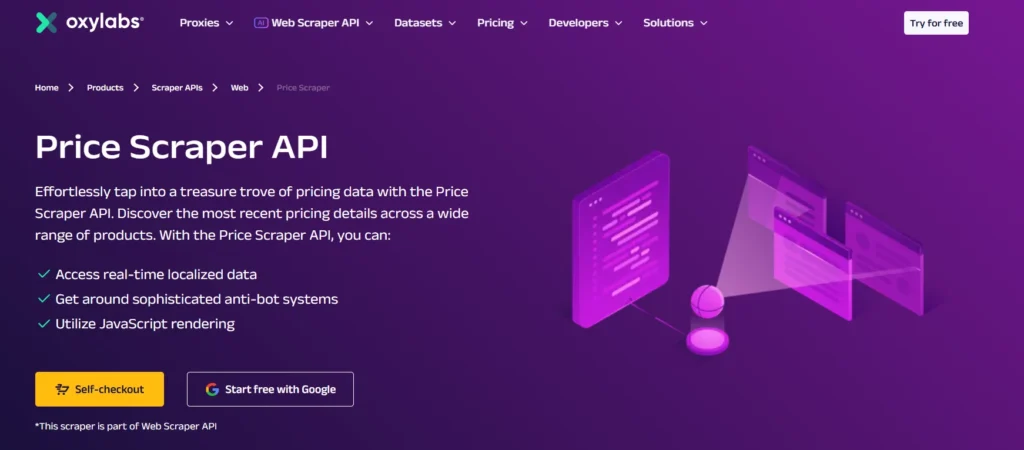
Oxylabs makes price scraping easier with a tool that can collect price data from popular sites like Amazon, eBay, and Google Shopping.
What makes it special is its built-in data organizer, which automatically sorts and structures pricing details from over 100 marketplaces so you don’t have to do the extra work.
For developers, Oxylabs offers OxyCopilot, an AI-powered assistant that helps generate code for scraping and organizing data.
This saves time and effort, making it easier to set up a strong price-tracking system. With fast proxies and worldwide access, Oxylabs ensures businesses get accurate and reliable pricing data without complications.
Key Features of Oxylabs
- Vast proxy network with millions of residential proxies.
- High-speed and reliable data collection.
- API integration for seamless workflows.
- Advanced scraping capabilities for large-scale projects.
- Real-time data accuracy.
Pros
- Extensive proxy pool with over 100 million IPs.
- Highly effective for dynamic and complex websites.
- Exceptional speed and reliability for large-scale scraping.
- AI-driven tools improve data extraction accuracy.
- Supports geotargeting for region-specific data.
- Enterprise-level customer support for technical needs.
- Flexible and scalable for businesses of all sizes.
Cons
- High cost, better suited for large enterprises.
- Requires technical knowledge for advanced use.
4. ParseHub
Not everyone knows how to code, and that’s why ParseHub is a great choice for price scraping. It’s a simple tool that lets you collect price data just by clicking on the information you need.
Whether it’s an online store, a price comparison website, or a marketplace, you can set up your price tracker in just a few minutes.
ParseHub is perfect for small businesses, price analysts, or even individual resellers who want to stay updated on market prices. It’s easy to use, flexible, and doesn’t require any coding making it a hassle-free way to track pricing trends.
Key Features of Parsehub
- Visual point-and-click interface for easy setup.
- Handles JavaScript-heavy websites.
- Extracts data from complex websites.
- Data export in formats like CSV, Excel, and JSON.
- Supports scheduled and automated scraping.
Pros
- User-friendly interface with no coding required.
- Handles dynamic content and complex scraping scenarios.
- Cloud-based, eliminating the need for local installations.
- Supports scheduled scraping tasks for automation.
- Exports data in various formats, including CSV and JSON.
- Affordable pricing plans for small to medium-sized businesses.
- Suitable for non-technical users.
Cons
- Limited scalability for very large projects.
- Fewer advanced customization options compared to enterprise tools.
5. WebHarvy
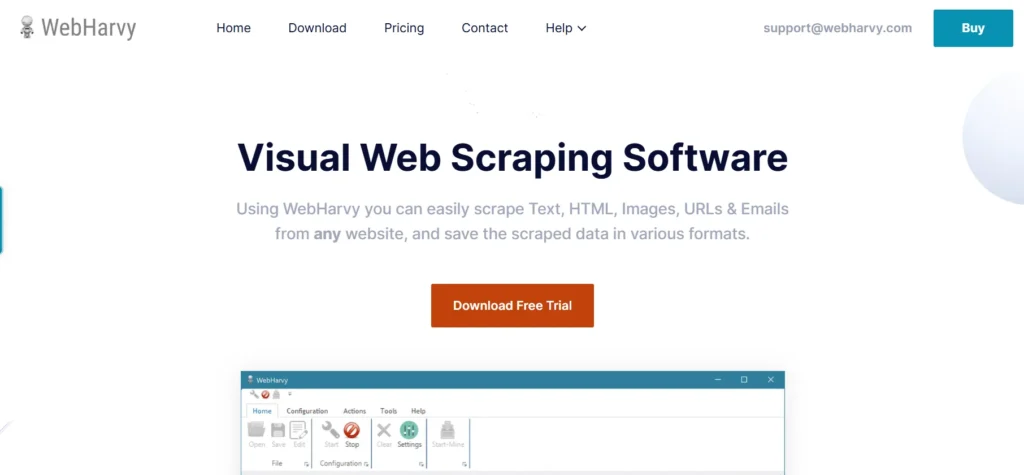
WebHarvy is all about efficiency and ease of use. Designed for users who want quick price data extraction without dealing with APIs or coding, it provides a point-and-click interface for scraping prices from e-commerce websites.
Whether you’re a small business checking competitor pricing or a researcher analyzing market trends, WebHarvy makes it simple.
It automates the entire scraping process, allowing users to schedule and extract pricing data effortlessly. For those who need structured and organized price data without technical complications, WebHarvy is a solid choice.
Key Features of Webharvy
- Visual interface for easy scraping setup.
- Automatically navigates through multiple pages.
- Extracts data (text, images, links) from e-commerce sites.
- Data export in CSV, Excel, and XML.
- No coding required.
Pros
- Intuitive interface with point-and-click functionality.
- Requires no programming skills to operate.
- Supports a variety of websites and platforms.
- Offers scheduling for automated scraping tasks.
- Affordable and accessible for individual users.
- Reliable performance for small-scale projects.
- Easy data export in common formats like CSV and Excel.
Cons
- Limited capabilities for advanced or large-scale projects.
- Not suitable for highly dynamic websites.
6. Dataminer
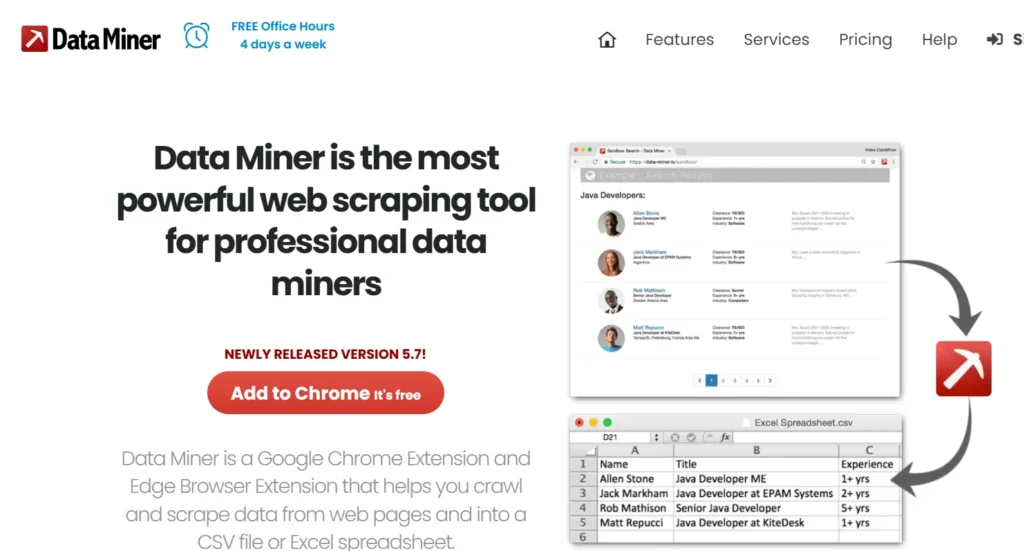
DataMiner is a powerful web scraping tool designed to make price data extraction quick and efficient.
As a browser extension, it integrates seamlessly with Google Chrome and Microsoft Edge, allowing users to scrape data directly from their web browser without needing additional software.
DataMiner is especially useful for those who want a simple, point-and-click solution for scraping data from websites without extensive technical knowledge.
DataMiner is ideal for individuals or small businesses looking for a simple yet powerful scraping tool. Its browser-based nature, along with the point-and-click interface, makes it easy to use without requiring technical expertise.
Additionally, its ability to create custom scripts and run tasks in the cloud makes it a flexible solution for more advanced scraping needs.
Key Features of Dataminer
- Browser extension for Chrome and Edge.
- Point-and-click interface for easy scraping.
- Custom script support for advanced users.
- Cloud scraping for scheduled tasks.
- Exports data in CSV and Excel formats.
Pros
- Simple point-and-click interface.
- Create custom scraping scripts.
- Run tasks without keeping the browser open.
- Ready-made templates for common websites.
- Exports to CSV and Excel.
Cons
- Works as a browser extension, no standalone app.
- Limited features on the free plan.
Why Use a Price Scraping Tool?
Businesses and researchers rely on price-scraping tools for several reasons:
- Competitor Analysis: Track competitors' pricing strategies and discounts in real-time to stay competitive.
- Dynamic Pricing: Use real-time data to adjust prices dynamically based on market trends.
- Market Research: Analyze pricing trends and product availability to understand consumer demand.
- Inventory Management: Monitor product availability across multiple retailers to make informed stocking decisions.
- E-commerce Growth: Optimize pricing strategies to improve conversion rates and boost profitability.
What Things to Consider While Choosing the Best Price Scraping Tool?
After testing multiple price scraping tools, I’ve learned they’re not all created equal. Some are accurate but slow, while others are powerful yet tricky to use. If you’re choosing a price scraper, here’s what to consider:
1. Accuracy & Fresh Data
The tool must fetch accurate prices in real-time or at set intervals. Look for one that handles frequent price changes, location-based pricing, and tracks trends with historical data.
2. Handling Website Blocks
Websites often block scrapers with CAPTCHA or IP bans. A good tool should include proxy rotation and CAPTCHA-solving to stay under the radar.
3. Ease of Use vs. Customization
Some scrapers are easy for beginners, while others require coding. If you need extra details like stock levels or discounts, go for one that allows custom setups based on your skill level.
4. Speed & Scalability
For small tasks, most tools work fine. But scraping thousands of products? You’ll need something fast and scalable, like a cloud-based tool.
5. Legal & Ethical Considerations
Scraping isn’t illegal, but many websites don’t allow it. Use tools that respect robots.txt and ethical guidelines, especially in stricter industries.
6. Data Export & Integrations
You’ll need a tool that exports data easily to CSV, Excel, or platforms like Google Sheets or BI tools for deeper analysis.
Conclusion
To wrap it up, choosing the right price-scraping tool is key to staying competitive. Look for accuracy, website block handling, ease of use, scalability, legal compliance, and good support.
Tools like Bright Data, Smartproxy, and Oxylabs offer strong solutions. Pick one that fits your needs and budget for the best results.
Quick links:
- Best Facebook Scraping Tools
- Best Proxies for Google Scraping
- Best Proxies for Web Scraping
- Best Web Unblockers
FAQs
Empty legacy block — click here to add content.