
In a game-changing update for educators, creators, and busy professionals, Google has rolled out a powerful new feature in its AI powerhouse, Gemini's PDF. As of today, Gemini now creates PDFs directly from your prompts, turning complex ideas into polished, downloadable documents faster than ever. This Gemini's PDF tool promises to slash hours off lesson planning, report writing, and resource design, making high-quality materials accessible to everyone. Whether you teach kids about the solar system or whip up a business worksheet, Gemini handles it all with smart, customizable outputs.
The buzz around this launch exploded on LinkedIn, where tech enthusiast Axelle Malek shared a viral post breaking down the exact steps. Users rave about how Gemini's PDF feature adapts content to any reading level and transforms raw ideas into interactive formats like diagrams and quizzes. It's not just about speed—Gemini ensures your files stay editable for tweaks before you print or share. This update cements Gemini's spot as a must-have AI for productivity, outpacing rivals in seamless document generation.
How Gemini's PDF Feature Works: Step-by-Step Guide and Key Highlights
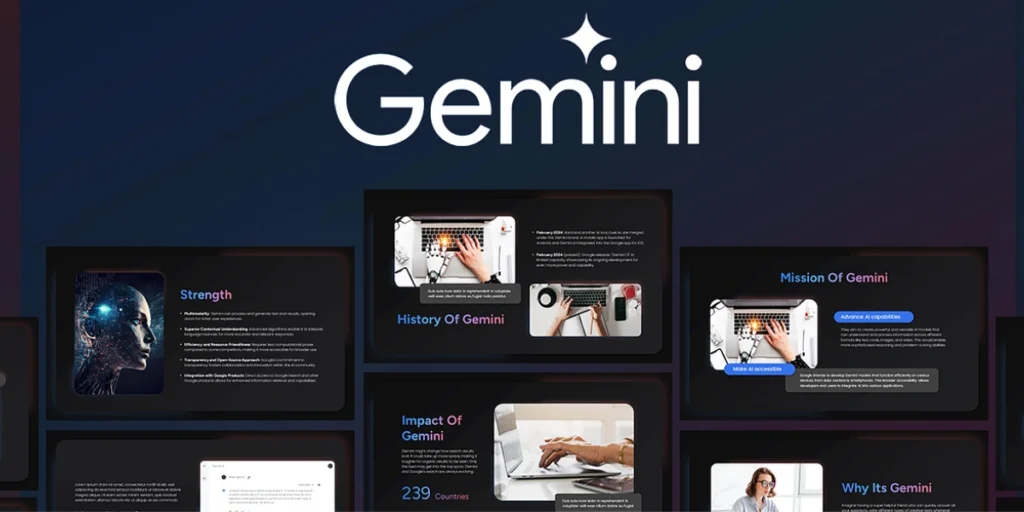
Gemini makes PDF creation dead simple. Just follow these easy steps to get started:
- Access Gemini: Head straight to gemini.google.com and log in with your Google account.
- Open Canvas Tool: Click the “Tools” menu, then select “Canvas” to enter the creative workspace.
- Switch to Thinking Mode: Look at the bottom left corner, toggle it to “Thinking” for deeper AI processing.
- Enter Your Prompt: Type a clear request, like “Create a short Solar System PDF with definitions, a blank diagram, and a matching task.” Hit enter, and watch Gemini build it.
- Edit and Download: Review the generated content in Canvas, tweak text, add images, or adjust layouts. Then, export as a ready-to-print PDF.
What sets Gemini's PDF apart? It shines in education and quick content needs. For instance, teachers can generate worksheets in seconds, complete with blanks for student fill-ins. The tool adjusts difficulty levels on the fly, ensuring inclusivity for all ages. Plus, it integrates seamlessly with Google's ecosystem, pulling in real-time data for accurate, up-to-date info.
Also Read: Surfer SEO Pricing: Which Plan Fits Your SEO Goals?
Early users, including Malek, highlight prompt tips for best results: Be specific about structure (e.g., “Include bullet points and images”) and length to avoid overload. While no major limitations pop up yet, keep prompts concise for sharper outputs.
This Gemini's PDF upgrade arrives at the perfect time, empowering millions to create without design headaches. Dive in today and transform your workflow. Your next big project just got a whole lot easier!
More News To Read: Google AI Now Handles Holiday Shopping And Calls Stores