
Marketers often use tools like Google Sheets, Excel, Looker Studio, or Power BI every day. They need data from platforms like Facebook Ads, Google Ads, Instagram, LinkedIn, TikTok, HubSpot, Shopify, and more, all in one place. Supermetrics automatically pulls that data for you.
The big question is: how much does it cost? This Supermetrics Pricing guide explains all the plans, prices, and key details in easy-to-understand words. No extra details. No copying. Just the important info you need.
How Much Does Supermetrics Cost In 2026?
Supermetrics charges based on your needs:
- Destinations: Where data goes (1 core included, extras cost $149 each).
- Data Sources: Platforms you connect (3–10 included, more cost $29–$69 each).
- Users: Team members who access data (1–3 included, extras cost $29–$99 each).
- Accounts: Ad accounts or properties per source (3–10 included, extras cost $10 each).
- Refresh Rate: How often data updates (weekly to on-demand).
Starter Plan – $29/Month (Billed Yearly)
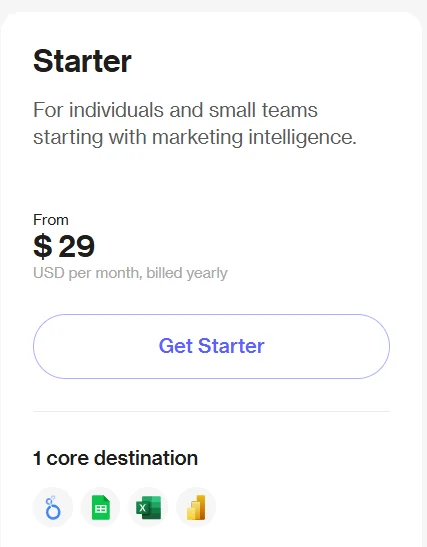
The Starter Plan is made for individuals or very small teams that only need simple reporting.
If you work alone or you’re just starting with marketing data, this plan gives you an easy way to connect a few platforms and pull basic reports.
It keeps things simple, so you can track key numbers without extra tools or complex features. It’s a good fit if you only need light data checks and want something easy to manage.
Best suited for:
Freelancers, bloggers, or solo marketers who check their data weekly. Ideal for people tracking ad performance, website traffic, or email stats in a single report.
Key features:
- One reporting tool (Google Sheets, Excel, Looker Studio, Power BI, or BigQuery)
- Three data sources with three accounts per source
- Weekly data refresh
- One user, one team
- Access to basic templates and filters
Growth Plan – $159/Month (Billed Yearly)
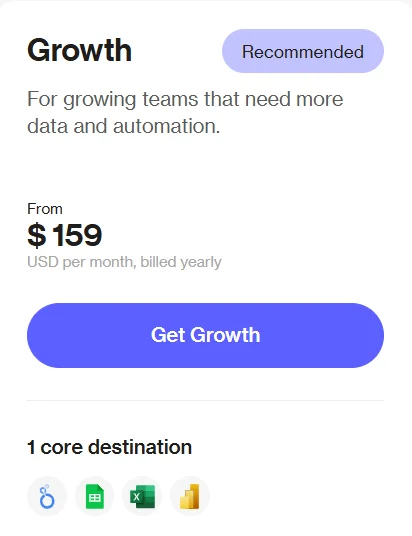
The Growth Plan is designed for small teams that need access to more data sources and daily updates. It gives you the flexibility to manage more clients, channels, or campaigns, while also allowing light collaboration among team members.
As your reporting needs grow, this plan helps you stay organized by handling multiple accounts more efficiently.
Best suited for:
Small marketing teams, e-commerce businesses, or digital agencies with 2–3 people. Perfect for those who need to check data daily and handle more platforms like Shopify, HubSpot, or Instagram.
Key features:
- One reporting destination
- Seven data sources and seven accounts per source
- Daily data refresh
- Two users on one team
- Optional Supermetrics Storage for file handling
Pro Plan – $399/Month (Billed Yearly)
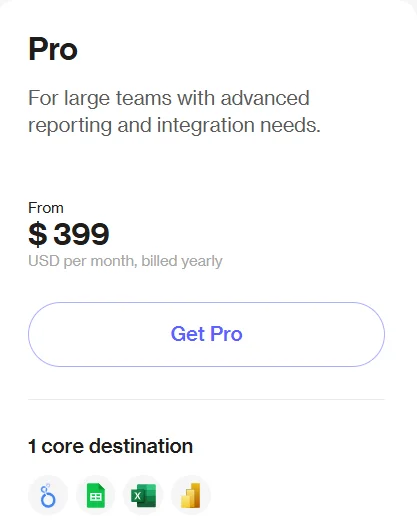
The Pro Plan is for teams that need fast, detailed reporting across many channels. It’s a strong choice for agencies or internal marketing departments managing complex data needs. With hourly updates and API access, this plan brings more automation and flexibility.
Best suited for:
Mid-sized agencies, in-house marketing teams, or data teams handling multiple clients or products. Great for those building advanced dashboards or blending data from tools like TikTok, Pinterest, or Salesforce.
Key features:
- One core destination (add more for $149/month each)
- Ten data sources and ten accounts per source
- Hourly data refresh
- Three users on one team
- API access and full custom file import
Enterprise Plan – Custom Pricing (Starts Around $1,000/Month)
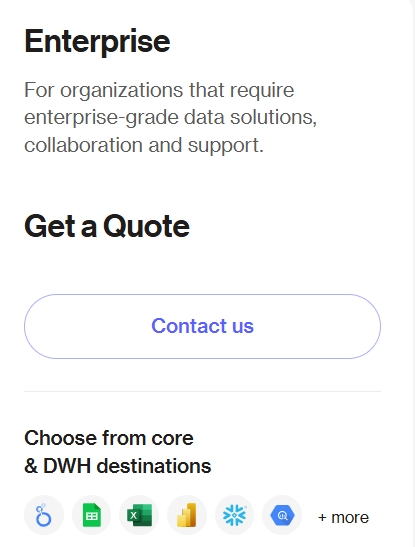
The Enterprise Plan is designed for large organizations with complex reporting systems and team structures. It offers full control over every part of your data stack, from unlimited sources to real-time updates and premium support. Pricing is based on your company’s setup.
Best suited for:
Large brands, enterprise agencies, or global teams with 50+ clients and high data needs.
Perfect for companies that need full automation, real-time access, and team-wide collaboration.
Key features:
- Multiple destinations and unlimited data sources
- Custom limits on users and accounts
- On-demand data refresh
- Full Supermetrics Storage included
- Priority support and dedicated success manager
| Feature | Starter | Growth | Pro | Enterprise |
|---|---|---|---|---|
| Destinations | 1 | 1 | 1 | Multiple |
| Users | 1 | 2 | 3 | Custom |
| Teams | 1 | 1 | 1 | Multiple |
| Data Sources | 3 | 7 | 10 | Custom |
| Accounts per Source | 3 | 7 | 10 | Custom |
| Auto Refresh | Weekly | Daily | Hourly | On-Demand |
| Dashboards | Yes | Yes | Yes | Yes |
| Reporting Templates | Yes | Yes | Yes | Yes |
| Data Transformations | Limited | Limited | Full | Full |
| Supermetrics Storage | No | +$39/month | +$39/month | Included |
| API Access | No | No | Yes | Yes |
| Custom Data Import | Limited | Limited | Full | Full |
| Support | Standard | Standard | Standard | + CSM (Customer Success Manager) |
Supermetrics Add-ons
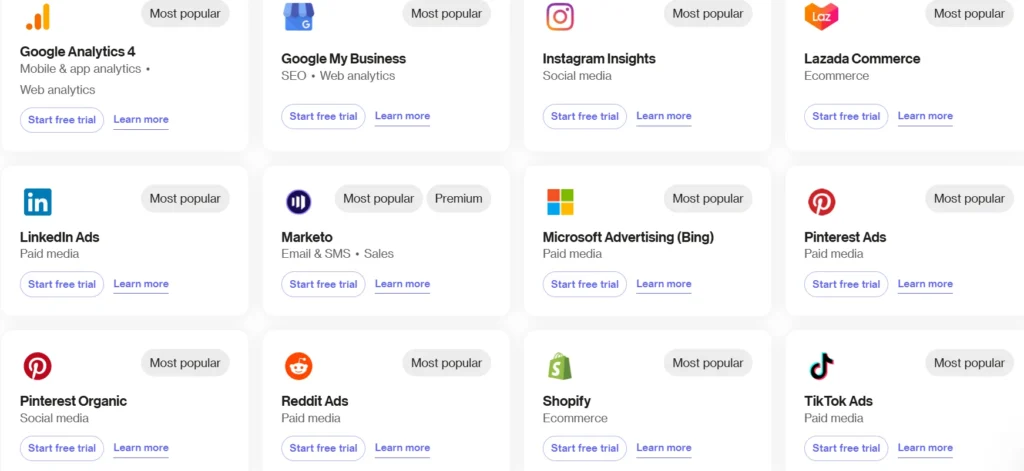
Supermetrics offers a base plan that provides a fixed number of data sources, users, accounts, and destinations. As your team or project grows, you may need more than what the base plan offers.
This is where add-ons come in. Add-ons let you increase your limits without upgrading to a higher plan, allowing you to pay only for the extras you need.
Here are the main add-ons you can buy:
👉Extra Data Sources: Each plan includes a set number of data sources (Starter = 3, Growth = 7). You can add more sources for about $39–$59 per month per source.
👉Extra Connector Accounts: A connector account is one login to a platform (e.g., one Google Ads account or one Facebook page). You can add up to 10 extra accounts per source for $29–$49 per month.
👉Extra Users / Seats: Starter allows 1 user and Growth allows 2. You can add more users for $39–$79 per month, depending on your plan.
👉Extra Destinations: Most plans include one core destination (Google Sheets, Excel, or Looker Studio). Additional destinations, such as another Looker Studio, cost the same as your current plan level.
👉Scheduled Refreshes Upgrade: Starter includes weekly data refreshes, but you can add daily or hourly refreshes for $19–$39 per month per template.
👉Supermetrics Storage: This add-on stores raw data. It’s useful if you don’t want to send everything to BigQuery. The cost depends on the volume of data you need to store.
👉Data Transformations & Custom Fields: Enterprise plans include these features. Lower plans can purchase an add-on to blend and calculate data within Supermetrics.
👉API Access: The API is only available in the Enterprise plan, but you can add it to lower plans for an extra monthly fee.
Key points to remember:
- You can add or remove add-ons anytime from your account dashboard.
- You can mix and match add-ons based on your needs.
- Add-ons follow the same billing cycle as your main plan (monthly or yearly).
- Annual payments for add-ons come with a 20% discount.
- Check if the total cost of your plan + add-ons is higher than the next tier plan.
Supermetrics Free Trial
Supermetrics offers a 14-day free trial for all new users. You get full access to the tool with no restrictions and no charges for the first 14 days.
What you get for free:
- Access to all data sources (Google, Facebook, LinkedIn, TikTok, etc.)
- All destinations (Google Sheets, Excel, Looker Studio, BigQuery, Snowflake, etc.)
- Unlimited data rows and refreshes
- All features, including those for Enterprise plans
- Team seats and dashboards
Reminder:
- You must add a credit card to start the trial (no charges for the first 14 days).
- The trial is available only once per person or company.
- On day 15, everything stops unless you choose a paid plan.
- No payment is taken without your approval.
Supermetrics Refund Policy
Supermetrics has a no-refund policy in most cases. Once you pay for a subscription, the money stays with them. This applies to both monthly and yearly plans. The idea is to keep things simple for users and the company.
Key points about refunds:
No refunds for cancellations: You can cancel anytime from your account dashboard to stop future payments. But Supermetrics doesn’t give money back for the current period. For example, if you cancel halfway through the month, you can still use the service until the end of the month, but you won’t get any money back.
No refunds for prepaid fees: If you pay for a full year upfront and cancel early, you won’t get a refund for the unused time. There are no partial refunds unless there’s a special situation.
Exceptions for certain situations:
- If Supermetrics stops the service because of their mistake, you’ll get a refund for the unused time.
- If they have to stop the service because of intellectual property issues and can’t fix it, you’ll get a refund for the unused part of your payment.
No money-back guarantee: There is no 30-day refund period. You can try the tool for free for 14 days, but once the trial ends, the paid plan starts.
Affiliate referrals: If someone buys through an affiliate link and later asks for a refund (rare), the affiliate loses their commission. This doesn’t affect the buyer's refund.
How to request a refund (if eligible): If you think you're eligible for a refund, email support@supermetrics.com with your account details. They will review your case and reply in 1-2 business days.
Which Supermetrics Plan to Choose?
Choosing the right Supermetrics plan depends on how big your team is, what data you need to track, and how often you need updates.
Starter Plan
Best for: Solo users or small teams just starting out with marketing data.
What it offers: Access to 3 data sources (like Google Analytics or Facebook Ads), weekly data updates, and basic reporting.
Why choose it: It’s affordable and good for personal use or small projects.
Growth Plan
Best for: Small teams who need more data sources and daily updates.
What it offers: Access to 7 data sources, daily data updates, and the ability to share reports with a couple of team members.
Why choose it: Great if you're managing more clients or channels and need updates every day.
Pro Plan
Best for: Larger teams or agencies that need fast data updates and more advanced features.
What it offers: Access to 10 data sources, hourly updates, advanced reporting, and API access.
Why choose it: Perfect for teams managing multiple platforms or complex reports that need real-time data.
Enterprise Plan
Best for: Big companies or agencies with complex needs and a large volume of data.
What it offers: Unlimited data sources, on-demand data refresh, full storage, and custom user access.
Why choose it: Ideal for large organizations that need complete control over their data and require priority support.
How to choose:
- If you're just starting or working alone, go with the Starter Plan.
- For growing teams, the Growth Plan might be the best option.
- If you need advanced features and fast updates, consider the Pro Plan.
- For large companies with complex needs, the Enterprise Plan is the way to go.
Supermetrics Key Features
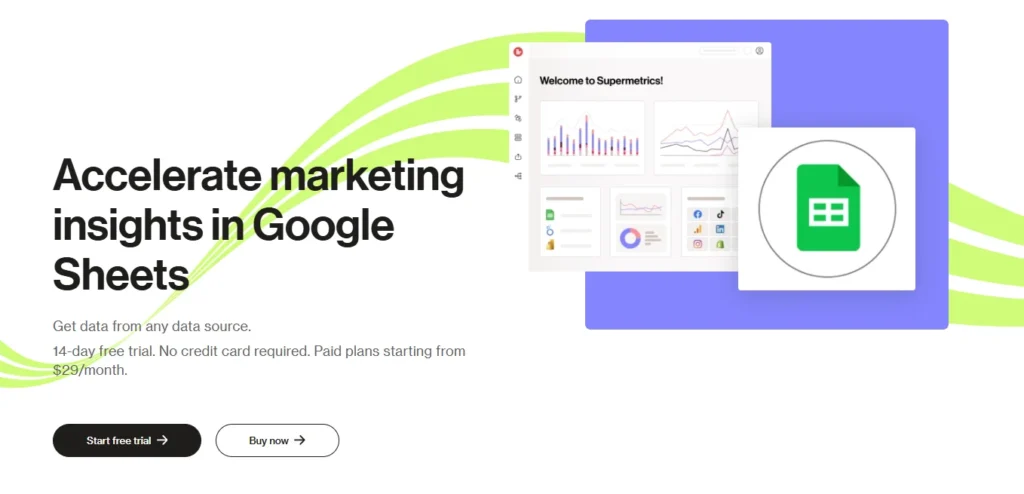
- Data Integration: Connects with popular platforms like Google Ads, Facebook Ads, LinkedIn, Shopify, and more.
- Automated Reporting: Automatically pulls data into Google Sheets, Excel, Looker Studio, and other tools.
- Custom Dashboards: Create personalized dashboards to visualize data and track performance.
- Data Refresh: Set up regular data updates (weekly, daily, or hourly) to keep reports fresh.
- Advanced Data Transformations: Perform calculations and combine data from multiple sources.
- Multi-User Support: Collaborate with teams by sharing reports and dashboards.
- API Access: For custom data integrations and advanced use cases (available in higher plans).
- Storage: Store data within Supermetrics for easy access and management.
- Flexible Plans: Choose from various plans that fit your business size and reporting needs.
Learn More About Supermetrics here👉Supermetrics Review: Best Tool for Automating Your Data?
Final Thoughts: Supermetrics Pricing 2026
To conclude, Supermetrics is a powerful tool that helps you pull data from different platforms into one place. Its pricing is simple, with plans that fit various needs, from solo users to large teams.
Whether you're just starting out, managing a small business, or running a large company, there’s a plan for you.
Supermetrics gives you flexibility to grow as your data needs increase, and with add-ons, you only pay for what you use. It’s a great option for anyone looking to save time and improve their data reporting.
More Pricing Plans to check out: